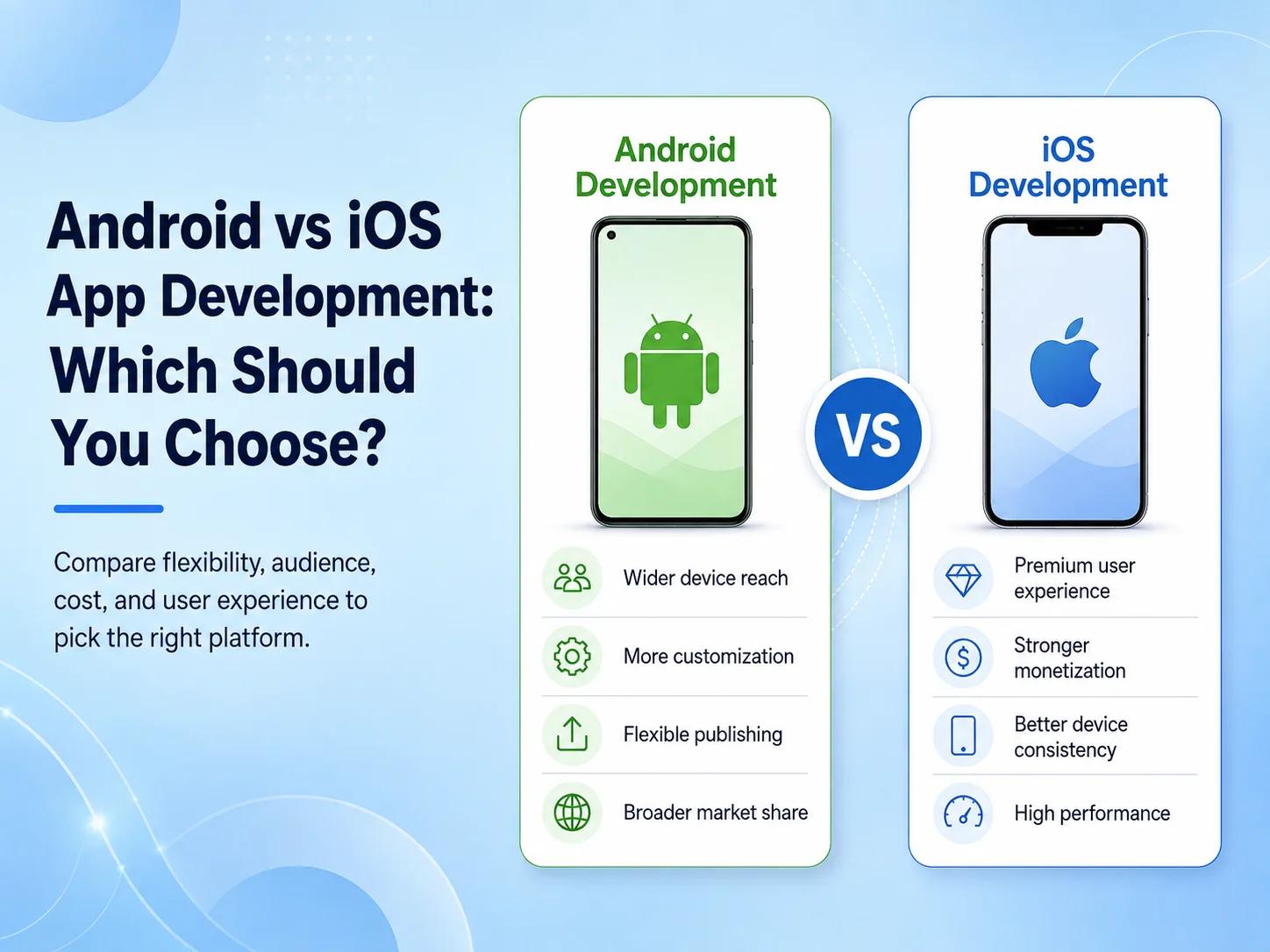
Android vs iOS App Development: Which Should You Choose?

When planning a mobile application, one of the first decisions is whether to build for Android, iOS, or both platforms. The right choice depends on your target users, budget, required features, development timeline, business model, and long-term product strategy.

Android and iOS are both mature mobile platforms capable of supporting e-commerce apps, SaaS products, marketplaces, booking systems, business applications, customer portals, and many other digital products. The important question is not which platform is generally better, but which one gives your business the strongest starting point.

Understand the Difference Between Android and iOS Development

Native Android applications are commonly developed using Kotlin, while native iOS applications are commonly built with Swift. Each platform has its own development tools, interface conventions, device ecosystem, testing requirements, and platform-specific capabilities.

Android applications need to work across a broad range of devices with different screen sizes, manufacturers, hardware configurations, and operating-system versions. This gives businesses access to a wide variety of users, but it can also increase the amount of device testing required.

iOS development targets Apple’s more controlled device ecosystem. The smaller number of device families can make some areas of testing more predictable, although developers still need to support different screen sizes, operating-system versions, permissions, and Apple-specific application behavior.

From the customer’s perspective, both platforms can provide fast, secure, and polished mobile experiences when the app is properly designed and developed.

Start With Your Target Audience

Your customers should have a major influence on the platform decision. If most of your existing users already access your services through Android devices, launching Android first may provide more immediate value. If your customer base is primarily using Apple devices, starting with iOS may make more sense.

This decision should ideally be based on real business information. Website analytics, customer data, existing device usage, geographic markets, and user research can help identify which platform deserves priority.

The type of product matters as well. A consumer application may have very different platform priorities from an internal employee app. If a company already supplies Android devices to field employees, for example, developing an iOS version first would provide little practical benefit.

Businesses targeting a broad consumer market often eventually need both Android and iOS. In that situation, the real decision may be whether to develop both together or launch one platform first and expand after validating the product.

Consider Features, Devices, and the User Experience

Most common mobile features can be developed for both platforms, including user accounts, payments, push notifications, maps, cameras, file uploads, subscriptions, biometric authentication, and real-time communication. However, some applications depend heavily on platform-specific functionality or hardware.

If your product connects with specialized devices, uses advanced Bluetooth functionality, depends heavily on background services, or requires deeper operating-system integration, the development team should review those requirements before selecting a platform.

UI/UX should also respect the conventions users already understand. Android and iOS do not need to look completely different, but navigation, permissions, gestures, and certain interface behaviors may need platform-specific adjustments. Trying to force exactly the same experience onto both operating systems can sometimes make the application feel less natural.

Budget and Development Time Can Influence the Decision

If your budget allows only one native application initially, choosing the platform with the strongest business opportunity can reduce the cost and complexity of the first release. The second platform can then be developed after the product has received real user feedback.

Building separate native Android and iOS apps means maintaining two implementations. New features, bug fixes, testing, and platform updates may need work on both sides. For businesses that know they need both platforms from the beginning, cross-platform development with Flutter or React Native may provide another option.

A shared cross-platform codebase can reduce duplicated development for many business applications while still allowing Android- or iOS-specific code when required. This does not automatically make cross-platform development the right choice for every product, but it is worth evaluating before investing in two completely separate native codebases.

  • Choose Android first when your users, devices, or business operations are primarily Android-based.
  • Choose iOS first when Apple users represent the strongest initial market for your product.
  • Build both when your customers are distributed across both platforms and excluding either group would limit the product.
  • Consider cross-platform development when you need Android and iOS together and most features can share the same business logic.

Request a Quote

Think Beyond the First App Release

The platform decision should include long-term maintenance. Android and iOS continue receiving operating-system updates, and applications need ongoing testing, security updates, SDK maintenance, and compatibility work after launch.

You should also consider how quickly the application is expected to grow. A small first version may later require subscriptions, payments, AI features, customer messaging, advanced reports, location services, or integrations with existing business systems. The initial technology and architecture should make those future changes manageable.

If you expect the app to become an important part of your business, selecting a platform only because it appears cheaper for the first version can create unnecessary limitations later. Development cost, maintainability, available technical expertise, customer reach, and future functionality should be considered together.

Making the Right Choice for Your Business

There is no universal answer to Android vs iOS app development. A business with a clearly defined Android audience may benefit from launching Android first, while another company may have stronger reasons to prioritize iOS. Many businesses eventually need both.

Encoder IT Limited develops Android, iOS, Flutter, and React Native applications for startups and established businesses. We help evaluate target users, required features, backend architecture, integrations, budget, and future plans before recommending a development approach.

The best platform is the one that connects your product with the right users while giving the application a reliable foundation for future development. Start with your audience and business requirements, then choose the technology that supports those goals instead of selecting a platform based only on popularity.
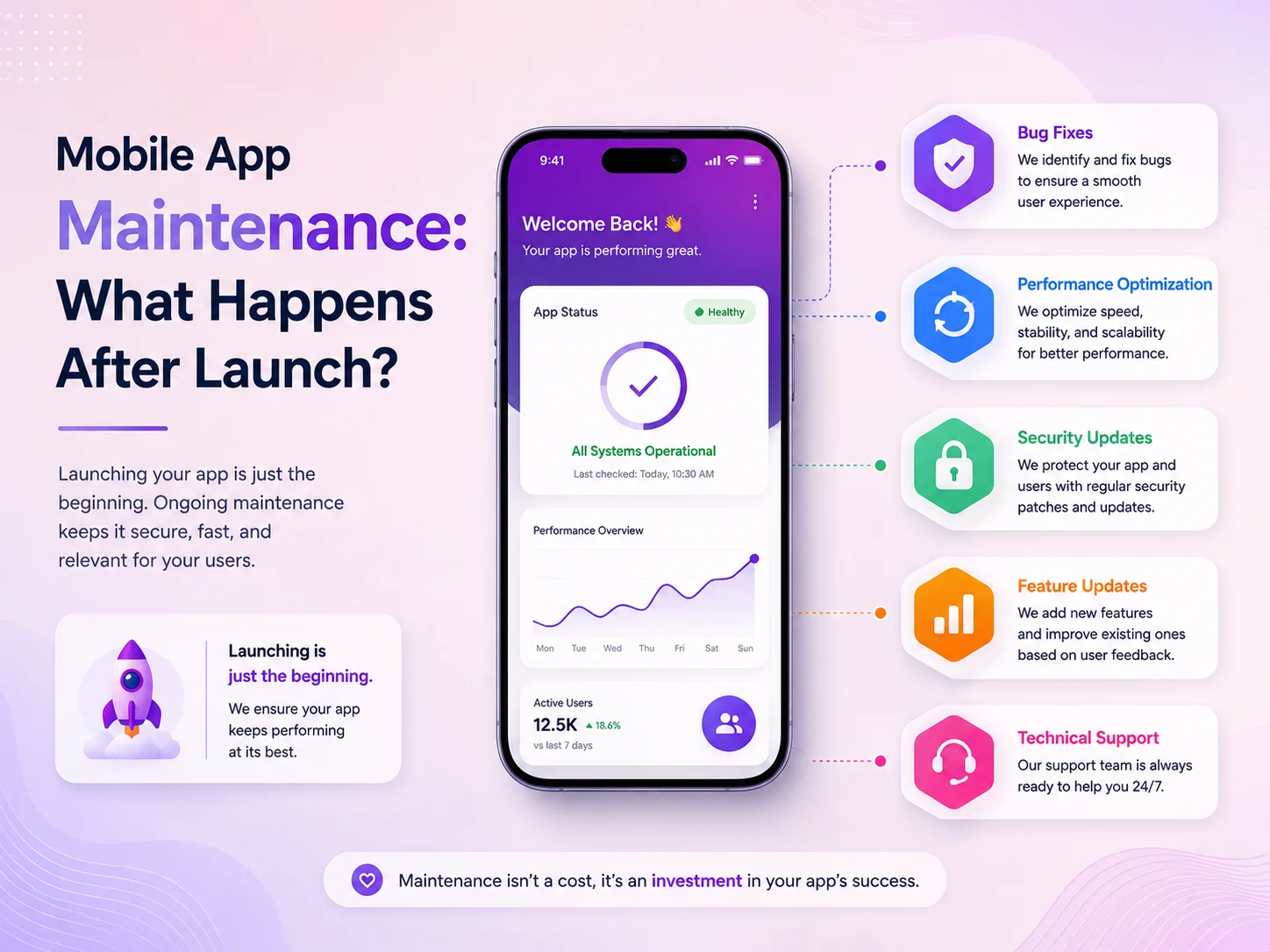
Mobile App Maintenance: What Happens After Launch?

Launching a mobile application is a major milestone, but it is not the end of the development process. Once real users begin using the app, new requirements, technical issues, operating-system updates, security concerns, and performance challenges start appearing. This is why businesses should consider mobile app maintenance as part of the complete product lifecycle rather than an optional service after launch.

An application that works perfectly during release can still develop problems later. Users may install it on newer Android or iOS versions, third-party services may change their APIs, application data may grow, or customers may discover workflows that were not fully covered during testing. Regular maintenance helps keep the app stable while allowing the product to improve as the business grows.

What Happens Immediately After an App Is Launched?

The first period after launch is usually focused on monitoring real-world usage. Development teams watch for crashes, login problems, slow API responses, failed payments, notification issues, and unexpected behavior on different devices. Even a well-tested application can behave differently when hundreds or thousands of people start using it under different network conditions and device configurations.

Customer feedback also becomes much more valuable after launch. Businesses can see which features are used most often, which screens create confusion, and where users leave important processes such as registration, checkout, booking, or subscription. Instead of making decisions only from assumptions, the team can begin improving the application based on actual behavior.

Some problems may require an immediate update, while others can be grouped into planned releases. A payment failure or authentication issue usually needs faster attention than a small visual inconsistency. A good maintenance process helps the business prioritize these problems according to their effect on customers and operations.

Mobile-app-banner-1

Maintenance Is More Than Fixing Bugs

Many businesses think mobile app maintenance only means fixing errors, but it covers much more. Android and iOS continue changing, and new versions may introduce different permission rules, background-processing behavior, notification requirements, security controls, or device compatibility issues. Applications need to be reviewed and updated so they continue working correctly as the mobile platforms evolve.

Third-party services also require attention. A mobile app may depend on payment gateways, maps, social login, analytics, cloud storage, push notifications, AI services, or other APIs. These providers can update their SDKs, authentication methods, or technical requirements. If an app continues using outdated integrations, an important feature can eventually become unreliable or stop working completely.

A mobile app should be treated as a continuously evolving digital product. Maintenance is not only about repairing something when it breaks; it is about keeping the application secure, compatible, fast, and useful while adapting it to changing technology, customer expectations, and business requirements.

Security is another important part of long-term maintenance. Dependencies and third-party libraries may receive security updates, backend authentication may need improvement, and new risks can appear as the application grows. Regular reviews help ensure sensitive information, account permissions, APIs, and business workflows continue to be protected.

Performance and User Experience Need Continuous Attention

Application performance can change as the number of users and the amount of stored data increase. An API that was fast during the first few months may become slower as the database grows. Larger images, additional features, background services, and poorly optimized requests can gradually make the application feel less responsive.

Maintenance can involve optimizing database queries, reducing unnecessary API calls, improving image handling, managing caching, updating backend infrastructure, and reviewing application code. These improvements are especially important for e-commerce apps, SaaS products, marketplaces, booking systems, and business applications where users expect fast and reliable access.

User experience also needs to evolve. Analytics and support requests may show that users struggle with a particular form, navigation flow, or feature. Rather than completely redesigning the application, businesses can make smaller targeted improvements that reduce friction. Simplifying a checkout process, improving search, reorganizing navigation, or shortening a registration flow can sometimes create more value than adding a large new feature.

Regular maintenance also gives businesses an opportunity to remove features or technical components that are no longer useful. Keeping the application focused can improve both performance and maintainability.

New Features and Business Requirements After Launch

As a business grows, the original version of the app may no longer cover every requirement. Customers may ask for additional payment methods, subscriptions, loyalty programs, messaging, advanced search, location services, reporting, or AI-powered functionality. Internal teams may need new dashboards, approval workflows, or integrations with CRM and accounting systems.

New features should be added carefully because every change can affect existing functionality. A new payment option may require changes to the backend, database, checkout flow, notifications, and reporting. A new user role may affect permissions across several areas of the application. Maintenance therefore includes both technical development and planning how new functionality fits into the existing product.

  • Bug fixes and crash resolution
  • Android and iOS compatibility updates
  • Security and dependency updates
  • API and third-party integration maintenance
  • Performance and database optimization
  • UI/UX improvements based on real user behavior
  • New features and business workflow updates
  • Backend, notification, and infrastructure maintenance

The amount of maintenance required depends on the type of application. A relatively simple app with limited functionality may need fewer updates, while a business-critical application with payments, thousands of users, third-party integrations, and complex workflows usually requires more regular monitoring and development.

Why Maintenance Should Be Planned Before Launch

The easiest applications to maintain are usually the ones designed with long-term support in mind. Clean architecture, reusable components, documented APIs, organized database structures, automated testing, staging environments, and proper error logging can make future updates significantly easier.

Businesses should also decide who will be responsible for monitoring the app after release. There should be a clear process for reporting bugs, prioritizing issues, deploying updates, reviewing security concerns, and planning new features. Waiting until a serious problem appears can turn a manageable maintenance task into a more expensive emergency.

Budgeting for maintenance is equally important. Mobile applications are active software products, so businesses should expect ongoing costs for technical support, infrastructure, platform compatibility, security updates, and future improvements. The exact amount will depend on the complexity and importance of the application.

Keeping Your Mobile App Reliable With Encoder IT Limited

Encoder IT Limited provides ongoing mobile app development and maintenance services for businesses, startups, and SaaS platforms. We can support existing applications or continue maintaining products developed by our own team.

Our mobile app maintenance services can include Flutter and React Native updates, native Android and iOS support, bug fixing, performance optimization, backend and API maintenance, security improvements, third-party integration updates, feature development, and application modernization.

We focus on maintaining the complete application ecosystem rather than only the visible mobile interface. This can include mobile apps, backend APIs, databases, administrative systems, integrations, and the workflows connecting them together.

Request a Quote

A mobile app should continue improving after it reaches users. Regular monitoring, security updates, performance improvements, and carefully planned feature development help businesses protect their investment and keep the application useful over the long term.

Planning maintenance from the beginning creates a stronger foundation for future growth and helps prevent small technical issues from becoming larger problems later.

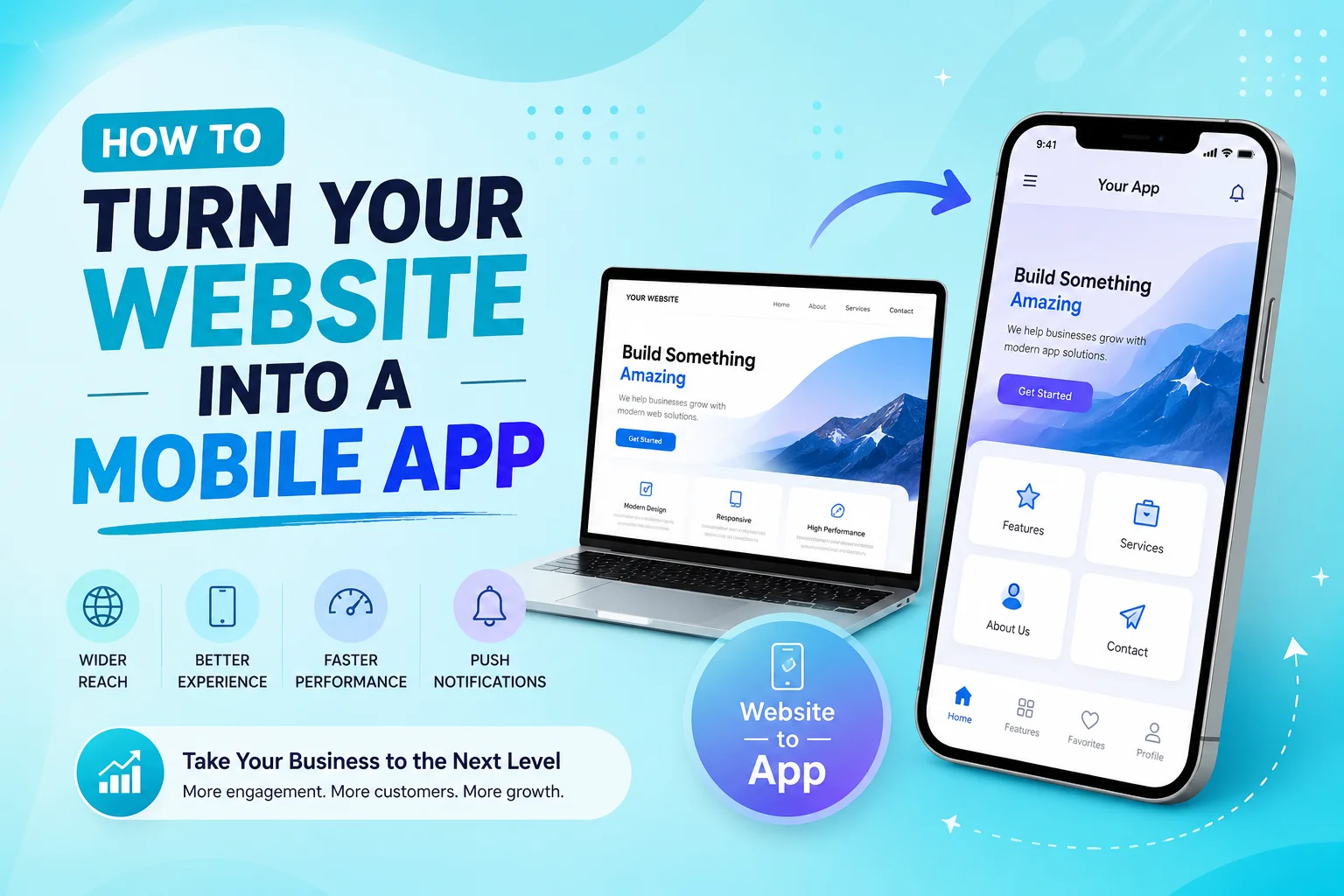
How to Turn Your Website into a Mobile App

Turning an existing website into a mobile app can be a smart way to improve customer access, increase engagement, and create a more convenient experience for mobile users. Instead of asking customers to open a browser every time they want to use your service, a mobile application gives them direct access from their home screen and can introduce features that are difficult to provide through a traditional website.

However, turning a website into a mobile app should involve more than placing the existing website inside an application. The best results usually come from reusing the website’s existing backend and business logic while redesigning important user journeys specifically for Android and iOS devices.

Start by Reviewing Your Existing Website

The first step is understanding what already exists. A responsive website with a well-organized backend, customer accounts, database, and APIs provides a stronger foundation for mobile app development. Features such as registration, login, products, bookings, subscriptions, payments, dashboards, or customer profiles may already have business logic that can be reused instead of rebuilt.

The development team should also identify which parts of the website work well on mobile and which parts need improvement. A desktop navigation menu, large pricing table, complicated form, or dashboard with many columns may work well in a browser but become difficult to use on a smartphone.

This review helps determine whether the project requires a simple web-based application, a cross-platform app, or a more customized native mobile experience.

Choose the Right Way to Convert Your Website

There is no single method that works for every business. A simple website with mostly informational content may be suitable for a lightweight WebView-based application. This approach can be faster to develop, but the mobile experience often remains very close to the website and provides limited access to advanced device functionality.

Businesses that need a stronger mobile experience can use technologies such as Flutter or React Native. These frameworks allow developers to create Android and iOS applications while sharing a significant portion of the codebase. The app can still connect to the same backend used by the website while providing mobile-specific navigation, layouts, notifications, and device integrations.

Native Android and iOS development may be appropriate when the application requires deeper platform integration, specialized performance, or extensive use of device-specific capabilities. The best choice depends on the existing website, required features, budget, timeline, and long-term product plans.

Reuse Your Backend but Redesign the Mobile Experience

One of the biggest advantages of an existing website is that businesses may not need to rebuild the entire platform. The mobile app can often connect to the same backend through APIs and share customer accounts, products, services, bookings, orders, subscriptions, and other data with the website.

This creates a connected experience. A customer might create an account on the website, later log in through the mobile app, and continue using the same profile and information. Orders placed through the app can appear in the same administrative system used by the website, reducing unnecessary duplication.

Converting a website into a successful mobile app is not simply about making the website fit inside a smaller screen. The goal is to preserve the useful backend, data, and business processes you already have while redesigning the customer experience around how people actually use smartphones.

The interface itself should be redesigned around mobile behavior. Important actions should be easy to reach with a thumb, navigation should remain simple, forms should avoid unnecessary fields, and content should be prioritized for smaller screens. Long website pages may need to become several focused app screens so users can complete tasks more comfortably.

This is also a good opportunity to improve workflows that may have become complicated on the existing website. Registration, checkout, appointment booking, account management, and customer support can often be simplified when they are redesigned specifically for mobile users.

Add Features That Make the Mobile App Worth Using

If the application provides exactly the same experience as the website, customers may have little reason to install it. Mobile apps become more valuable when they take advantage of smartphone capabilities and make frequent activities faster.

Push notifications can inform users about new messages, order updates, appointments, promotions, or important account activity. Camera access can support document uploads, profile photos, barcode scanning, or image-based workflows. GPS can help with delivery tracking, nearby services, field operations, or location-based functionality.

  • Push notifications
  • Camera and photo uploads
  • GPS and location services
  • Biometric login
  • Mobile payments
  • File and document uploads
  • Deep links and mobile sharing
  • Offline or limited-connectivity features where needed

These features should be added because they solve a real customer or business problem rather than simply because the device supports them. A focused application with a few valuable mobile capabilities often provides a better experience than an app overloaded with unnecessary features.

Test the Complete Website and App Ecosystem

Testing becomes especially important when the website and mobile app share the same backend. A change made through one platform should appear correctly on the other. Customer accounts, orders, bookings, subscriptions, inventory, notifications, and payment information need to remain synchronized.

The mobile app should also be tested on different Android and iOS devices, screen sizes, operating-system versions, and network conditions. Developers should verify authentication, forms, API requests, payments, notifications, error messages, and the most important customer journeys.

Performance also matters. A mobile app should feel responsive even when it depends heavily on online APIs. Slow requests, oversized images, unnecessary data loading, and poorly optimized screens can make an otherwise useful application frustrating to use.

Plan for App Store Launch and Long-Term Maintenance

Once development and testing are complete, the application needs to be prepared for distribution through Google Play and the Apple App Store. This typically involves app icons, screenshots, descriptions, privacy information, release configuration, and testing the production build before submission.

Launching the app is not the final step. Android and iOS continue evolving, third-party SDKs change, APIs require updates, and customer feedback creates new improvement opportunities. Businesses should plan for bug fixes, security maintenance, performance optimization, and future feature development from the beginning.

A well-maintained mobile app can gradually become an important customer channel rather than simply an additional version of the website.

Turn Your Existing Website Into a Mobile App With Encoder IT Limited

Encoder IT Limited helps businesses transform existing websites, customer portals, e-commerce platforms, and web applications into modern Android and iOS applications. We can work with an existing backend or help improve the API architecture when necessary.

Our mobile development services include Flutter and React Native development, native Android and iOS development, mobile UI/UX design, API integration, authentication, payments, push notifications, third-party integrations, and ongoing maintenance.

We focus on preserving the useful parts of your existing system while creating a mobile experience that feels natural, fast, and valuable to users.

Request a Quote

Turning a website into a mobile app can be significantly more efficient than rebuilding an entire digital platform from the beginning. The right approach is to reuse your existing data and business logic where possible, redesign important workflows for mobile users, and introduce device-specific features that create a genuine reason to install the application.

With proper planning, a mobile app can work alongside your website as part of the same connected platform while giving customers a faster and more convenient way to interact with your business.

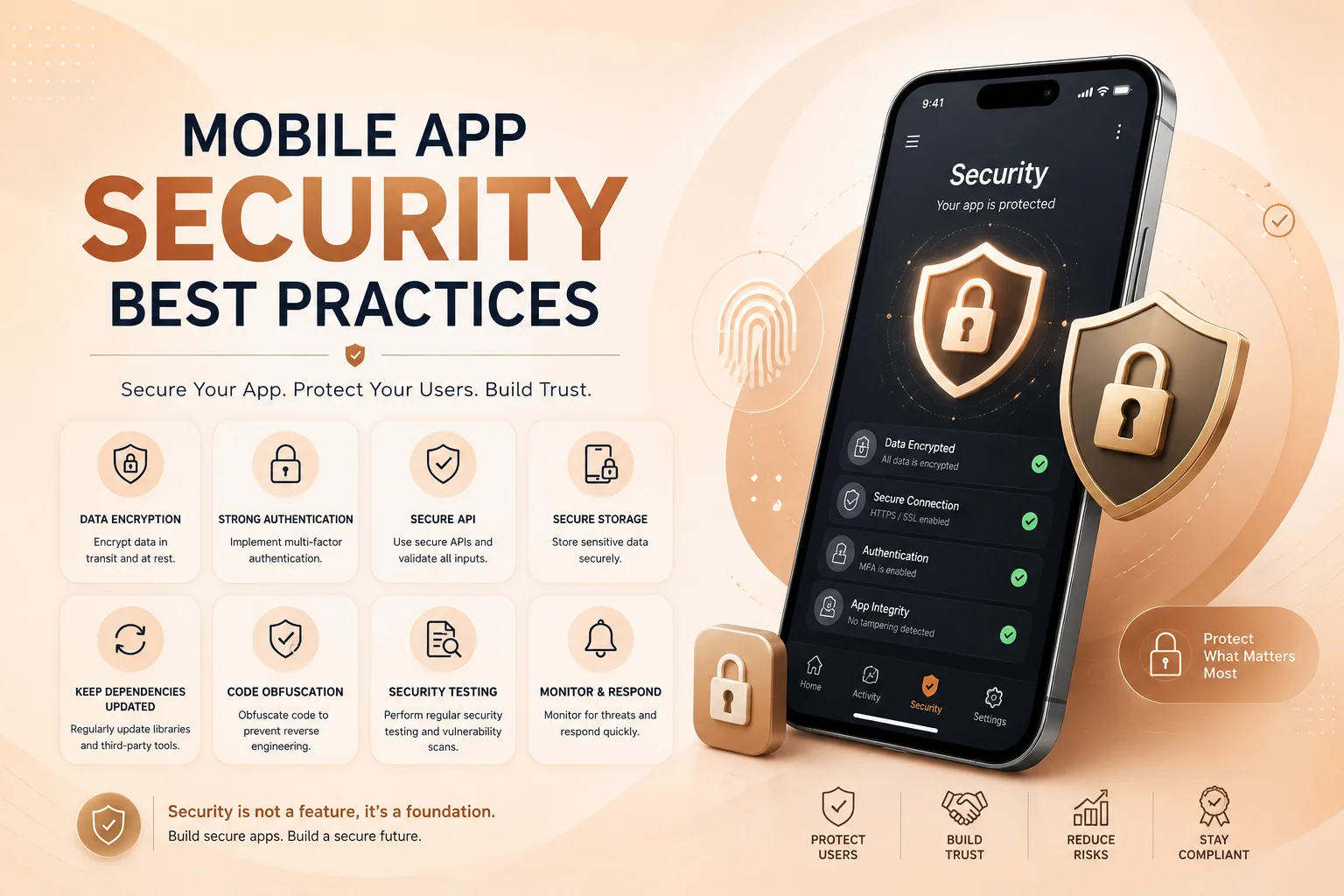
Mobile App Security Best Practices

Mobile applications often handle sensitive information such as user accounts, personal details, payments, business data, documents, location information, and authentication credentials. That makes security an important part of mobile app development from the beginning, not something that should be added only before launch.

A secure mobile app needs protection across the complete system. The mobile interface, backend APIs, database, authentication process, third-party integrations, local device storage, and network communication all work together. A weakness in any one of these areas can affect the security of the entire application.

Protect Authentication and User Access

Strong authentication is one of the first layers of mobile app security. Applications that contain private customer or business information should use reliable login systems, secure password recovery, session management, and additional verification where the risk justifies it. Modern platforms also support stronger authentication approaches such as passkeys and device-based authentication.

Authentication, however, only confirms who the user is. The application must also determine what that user is allowed to do. A normal customer should not be able to access administrator records simply by changing an API request, and one customer should never be able to retrieve another customer’s information by modifying an identifier. OWASP’s mobile security standard treats authentication and authorization as core security areas for exactly this reason.

Important authorization decisions should therefore be enforced by the backend rather than relying on buttons, screens, or restrictions inside the mobile application itself.

Secure APIs, Data, and Network Communication

Most mobile applications communicate with a backend through APIs. Login requests, customer profiles, orders, bookings, subscriptions, payments, and business records may all travel between the app and the server. These connections should use secure encrypted communication, and sensitive requests should be authenticated and validated before information is returned.

Android’s current security guidance recommends secure network communication and careful handling of sensitive data. On Apple platforms, App Transport Security is designed to enforce secure network connections using modern transport-security requirements.

Local storage also deserves attention. Passwords, private API credentials, authentication tokens, or other sensitive information should not simply be written into ordinary files or unprotected preferences. Mobile platforms provide protected storage mechanisms for information that genuinely needs to remain on the device; Apple, for example, provides Keychain services for securely storing small pieces of sensitive data.

Mobile app security is strongest when protection exists across every layer of the product. Secure login alone is not enough—the application also needs protected APIs, controlled permissions, safe data storage, reliable backend authorization, maintained dependencies, and continuous security reviews after launch.

Request Only the Permissions the App Actually Needs

Mobile applications can request access to powerful device features such as the camera, microphone, contacts, files, notifications, Bluetooth, and location services. Every additional permission increases the amount of information or functionality available to the application, so permissions should have a clear purpose.

If location is only required when a customer searches for nearby stores, the app should not collect location continuously without a genuine business reason. If camera access is needed only to upload a document, the request should appear when the user starts that action instead of unnecessarily asking for access during registration.

Android’s permission guidance emphasizes user control, transparency, and data minimization—using only the data required for the specific task the user is performing. This principle also improves customer trust because users can more easily understand why an application needs access to their device.

Never Put Sensitive Business Logic Only Inside the App

A mobile application runs on a device that the business does not control. Application packages can be inspected, traffic can be analyzed, and attackers can attempt to communicate directly with backend APIs. For that reason, important business decisions should not depend entirely on values sent from the app.

Prices, discounts, subscription status, payment confirmation, user roles, account ownership, administrative permissions, and other sensitive rules should be verified on the server. Hiding an administrator button or disabling a field in the interface does not prevent someone from manually sending a modified request.

The same principle applies to API keys and credentials. Secrets that provide privileged access to payment providers, databases, AI services, or internal systems should generally remain on a secure backend rather than being embedded directly in a downloadable mobile application.

Keep Libraries, Integrations, and the App Updated

Modern mobile apps usually depend on third-party libraries and SDKs for payments, analytics, notifications, authentication, maps, social login, cloud services, and many other functions. These dependencies make development faster, but they also need maintenance.

Development teams should regularly review dependencies, remove packages that are no longer needed, apply relevant security updates, and test new versions before releasing them. Backend systems and APIs require the same attention because mobile security does not stop at the application interface.

Security testing should also be part of the release process. Authentication, permissions, sensitive storage, API authorization, network communication, payment workflows, and important business actions should be checked before major releases. OWASP’s MASVS and Mobile Application Security Testing Guide provide established frameworks for evaluating these areas.

Build Security Into the Development Process

The easiest time to address many security problems is while the application architecture is still being designed. Planning authentication, API permissions, data access, storage, user roles, logging, and third-party integrations early can prevent expensive changes later.

Developers should also avoid exposing sensitive information through debugging logs or overly detailed error messages. Production logs can still provide useful information for diagnosing failures, but passwords, access tokens, payment details, and unnecessary personal information should not be written into them.

Security also continues after launch. Operating systems change, dependencies receive updates, new vulnerabilities are discovered, and business functionality evolves. Applications that process payments, private customer information, healthcare data, or important business operations may require particularly careful monitoring and maintenance.

Secure Mobile App Development With Encoder IT Limited

Encoder IT Limited develops Android and iOS applications with security considered across the mobile interface, backend APIs, authentication, permissions, integrations, and business workflows.

Our mobile development services include Flutter and React Native applications, native Android and iOS development, secure backend and API development, authentication systems, role-based permissions, payment integrations, third-party services, application modernization, and ongoing maintenance.

We focus on building mobile applications that are not only functional and user-friendly but also structured for reliable long-term operation and secure access to business and customer information.

Request a Quote

Mobile app security cannot be handled by one feature or one development task. It comes from combining secure authentication, backend authorization, encrypted communication, protected data, minimal permissions, maintained dependencies, careful testing, and ongoing updates.

When these practices are considered throughout the application’s lifecycle, businesses can reduce security risks while creating a more dependable mobile experience for their users.

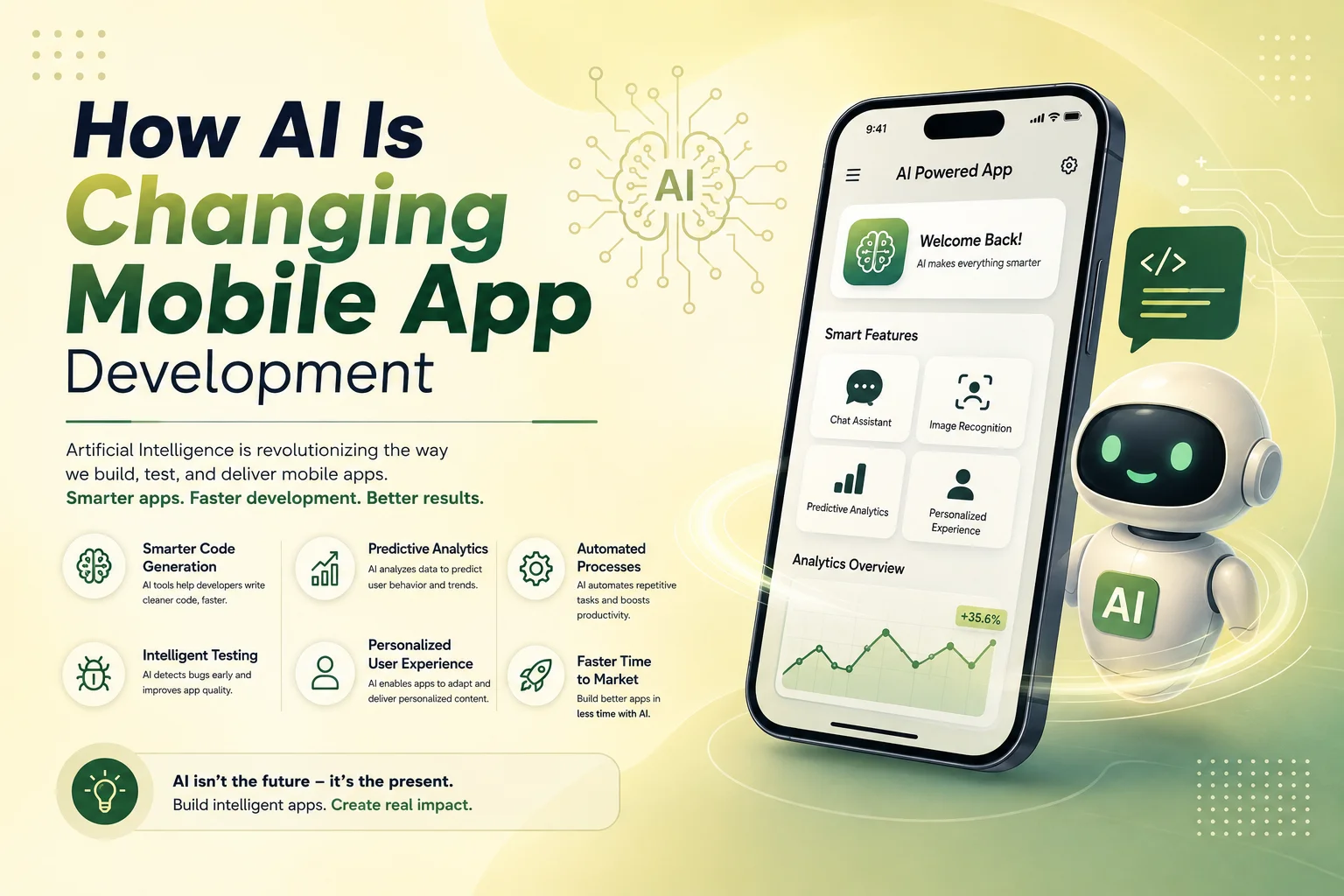
How AI Is Changing Mobile App Development

Artificial intelligence is changing mobile app development in two important ways. First, development teams are using AI tools to speed up parts of design, coding, testing, and debugging. Second, businesses are adding AI-powered features directly into mobile applications to create smarter and more personalized user experiences.

For businesses planning a new app, this does not mean every feature needs AI. The real opportunity is identifying where artificial intelligence can solve a practical problem, reduce manual work, improve customer interaction, or make an existing mobile workflow easier to use.

Mobile Apps Are Becoming More Intelligent

Traditional mobile applications mainly follow predefined rules. A user taps a button, the application performs an action, and the backend returns a predictable result. AI allows applications to handle information that is less structured, such as natural-language questions, images, documents, voice input, or user behavior.

This makes it possible to build features that feel more flexible. A customer can ask a question in normal language instead of navigating through several menus. An employee can upload a document and allow the app to extract useful information. An e-commerce application can recommend products based on activity rather than showing the same options to every customer.

Some of the most common AI features being added to mobile applications include conversational assistants, intelligent search, recommendation systems, document analysis, image recognition, transcription, translation, and automated content generation.

AI Is Changing the Way Users Interact With Apps

One of the biggest changes is moving from traditional menus and forms toward more conversational experiences. Instead of searching manually through an app, users may be able to describe what they need and receive relevant results directly.

For example, a travel app could allow a user to describe the type of trip they want rather than selecting multiple filters. A customer-service app could understand a support question and find an answer from company documentation. A business-management app could allow employees to search internal records using natural language instead of navigating through complicated dashboards.

AI can also make mobile experiences more personalized. Recommendations, notifications, content, and product suggestions can be adjusted based on user activity when appropriate. The goal should be to make the experience more useful without making it intrusive or unnecessarily complicated.

AI Can Reduce Manual Work Inside Business Apps

AI is particularly useful in mobile applications that support business operations. Employees often spend time reading documents, entering information, categorizing requests, preparing summaries, or searching through records. Some of these tasks can be assisted by AI directly from a mobile device.

A field employee might photograph a document and have important information extracted automatically. A sales representative could receive a summary of previous customer conversations before a meeting. A support employee could use AI to summarize a long ticket or prepare a suggested response.

  • Document and data extraction
  • Customer support assistance
  • Automatic request categorization
  • Voice-to-text and transcription
  • Smart search across business information
  • Summaries and recommended next actions

In these cases, AI usually works best alongside traditional software automation. AI can interpret the information, while normal application logic handles permissions, approvals, notifications, database updates, and other actions that need predictable rules.

AI Is Also Changing the Development Process

Artificial intelligence is not only changing the finished mobile app. It is also becoming part of the development workflow. Developers can use AI-assisted tools for code suggestions, debugging, test preparation, documentation, and repetitive programming tasks.

Design teams may also use AI during research, content preparation, early interface exploration, or prototyping. This can reduce time spent on some repetitive tasks and allow teams to focus more attention on application architecture, user experience, performance, and business requirements.

However, AI-generated code or design decisions still need professional review. Mobile applications must work across different devices, communicate securely with backend systems, handle user permissions correctly, and remain maintainable after launch. AI can assist the development team, but it does not remove the need for experienced developers and proper testing.

Adding AI Does Not Mean Rebuilding the Entire App

Businesses with an existing mobile application often assume they need to rebuild the product to introduce AI. In many cases, AI features can be added gradually through backend APIs and integrated into specific workflows.

An existing customer-support section could receive an AI assistant. Search could be improved without replacing the rest of the application. A document upload workflow could gain automatic data extraction while the existing database and user-management system remain unchanged.

This approach allows businesses to start with one useful AI feature, measure its value, and expand later instead of making the application unnecessarily complex from the beginning.

Request a Quote

Where AI Fits Into a Successful Mobile App

AI should support the application rather than become the entire product without a clear reason. Authentication, payments, data management, permissions, API security, navigation, performance, and reliable business logic still need to be handled using established mobile development practices.

Businesses should also consider privacy and accuracy when AI processes customer messages, documents, images, or other sensitive information. High-impact actions should not rely entirely on an AI-generated answer without appropriate validation or human review.

Encoder IT Limited helps businesses develop mobile applications and integrate practical AI functionality into existing or new digital products. Our work can include Flutter and React Native development, native Android and iOS applications, AI assistants, intelligent search, AI API integration, backend development, and business workflow automation.

AI is changing mobile app development by making applications more conversational, personalized, and capable of handling information that traditional rule-based software struggles with. The businesses that benefit most will likely be those that use AI selectively—adding it where it creates a clear improvement for users or reduces meaningful operational work.

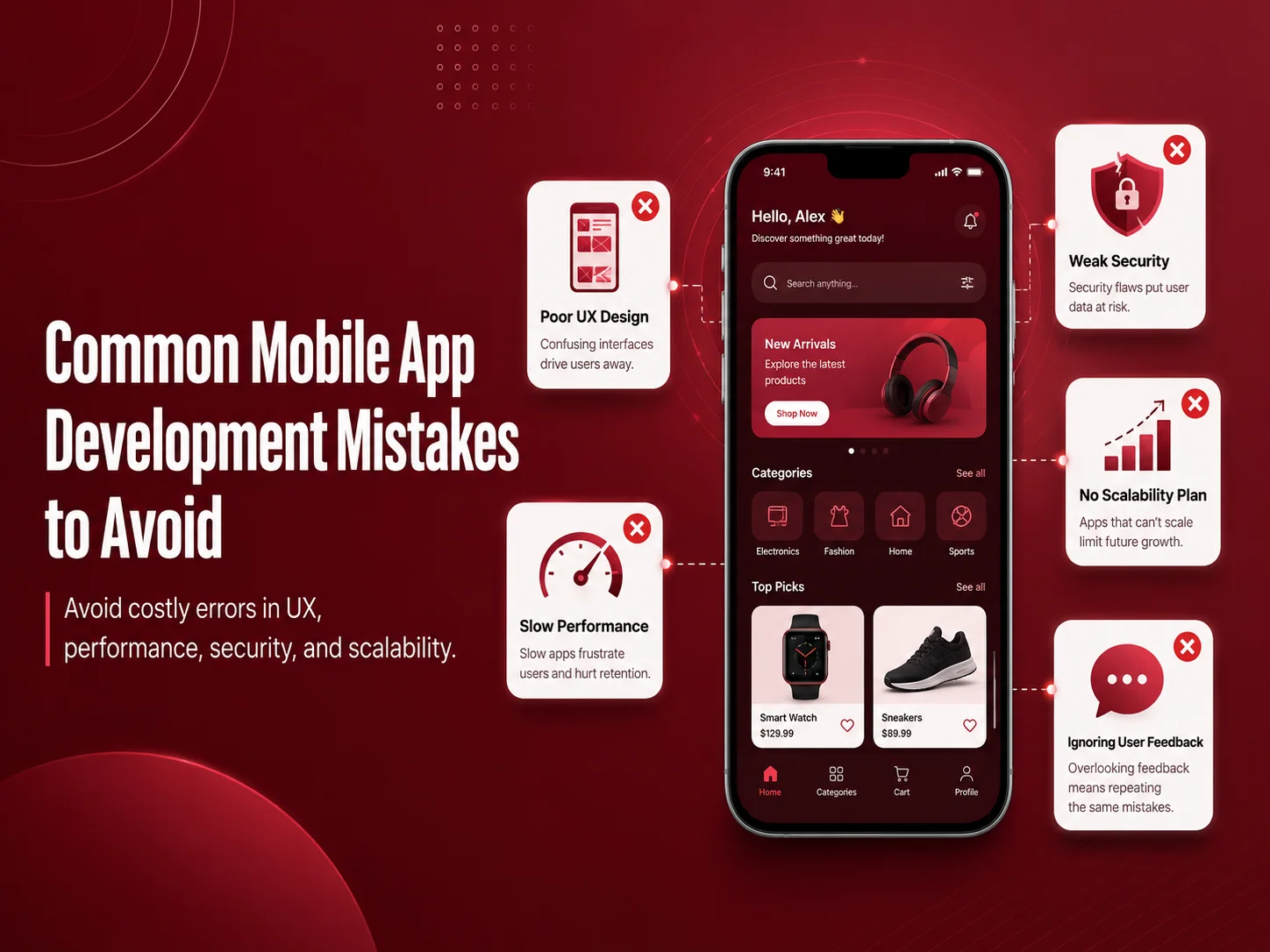
Common Mobile App Development Mistakes to Avoid

Mobile app development can become expensive and difficult when important decisions are made too quickly. Many problems that appear after launch actually begin much earlier—during planning, design, technology selection, backend development, or testing.

A successful mobile app does not need every possible feature. It needs a clear purpose, reliable functionality, a smooth user experience, and a technical foundation that can support future growth. Avoiding a few common mistakes can save development time and reduce the cost of rebuilding major parts of the application later.

Starting Development Without a Clear Product Plan

One of the most common mistakes is beginning development before the core requirements are properly defined. If the business has not decided who the users are, what problem the app solves, which features are essential, and how important workflows should work, the project can quickly become difficult to manage.

Requirements do not need to describe every small detail before development starts, but the main user journeys should be clear. Registration, login, payments, subscriptions, bookings, dashboards, notifications, user roles, or other important features should be discussed before developers begin building them.

Without this planning, teams often change direction during development. Screens get redesigned repeatedly, backend structures need to be modified, and features that were already completed may need to be rebuilt.

Trying to Build Too Much in the First Version

Adding too many features is another common problem. Businesses sometimes try to include every future idea in the first release because they believe a larger feature list will make the application more competitive. In reality, this can make the app harder to use, increase the development budget, and delay the launch.

A better approach is to identify the features that solve the main customer problem and build those well. Features that are useful but not essential can be introduced later after the business has real feedback from users.

This is especially important for startups and new digital products. The first version should help validate whether customers actually want the product before a large amount of time is invested in secondary functionality.

Ignoring the Mobile User Experience

A mobile app should not feel like a desktop website compressed into a smaller screen. Users interact with smartphones differently, so navigation, buttons, forms, spacing, content, and common actions should be designed specifically for touch screens.

Long forms, complicated menus, small buttons, excessive text, and too many steps can make simple tasks frustrating. Important actions should be easy to find, and users should understand what happens after they tap a button or submit information.

Another mistake is focusing too much on visual design while ignoring the workflow itself. An attractive interface cannot compensate for a confusing registration process, difficult checkout, or poorly organized dashboard. Good UI and good UX need to work together.

Choosing Technology Without Considering Long-Term Needs

Flutter, React Native, native Android, and native iOS development can all be appropriate choices. The mistake is selecting a technology only because it is currently popular or because it appears cheaper at the beginning.

The decision should consider performance requirements, device features, third-party integrations, development team experience, expected user volume, maintenance, and how often the product will need new features.

For many business applications, cross-platform technologies such as Flutter or React Native can provide an efficient way to support Android and iOS. Other applications may need native development because of specialized hardware, platform-specific features, or performance requirements.

Forgetting That the Backend Is Part of the Mobile App

Many mobile applications depend heavily on backend systems. User accounts, permissions, payments, orders, bookings, subscriptions, notifications, reports, and other business data usually come from APIs and databases.

If the backend is poorly planned, the mobile app may eventually become slow or difficult to maintain even when the interface itself is well designed. APIs should have clear structures, authentication should be secure, and permissions should be checked on the server rather than relying only on what the mobile interface displays.

It is also important to think about future integrations. A business may later need to connect the app with a CRM, payment gateway, accounting platform, AI service, or internal business system. A clean API architecture can make these changes much easier.

  • Define the main user journeys before development
  • Prioritize essential features for the first release
  • Design specifically for mobile users
  • Choose technology based on the project, not trends
  • Plan the backend, APIs, and permissions carefully
  • Test important workflows on real devices

Testing Too Late or Only on One Device

An app can work perfectly on a developer’s device and still fail for customers. Android and iOS devices have different screen sizes, operating-system versions, hardware capabilities, and network conditions.

Testing should happen throughout development rather than only before launch. Teams should test registration, login, forms, notifications, payments, file uploads, API errors, and other important workflows. Slow internet connections and failed requests should also be considered because real users do not always have perfect connectivity.

Real-device testing is particularly valuable for features that depend on the camera, GPS, notifications, biometrics, Bluetooth, or other hardware capabilities.

Ignoring Security, Performance, and Maintenance

Some development teams focus almost entirely on getting the first version published. This can result in security and performance problems appearing later. Sensitive credentials should not be exposed inside the application, backend APIs should verify permissions, and customer information should be handled carefully.

Performance also needs attention. Large images, unnecessary API requests, inefficient database operations, and heavy background processes can make an app feel slow. These problems become more noticeable as the number of users and the amount of data increase.

Maintenance should be considered before launch as well. Android and iOS change over time, third-party SDKs receive updates, bugs are discovered, and businesses need new features. An app built with maintainable code and a clear architecture is easier to improve after release.

Request a Quote

Build Around Real Users, Not Assumptions

Once the app is launched, analytics, reviews, customer support requests, and direct feedback can show how people actually use it. Businesses may discover that customers struggle with a particular screen, ignore a feature that seemed important, or frequently request something that was not included in the first version.

This information should guide future development. Instead of continuously adding features based on assumptions, businesses can focus on the improvements that make existing workflows easier and provide more value to users.

Encoder IT Limited provides mobile app design and development services for startups and businesses, including Flutter, React Native, native Android and iOS development, backend APIs, integrations, testing, modernization, and ongoing maintenance.

The best way to avoid mobile app development mistakes is to make thoughtful decisions early and continue improving the product after launch. Clear requirements, focused features, strong mobile UX, reliable backend architecture, testing, security, and realistic maintenance planning can make the difference between an app that becomes difficult to manage and one that can grow with the business.

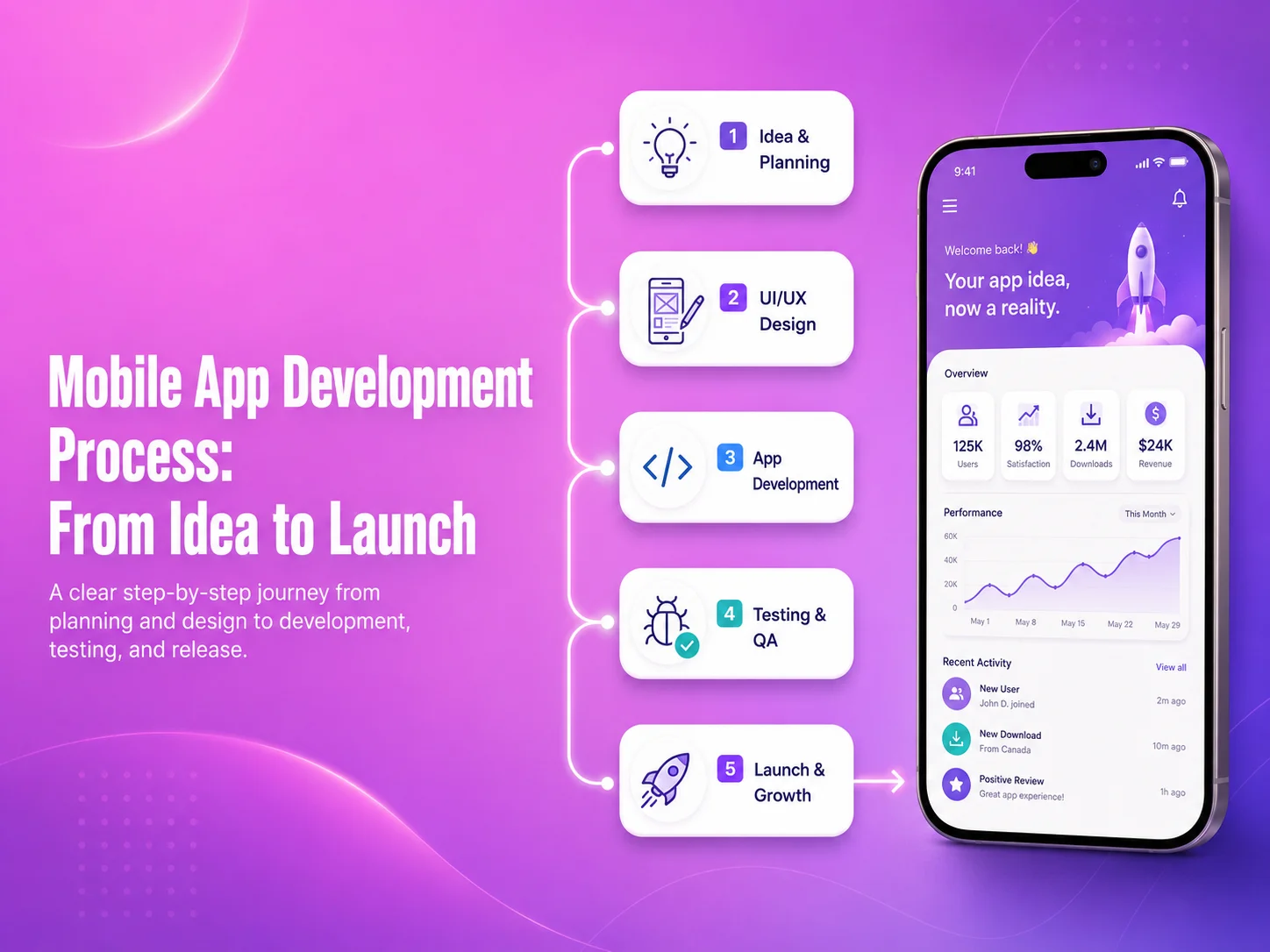
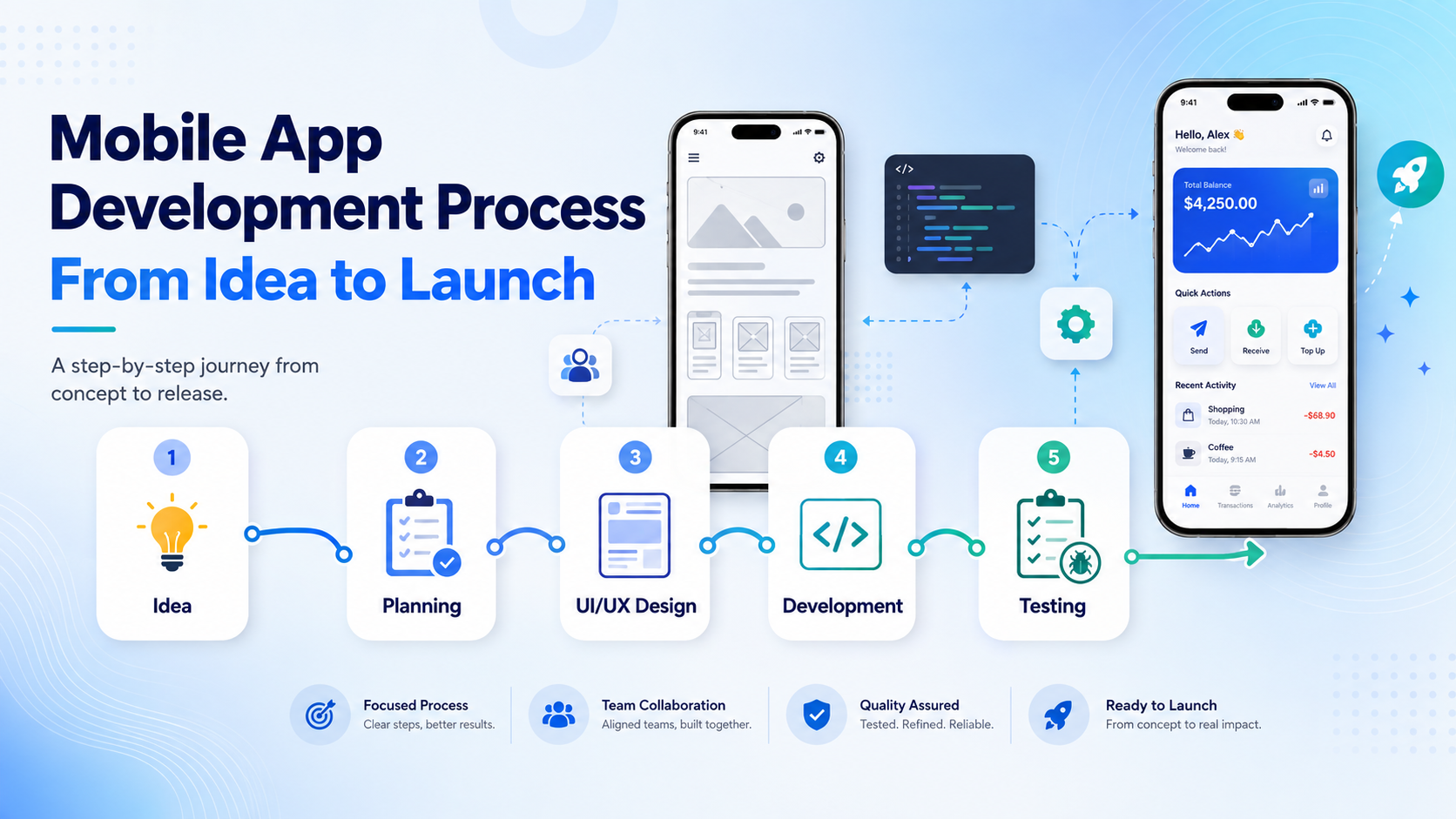
Mobile App Development Process: From Idea to Launch

Building a mobile app usually starts with an idea, but turning that idea into a reliable product requires much more than development alone. A successful application needs planning, research, design, technical decisions, backend development, testing, launch preparation, and ongoing improvement after real users begin using it.

The mobile app development process helps businesses move from an initial concept to a structured product without making expensive decisions too early. Each stage supports the next one, which is why skipping planning or testing often creates problems later in the project.

Start With the Problem, Users, and Business Goals

The first step is defining what the application is supposed to achieve. Instead of beginning with a large list of features, businesses should identify the main problem, target users, and the actions users need to complete inside the app.

For example, an e-commerce app may focus on product discovery, checkout, order tracking, and customer accounts. A business-management app may need employee roles, task management, reporting, notifications, and approvals. A marketplace may require buyer and seller accounts, payments, messaging, reviews, and transaction management.

At this stage, it is also useful to define what belongs in the first release and what can be added later. Keeping the initial scope focused can reduce development time and make it easier to test the product with real users before investing in secondary features.

Plan the User Flow Before Designing Screens

Once the main requirements are understood, the next step is mapping how users move through the application. This includes registration, login, navigation, search, forms, payments, bookings, dashboards, profile management, and other important workflows.

User-flow planning helps identify unnecessary steps before visual design begins. If completing a simple task requires too many screens, the process can be simplified early rather than after development has already started.

Wireframes are often created at this stage to show the structure of each screen without focusing heavily on colors or visual details. They help the business and development team confirm where content, buttons, navigation, and important actions should appear.

Mobile-app-banner-2

Design the Mobile Experience

After the user flow is clear, UI/UX design turns the structure into a complete mobile experience. Designers define typography, colors, spacing, components, buttons, forms, navigation, states, and interactions while keeping the interface consistent across the application.

Mobile design should consider how people actually use smartphones. Important actions need to be easy to reach, forms should avoid unnecessary fields, text should remain readable, and navigation should be predictable. The goal is not simply to make the screens look attractive but to help users complete important tasks with as little friction as possible.

A design system can also make future development easier by defining reusable components and visual rules that remain consistent as new screens and features are added.

Choose the Technology and Build the Application

The development approach depends on the project’s requirements. Businesses may choose Flutter, React Native, native Android, native iOS, or another suitable technology depending on performance needs, device features, budget, integrations, and long-term maintenance plans.

Development usually includes both the visible mobile application and the systems behind it. Many apps require backend APIs, databases, user authentication, role permissions, file storage, notifications, payment gateways, admin dashboards, and third-party integrations.

Frontend and backend development should remain coordinated. For example, a checkout screen cannot work reliably unless the payment process, order creation, inventory updates, and transaction validation are also handled correctly on the backend.

For larger applications, development is often divided into smaller milestones. Core modules can be completed and tested before the next set of features is introduced, making it easier to identify issues and manage changes.

Test the App Before Real Users Depend on It

Testing should happen throughout development rather than only during the final week. Each important feature should be checked as it is completed, while full application testing should confirm that separate modules work correctly together.

Teams should test different devices, screen sizes, Android and iOS versions, network conditions, permissions, notifications, forms, authentication, payments, API errors, and other important workflows. Real-device testing is especially useful for features involving cameras, GPS, biometrics, push notifications, file uploads, or hardware integrations.

  • Functional and workflow testing
  • UI and responsive screen testing
  • API and backend testing
  • Payment and authentication testing
  • Performance and loading checks
  • Security and permission reviews
  • Real Android and iOS device testing

Testing should also include failure scenarios. The application needs to respond clearly when an internet connection is lost, an API request fails, payment is unsuccessful, or information cannot be loaded. Good error handling makes the app feel more reliable and prevents users from becoming stuck.

Prepare the App for Launch

Once development and testing are complete, the application needs to be prepared for distribution. This includes production configuration, app icons, screenshots, descriptions, privacy information, release builds, and the required store information for Google Play and the Apple App Store.

The production backend should also be ready for real traffic. Monitoring, backups, error logging, email or notification services, databases, APIs, and payment systems should be reviewed before customers begin using the application.

Launch does not always need to mean releasing the app to everyone immediately. Some businesses begin with a smaller group of users or a limited market so they can collect feedback and identify problems before expanding.

Discuss Your Mobile App Project

What Happens After the App Goes Live?

Launching the app creates a new source of information: real user behavior. Analytics, customer reviews, support requests, and application monitoring can show which features people use most, where users experience problems, and which improvements should be prioritized.

Bug fixes, security updates, Android and iOS compatibility, third-party SDK updates, performance improvements, and new features become part of ongoing mobile app maintenance. Businesses should therefore think of launch as the beginning of the product’s next stage rather than the end of development.

Encoder IT Limited provides complete mobile app development services from product planning and UI/UX design through Flutter, React Native, native Android and iOS development, backend APIs, integrations, testing, launch, and ongoing maintenance.

A structured development process helps reduce unnecessary rework and gives businesses clearer control over scope, quality, and future growth. The strongest mobile products usually begin with a clear problem, move through thoughtful design and development, and continue improving long after the first version reaches users.

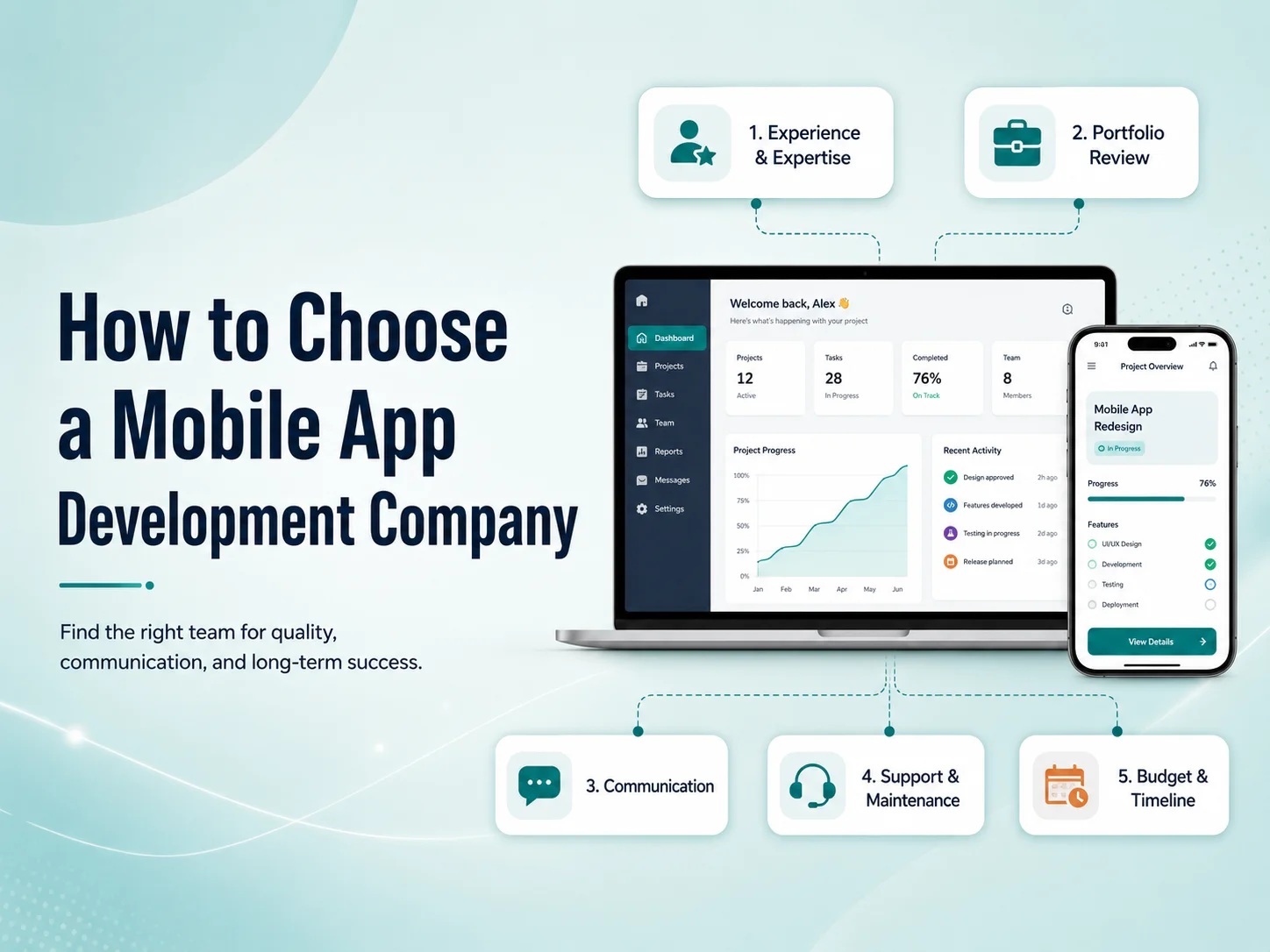
How to Choose a Mobile App Development Company

Choosing a mobile app development company is an important business decision because the quality of the development partner can affect the app’s performance, usability, security, scalability, and long-term maintenance. A low-cost proposal may look attractive initially, but poor planning or weak technical decisions can create much higher costs later.

The right company should understand more than how to write code. It should be able to understand your business requirements, recommend an appropriate technical approach, design a user-friendly experience, build the backend correctly, test the product, and continue supporting it after launch.

Look at Relevant Mobile App Experience

Start by reviewing the company’s previous mobile app projects. A strong portfolio can show whether the team has experience with applications similar to what you want to build, such as e-commerce apps, marketplaces, SaaS platforms, booking systems, customer portals, healthcare apps, or internal business applications.

Do not judge a portfolio only by visual appearance. Try to understand the complexity behind the applications. Features such as payments, real-time notifications, user roles, subscriptions, maps, file uploads, chat, dashboards, API integrations, and third-party services usually require more technical experience than a simple informational app.

It is also useful to ask whether the company worked on the complete application or only one part of it. A team that can handle UI/UX design, mobile development, backend APIs, integrations, testing, and deployment may provide a more coordinated development process.

Make Sure They Understand Your Business Before Discussing Technology

A good mobile app development company should first understand what the application needs to achieve. Before recommending Flutter, React Native, native Android, native iOS, or any other technology, the team should understand your users, workflows, business model, integrations, expected growth, and important features.

If a development company immediately recommends a technology without discussing these requirements, the decision may be based more on what the team prefers to build than what the project actually needs.

For example, a relatively standard business application may benefit from cross-platform development because Android and iOS can share much of the same codebase. A highly specialized application using advanced device capabilities may require a different approach. The technology should support the product rather than define it.

Evaluate Communication and Development Process

Technical ability is important, but communication often determines whether a project runs smoothly. Mobile applications involve many decisions during planning, design, development, testing, and launch. If communication is unclear, small misunderstandings can eventually become expensive development changes.

Ask how the company handles requirements, design approvals, development milestones, testing, feedback, and project updates. You should know who will communicate with you, how progress will be reviewed, and how changes to the original scope will be managed.

A structured process does not mean the project cannot change. Mobile products often evolve during development. The important point is that changes should be discussed clearly so everyone understands their effect on budget, timeline, and existing functionality.

Check Their Backend, API, and Security Capabilities

The mobile interface is only one part of many applications. User accounts, payments, subscriptions, bookings, notifications, dashboards, reports, permissions, and business data often depend on backend APIs and databases.

A development company should understand how to design secure authentication, user permissions, API communication, databases, file storage, payment workflows, and third-party integrations. Important business rules should be protected on the backend rather than relying only on restrictions inside the mobile application.

  • Mobile UI/UX design
  • Android and iOS development
  • Backend and API development
  • Authentication and user permissions
  • Payment and third-party integrations
  • Testing and performance optimization
  • App Store and Google Play deployment
  • Post-launch maintenance

If several of these areas are required, working with a team that can manage them together can reduce coordination problems between separate designers, developers, and backend teams.

Request a Quote

Do Not Choose Based on Price Alone

Price is naturally an important part of choosing a development company, but the cheapest proposal is not always the least expensive option over the life of the product. Poor architecture, weak testing, undocumented code, or rushed development can make future updates much harder.

When comparing proposals, look at what is included. One company may provide only mobile development, while another may include planning, UI/UX design, backend development, testing, deployment, and initial support. Two prices can therefore represent very different levels of work.

You should also understand how future changes will be handled. Mobile applications normally continue evolving after launch, so code quality and maintainability can be more valuable than saving a small amount during the first development phase.

Ask What Happens After Launch

A reliable development partner should have a clear answer about post-launch support. Real users may discover bugs, operating systems will continue changing, SDKs require updates, and new features may become necessary as the business grows.

Ask whether the company offers maintenance, how urgent bugs are handled, whether they can continue developing new features, and how application ownership and source code are managed after completion.

A company that understands the long-term lifecycle of mobile software is generally better prepared to build an application that can be maintained rather than one designed only to reach the first launch date.

Choosing the Right Development Partner

The best mobile app development company is not necessarily the largest team or the one with the longest feature list. Look for a company that asks useful questions, understands your business goals, communicates clearly, explains technical decisions, and has experience delivering the type of product you need.

Encoder IT Limited provides mobile app design and development services for businesses and startups, including Flutter, React Native, native Android and iOS development, backend APIs, payment integrations, third-party services, testing, deployment, and ongoing maintenance.

Before choosing any development partner, compare experience, communication, technical capability, development process, long-term support, and overall value together. A strong team should help you make better product decisions—not simply turn a feature list into code.

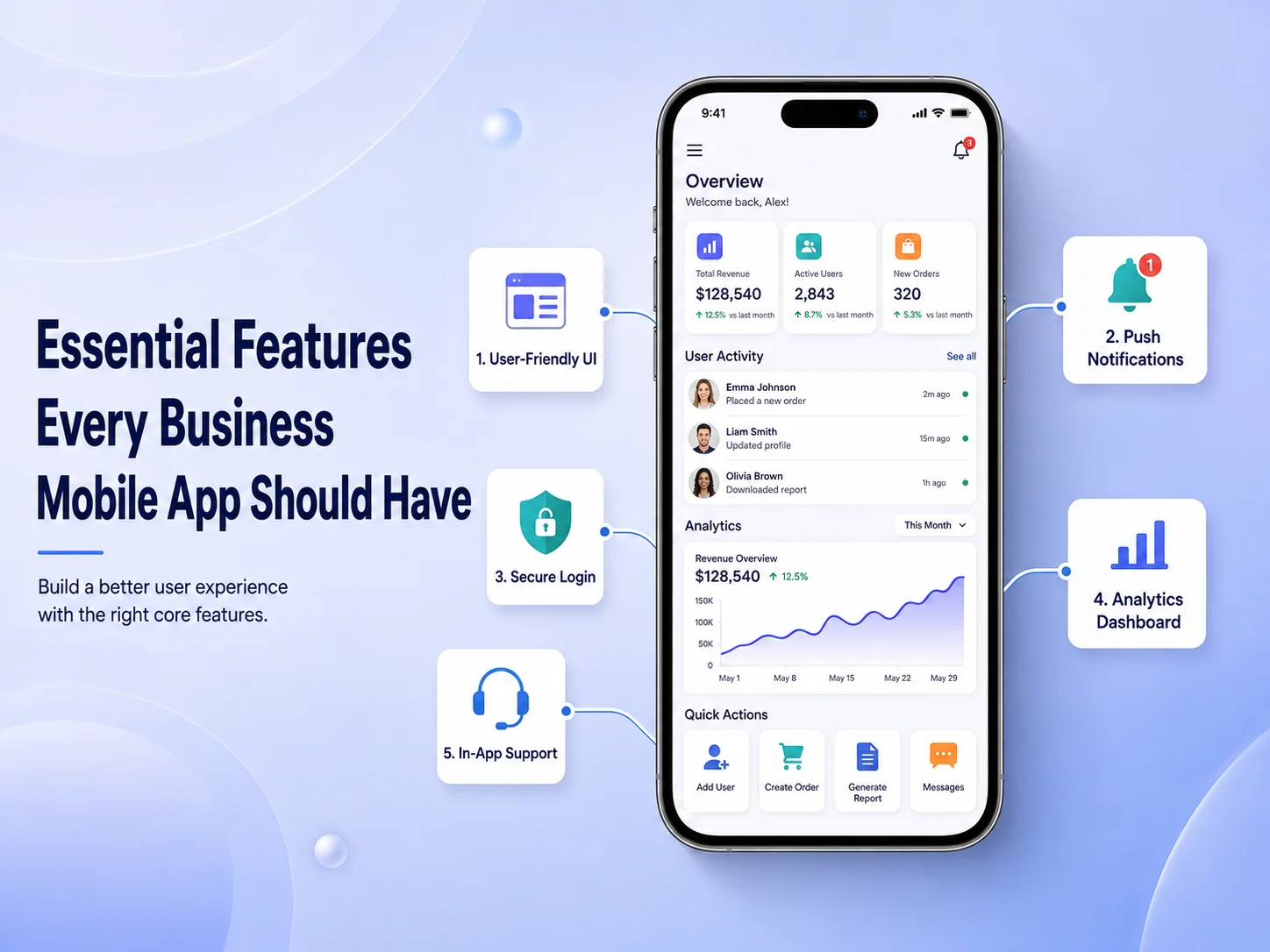
Essential Features Every Business Mobile App Should Have

A business mobile app should do more than reproduce information from a website. It should make important customer or employee actions faster, easier, and more convenient from a smartphone. The exact feature set will depend on the business, but some capabilities consistently provide value across e-commerce apps, booking platforms, customer portals, service businesses, SaaS products, and internal business applications.

The most useful features are not necessarily the most advanced ones. A successful app usually combines simple navigation, secure user access, reliable performance, communication tools, and functionality that supports the main reason people installed the application in the first place.

Simple Navigation and a Clear Mobile Experience

Users should be able to understand the application quickly. Important areas such as products, services, bookings, orders, account settings, support, or dashboards should be easy to reach without moving through several unnecessary screens.

Mobile interfaces also need to be designed specifically for touch interaction. Buttons should be easy to tap, text should remain readable, forms should avoid unnecessary fields, and the most important actions should receive the strongest visual emphasis. A visually impressive application can still perform poorly if customers struggle to complete basic tasks.

Search and filtering become particularly important when an app contains many products, services, documents, or records. Helping users reach the right information quickly can have a greater impact than adding several secondary features.

User Accounts, Personalization, and Secure Access

Many business apps need user accounts so customers can manage information across multiple sessions and devices. Depending on the product, accounts may store addresses, order history, appointments, saved items, subscriptions, preferences, documents, or other personalized information.

Registration and login should remain simple while still providing appropriate security. Features such as password recovery, biometric login, multi-factor authentication, or social authentication may be useful depending on the sensitivity of the application.

Personalization can make the app more useful after login. Instead of showing every user the same information, businesses can display relevant orders, recommendations, upcoming appointments, account activity, or frequently used features. However, personalization should be based on a clear benefit rather than unnecessary collection of customer data.

Features That Keep Users Connected to the Business

One of the strongest advantages of a mobile app is the ability to maintain direct communication with users. Push notifications can provide order updates, appointment reminders, new messages, payment alerts, service changes, or other timely information without requiring customers to repeatedly check the app.

Notifications need to be useful and controlled carefully. Sending too many promotional messages can cause users to disable notifications or uninstall the application. Businesses should give customers appropriate control over which notifications they receive whenever possible.

Customer support should also be easy to access. Depending on the business, this might include live chat, an AI assistant, support tickets, FAQs, contact forms, or direct communication with a support team. Customers should not have to leave the application and search elsewhere when they need help.

  • Push notifications and important alerts
  • Search and filtering
  • Customer accounts and profile management
  • Secure authentication
  • In-app customer support
  • Payments or booking functionality where relevant
  • Order, request, or activity tracking
  • Analytics and error monitoring

Payments, Bookings, and Core Business Actions

The most important feature of a business mobile app is usually the action that directly connects the customer with the service. For an e-commerce business, that may be purchasing products. For a healthcare or service company, it may be booking appointments. A SaaS product may focus on completing tasks, reviewing data, or managing subscriptions.

These core workflows should receive the most development and testing attention. A checkout process should be clear, a booking flow should show availability accurately, and users should receive confirmation when an important action is completed. Payment status, subscription access, inventory, and other critical business information should be validated through the backend rather than trusting information stored only in the mobile application.

The app may also benefit from mobile-specific capabilities such as camera access for document uploads, GPS for delivery or field services, biometric authentication, QR or barcode scanning, and file sharing. These features should be included when they make an existing business process easier—not simply because smartphones provide access to them.

Request a Quote

Performance, Security, and Reliability Are Features Too

Users may not see performance and security as menu options, but both have a major influence on whether they continue using an app. Screens should load quickly, API requests should be efficient, and the application should respond clearly when the internet connection is weak or an external service is temporarily unavailable.

Security needs to protect authentication, customer information, payments, API communication, and local device data. Sensitive credentials should not be exposed inside the application, and the backend should verify that each user has permission to access the requested information or action.

Analytics, crash reporting, and error monitoring are also valuable business features because they help development teams understand how the app performs after launch. Businesses can identify frequently used features, discover where customers experience problems, and prioritize future improvements using real usage information.

Build Around Your Business, Not a Generic Feature List

No business mobile app needs every feature available. A restaurant, marketplace, healthcare platform, field-service company, and SaaS business will have very different priorities. The best approach is to identify the actions users perform most frequently and make those processes exceptionally easy.

Encoder IT Limited develops custom mobile applications for businesses using technologies such as Flutter, React Native, native Android, and native iOS. Our work can include mobile UI/UX design, backend APIs, payments, push notifications, customer portals, third-party integrations, authentication, and ongoing application maintenance.

A strong business mobile app combines useful functionality with simplicity. Clear navigation, secure accounts, communication features, reliable core workflows, good performance, and ongoing monitoring provide a much stronger foundation than adding a large number of features that customers rarely use.

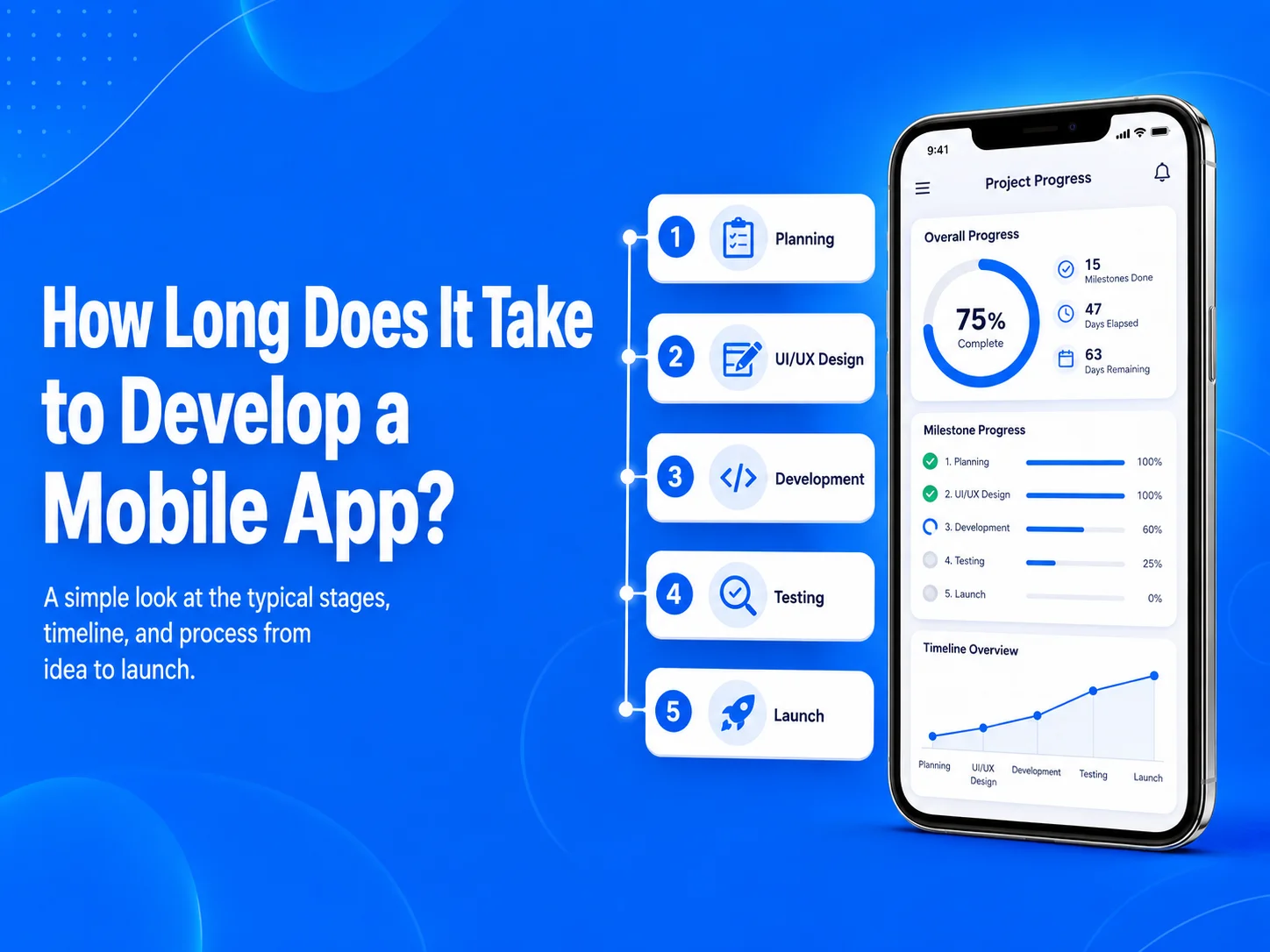
How Long Does It Take to Develop a Mobile App?

One of the first questions businesses ask before starting a mobile app project is how long development will take. There is no single timeline that applies to every application because development time depends on the number of features, design complexity, backend requirements, integrations, platforms, testing, and how clearly the project is defined before development begins.

A relatively simple mobile application may be completed within a few months, while a more advanced marketplace, SaaS platform, healthcare application, e-commerce system, or business-management app can require significantly more time. The most useful way to estimate a project is to break it into stages rather than trying to choose one launch date before the requirements are understood.

Typical Mobile App Development Timelines

For planning purposes, a simple application with a limited number of screens and straightforward functionality may take around 2–3 months. A medium-sized business application with user accounts, APIs, payments, notifications, dashboards, or other integrations may require approximately 3–6 months.

More complex applications can take 6 months or longer, particularly when they include multiple user roles, real-time communication, marketplaces, advanced reporting, subscriptions, location features, complex backend workflows, or extensive third-party integrations.

These are general planning ranges rather than fixed promises. Two applications with the same number of screens can have very different timelines if one requires simple content while the other depends on complicated business rules and integrations.

Planning and UI/UX Design Affect the Timeline

Development usually begins before developers write production code. The team first needs to understand the business goals, target users, main features, user roles, integrations, and important workflows. Projects with clear requirements generally move faster because fewer major decisions need to be changed during development.

After planning, wireframes and UI/UX designs are created for important screens. A small app may have a relatively short design phase, while a larger application may require detailed dashboards, onboarding flows, account settings, payments, messaging, or multiple user experiences.

Trying to skip planning or design to save time can sometimes have the opposite effect. If developers begin building before important workflows are agreed upon, completed screens or backend functionality may need to be redesigned later.

Features Usually Have the Biggest Impact on Development Time

The number of screens is only one part of estimating a mobile app. The functionality behind those screens often has a much greater effect on the schedule. A simple profile screen may take relatively little time, while a payment screen can involve payment-provider integration, backend validation, transaction records, failed-payment handling, notifications, and testing.

Features such as user authentication, social login, subscriptions, maps, GPS tracking, push notifications, chat, video calls, file uploads, booking calendars, offline functionality, AI integration, and role-based permissions can all increase development effort.

  • Simple apps: Basic content, forms, authentication, and limited backend functionality
  • Medium apps: Payments, notifications, dashboards, APIs, bookings, or customer accounts
  • Complex apps: Marketplaces, SaaS systems, real-time features, multiple user roles, advanced integrations, or large business workflows

The backend also needs to be included in the timeline. Many mobile applications require APIs, databases, admin panels, authentication systems, payment processing, notifications, reporting, and integrations with existing business software. These systems may require as much development attention as the visible Android or iOS application.

Discuss Your Mobile App Timeline

Does Flutter or React Native Make Development Faster?

Cross-platform technologies such as Flutter and React Native can reduce development effort for many projects because Android and iOS can share much of the same application code. Businesses may therefore avoid maintaining two completely separate implementations for common functionality.

However, cross-platform development does not automatically make every project fast. Complex backend systems, custom animations, third-party SDKs, device-specific functionality, testing, and business rules still require development time.

Native Android and iOS development can be a better fit for some projects that require specialized platform capabilities or deeper device integration. The development approach should be selected based on the application requirements rather than simply choosing whichever option appears fastest initially.

Testing and App Launch Need Their Own Time

Testing should not be treated as something that happens only after development is finished. Features should be tested as they are built, followed by broader testing of complete user journeys such as registration, login, checkout, booking, subscriptions, notifications, and account management.

The app also needs to be checked across different screen sizes, devices, network conditions, and supported operating-system versions. Bugs discovered during this stage may require changes to both the mobile application and backend.

After testing, the team needs to prepare production builds, app icons, screenshots, store descriptions, privacy information, and release configuration for Google Play and the Apple App Store. Businesses should include this launch preparation in the overall project schedule instead of treating development completion and public release as the same date.

How to Reduce Mobile App Development Time

The most effective way to shorten a timeline is usually not to make developers work faster. It is to reduce uncertainty and unnecessary scope. Businesses can begin with a focused first version containing the features required to solve the main customer problem, then expand the product after launch.

Clear requirements, timely feedback, approved designs, well-defined integrations, and realistic priorities can prevent delays caused by repeated changes. Reusing an existing backend or API can also reduce development time when the current system is suitable for mobile integration.

Encoder IT Limited helps businesses plan and develop mobile applications using Flutter, React Native, native Android, and native iOS technologies. We can handle the complete process, including requirements planning, UI/UX design, backend APIs, third-party integrations, testing, deployment, and ongoing development.

Instead of estimating an app only by the number of screens, a realistic timeline should consider the complete product: design, mobile development, backend systems, integrations, testing, and launch. A well-planned project may take slightly more time at the beginning, but it usually reduces rework and creates a more reliable path from idea to release.