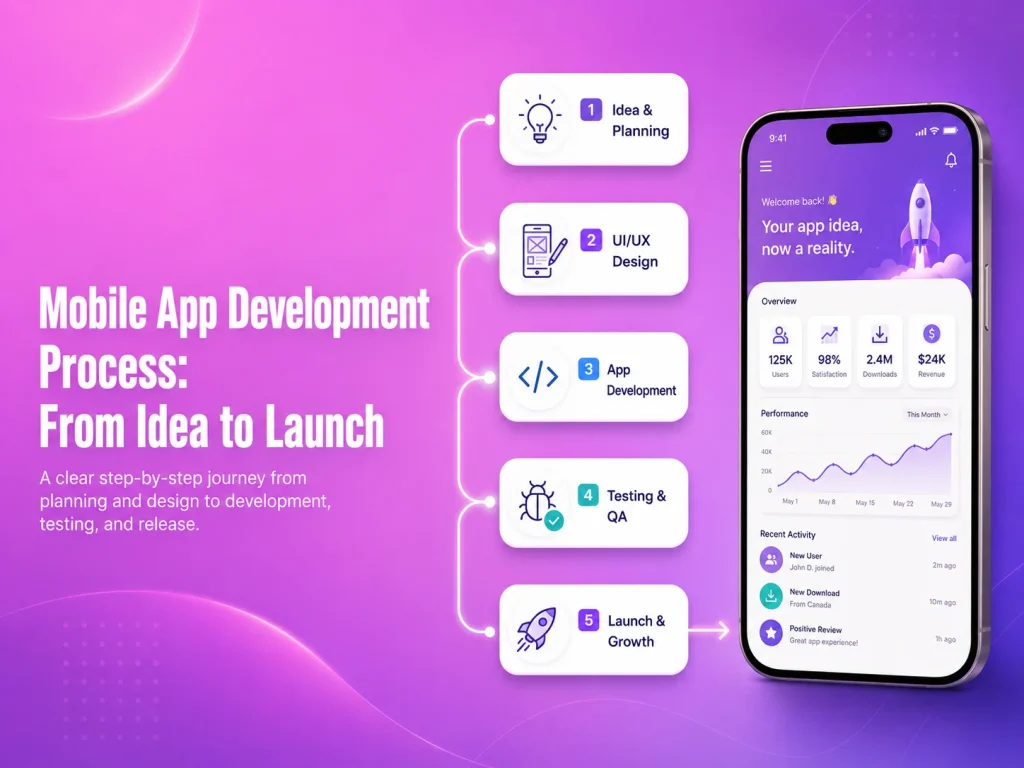
Building a mobile app usually starts with an idea, but turning that idea into a reliable product requires much more than development alone. A successful application needs planning, research, design, technical decisions, backend development, testing, launch preparation, and ongoing improvement after real users begin using it.
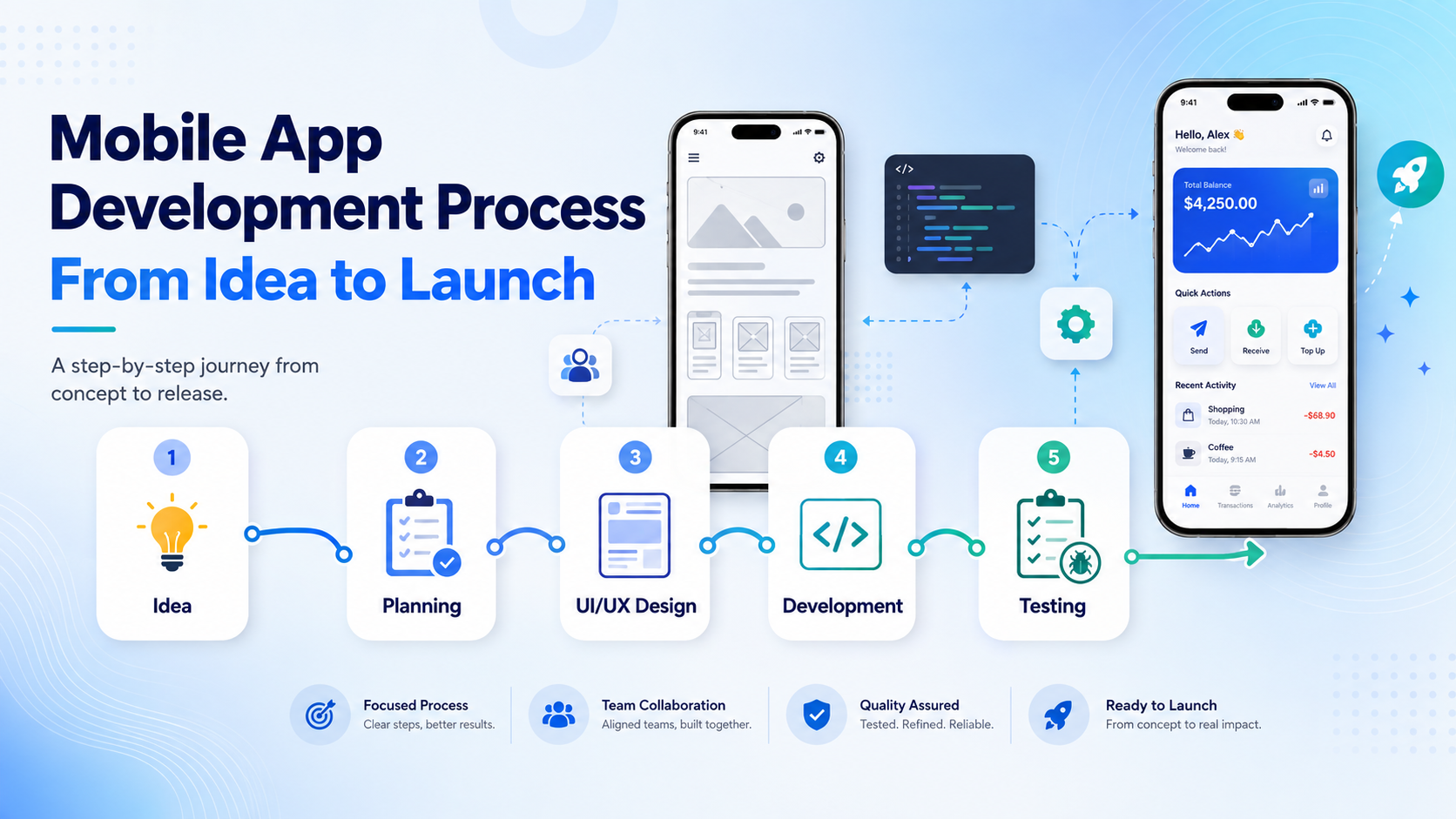
The mobile app development process helps businesses move from an initial concept to a structured product without making expensive decisions too early. Each stage supports the next one, which is why skipping planning or testing often creates problems later in the project.
Start With the Problem, Users, and Business Goals
The first step is defining what the application is supposed to achieve. Instead of beginning with a large list of features, businesses should identify the main problem, target users, and the actions users need to complete inside the app.
For example, an e-commerce app may focus on product discovery, checkout, order tracking, and customer accounts. A business-management app may need employee roles, task management, reporting, notifications, and approvals. A marketplace may require buyer and seller accounts, payments, messaging, reviews, and transaction management.
At this stage, it is also useful to define what belongs in the first release and what can be added later. Keeping the initial scope focused can reduce development time and make it easier to test the product with real users before investing in secondary features.
Plan the User Flow Before Designing Screens
Once the main requirements are understood, the next step is mapping how users move through the application. This includes registration, login, navigation, search, forms, payments, bookings, dashboards, profile management, and other important workflows.
User-flow planning helps identify unnecessary steps before visual design begins. If completing a simple task requires too many screens, the process can be simplified early rather than after development has already started.
Wireframes are often created at this stage to show the structure of each screen without focusing heavily on colors or visual details. They help the business and development team confirm where content, buttons, navigation, and important actions should appear.
Design the Mobile Experience
After the user flow is clear, UI/UX design turns the structure into a complete mobile experience. Designers define typography, colors, spacing, components, buttons, forms, navigation, states, and interactions while keeping the interface consistent across the application.
Mobile design should consider how people actually use smartphones. Important actions need to be easy to reach, forms should avoid unnecessary fields, text should remain readable, and navigation should be predictable. The goal is not simply to make the screens look attractive but to help users complete important tasks with as little friction as possible.
A design system can also make future development easier by defining reusable components and visual rules that remain consistent as new screens and features are added.
Choose the Technology and Build the Application
The development approach depends on the project’s requirements. Businesses may choose Flutter, React Native, native Android, native iOS, or another suitable technology depending on performance needs, device features, budget, integrations, and long-term maintenance plans.
Development usually includes both the visible mobile application and the systems behind it. Many apps require backend APIs, databases, user authentication, role permissions, file storage, notifications, payment gateways, admin dashboards, and third-party integrations.
Frontend and backend development should remain coordinated. For example, a checkout screen cannot work reliably unless the payment process, order creation, inventory updates, and transaction validation are also handled correctly on the backend.
For larger applications, development is often divided into smaller milestones. Core modules can be completed and tested before the next set of features is introduced, making it easier to identify issues and manage changes.
Test the App Before Real Users Depend on It
Testing should happen throughout development rather than only during the final week. Each important feature should be checked as it is completed, while full application testing should confirm that separate modules work correctly together.
Teams should test different devices, screen sizes, Android and iOS versions, network conditions, permissions, notifications, forms, authentication, payments, API errors, and other important workflows. Real-device testing is especially useful for features involving cameras, GPS, biometrics, push notifications, file uploads, or hardware integrations.
- Functional and workflow testing
- UI and responsive screen testing
- API and backend testing
- Payment and authentication testing
- Performance and loading checks
- Security and permission reviews
- Real Android and iOS device testing
Testing should also include failure scenarios. The application needs to respond clearly when an internet connection is lost, an API request fails, payment is unsuccessful, or information cannot be loaded. Good error handling makes the app feel more reliable and prevents users from becoming stuck.
Prepare the App for Launch
Once development and testing are complete, the application needs to be prepared for distribution. This includes production configuration, app icons, screenshots, descriptions, privacy information, release builds, and the required store information for Google Play and the Apple App Store.
The production backend should also be ready for real traffic. Monitoring, backups, error logging, email or notification services, databases, APIs, and payment systems should be reviewed before customers begin using the application.
Launch does not always need to mean releasing the app to everyone immediately. Some businesses begin with a smaller group of users or a limited market so they can collect feedback and identify problems before expanding.
Discuss Your Mobile App Project
What Happens After the App Goes Live?
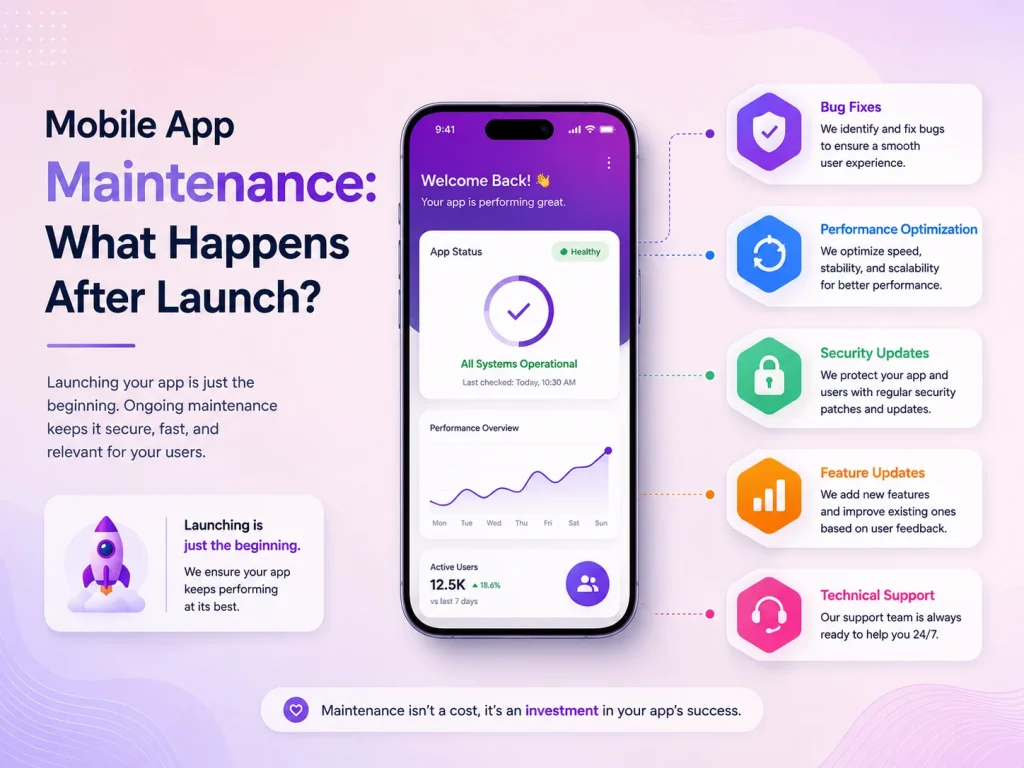
Launching the app creates a new source of information: real user behavior. Analytics, customer reviews, support requests, and application monitoring can show which features people use most, where users experience problems, and which improvements should be prioritized.
Bug fixes, security updates, Android and iOS compatibility, third-party SDK updates, performance improvements, and new features become part of ongoing mobile app maintenance. Businesses should therefore think of launch as the beginning of the product’s next stage rather than the end of development.
Encoder IT Limited provides complete mobile app development services from product planning and UI/UX design through Flutter, React Native, native Android and iOS development, backend APIs, integrations, testing, launch, and ongoing maintenance.
A structured development process helps reduce unnecessary rework and gives businesses clearer control over scope, quality, and future growth. The strongest mobile products usually begin with a clear problem, move through thoughtful design and development, and continue improving long after the first version reaches users.