Mobile app development can become expensive and difficult when important decisions are made too quickly. Many problems that appear after launch actually begin much earlier—during planning, design, technology selection, backend development, or testing.
A successful mobile app does not need every possible feature. It needs a clear purpose, reliable functionality, a smooth user experience, and a technical foundation that can support future growth. Avoiding a few common mistakes can save development time and reduce the cost of rebuilding major parts of the application later.
Starting Development Without a Clear Product Plan
One of the most common mistakes is beginning development before the core requirements are properly defined. If the business has not decided who the users are, what problem the app solves, which features are essential, and how important workflows should work, the project can quickly become difficult to manage.
Requirements do not need to describe every small detail before development starts, but the main user journeys should be clear. Registration, login, payments, subscriptions, bookings, dashboards, notifications, user roles, or other important features should be discussed before developers begin building them.
Without this planning, teams often change direction during development. Screens get redesigned repeatedly, backend structures need to be modified, and features that were already completed may need to be rebuilt.
Trying to Build Too Much in the First Version
Adding too many features is another common problem. Businesses sometimes try to include every future idea in the first release because they believe a larger feature list will make the application more competitive. In reality, this can make the app harder to use, increase the development budget, and delay the launch.
A better approach is to identify the features that solve the main customer problem and build those well. Features that are useful but not essential can be introduced later after the business has real feedback from users.
This is especially important for startups and new digital products. The first version should help validate whether customers actually want the product before a large amount of time is invested in secondary functionality.
Ignoring the Mobile User Experience
A mobile app should not feel like a desktop website compressed into a smaller screen. Users interact with smartphones differently, so navigation, buttons, forms, spacing, content, and common actions should be designed specifically for touch screens.
Long forms, complicated menus, small buttons, excessive text, and too many steps can make simple tasks frustrating. Important actions should be easy to find, and users should understand what happens after they tap a button or submit information.
Another mistake is focusing too much on visual design while ignoring the workflow itself. An attractive interface cannot compensate for a confusing registration process, difficult checkout, or poorly organized dashboard. Good UI and good UX need to work together.
Choosing Technology Without Considering Long-Term Needs
Flutter, React Native, native Android, and native iOS development can all be appropriate choices. The mistake is selecting a technology only because it is currently popular or because it appears cheaper at the beginning.
The decision should consider performance requirements, device features, third-party integrations, development team experience, expected user volume, maintenance, and how often the product will need new features.
For many business applications, cross-platform technologies such as Flutter or React Native can provide an efficient way to support Android and iOS. Other applications may need native development because of specialized hardware, platform-specific features, or performance requirements.
Forgetting That the Backend Is Part of the Mobile App
Many mobile applications depend heavily on backend systems. User accounts, permissions, payments, orders, bookings, subscriptions, notifications, reports, and other business data usually come from APIs and databases.
If the backend is poorly planned, the mobile app may eventually become slow or difficult to maintain even when the interface itself is well designed. APIs should have clear structures, authentication should be secure, and permissions should be checked on the server rather than relying only on what the mobile interface displays.
It is also important to think about future integrations. A business may later need to connect the app with a CRM, payment gateway, accounting platform, AI service, or internal business system. A clean API architecture can make these changes much easier.
- Define the main user journeys before development
- Prioritize essential features for the first release
- Design specifically for mobile users
- Choose technology based on the project, not trends
- Plan the backend, APIs, and permissions carefully
- Test important workflows on real devices
Testing Too Late or Only on One Device
An app can work perfectly on a developer’s device and still fail for customers. Android and iOS devices have different screen sizes, operating-system versions, hardware capabilities, and network conditions.
Testing should happen throughout development rather than only before launch. Teams should test registration, login, forms, notifications, payments, file uploads, API errors, and other important workflows. Slow internet connections and failed requests should also be considered because real users do not always have perfect connectivity.
Real-device testing is particularly valuable for features that depend on the camera, GPS, notifications, biometrics, Bluetooth, or other hardware capabilities.
Ignoring Security, Performance, and Maintenance
Some development teams focus almost entirely on getting the first version published. This can result in security and performance problems appearing later. Sensitive credentials should not be exposed inside the application, backend APIs should verify permissions, and customer information should be handled carefully.
Performance also needs attention. Large images, unnecessary API requests, inefficient database operations, and heavy background processes can make an app feel slow. These problems become more noticeable as the number of users and the amount of data increase.
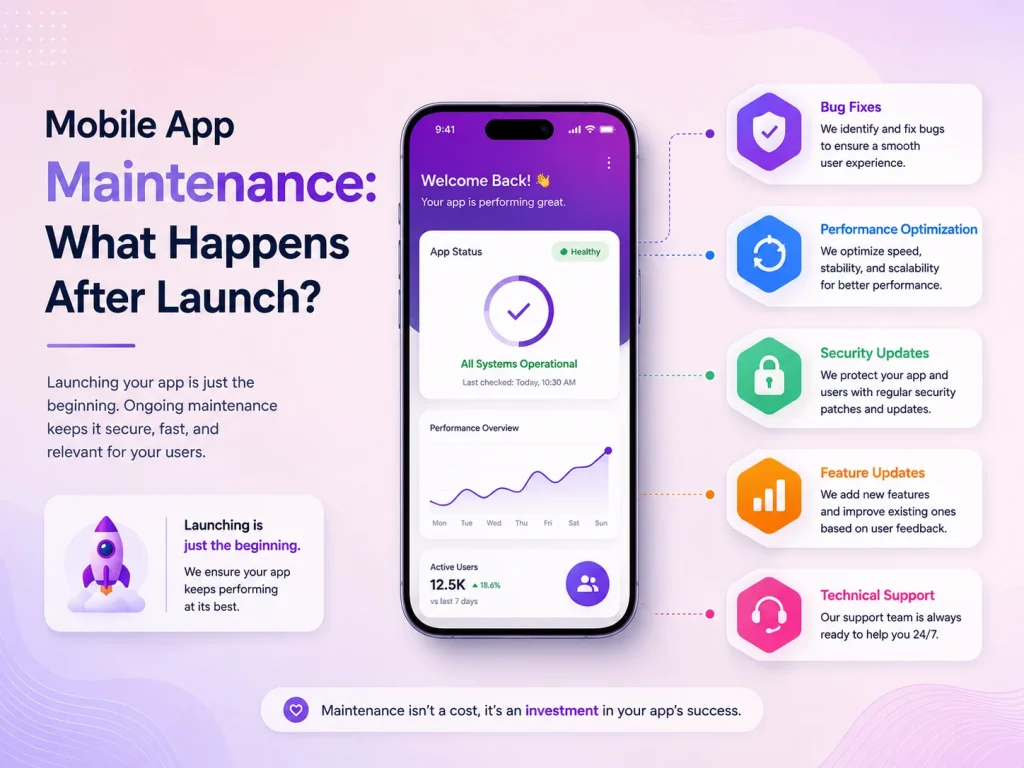
Maintenance should be considered before launch as well. Android and iOS change over time, third-party SDKs receive updates, bugs are discovered, and businesses need new features. An app built with maintainable code and a clear architecture is easier to improve after release.
Request a Quote
Build Around Real Users, Not Assumptions
Once the app is launched, analytics, reviews, customer support requests, and direct feedback can show how people actually use it. Businesses may discover that customers struggle with a particular screen, ignore a feature that seemed important, or frequently request something that was not included in the first version.
This information should guide future development. Instead of continuously adding features based on assumptions, businesses can focus on the improvements that make existing workflows easier and provide more value to users.
Encoder IT Limited provides mobile app design and development services for startups and businesses, including Flutter, React Native, native Android and iOS development, backend APIs, integrations, testing, modernization, and ongoing maintenance.
The best way to avoid mobile app development mistakes is to make thoughtful decisions early and continue improving the product after launch. Clear requirements, focused features, strong mobile UX, reliable backend architecture, testing, security, and realistic maintenance planning can make the difference between an app that becomes difficult to manage and one that can grow with the business.