Why UI/UX Design Matters for Business Growth

A website or application is often one of the main places where customers interact with a business. They may discover a service, compare products, request a quote, create an account, make a purchase, or manage an ongoing relationship through a digital interface. If that experience is confusing or difficult, the business can lose opportunities even when its products or services are strong.

UI/UX design matters for business growth because it affects how easily customers understand an offer, trust the company, complete important actions, and return in the future. Good design is not only about making screens look attractive. It helps connect business goals with the needs of the people actually using the website, mobile app, SaaS platform, or e-commerce store.

Better User Experience Can Create More Conversion Opportunities

Every website or application has important actions it wants users to complete. A service business may want visitors to request a consultation. An e-commerce store needs customers to complete purchases. A SaaS company may want users to start a trial, complete onboarding, and continue using the product.

UX design examines the steps between arriving and completing those actions. Complicated navigation, unclear pricing, long forms, weak calls to action, confusing checkout processes, or missing information can create friction throughout the journey.

Improving the experience does not mean pushing visitors more aggressively toward a button. It means making the decision easier. Clear information, understandable navigation, simple forms, visible next steps, and useful feedback can help customers move forward with greater confidence.

UI design supports that process by creating visual hierarchy. Important actions should stand out, related information should feel connected, and typography, spacing, colors, buttons, and other interface elements should guide attention rather than compete for it.

UIUX-banner-3

Professional Design Builds Trust Before Customers Contact You

Customers begin forming impressions about a business almost immediately after visiting its digital platforms. Consistent branding, readable typography, quality imagery, organized content, and a well-structured interface can make a company appear more established and dependable.

Trust can weaken when pages contain broken layouts, outdated information, inconsistent buttons, poor mobile responsiveness, confusing forms, or important details that are difficult to find. Visitors may not consciously identify every design problem, but the overall experience can influence whether they feel comfortable sharing personal information, making a payment, or contacting the company.

Good UX also makes trust-related information easier to access. Testimonials, case studies, policies, pricing information, contact details, product specifications, delivery information, or security-related messages should appear where customers naturally need them.

For businesses selling higher-value services or products, these details can be especially important because customers may spend more time evaluating alternatives before making a decision.

Strong UI/UX Helps Customers Stay Engaged

Business growth is not only about acquiring new users. Keeping existing customers engaged can be equally important. A customer who already understands a product should not need to struggle through the interface every time they return.

For mobile apps and SaaS products, navigation, onboarding, dashboards, forms, notifications, account settings, and recurring workflows all influence continued usage. If routine tasks require too many steps or important features are difficult to discover, users may gradually stop using the product.

E-commerce businesses face a similar challenge. Customers may return when it is easy to search, reorder products, manage accounts, review previous purchases, track deliveries, and complete checkout. A smoother experience can reduce the effort required to buy again.

  • Clear navigation makes important information easier to find
  • Simple workflows reduce unnecessary user effort
  • Consistent interfaces make products easier to learn
  • Responsive design improves the experience across devices
  • Useful feedback gives users confidence after actions
  • Accessible design helps serve a wider range of customers
  • Better onboarding can help users reach value sooner

Good UX Can Also Improve Business Operations

UI/UX design is often discussed only from the customer’s perspective, but internal software also affects business performance. Employees may spend hours every day using dashboards, CRM systems, administration panels, inventory tools, scheduling applications, or custom business platforms.

Poorly designed internal systems can create unnecessary clicks, repeated data entry, confusing processes, and avoidable mistakes. When frequent workflows are simplified, employees can complete tasks more efficiently and require less training to understand the software.

Role-based interfaces can make this even more effective. A manager may need reports and approvals, while an employee may primarily need assigned tasks and schedules. Giving each user the information relevant to their responsibilities can make complex business software feel significantly simpler.

Good UX can therefore support growth from both directions: customers receive a smoother external experience while employees work through more efficient internal processes.

Improve Your Digital Product Experience

UI/UX Makes Products Easier to Improve as the Business Grows

Businesses change over time. Websites gain new services, e-commerce stores add product categories, and SaaS applications introduce more modules and user roles. Without a clear design system and UX structure, each new feature can make the product more inconsistent and difficult to navigate.

A scalable design system creates reusable patterns for buttons, forms, tables, navigation, cards, colors, typography, spacing, alerts, and other interface components. This helps designers and developers add new functionality while maintaining a familiar experience for users.

Businesses should also use real customer behavior to guide future improvements. Analytics can reveal where users leave a journey, which features receive attention, and where conversion problems occur. Customer interviews, support requests, usability testing, and sales feedback can explain why those problems are happening.

Instead of redesigning a product based only on trends or personal preferences, teams can focus on the areas where improved usability is most likely to create meaningful business value.

Encoder IT Limited provides UI/UX design and development for business websites, mobile applications, SaaS products, e-commerce stores, dashboards, and custom web applications. Our work can include user-flow planning, wireframes, responsive interface design, design systems, frontend development, and conversion-focused UX improvements.

UI/UX design supports business growth by reducing friction between customers and the actions that matter. When people can understand a business quickly, navigate confidently, complete tasks easily, and enjoy a consistent experience, digital products become more effective tools for attracting customers, supporting users, and building longer-term relationships.
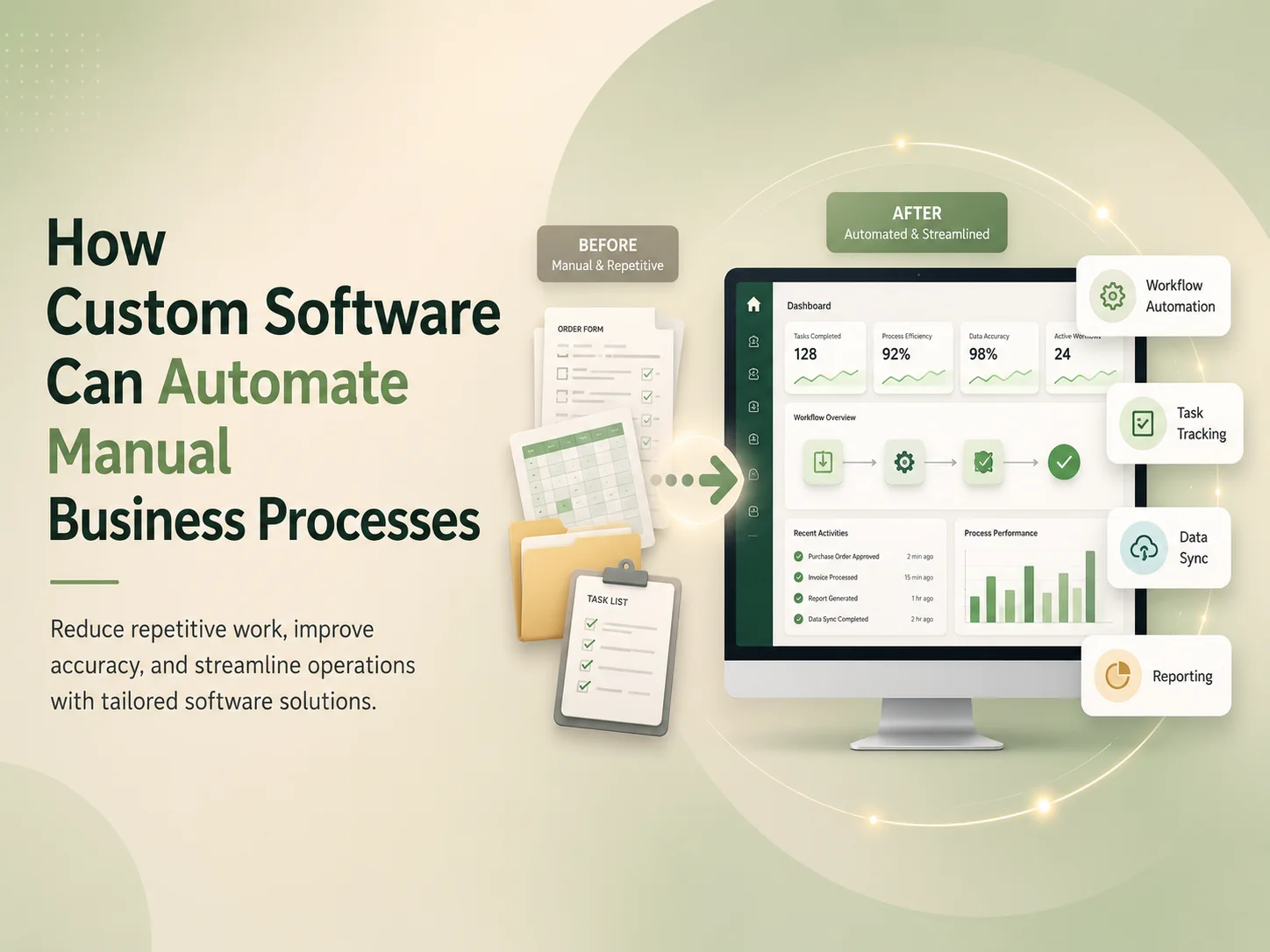
How Custom Software Can Automate Manual Business Processes

Many businesses still depend on manual processes that require employees to copy information between spreadsheets, send repetitive emails, update multiple systems, prepare reports by hand, or repeatedly check whether a task has been completed. These processes may work when the business is small, but they often become slower and more difficult to manage as customers, employees, transactions, and operational requirements increase.

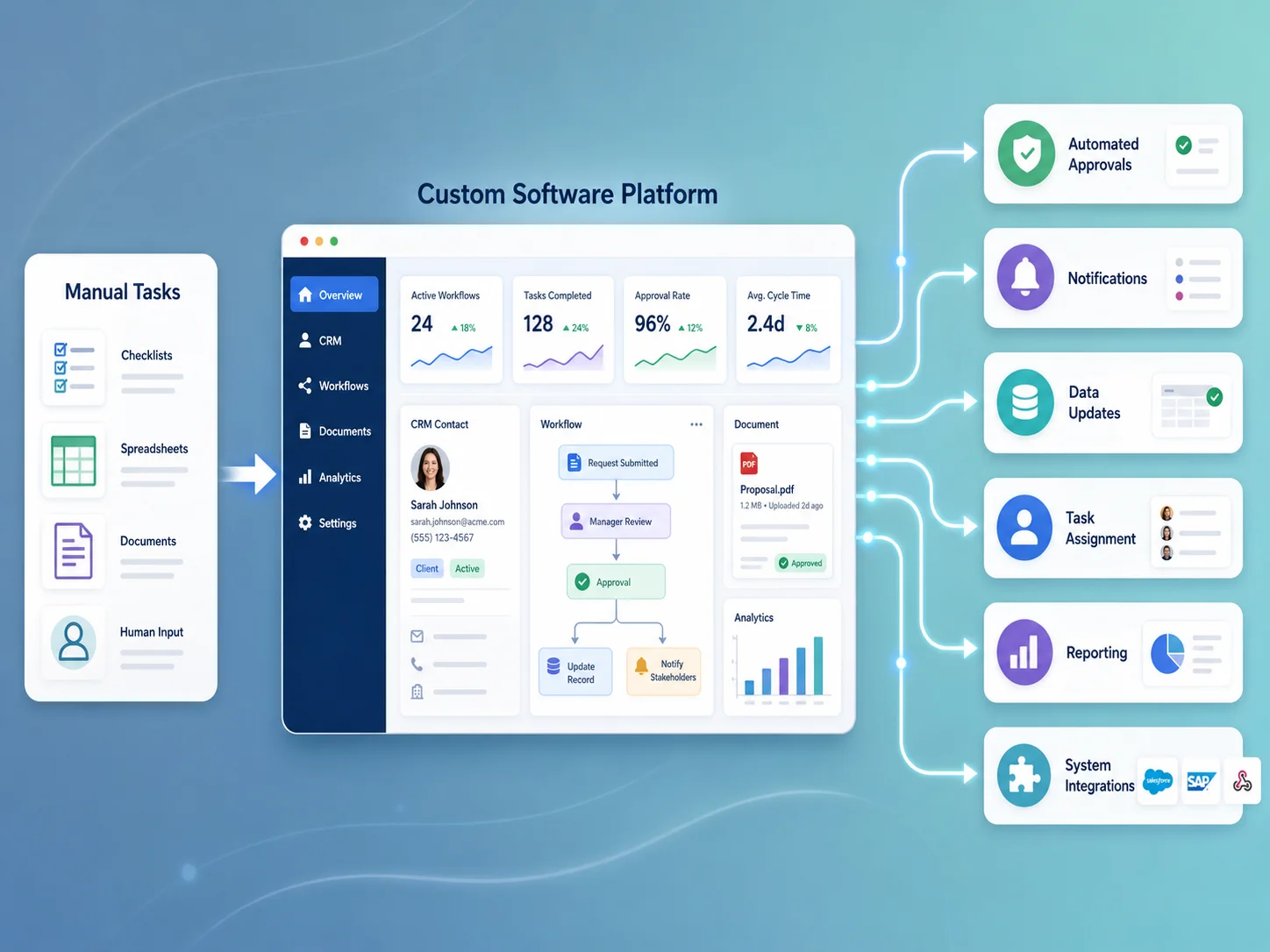
Custom software can automate manual business processes by connecting data, rules, approvals, notifications, and everyday tasks within one organized workflow. Instead of employees performing the same administrative steps repeatedly, software can handle predictable actions automatically while allowing people to focus on decisions, customer service, and work that requires human judgment.

Start by Identifying Repetitive Business Workflows

Automation is most useful when it solves a specific operational problem. Businesses should begin by looking for tasks that happen frequently, follow predictable steps, consume employee time, or create errors when information is entered manually.

For example, a company may receive customer enquiries through a website and then manually copy each request into a spreadsheet, assign it to an employee, send a confirmation email, create a follow-up reminder, and update the status later. Custom software can connect these activities so that a new enquiry automatically creates a record, assigns responsibility according to business rules, sends the appropriate notification, and tracks the request until it is completed.

Other common opportunities include employee onboarding, approvals, invoice processing, inventory updates, appointment scheduling, document management, customer support, recurring tasks, reporting, and internal requests.

Web-applications-banner-1

Connect People, Data, and Business Rules in One Workflow

Manual processes often become difficult because information is spread across several places. Customer details may be stored in one system, invoices in another, tasks in spreadsheets, and important approvals inside email conversations.

A custom web application can bring these workflows together. Employees can work from a central dashboard while the software handles data movement behind the scenes. Information entered once can be reused throughout the process instead of being manually copied between different departments.

Business rules can also be built directly into the workflow. A purchase request above a certain amount might require manager approval. A support ticket with a high priority can be assigned automatically to a specific team. An invoice can move to the finance department only after the related work is approved.

This makes the process more consistent because employees do not need to remember every rule individually. The software can guide each request through the appropriate steps while keeping an audit trail of actions, approvals, and status changes.

Examples of Business Processes That Can Be Automated

The right automation depends on the organization, but many businesses have similar areas where custom software can reduce repetitive administration.

  • Lead capture, assignment, and sales follow-up
  • Employee onboarding and document collection
  • Approval requests and management workflows
  • Recurring task creation and reminders
  • Invoice and payment status tracking
  • Inventory and order updates
  • Appointment and resource scheduling
  • Customer support ticket management
  • Document generation and approval
  • Automated reports and management dashboards

A custom system can also coordinate several processes at once. When a customer purchases a service, for example, the software might create the customer account, generate the relevant project, assign tasks to employees, send confirmation messages, create billing records, and schedule future reminders automatically.

The objective is not to remove people from every workflow. Some decisions require experience, context, or approval. Good automation handles predictable administrative work while directing exceptions and important decisions to the appropriate person.

Integrations Can Remove Duplicate Data Entry

Custom software becomes particularly valuable when it connects with the tools a company already uses. APIs can allow a web application to exchange information with payment gateways, accounting software, CRM systems, e-commerce platforms, email services, communication tools, inventory systems, and other business applications.

For example, when a payment succeeds, the software can automatically update the invoice, change the customer status, notify the appropriate department, and include the transaction in a management report. Employees no longer need to confirm the same payment manually across several systems.

Integrations should include proper validation and error handling. External services can occasionally fail or become temporarily unavailable, so automation should record unsuccessful actions and provide administrators with enough information to resolve them. Reliable automation should reduce manual work without hiding problems when something goes wrong.

Automate Your Business Processes

Automation Can Improve Visibility as Well as Efficiency

One major benefit of custom business software is that management can see what is happening across the workflow. Instead of requesting updates from several employees or combining multiple spreadsheets, dashboards can display current workloads, pending approvals, overdue tasks, customer statuses, financial information, and other important operational metrics.

Notifications can alert users when action is required rather than expecting them to constantly check the system. Employees might receive reminders when a deadline approaches, managers can be notified when an approval is waiting, and customers can automatically receive updates when the status of their request changes.

This visibility can also help businesses identify bottlenecks. If requests regularly remain in one stage for several days, management can investigate why. If a large percentage of support tickets involve the same issue, the company can improve that part of the service instead of repeatedly handling the same problem manually.

Custom Automation Should Grow With the Business

Businesses should avoid trying to automate every process at once. A more practical approach is to begin with workflows that consume significant time or create frequent mistakes, then expand the system as the value becomes clear.

A scalable custom application can gradually add new departments, workflows, user roles, reports, integrations, and automation rules without forcing the business to replace the entire system. This is particularly useful for organizations whose operational processes are too specialized for generic software.

Encoder IT Limited develops custom web applications and SaaS platforms for businesses that need workflow automation, dashboards, customer portals, internal management systems, API integrations, role-based access, reporting, and other purpose-built software solutions.

Custom software creates the most value when it removes repeated administrative work without making the business process harder to understand. By connecting data, employees, approvals, notifications, and external systems in one structured workflow, businesses can operate more consistently, reduce unnecessary manual effort, and create a stronger foundation for future growth.

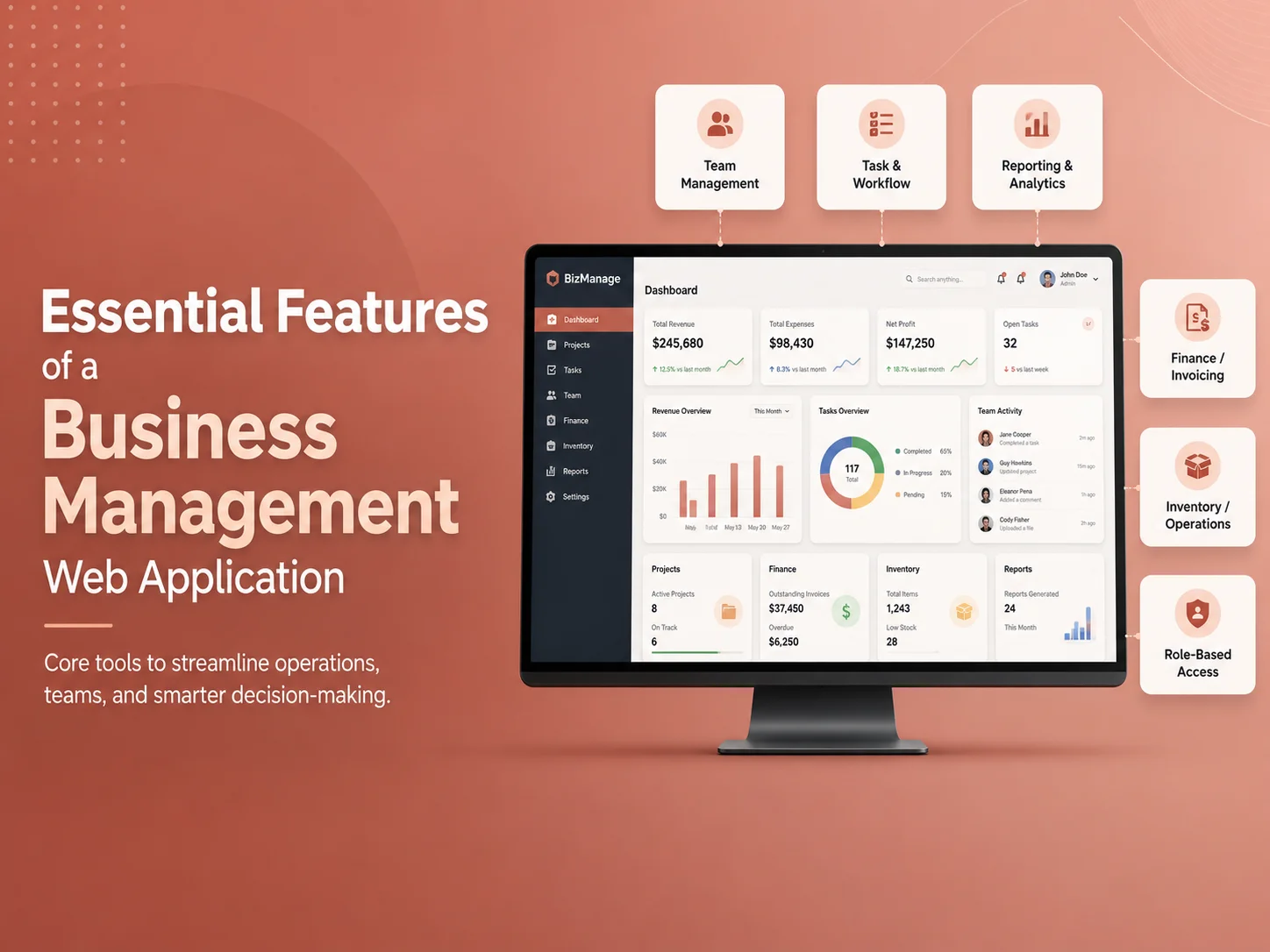
Essential Features of a Business Management Web Application

A business management web application brings important operations into one centralized system. Instead of managing customers, employees, tasks, documents, reports, approvals, and financial information through separate spreadsheets or disconnected tools, businesses can organize these activities through a structured digital platform.

The right business management web application should do more than store information. It should help employees complete daily work, give managers better visibility, automate repetitive processes, control access to sensitive information, and provide reliable data for business decisions.

The exact feature set depends on the organization, but several core capabilities are important for most custom business management systems.

A Central Dashboard Should Show What Matters Most

The dashboard is often the first screen users see after signing in, so it should provide useful information rather than simply displaying decorative charts. Managers may need revenue, open tasks, pending approvals, employee activity, upcoming deadlines, or operational alerts, while employees may need assigned work and recent updates.

Different roles should not necessarily see the same dashboard. A finance manager may need billing information, while an operations manager needs workload and task status. Role-based dashboards help reduce unnecessary information and make the application easier to use.

Dashboards should also allow users to move directly from a summary into the relevant record. If a manager sees that seven approvals are pending, they should be able to open those approvals rather than searching for them separately.

Feature Business Purpose
Dashboard & Reporting Provides visibility into operations, KPIs, tasks, and important alerts
User & Role Management Controls what employees, managers, and administrators can access
Task & Workflow Management Organizes assignments, deadlines, recurring work, and approvals
Customer or Client Management Stores contact details, communication, history, and related activity
Document Management Keeps important files connected with the correct users or records
Notifications Alerts users when attention or action is required
Integrations Connects the application with existing business tools and services

User Roles and Permissions Are Essential

Business applications often contain information that should not be available to every employee. Customer records, payroll data, financial reports, employee documents, system settings, and approval controls may require different levels of access.

A well-designed permission system can define what each role is allowed to view, create, edit, approve, export, or delete. For example, an employee may update assigned tasks but not change another employee’s account, while a manager may approve requests without receiving access to system administration.

Permissions can also become more detailed when needed. Some businesses require access based on department, branch, office, residence, project, or customer assignment rather than only a general job role.

This structure improves both security and usability. Users see the information and actions relevant to their responsibilities instead of navigating through functionality they never need.

Tasks, Workflows, and Approvals Should Be Connected

Task management is one of the most useful features in a business management application. Tasks can include owners, priorities, deadlines, status, attachments, comments, recurring schedules, and dependencies on other work.

More advanced systems can connect tasks to business workflows. An employee onboarding process, for example, might automatically create tasks for HR, IT, management, and finance after a new staff member is added.

Approval workflows are equally important. Purchase requests, expenses, leave applications, contracts, documents, or other records may need approval from one or several people before continuing.

  • Assign tasks to employees or teams
  • Set priorities and due dates
  • Create recurring tasks automatically
  • Track status and completion history
  • Build multi-step approval workflows
  • Send reminders for overdue or pending work
  • Record comments, attachments, and activity

The system should also record who performed important actions and when they occurred. Activity history and audit logs can make it easier to understand changes, investigate problems, and maintain accountability.

Customer, Employee, and Business Data Should Stay Organized

A business management platform usually needs structured records for the people and organizations involved in daily operations. Customer or client profiles may include contact details, services, invoices, communication history, documents, assigned employees, or previous transactions.

Employee records may include roles, departments, schedules, documents, training, performance information, attendance, or other internal data depending on the business.

These records should connect with related activity. Opening a customer profile should allow authorized users to see relevant projects, invoices, messages, documents, appointments, or support requests without searching through several independent systems.

Search and filtering become increasingly important as the database grows. Users should be able to locate records quickly by name, status, date, category, assignment, or other useful criteria.

Build Your Business Management Platform

Automation and Integrations Can Reduce Repetitive Work

A custom business management application becomes more valuable when it automates actions that employees would otherwise perform manually. The system can generate reminders, assign tasks, update statuses, create documents, send notifications, or prepare recurring reports based on defined business rules.

Integrations can connect the platform with payment gateways, accounting systems, CRM software, email providers, e-commerce platforms, calendars, communication tools, cloud storage, or other services already used by the company.

For example, when a customer payment succeeds, the platform could update the invoice, create an accounting record, notify the appropriate employee, and update the customer’s account automatically.

These integrations should include validation, logs, and error handling. If an external service becomes unavailable, administrators should be able to identify what failed and retry or resolve the action instead of losing important information silently.

Reporting, Notifications, and Security Support Daily Operations

Management reporting should transform operational data into useful information. Reports might cover sales, employee activity, task completion, customer growth, inventory, billing, expenses, or other business-specific metrics.

Filters by date, department, location, customer, employee, or status can make reports more useful, while exports may be required when information needs to be shared with accounting, management, or other systems.

Notifications should focus attention where it is needed. Users may receive alerts for new assignments, approaching deadlines, pending approvals, document expirations, customer messages, failed payments, or other important events.

Security must be considered across the entire application. Authentication, strong password handling, secure sessions, role-based permissions, encrypted connections, backup procedures, audit logs, and protected APIs all contribute to keeping business information safer.

Critical actions may also require additional controls such as confirmation, multi-factor authentication, or approval by another user.

Build Around the Business Instead of Copying Generic Software

A small business may only need customers, tasks, documents, invoices, and reports. A larger organization may require scheduling, attendance, payroll, inventory, compliance, training, multi-location management, support systems, and advanced automation.

The strongest custom applications focus first on the processes that create the most operational value. New modules can then be added as requirements grow rather than launching with a complicated system full of features employees do not use.

Encoder IT Limited develops custom business management web applications and SaaS platforms with dashboards, workflow automation, customer and employee management, role-based permissions, reporting, integrations, task management, and other purpose-built functionality.

An effective business management web application creates one reliable place for people, processes, and information to work together. When dashboards, permissions, workflows, automation, reporting, and integrations are designed around real business requirements, the platform can reduce manual administration and make growing operations easier to manage.

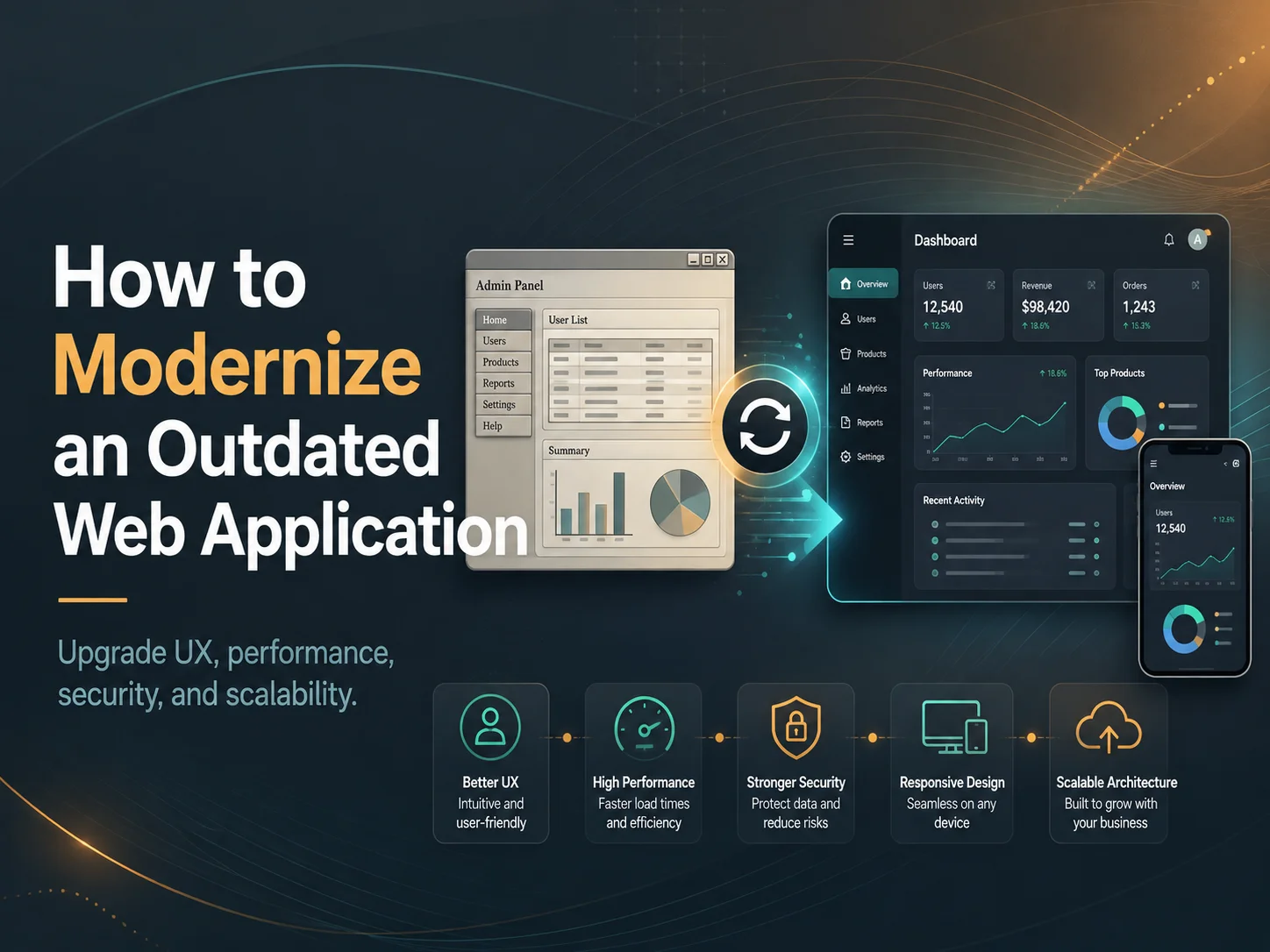
How to Modernize an Outdated Web Application

An outdated web application can become slow, difficult to maintain, insecure, and expensive to improve. As technologies change and business requirements grow, older systems may struggle to support new features, integrations, mobile users, or increasing amounts of data.

Web application modernization helps businesses improve existing software without always rebuilding everything from the beginning. The goal is to preserve valuable business logic while improving performance, security, usability, scalability, and maintainability.

What Is Web Application Modernization?

Web application modernization is the process of updating an existing application’s technology, architecture, interface, infrastructure, or workflows. This may involve upgrading the backend, redesigning the frontend, improving the database, moving to cloud infrastructure, adding APIs, or replacing outdated components.

Modernization can be completed gradually or through a larger redevelopment project depending on the condition of the existing system.

Signs Your Web Application Needs Modernization

An application may need modernization when users frequently experience slow performance, outdated interfaces, errors, poor mobile usability, or difficulty completing common tasks. Development teams may also struggle to add features because the codebase has become difficult to maintain.

  • Slow loading or frequent performance issues
  • Outdated or unsupported technologies
  • Poor mobile responsiveness
  • Security and maintenance concerns
  • Difficult third-party integrations
  • High cost of adding new features

Start With an Application Audit

Before changing technology, review how the existing application is being used. Identify the most important workflows, common user problems, performance bottlenecks, security concerns, outdated dependencies, and areas where employees rely on manual workarounds.

This helps separate features that should be preserved from functionality that can be redesigned or removed. Modernization should solve real business problems rather than simply replacing old technology with newer technology.

Improve the User Interface and Mobile Experience

Older applications often have interfaces designed for desktop computers and outdated workflows. A modern UI can simplify navigation, improve forms, organize dashboards, and make important actions easier to find.

Responsive design is also important because employees and customers increasingly access business applications from tablets and smartphones. The interface should adapt to smaller screens without making important workflows difficult to use.

Modernize the Frontend and Backend

Some applications only need a frontend modernization. An outdated interface can sometimes be replaced with technologies such as React or Next.js while keeping a stable backend and database.

Other applications may require deeper backend improvements. Legacy PHP or older server applications can be restructured using modern frameworks such as Laravel or Node.js. This can make APIs, authentication, background jobs, integrations, and business logic easier to maintain and expand.

Improve APIs and Third-Party Integrations

Older systems often depend on manual imports, direct database connections, or tightly connected integrations. Modern APIs can create a cleaner way for the application to communicate with mobile apps, payment gateways, CRM platforms, accounting software, cloud services, and other systems.

A better API structure can also make future integrations easier without requiring major changes throughout the application.

Improve Performance and Database Efficiency

Slow applications are not always caused by old programming languages. Poor database queries, unnecessary API requests, inefficient file handling, and missing caching can create major performance problems.

A modernization project should measure actual bottlenecks before making changes. Database indexing, caching, background processing, optimized queries, and improved infrastructure can often provide significant performance improvements.

Strengthen Application Security

Security should be an important part of any modernization project. Outdated dependencies, weak authentication, poor permission controls, and unsupported frameworks can increase risk.

Modernization can introduce stronger authentication, role-based permissions, secure API access, better logging, updated dependencies, backup procedures, and improved monitoring. Important security rules should be enforced on the backend rather than relying only on the user interface.

Refactor, Replatform, or Rebuild?

Not every outdated application needs a complete rebuild. Refactoring improves the existing code while keeping much of the current architecture. Replatforming moves the application to a newer technology or infrastructure while preserving core functionality.

A complete rebuild may be appropriate when the existing architecture makes every new feature difficult, important technologies are no longer maintainable, or the business requirements have changed significantly. The decision should be based on cost, risk, technical condition, and future plans.

Modernize in Phases

For larger business applications, modernization can often be completed more safely in phases. A company might begin with the user interface, then improve APIs, replace outdated backend modules, optimize the database, and gradually migrate users to the updated system.

This approach can reduce disruption and allows the development team to test improvements before replacing additional parts of the application.

Benefits of Modernizing a Legacy Web Application

A successful modernization project can improve application speed, security, user experience, maintainability, and scalability. It can also make it easier to introduce new features, mobile applications, automation, reporting, and third-party integrations.

For businesses, the biggest benefit is often reducing the amount of time and cost required to maintain software that has become difficult to change.

How Encoder IT Limited Can Help

Encoder IT Limited provides web application modernization, custom software development, SaaS development, API integration, and migration services. We can review an existing application and identify which parts should be improved, replaced, or preserved.

  • Legacy web application modernization
  • Frontend redesign with React and Next.js
  • Laravel and Node.js backend development
  • API development and integration
  • Database and performance optimization
  • Application migration and ongoing maintenance

Request a Quote

Final Thoughts

Modernizing an outdated web application does not always mean starting again from zero. The best approach is to understand the existing system, preserve valuable business logic, and improve the areas that are limiting performance, security, usability, or future development.

With a well-planned modernization strategy, businesses can extend the life of existing software while creating a more secure, scalable, and maintainable foundation for future growth.

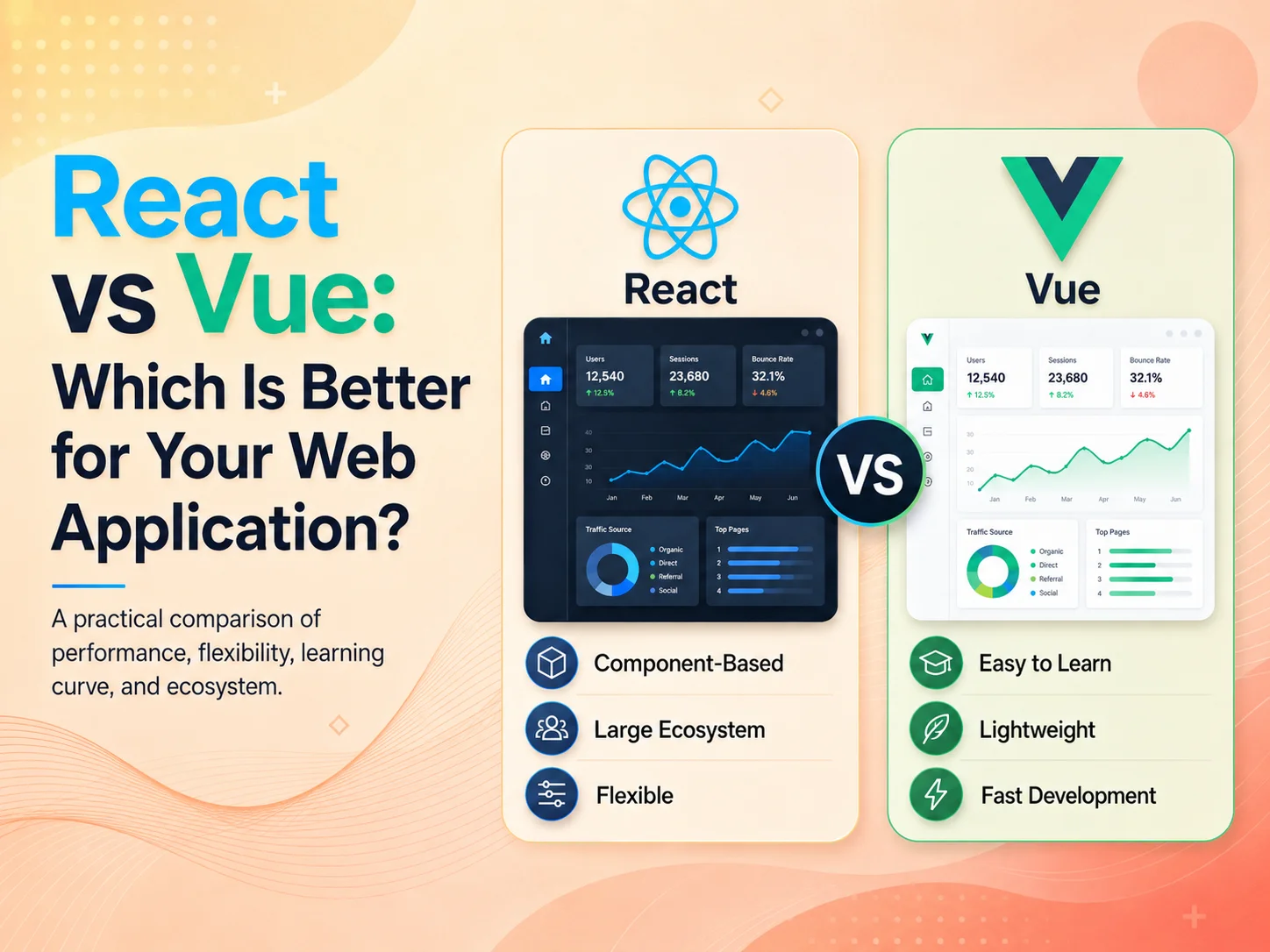
React vs Vue: Which Is Better for Your Web Application?

React and Vue are two popular technologies for building interactive web applications. Both support component-based development, reusable interfaces, dynamic data, dashboards, SaaS platforms, customer portals, e-commerce experiences, and other modern web products.

The question is therefore not simply whether React or Vue is better. The more useful question is which one better matches your application requirements, development team, existing technology, long-term plans, and preferred development approach.

Both can be used to build professional and scalable web applications. However, they differ in how developers structure projects, write interface components, choose supporting tools, and build the wider application ecosystem around the frontend.

React and Vue Take Different Approaches to Frontend Development

React is primarily focused on building user interfaces through reusable components. Developers typically combine React with additional tools or a broader framework when they need routing, data loading, server rendering, authentication architecture, and other application-level functionality.

This flexibility can be valuable for development teams that want more control over their technology choices. React projects can range from interactive sections inside an existing website to complex SaaS applications built with a full-stack React framework.

Vue provides a more integrated development experience while remaining flexible enough for gradual adoption. Its template syntax is based closely on familiar HTML, while JavaScript manages state and application behavior. Vue also has official solutions available for common requirements such as routing and application state management.

For businesses, these architectural differences matter less than how they affect development speed, maintainability, team expertise, and the ability to support the application over time.

Area React Vue
Core Approach UI library centered around reusable components Progressive frontend framework and ecosystem
Component Style Commonly uses JavaScript or TypeScript with JSX Commonly uses templates with script and style sections
Project Structure Flexible, with many possible architecture choices More conventions available through the Vue ecosystem
Routing Handled through frameworks or routing libraries Official Vue Router available
State Management Several approaches and libraries available Built-in reactivity with Pinia available for larger shared state
Learning Experience Comfortable for teams familiar with JavaScript-first component development Often approachable for developers familiar with HTML, CSS, and JavaScript
Good Fit Flexible products, large ecosystems, React-based teams and full-stack React projects Structured frontend applications, gradual adoption and teams preferring Vue conventions

Consider Your Development Team and Existing Technology

The experience of the development team should be one of the strongest factors in the decision. Choosing Vue because its syntax appears simpler provides little advantage if the entire engineering team already works efficiently with React. The reverse is equally true.

A team with significant React experience may already have established component libraries, authentication patterns, testing tools, coding standards, and deployment processes. Replacing those advantages simply to use another technology can increase development time without providing meaningful business value.

Vue can be attractive when a team wants a relatively structured frontend ecosystem and an interface development style that keeps templates, application logic, and component styling organized clearly. Developers coming from traditional HTML, CSS, and JavaScript development may also find some Vue concepts familiar.

Hiring and long-term maintenance should be considered alongside initial development. The business needs developers who can understand the codebase several years after launch, not only a team capable of delivering the first version.

Both Can Handle Complex Business and SaaS Applications

The complexity of the application does not automatically determine the winner. React and Vue can both support dashboards, role-based interfaces, real-time updates, complex forms, reporting, data tables, customer accounts, workflow systems, and other functionality commonly found in business applications.

Architecture becomes more important as the application grows. Teams need clear patterns for reusable components, API communication, authentication, state management, permissions, error handling, testing, and feature organization regardless of which frontend technology they select.

For a SaaS platform, for example, users may need dashboards, subscriptions, billing, notifications, user management, reporting, and multiple application modules. Neither React nor Vue automatically solves the business logic behind these features. The frontend still needs to communicate with a properly designed backend and present complex workflows in a maintainable way.

Performance also depends heavily on how the application is built. Poor data loading, excessive JavaScript, unnecessary API requests, large dependencies, and inefficient component design can create performance problems in either technology. Choosing a popular framework does not replace good engineering practices.

React May Be a Stronger Fit When Flexibility Is a Priority

React can be particularly attractive when a company wants a broad range of architectural choices or already works within the React ecosystem. It can be used for focused interactive interfaces or combined with a full-stack React framework for larger applications.

This makes React a practical option for complex SaaS products, dashboards, marketplaces, customer portals, and applications expected to evolve significantly. Teams can select supporting tools according to the requirements rather than following one mandatory architecture.

That flexibility can also introduce decisions. Developers need to determine how routing, server rendering, data fetching, forms, application state, and other concerns should be handled. A well-defined architecture is therefore important for larger React projects.

Discuss Your Web Application Project

Vue May Be a Better Fit When Simplicity and Conventions Matter

Vue can be a strong choice for businesses that want a modern component-based frontend with an approachable development structure. Its ecosystem provides clear paths for common application requirements without preventing developers from introducing additional tools when needed.

Vue can work well for dashboards, administration systems, SaaS applications, customer portals, interactive websites, and applications being introduced gradually into an existing project.

For teams that prefer template-based components and established official solutions for common frontend requirements, Vue can reduce some of the architectural decision-making that comes with a more open-ended setup.

This does not mean Vue is only suitable for smaller projects. Application scalability depends on architecture, code quality, testing, backend design, infrastructure, and development practices—not simply the name of the frontend framework.

Choose Based on the Product, Not Framework Popularity

Businesses should avoid selecting a frontend technology only because it is currently popular or because another company uses it. The decision should consider the product roadmap, existing codebase, developer expertise, integration requirements, application complexity, hiring plans, and long-term maintenance.

If your organization already has an experienced React team and plans to build within a React-based technology stack, React is often the practical choice. If your team prefers Vue’s conventions and development model, Vue can provide an equally capable foundation for many web applications.

For some projects, the frontend framework may not even be the most important technical decision. Backend architecture, database design, API structure, security, deployment, scalability, and product UX can have a much greater impact on whether the application succeeds.

Encoder IT Limited develops custom web applications and SaaS platforms using modern frontend and backend technologies, including React, Next.js, Vue, Laravel, Node.js, APIs, dashboards, workflow automation, and third-party integrations.

React and Vue are both capable choices for modern web development. React offers extensive flexibility and works naturally within a broad ecosystem, while Vue provides an approachable and cohesive development experience. The better option is the one that allows your team to build, maintain, and extend the application reliably as the business grows.

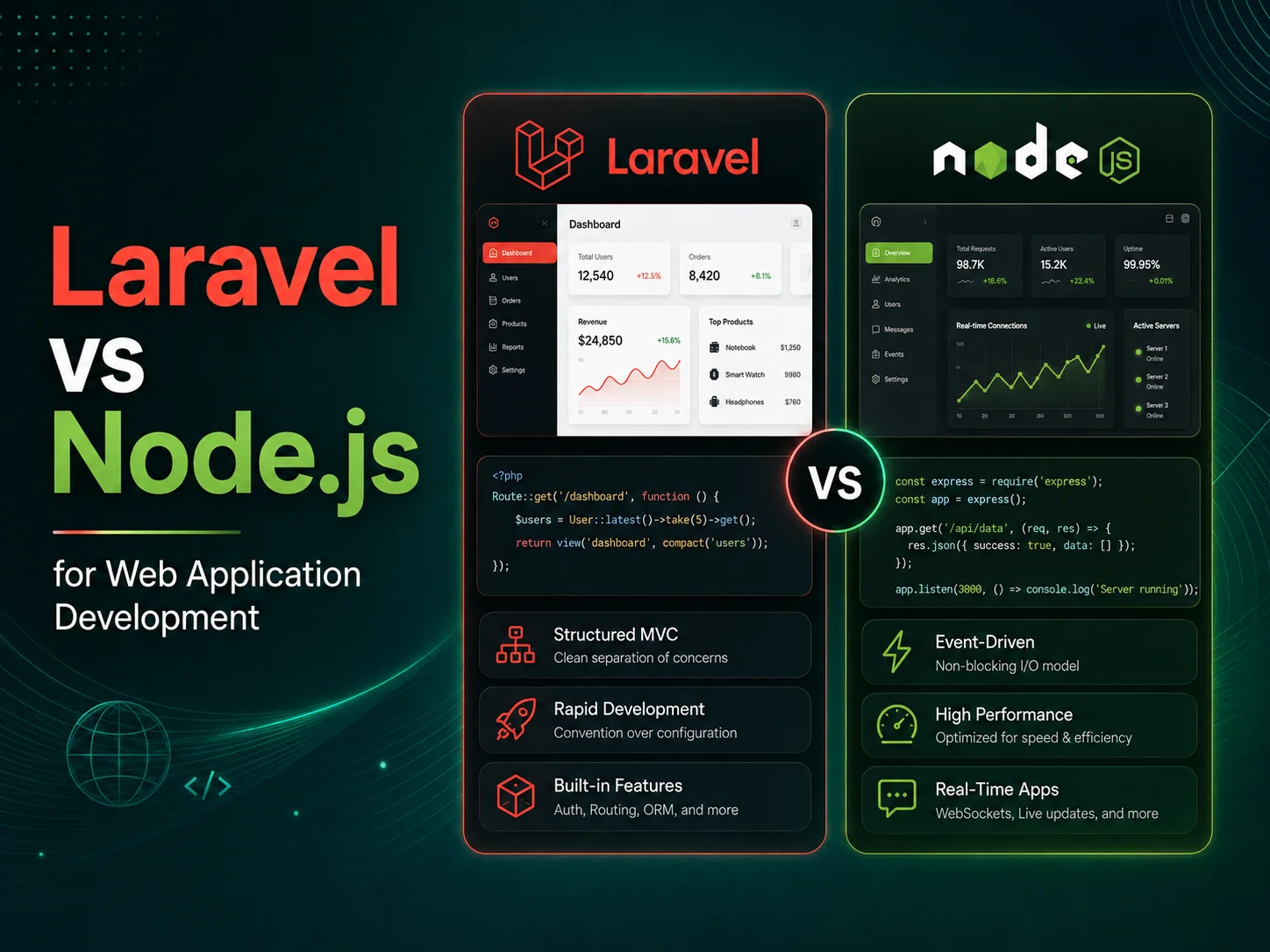
Laravel vs Node.js for Web Application Development

Laravel and Node.js are both widely used for building modern web applications, APIs, SaaS platforms, dashboards, customer portals, and business management systems. However, they are not exactly the same type of technology. Laravel is a PHP web application framework, while Node.js is a JavaScript runtime that is typically combined with frameworks and libraries to create a complete backend application.

Because of this difference, choosing between Laravel and Node.js for web application development is less about identifying a universal winner and more about selecting the development approach that fits your application, team, architecture, integrations, and long-term maintenance requirements.

Both technologies can support serious business applications. Laravel provides a structured framework with many common web development capabilities available within its ecosystem, while Node.js gives development teams considerable flexibility in designing JavaScript or TypeScript-based backend systems.

Laravel Provides a Structured Web Application Framework

Laravel gives developers an organized foundation for building backend applications with PHP. Common requirements such as routing, database access, authentication, authorization, validation, queues, scheduled jobs, caching, testing, and API development can be handled using established Laravel patterns and its surrounding ecosystem.

This structured approach can be particularly useful for applications containing significant business logic. Customer management platforms, booking systems, administration portals, e-commerce backends, subscription systems, workflow applications, and internal business software often contain many connected database records, forms, permissions, notifications, and approval processes.

Laravel’s Eloquent ORM also provides a structured way to work with relational database models and their relationships. For applications where users, organizations, subscriptions, invoices, tasks, permissions, products, orders, and other records are closely connected, this can make backend development easier to organize.

Laravel is relatively opinionated about how common parts of an application should be structured. For many development teams, that consistency can make larger projects easier to understand because developers entering the codebase have familiar conventions to follow.

Node.js Offers a Flexible JavaScript-Based Backend

Node.js allows JavaScript to run on the server and is designed around asynchronous, event-driven application patterns. Development teams normally combine Node.js with additional frameworks and packages depending on the project architecture.

This flexibility makes Node.js attractive for APIs, real-time applications, collaboration tools, messaging systems, streaming services, dashboards with frequent updates, microservices, and applications that communicate with several external services.

Another practical advantage appears when a development team already uses JavaScript or TypeScript heavily on the frontend. A React, Next.js, Vue, or other JavaScript-based frontend can be supported by a Node.js backend while allowing developers to work within the same broader language ecosystem.

However, flexibility also means architectural decisions need to be made carefully. The team must choose how authentication, validation, database access, application structure, background processing, logging, testing, and other backend concerns will be organized. Using an established Node.js framework and clear development standards can help prevent the codebase from becoming inconsistent as the application grows.

Area Laravel Node.js
Technology Type PHP web application framework JavaScript runtime for server-side applications
Development Style More structured and convention-driven Flexible; architecture depends heavily on selected frameworks and tools
Primary Language PHP JavaScript or TypeScript
Database Applications Strong built-in framework patterns for relational business applications Multiple database libraries and ORM approaches available
Asynchronous Work Queues and background jobs are well supported Asynchronous and event-driven programming is fundamental to the platform
Real-Time Applications Supported through Laravel’s real-time ecosystem Natural fit for event-driven and connection-heavy applications
Architecture Choices Many common decisions already have established Laravel conventions Teams have greater freedom to select architecture and supporting tools
Typical Fit Business systems, SaaS platforms, portals, e-commerce and workflow applications APIs, real-time systems, SaaS platforms, integrations and JavaScript-centric applications

Performance Depends on More Than Laravel vs Node.js

Technology comparisons frequently focus on which option is faster, but real-world application performance depends on far more than the backend language or runtime. Database queries, caching, API design, infrastructure, application architecture, background processing, frontend performance, and external integrations can all become bottlenecks.

Node.js’s asynchronous architecture can be particularly effective when an application handles many I/O operations, such as API requests, network communication, real-time connections, or other tasks where the application spends time waiting for external resources.

Laravel can also support high-traffic applications through caching, queues, background workers, optimized database access, distributed infrastructure, and appropriate deployment architecture. A properly designed Laravel application can scale significantly, just as a poorly designed Node.js application can experience performance problems.

Businesses should therefore avoid choosing Node.js simply because they have heard that it is faster or rejecting Laravel because it uses PHP. The more important question is whether the complete architecture can meet expected traffic, processing, reliability, and maintenance requirements.

Which Is Better for SaaS and Business Applications?

Laravel is often a strong choice when the application contains substantial structured business logic. A SaaS platform may need organizations, users, roles, subscriptions, invoices, permissions, notifications, reports, scheduled processes, and administration tools. Laravel provides established patterns for many of these requirements, which can help teams move from requirements to implementation efficiently.

Node.js can be particularly attractive when the product is heavily API-driven, requires frequent real-time communication, integrates with many external services, or when the development organization wants JavaScript or TypeScript across much of the technology stack.

For example, a collaboration application with live messages, presence indicators, event streams, and continuously updating dashboards may fit naturally within a Node.js architecture. A business management platform centered on customers, employees, permissions, billing, approvals, documents, and complex relational workflows may fit particularly well with Laravel.

These are not limitations. Node.js can build complex database-driven business applications, and Laravel can support real-time functionality. They simply illustrate areas where the development experience may naturally align with particular types of requirements.

Discuss Your Web Application Requirements

Consider Your Team and Long-Term Maintenance

The existing skills of the development team can be more important than small technical differences between the technologies. An experienced Laravel team may deliver a reliable application faster than a team learning a new Node.js architecture during the project. Likewise, a company with an experienced TypeScript and Node.js team may gain little by introducing PHP without a clear reason.

Businesses should also consider how easily the system can be maintained after launch. A web application may continue evolving for many years, with new modules, integrations, reports, user roles, and business rules added over time.

A consistent architecture, automated testing, clear database design, secure authentication, proper logging, deployment procedures, and good documentation will usually have a greater long-term impact than choosing one popular backend technology over another.

The surrounding technology stack matters too. If the company already operates Laravel applications, staying within that ecosystem may simplify infrastructure and developer support. If the organization already uses JavaScript and TypeScript throughout its frontend, backend, and serverless services, Node.js may create a more unified development environment.

Choose the Technology Around the Application

There is no universal answer to Laravel vs Node.js. Laravel is a strong option for teams that value a structured, productive framework with established solutions for common web application requirements. Node.js is a strong option for teams that value an asynchronous JavaScript environment, architectural flexibility, and a unified JavaScript or TypeScript development ecosystem.

Encoder IT Limited develops custom web applications and SaaS platforms using Laravel, Node.js, React, Next.js, APIs, databases, payment systems, workflow automation, dashboards, and third-party integrations. The technology stack can be selected around the product requirements rather than forcing every project into the same architecture.

The best backend technology is the one that helps your team build the required functionality securely, maintain it consistently, integrate it with the rest of your systems, and continue extending the application as the business grows. Laravel and Node.js can both achieve that goal when they are matched with the right project and supported by good software architecture.

How API Integration Can Automate Your Business

Businesses often use several different software systems to manage customers, payments, orders, accounting, communication, inventory, scheduling, documents, and internal operations. When these systems do not communicate with each other, employees may spend significant time copying information manually from one platform to another.

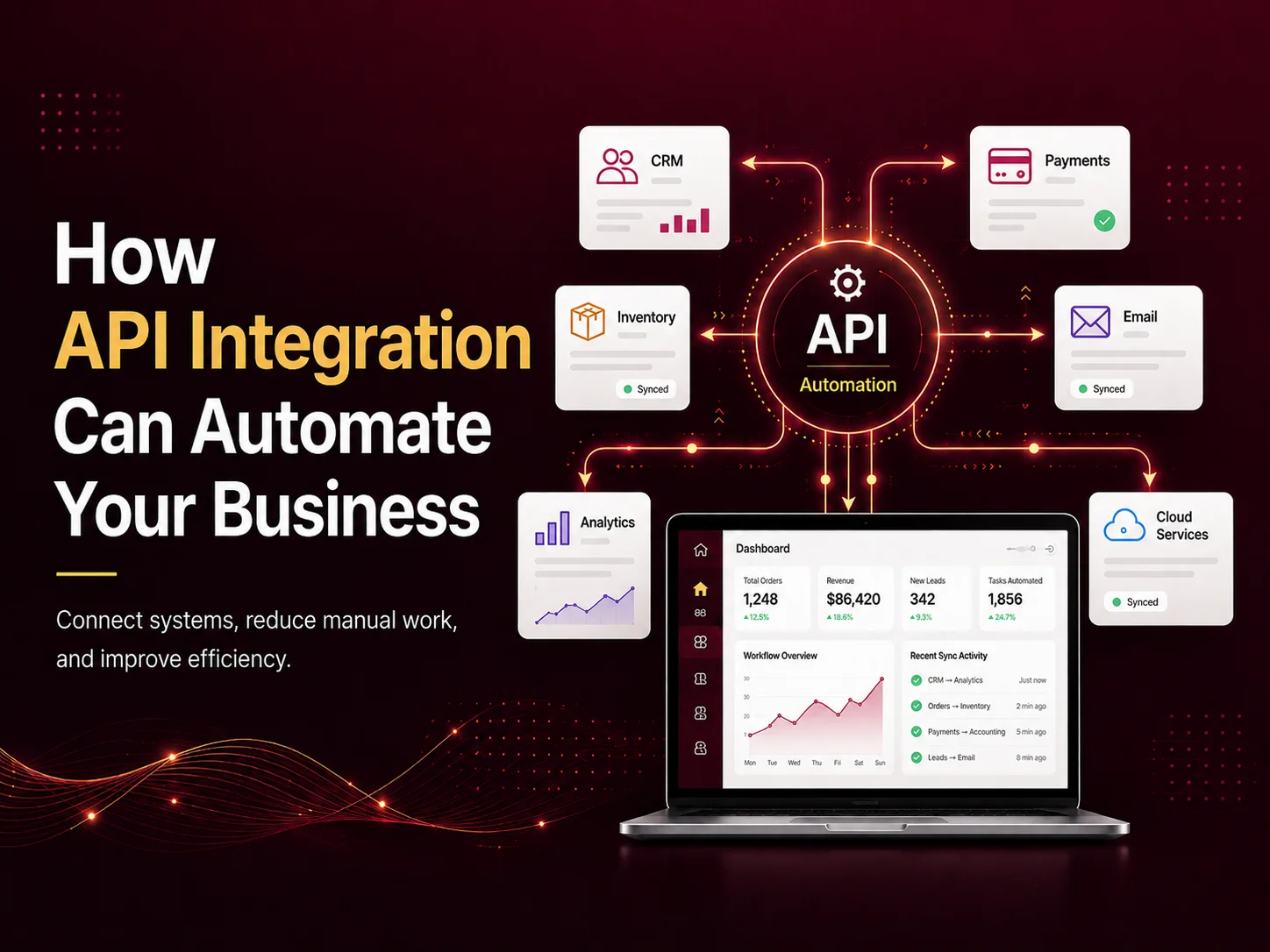
API integration can automate business processes by allowing different applications to exchange information and trigger actions automatically. Instead of repeatedly entering the same data into multiple systems, businesses can create connected workflows where one event starts the next required step.

This can reduce repetitive administrative work, improve data consistency, speed up operations, and give employees more time to focus on tasks that require judgment, communication, or customer service.

What Does API Integration Mean for a Business?

An API, or Application Programming Interface, provides a structured way for one software system to communicate with another. A business application can use an API to request information, send data, create records, update statuses, or trigger actions in another platform.

For example, an e-commerce website may send payment information to a payment gateway. After the payment succeeds, another integration can update the order, notify the customer, reduce inventory, and send relevant transaction information to an accounting system.

The customer sees one connected experience, while several systems may be working together behind the scenes.

APIs can connect custom web applications with CRM platforms, payment gateways, shipping providers, accounting software, cloud storage, email services, calendars, communication platforms, inventory systems, AI services, and many other business tools.

API Integration Can Replace Repetitive Manual Workflows

One of the clearest benefits of API integration is eliminating tasks where employees repeatedly move information between systems. These workflows may seem small individually, but they can consume substantial time when they happen dozens or hundreds of times every day.

Consider a company that receives leads through its website. Without integration, an employee may need to open each enquiry, create a CRM contact manually, assign the lead to a salesperson, send a confirmation email, and create a reminder for follow-up.

With API integration, submitting the website form can automatically create the CRM record, assign the lead according to predefined rules, send the confirmation, and notify the appropriate salesperson. The employee only needs to become involved when actual sales work begins.

Similar automation can be used for orders, appointments, employee requests, invoices, support tickets, document processing, subscriptions, and many other recurring business processes.

Common Business Processes That APIs Can Automate

  • Sending website leads directly into a CRM
  • Updating orders after successful payments
  • Synchronizing inventory between sales channels
  • Generating shipping labels and tracking information
  • Sending automated email or SMS notifications
  • Creating invoices or updating accounting records
  • Synchronizing appointments with calendar systems
  • Connecting customer support tickets with internal tools
  • Transferring data between SaaS platforms
  • Updating dashboards and reports automatically

The most valuable integrations usually connect processes that occur frequently and require the same information to be entered several times. Removing duplicate data entry can improve both efficiency and accuracy because employees are no longer repeatedly copying values between systems.

APIs can also support more complex workflows. A completed customer order might trigger inventory updates, warehouse tasks, payment records, shipping requests, notifications, and reporting changes through several connected services.

Real-Time Integration Can Keep Business Data Consistent

Disconnected systems can easily contain different versions of the same information. Inventory may show one quantity in the online store and another in the warehouse system. A CRM may show a customer as unpaid even though payment has already been received elsewhere.

API integrations can synchronize important changes so connected systems remain more consistent. Depending on the workflow, updates may happen immediately, periodically, or through event-based notifications.

For example, when an order ships, the fulfillment platform may send the tracking information back to the e-commerce system. The store can then update the order status and send the customer a notification without requiring an employee to copy the tracking number manually.

This becomes particularly valuable as businesses operate across more channels, departments, and locations. A centralized flow of reliable data can reduce confusion and make reporting more useful.

Automate Your Systems With API Integration

Reliable Automation Needs More Than Simply Connecting Two APIs

An integration should be designed for situations where everything works correctly as well as situations where something fails. External services can become unavailable, network requests can time out, data may be incomplete, and the same event can occasionally be received more than once.

Good integration architecture should therefore include validation, logging, retries where appropriate, duplicate protection, and clear error handling. Administrators should be able to identify when an automated process failed rather than allowing important transactions to disappear silently.

Security is equally important. API credentials and secret keys should be protected on trusted backend systems. Access should be limited to the permissions required by the integration, and sensitive information should only be transferred when necessary.

Important actions may also require verification before the next business process begins. A payment workflow, for example, should confirm the payment through trusted server-side information rather than relying only on what the customer’s browser reports.

Custom API Integration Can Connect Existing Software Without Replacing It

Business automation does not always require replacing the software a company already uses. In many cases, the better approach is to connect existing systems so they work together more effectively.

A business might already be comfortable with its accounting software, CRM, e-commerce platform, and internal management application. Custom API integration can create a communication layer between these tools while allowing employees to continue using the systems they already understand.

This approach can also support gradual modernization. A company may begin by automating its most time-consuming workflow and then connect additional departments or platforms over time.

Before building an integration, businesses should identify which system should be considered the primary source for each type of information. Clear ownership of customer data, inventory, payments, orders, or other records helps prevent conflicting updates between systems.

Use API Automation Where It Creates Measurable Value

Not every manual action needs automation. A process that happens once a month and takes five minutes may not justify a complicated integration. Businesses should prioritize workflows that happen frequently, create repeated data entry, delay customer service, or generate costly mistakes.

Once those workflows are identified, automation can be introduced in stages. Businesses can measure how much manual work is removed, whether processing becomes faster, and whether the number of errors decreases before expanding the integration further.

Encoder IT Limited develops custom API integrations, web applications, and SaaS platforms that connect payment gateways, CRM systems, e-commerce platforms, accounting tools, shipping services, communication systems, AI services, and other business software.

API integration can turn separate applications into a connected business workflow. When systems can securely exchange information and trigger the right actions automatically, companies can reduce repetitive work, keep data more consistent, respond faster, and build operations that are easier to scale as the business grows.

How to Build a Multi-Tenant SaaS Application

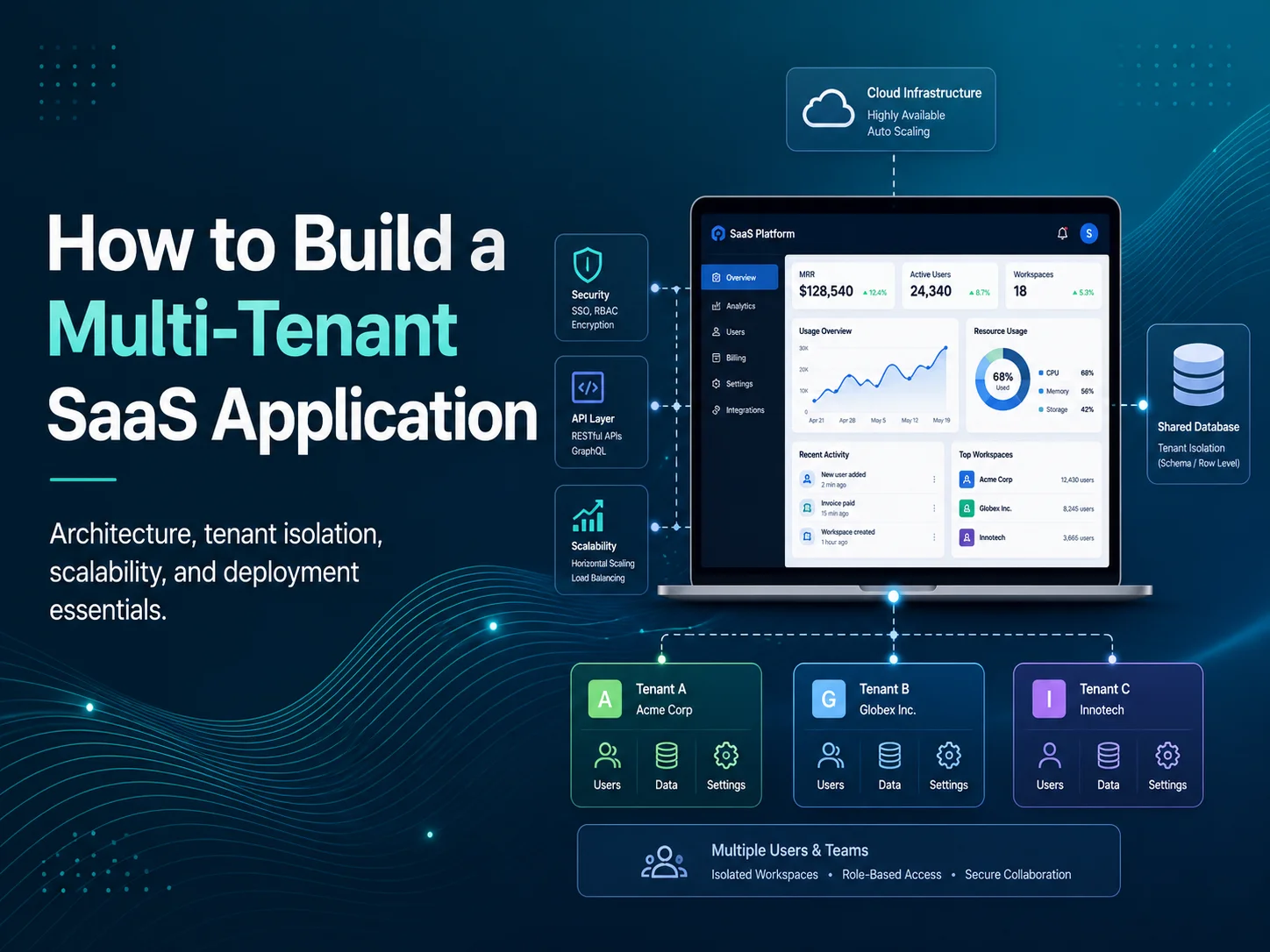
A multi-tenant SaaS application allows multiple businesses or organizations to use the same software platform while keeping their users, data, settings, subscriptions, and operations logically separated. Instead of deploying a completely different application for every customer, one platform can serve many tenants from a shared technology foundation.

This model is commonly used for business management systems, CRM platforms, HR software, project management tools, healthcare applications, customer portals, booking systems, and many other subscription-based products.

Building a multi-tenant SaaS application, however, requires more than adding a company ID to a database table. Tenant identification, data isolation, permissions, subscriptions, customization, security, reporting, infrastructure, and application scaling all need to be considered from the beginning.

Start With a Clear Tenant Architecture

The first important decision is defining what a tenant represents. In many SaaS products, one tenant is a company or organization. That organization may then contain administrators, managers, employees, customers, departments, locations, projects, or other internal structures.

Once the tenant boundary is clear, the application needs a reliable way to identify which tenant the current user belongs to. This may happen through the authenticated account, a subdomain such as company.example.com, a tenant-specific URL, or another controlled identifier.

Every important request should operate within that tenant context. If a manager opens an employee list, for example, the backend should return employees belonging to that manager’s organization rather than relying only on frontend filtering.

This principle should apply consistently to customers, invoices, tasks, documents, reports, messages, schedules, and every other tenant-owned resource.

Choose the Right Data Isolation Strategy

Data isolation is one of the most important parts of multi-tenant architecture. Each tenant must only be able to access information that belongs to that tenant unless the platform intentionally provides cross-tenant access to a trusted system administrator.

One common approach is a shared database where tenant-owned records include a tenant identifier. This can simplify deployment and make it easier to operate large numbers of smaller tenants from the same application.

Another approach is using separate databases or schemas for individual tenants. This can provide stronger infrastructure-level separation and may suit applications with strict isolation, large enterprise customers, or specific operational requirements. However, it also introduces additional complexity around migrations, backups, monitoring, and deployment.

Approach Advantages Considerations
Shared Database Simpler infrastructure and efficient for many tenants Every tenant-specific query must enforce tenant isolation correctly
Separate Schema Greater logical separation while sharing database infrastructure Schema management becomes more complex as tenants increase
Separate Database Strong isolation and greater tenant-level control Higher operational complexity and infrastructure management
Hybrid Model Allows different strategies for different customer tiers Requires more sophisticated application and deployment architecture

The best model depends on customer count, data volume, compliance requirements, infrastructure cost, operational complexity, and how independently individual tenants need to scale.

Whatever model is selected, tenant isolation should be enforced primarily on trusted backend systems rather than relying on a tenant ID submitted by the browser.

Design Users, Roles, and Permissions Around Organizations

Most multi-tenant SaaS applications require more than one type of user. A tenant may have an owner, administrators, managers, employees, finance users, support staff, or other custom roles.

Role-based access control determines which parts of the application each user can access. An employee might view assigned tasks, while a manager can create schedules and approve requests. A tenant administrator may manage users and billing but still have no access to another organization’s information.

The SaaS provider normally has a separate platform-level administration layer. These super administrators may manage tenants, plans, subscriptions, support cases, system configuration, or application-wide analytics.

Keeping platform permissions separate from tenant permissions is important. A tenant administrator is powerful within one organization but should not automatically receive platform-wide privileges.

  • Tenant owners and administrators
  • Role-based employee permissions
  • Custom roles where required
  • Department, location, or project-level access
  • Platform-level super administrators
  • Audit logs for important permission and account changes

Connect Subscription Plans With SaaS Access

A multi-tenant SaaS product usually needs subscription management that determines what each organization can use. Plans might control the number of users, available modules, storage, locations, transactions, API usage, or other limits.

Subscription rules should be connected to backend authorization rather than only hiding interface elements. If a plan does not include a particular module, the server should enforce that restriction even if someone attempts to access the related API directly.

The application also needs to handle subscription lifecycle events such as new subscriptions, upgrades, downgrades, renewals, failed payments, cancellations, and trial expiration.

Usage-based limits require additional tracking. If a plan allows 20 users, for example, the application needs to know how active users are counted and what should happen when the tenant reaches that limit.

Build Your Multi-Tenant SaaS Platform

Allow Tenant Customization Without Creating Separate Products

Customers often want their SaaS workspace to feel specific to their organization. This may include company logos, brand colors, notification preferences, workflow settings, custom fields, departments, locations, or integrations.

These differences should usually be stored as configuration rather than creating separate source-code versions for each tenant. Maintaining one custom codebase per customer quickly removes many of the operational advantages of SaaS.

Feature flags and plan-based configuration can help control functionality while keeping the main application unified. Enterprise customers may receive additional modules or integration options without requiring a completely different application deployment.

Businesses should still control the amount of customization carefully. A platform that allows every tenant to redefine fundamental workflows can become extremely difficult to maintain. The strongest SaaS products usually provide flexibility within a clear product structure.

Plan for Scale, Background Work, and Tenant-Level Monitoring

Multi-tenancy changes how application performance should be evaluated. One tenant may contain five users while another contains thousands. A large import, report, or automated task from one customer should not unnecessarily degrade the experience for everyone else.

Background queues can help move expensive operations away from normal web requests. Report generation, bulk imports, notifications, file processing, data synchronization, and other longer-running work can be processed asynchronously.

Rate limits or tenant-level resource controls may also be useful for APIs and expensive processes. The objective is to prevent one tenant from consuming a disproportionate amount of shared resources.

Monitoring should make it possible to investigate problems at the tenant level. When an error occurs, developers should be able to determine which tenant, user, request, integration, or background task was involved without exposing sensitive information in application logs.

Security Must Be Built Around Tenant Isolation

A security mistake in a normal application can expose sensitive information. In a multi-tenant application, a tenant-isolation mistake can potentially expose one customer’s information to another customer, making authorization especially important.

Backend queries, file storage, caches, exports, search results, API endpoints, notifications, and background jobs all need tenant awareness. It is not enough to protect only the main database queries.

Uploaded files should follow the same isolation principles as database records. Reports and exports must be generated using the correct tenant context. Cache keys should not accidentally allow information belonging to one organization to be returned to another.

Audit logs can record sensitive administrative activities such as role changes, account updates, data exports, approvals, or configuration modifications. Depending on the product and customer requirements, additional controls may include multi-factor authentication, single sign-on, IP restrictions, encryption, backup policies, and session-management rules.

Test Multi-Tenancy as a Core Application Requirement

Testing should verify not only that users can access their own information, but also that they cannot access another tenant’s information by changing identifiers, URLs, API parameters, or request data.

Automated tests can create multiple tenants and verify isolation across important modules. Developers should test permissions, imports, exports, search, reporting, background jobs, subscriptions, APIs, file downloads, and administrator functionality.

Testing should also cover tenant lifecycle events. What happens when a subscription expires? Can a suspended tenant still access APIs? What happens to scheduled background jobs after cancellation? How is data handled if a customer permanently closes its account?

These decisions become much easier to manage when they are defined before the platform has hundreds of customers.

Build the SaaS Foundation for Long-Term Growth

A multi-tenant platform does not need every advanced feature at launch. A practical first version may include tenant registration, user management, roles, core business functionality, subscription control, billing, and platform administration. Reporting, integrations, advanced customization, and enterprise functionality can then be added as the product develops.

Encoder IT Limited develops custom multi-tenant SaaS platforms and business web applications with tenant management, subscriptions, role-based permissions, dashboards, workflow automation, billing, API integrations, reporting, and scalable backend architecture.

The most important principle is to treat tenancy as part of the application’s foundation rather than a feature added later. When tenant identification, data isolation, permissions, subscriptions, configuration, security, and scalability are designed together, the SaaS platform is better prepared to serve many organizations without becoming a collection of separate custom systems.

Custom Software vs Off-the-Shelf Software

Businesses rely on software for customer management, operations, finance, scheduling, inventory, communication, reporting, and many other daily activities. One of the first decisions is whether to use an existing software product or invest in a system designed specifically around the organization.

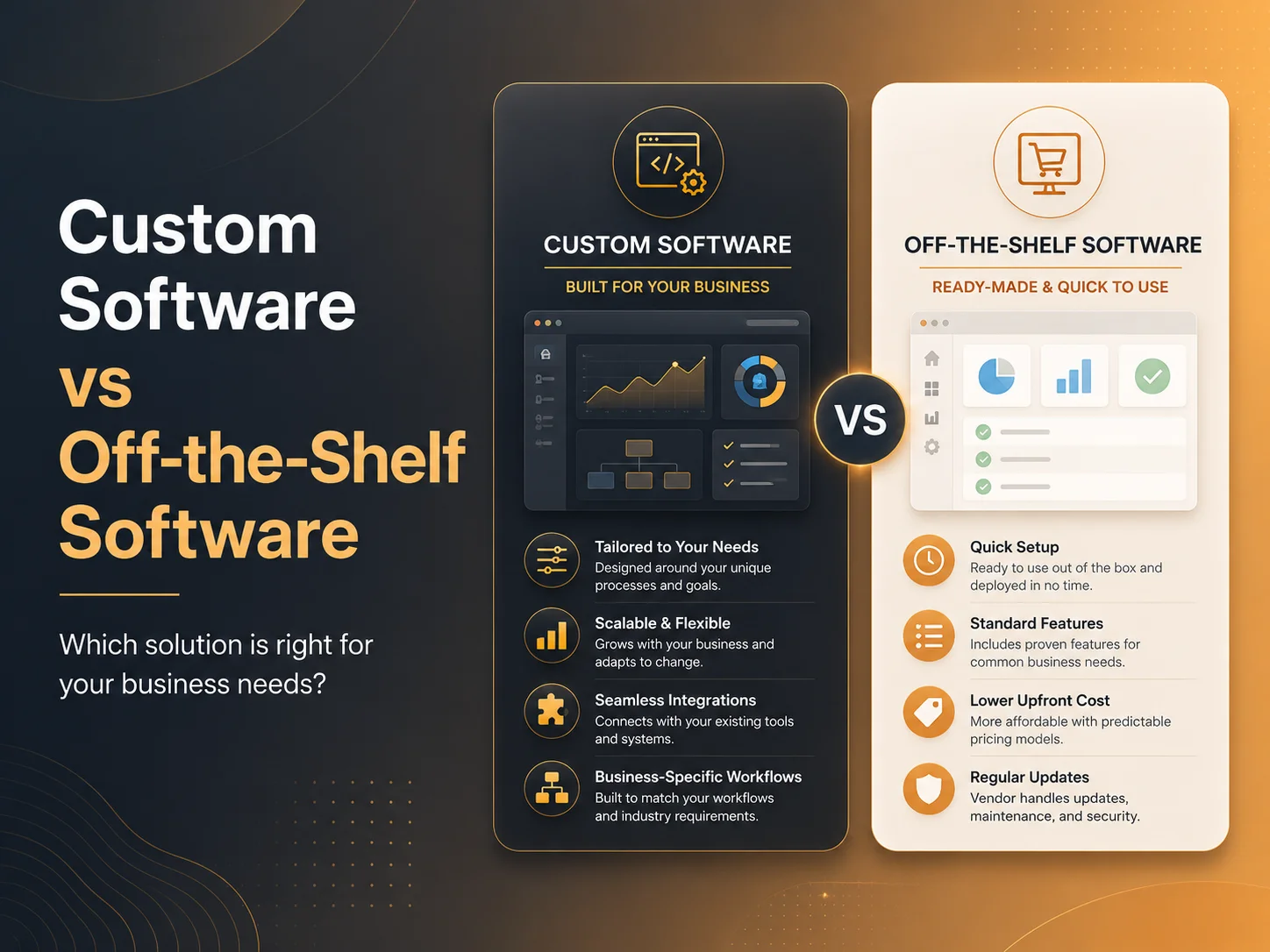
Custom software and off-the-shelf software can both be effective, but they solve different problems. Off-the-shelf solutions provide ready-made functionality that can often be deployed quickly, while custom software gives businesses greater control over workflows, integrations, permissions, automation, and future development.

The better option depends on how closely existing software matches the business, how important the process is, and whether adapting operations to a generic system creates more limitations than benefits.

What Is Off-the-Shelf Software?

Off-the-shelf software is developed for a broad group of customers rather than one specific organization. Examples can include accounting systems, CRM platforms, project management tools, help desk software, HR systems, e-commerce platforms, and subscription-based SaaS products.

One of the biggest advantages is speed. Businesses can often create an account, configure basic settings, import data, and begin using the software without waiting for a complete development project.

Existing platforms may also include documentation, customer support, mobile applications, integrations, regular updates, and features that would require significant time to develop independently.

The limitation is that the business usually needs to work within the structure provided by the software. Settings and extensions may provide flexibility, but important workflows cannot always be changed exactly as the organization wants.

What Is Custom Software?

Custom software is designed around the specific processes, users, data, and requirements of a business. Instead of adapting the organization to a predefined workflow, developers can build the application around how the company actually operates.

A custom system might include customer management, employee roles, approvals, task automation, dashboards, reporting, subscriptions, scheduling, inventory, document management, or integrations with existing services.

The business can also control how different users interact with the system. Employees, managers, customers, partners, and administrators may each have different dashboards, permissions, and workflows based on their responsibilities.

Custom development requires greater planning and investment at the beginning. The organization also needs to consider ongoing maintenance, hosting, security, feature development, and technical support rather than expecting a software vendor to manage everything.

Area Off-the-Shelf Software Custom Software
Initial Setup Usually faster Requires design and development
Initial Cost Often lower Usually requires higher upfront investment
Customization Limited to available settings and extensions Designed around specific requirements
Business Workflows Business may need to adapt to the software Software can adapt to the business
Integrations Depends on supported integrations and APIs Can be developed around required systems
Scalability Depends on vendor plans and product limits Can be planned around expected growth
Maintenance Main platform maintained by the vendor Business or development partner manages maintenance

When Off-the-Shelf Software Is Usually the Better Choice

Businesses should not build custom software simply because customization sounds attractive. If an existing product already solves the problem well, purchasing that solution can be significantly more efficient.

Standard functions such as accounting, email marketing, video meetings, document storage, or basic project management often have mature products available. Rebuilding these features independently may add cost without creating meaningful competitive value.

Off-the-shelf software can also be a practical choice for smaller organizations that need to improve operations quickly but are not yet ready for a larger software investment.

  • The business process is relatively standard
  • An existing product already covers most requirements
  • Fast implementation is important
  • The available subscription cost fits the business
  • Advanced customization is not required
  • The organization prefers vendor-managed updates and infrastructure

The important point is to evaluate the real workflow rather than selecting software based only on its feature list. A system may advertise hundreds of features while still missing the few functions most important to the business.

When Custom Software Starts to Make More Sense

Custom development becomes more attractive when a business has processes that are difficult to represent inside existing tools. Employees may be maintaining multiple spreadsheets, copying information between systems, or creating complicated workarounds because the current software does not match how the company operates.

Another common situation is when several different systems are required to complete one workflow. A company might use one application for customers, another for scheduling, a spreadsheet for approvals, email for task assignments, and another platform for reporting. Custom software can potentially bring these processes into one connected application.

Specialized industries may also have requirements that generic software does not handle cleanly. Unique approval structures, customer portals, multi-location operations, complex permissions, specialized calculations, regulatory workflows, or internal business rules can justify a more tailored platform.

Custom development can also become important when software itself is part of the company’s product. A SaaS business, marketplace, booking platform, customer portal, or specialized management system may require functionality that cannot simply be assembled from generic applications.

Discuss Your Custom Software Requirements

Consider the Long-Term Cost, Not Only the Initial Price

Off-the-shelf software often appears less expensive because the initial subscription is much lower than the cost of developing a custom application. However, businesses should consider how costs change as the organization grows.

Some platforms charge per user, transaction, storage level, location, or feature tier. A system that is affordable for ten employees may become significantly more expensive with several hundred users.

There may also be indirect costs. Employees might spend additional time entering the same information into several systems, building manual reports, or correcting errors caused by disconnected workflows.

Custom software has a higher development cost, but the business has greater control over which features are built and how processes are automated. The financial decision should therefore consider development, subscriptions, maintenance, employee time, integrations, training, and future growth together.

A Hybrid Approach Can Often Be the Most Practical

The decision does not always need to be completely custom or completely off-the-shelf. Many businesses benefit from combining both approaches.

A company might build a custom operations platform while continuing to use established services for payments, accounting, email delivery, cloud storage, communication, or analytics. APIs can connect these tools so employees still work through a unified workflow.

This approach allows the business to invest development resources in the processes that make it unique while avoiding the unnecessary cost of rebuilding mature third-party services.

For example, a custom customer management platform could connect to an existing payment provider, accounting service, email system, and calendar. The company controls its core workflow while relying on specialized providers for functions they already handle effectively.

Choose Software Around the Business Problem

The right decision should begin with a clear understanding of the problem rather than a preference for a particular technology. Businesses should document how work is currently completed, where employees lose time, which systems need to communicate, and what limitations are preventing growth.

If an existing platform can solve those problems without significant compromises, off-the-shelf software may be the most sensible choice. If the business is continuously adapting its operations around software limitations, custom development may provide greater long-term value.

Encoder IT Limited develops custom web applications and SaaS platforms for businesses that need workflow automation, dashboards, customer portals, role-based permissions, API integrations, reporting, subscription systems, and other specialized software functionality.

Custom software provides greater flexibility and control, while off-the-shelf software offers faster deployment and lower initial complexity. The strongest decision is the one that solves today’s operational problems without creating unnecessary limitations as the business continues to grow.

Android vs iOS App Development: Which Should You Choose?

When planning a mobile application, one of the first decisions is whether to build for Android, iOS, or both platforms. The right choice depends on your target users, budget, required features, development timeline, business model, and long-term product strategy.

Android and iOS are both mature mobile platforms capable of supporting e-commerce apps, SaaS products, marketplaces, booking systems, business applications, customer portals, and many other digital products. The important question is not which platform is generally better, but which one gives your business the strongest starting point.

Understand the Difference Between Android and iOS Development

Native Android applications are commonly developed using Kotlin, while native iOS applications are commonly built with Swift. Each platform has its own development tools, interface conventions, device ecosystem, testing requirements, and platform-specific capabilities.

Android applications need to work across a broad range of devices with different screen sizes, manufacturers, hardware configurations, and operating-system versions. This gives businesses access to a wide variety of users, but it can also increase the amount of device testing required.

iOS development targets Apple’s more controlled device ecosystem. The smaller number of device families can make some areas of testing more predictable, although developers still need to support different screen sizes, operating-system versions, permissions, and Apple-specific application behavior.

From the customer’s perspective, both platforms can provide fast, secure, and polished mobile experiences when the app is properly designed and developed.

Start With Your Target Audience

Your customers should have a major influence on the platform decision. If most of your existing users already access your services through Android devices, launching Android first may provide more immediate value. If your customer base is primarily using Apple devices, starting with iOS may make more sense.

This decision should ideally be based on real business information. Website analytics, customer data, existing device usage, geographic markets, and user research can help identify which platform deserves priority.

The type of product matters as well. A consumer application may have very different platform priorities from an internal employee app. If a company already supplies Android devices to field employees, for example, developing an iOS version first would provide little practical benefit.

Businesses targeting a broad consumer market often eventually need both Android and iOS. In that situation, the real decision may be whether to develop both together or launch one platform first and expand after validating the product.

Consider Features, Devices, and the User Experience

Most common mobile features can be developed for both platforms, including user accounts, payments, push notifications, maps, cameras, file uploads, subscriptions, biometric authentication, and real-time communication. However, some applications depend heavily on platform-specific functionality or hardware.

If your product connects with specialized devices, uses advanced Bluetooth functionality, depends heavily on background services, or requires deeper operating-system integration, the development team should review those requirements before selecting a platform.

UI/UX should also respect the conventions users already understand. Android and iOS do not need to look completely different, but navigation, permissions, gestures, and certain interface behaviors may need platform-specific adjustments. Trying to force exactly the same experience onto both operating systems can sometimes make the application feel less natural.

Budget and Development Time Can Influence the Decision

If your budget allows only one native application initially, choosing the platform with the strongest business opportunity can reduce the cost and complexity of the first release. The second platform can then be developed after the product has received real user feedback.

Building separate native Android and iOS apps means maintaining two implementations. New features, bug fixes, testing, and platform updates may need work on both sides. For businesses that know they need both platforms from the beginning, cross-platform development with Flutter or React Native may provide another option.

A shared cross-platform codebase can reduce duplicated development for many business applications while still allowing Android- or iOS-specific code when required. This does not automatically make cross-platform development the right choice for every product, but it is worth evaluating before investing in two completely separate native codebases.

  • Choose Android first when your users, devices, or business operations are primarily Android-based.
  • Choose iOS first when Apple users represent the strongest initial market for your product.
  • Build both when your customers are distributed across both platforms and excluding either group would limit the product.
  • Consider cross-platform development when you need Android and iOS together and most features can share the same business logic.

Request a Quote

Think Beyond the First App Release

The platform decision should include long-term maintenance. Android and iOS continue receiving operating-system updates, and applications need ongoing testing, security updates, SDK maintenance, and compatibility work after launch.

You should also consider how quickly the application is expected to grow. A small first version may later require subscriptions, payments, AI features, customer messaging, advanced reports, location services, or integrations with existing business systems. The initial technology and architecture should make those future changes manageable.

If you expect the app to become an important part of your business, selecting a platform only because it appears cheaper for the first version can create unnecessary limitations later. Development cost, maintainability, available technical expertise, customer reach, and future functionality should be considered together.

Making the Right Choice for Your Business

There is no universal answer to Android vs iOS app development. A business with a clearly defined Android audience may benefit from launching Android first, while another company may have stronger reasons to prioritize iOS. Many businesses eventually need both.

Encoder IT Limited develops Android, iOS, Flutter, and React Native applications for startups and established businesses. We help evaluate target users, required features, backend architecture, integrations, budget, and future plans before recommending a development approach.

The best platform is the one that connects your product with the right users while giving the application a reliable foundation for future development. Start with your audience and business requirements, then choose the technology that supports those goals instead of selecting a platform based only on popularity.