Businesses often use several different software systems to manage customers, payments, orders, accounting, communication, inventory, scheduling, documents, and internal operations. When these systems do not communicate with each other, employees may spend significant time copying information manually from one platform to another.
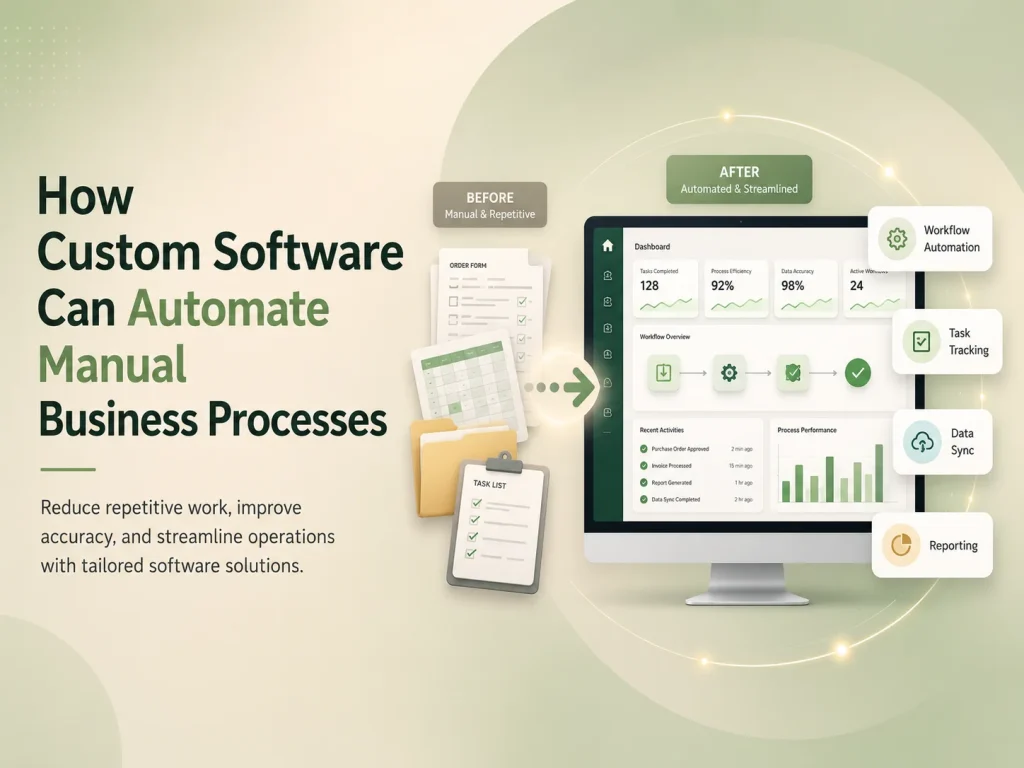
API integration can automate business processes by allowing different applications to exchange information and trigger actions automatically. Instead of repeatedly entering the same data into multiple systems, businesses can create connected workflows where one event starts the next required step.
This can reduce repetitive administrative work, improve data consistency, speed up operations, and give employees more time to focus on tasks that require judgment, communication, or customer service.
What Does API Integration Mean for a Business?
An API, or Application Programming Interface, provides a structured way for one software system to communicate with another. A business application can use an API to request information, send data, create records, update statuses, or trigger actions in another platform.
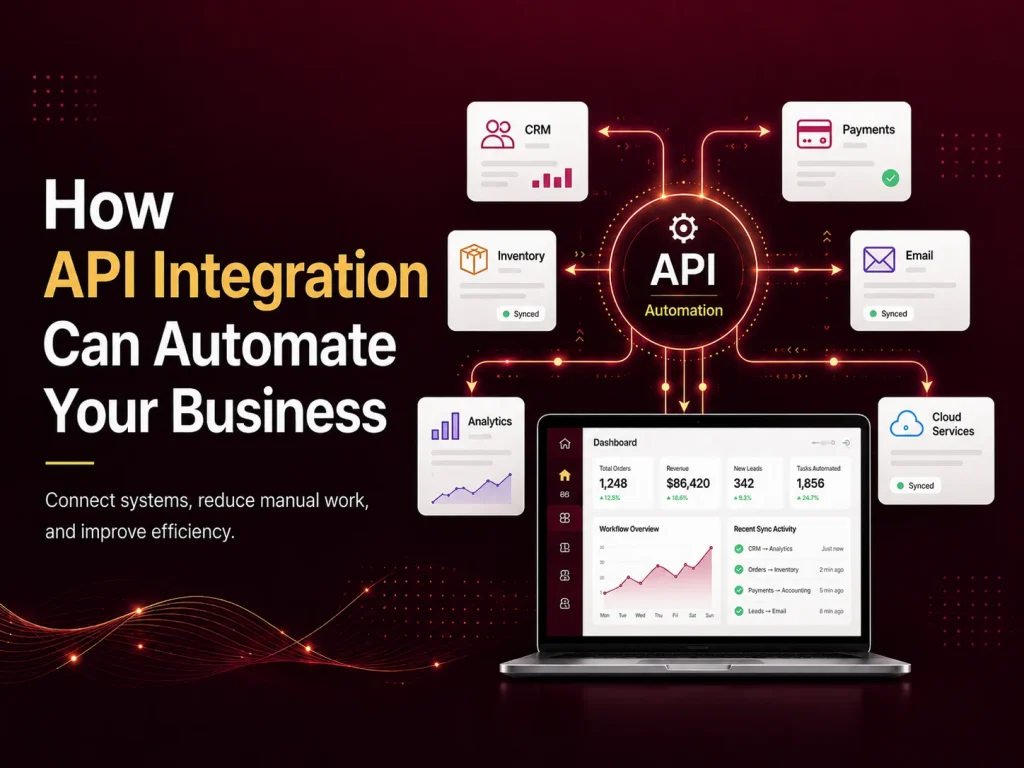
For example, an e-commerce website may send payment information to a payment gateway. After the payment succeeds, another integration can update the order, notify the customer, reduce inventory, and send relevant transaction information to an accounting system.
The customer sees one connected experience, while several systems may be working together behind the scenes.
APIs can connect custom web applications with CRM platforms, payment gateways, shipping providers, accounting software, cloud storage, email services, calendars, communication platforms, inventory systems, AI services, and many other business tools.
API Integration Can Replace Repetitive Manual Workflows
One of the clearest benefits of API integration is eliminating tasks where employees repeatedly move information between systems. These workflows may seem small individually, but they can consume substantial time when they happen dozens or hundreds of times every day.
Consider a company that receives leads through its website. Without integration, an employee may need to open each enquiry, create a CRM contact manually, assign the lead to a salesperson, send a confirmation email, and create a reminder for follow-up.
With API integration, submitting the website form can automatically create the CRM record, assign the lead according to predefined rules, send the confirmation, and notify the appropriate salesperson. The employee only needs to become involved when actual sales work begins.
Similar automation can be used for orders, appointments, employee requests, invoices, support tickets, document processing, subscriptions, and many other recurring business processes.
Common Business Processes That APIs Can Automate
- Sending website leads directly into a CRM
- Updating orders after successful payments
- Synchronizing inventory between sales channels
- Generating shipping labels and tracking information
- Sending automated email or SMS notifications
- Creating invoices or updating accounting records
- Synchronizing appointments with calendar systems
- Connecting customer support tickets with internal tools
- Transferring data between SaaS platforms
- Updating dashboards and reports automatically
The most valuable integrations usually connect processes that occur frequently and require the same information to be entered several times. Removing duplicate data entry can improve both efficiency and accuracy because employees are no longer repeatedly copying values between systems.
APIs can also support more complex workflows. A completed customer order might trigger inventory updates, warehouse tasks, payment records, shipping requests, notifications, and reporting changes through several connected services.
Real-Time Integration Can Keep Business Data Consistent
Disconnected systems can easily contain different versions of the same information. Inventory may show one quantity in the online store and another in the warehouse system. A CRM may show a customer as unpaid even though payment has already been received elsewhere.
API integrations can synchronize important changes so connected systems remain more consistent. Depending on the workflow, updates may happen immediately, periodically, or through event-based notifications.
For example, when an order ships, the fulfillment platform may send the tracking information back to the e-commerce system. The store can then update the order status and send the customer a notification without requiring an employee to copy the tracking number manually.
This becomes particularly valuable as businesses operate across more channels, departments, and locations. A centralized flow of reliable data can reduce confusion and make reporting more useful.
Automate Your Systems With API Integration
Reliable Automation Needs More Than Simply Connecting Two APIs
An integration should be designed for situations where everything works correctly as well as situations where something fails. External services can become unavailable, network requests can time out, data may be incomplete, and the same event can occasionally be received more than once.
Good integration architecture should therefore include validation, logging, retries where appropriate, duplicate protection, and clear error handling. Administrators should be able to identify when an automated process failed rather than allowing important transactions to disappear silently.
Security is equally important. API credentials and secret keys should be protected on trusted backend systems. Access should be limited to the permissions required by the integration, and sensitive information should only be transferred when necessary.
Important actions may also require verification before the next business process begins. A payment workflow, for example, should confirm the payment through trusted server-side information rather than relying only on what the customer’s browser reports.
Custom API Integration Can Connect Existing Software Without Replacing It
Business automation does not always require replacing the software a company already uses. In many cases, the better approach is to connect existing systems so they work together more effectively.
A business might already be comfortable with its accounting software, CRM, e-commerce platform, and internal management application. Custom API integration can create a communication layer between these tools while allowing employees to continue using the systems they already understand.
This approach can also support gradual modernization. A company may begin by automating its most time-consuming workflow and then connect additional departments or platforms over time.
Before building an integration, businesses should identify which system should be considered the primary source for each type of information. Clear ownership of customer data, inventory, payments, orders, or other records helps prevent conflicting updates between systems.
Use API Automation Where It Creates Measurable Value
Not every manual action needs automation. A process that happens once a month and takes five minutes may not justify a complicated integration. Businesses should prioritize workflows that happen frequently, create repeated data entry, delay customer service, or generate costly mistakes.
Once those workflows are identified, automation can be introduced in stages. Businesses can measure how much manual work is removed, whether processing becomes faster, and whether the number of errors decreases before expanding the integration further.
Encoder IT Limited develops custom API integrations, web applications, and SaaS platforms that connect payment gateways, CRM systems, e-commerce platforms, accounting tools, shipping services, communication systems, AI services, and other business software.
API integration can turn separate applications into a connected business workflow. When systems can securely exchange information and trigger the right actions automatically, companies can reduce repetitive work, keep data more consistent, respond faster, and build operations that are easier to scale as the business grows.