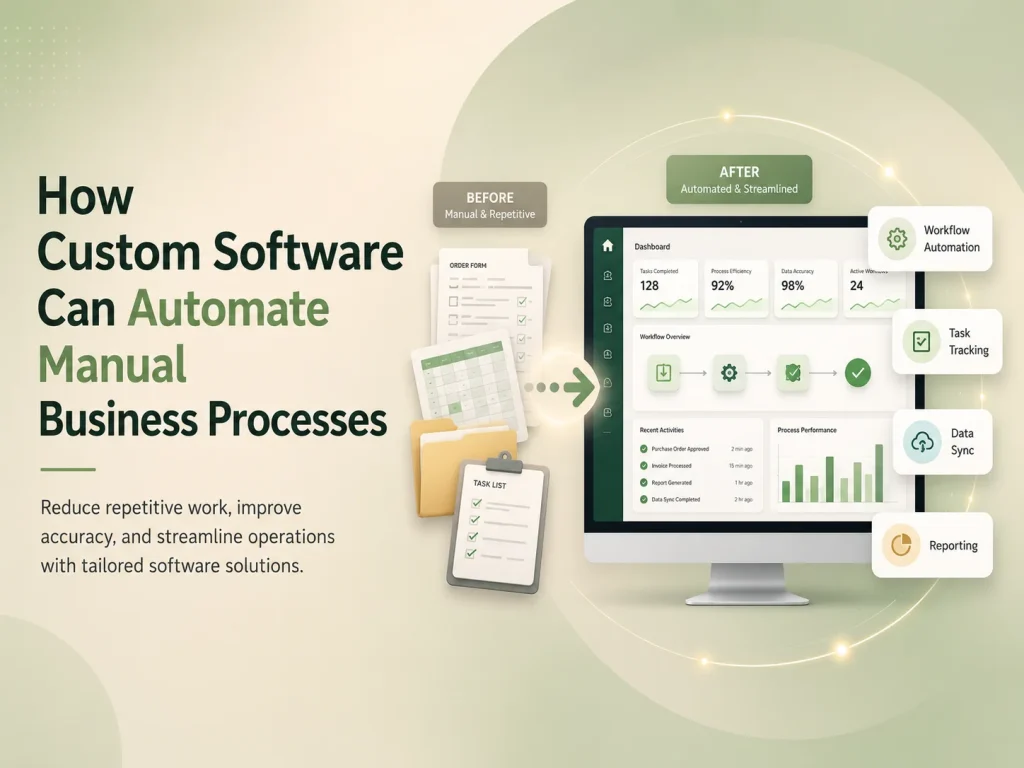
A business management web application brings important operations into one centralized system. Instead of managing customers, employees, tasks, documents, reports, approvals, and financial information through separate spreadsheets or disconnected tools, businesses can organize these activities through a structured digital platform.
The right business management web application should do more than store information. It should help employees complete daily work, give managers better visibility, automate repetitive processes, control access to sensitive information, and provide reliable data for business decisions.
The exact feature set depends on the organization, but several core capabilities are important for most custom business management systems.
A Central Dashboard Should Show What Matters Most
The dashboard is often the first screen users see after signing in, so it should provide useful information rather than simply displaying decorative charts. Managers may need revenue, open tasks, pending approvals, employee activity, upcoming deadlines, or operational alerts, while employees may need assigned work and recent updates.
Different roles should not necessarily see the same dashboard. A finance manager may need billing information, while an operations manager needs workload and task status. Role-based dashboards help reduce unnecessary information and make the application easier to use.
Dashboards should also allow users to move directly from a summary into the relevant record. If a manager sees that seven approvals are pending, they should be able to open those approvals rather than searching for them separately.
| Feature |
Business Purpose |
| Dashboard & Reporting |
Provides visibility into operations, KPIs, tasks, and important alerts |
| User & Role Management |
Controls what employees, managers, and administrators can access |
| Task & Workflow Management |
Organizes assignments, deadlines, recurring work, and approvals |
| Customer or Client Management |
Stores contact details, communication, history, and related activity |
| Document Management |
Keeps important files connected with the correct users or records |
| Notifications |
Alerts users when attention or action is required |
| Integrations |
Connects the application with existing business tools and services |
User Roles and Permissions Are Essential
Business applications often contain information that should not be available to every employee. Customer records, payroll data, financial reports, employee documents, system settings, and approval controls may require different levels of access.
A well-designed permission system can define what each role is allowed to view, create, edit, approve, export, or delete. For example, an employee may update assigned tasks but not change another employee’s account, while a manager may approve requests without receiving access to system administration.
Permissions can also become more detailed when needed. Some businesses require access based on department, branch, office, residence, project, or customer assignment rather than only a general job role.
This structure improves both security and usability. Users see the information and actions relevant to their responsibilities instead of navigating through functionality they never need.
Tasks, Workflows, and Approvals Should Be Connected
Task management is one of the most useful features in a business management application. Tasks can include owners, priorities, deadlines, status, attachments, comments, recurring schedules, and dependencies on other work.
More advanced systems can connect tasks to business workflows. An employee onboarding process, for example, might automatically create tasks for HR, IT, management, and finance after a new staff member is added.
Approval workflows are equally important. Purchase requests, expenses, leave applications, contracts, documents, or other records may need approval from one or several people before continuing.
- Assign tasks to employees or teams
- Set priorities and due dates
- Create recurring tasks automatically
- Track status and completion history
- Build multi-step approval workflows
- Send reminders for overdue or pending work
- Record comments, attachments, and activity
The system should also record who performed important actions and when they occurred. Activity history and audit logs can make it easier to understand changes, investigate problems, and maintain accountability.
Customer, Employee, and Business Data Should Stay Organized
A business management platform usually needs structured records for the people and organizations involved in daily operations. Customer or client profiles may include contact details, services, invoices, communication history, documents, assigned employees, or previous transactions.
Employee records may include roles, departments, schedules, documents, training, performance information, attendance, or other internal data depending on the business.
These records should connect with related activity. Opening a customer profile should allow authorized users to see relevant projects, invoices, messages, documents, appointments, or support requests without searching through several independent systems.
Search and filtering become increasingly important as the database grows. Users should be able to locate records quickly by name, status, date, category, assignment, or other useful criteria.
Build Your Business Management Platform
Automation and Integrations Can Reduce Repetitive Work
A custom business management application becomes more valuable when it automates actions that employees would otherwise perform manually. The system can generate reminders, assign tasks, update statuses, create documents, send notifications, or prepare recurring reports based on defined business rules.
Integrations can connect the platform with payment gateways, accounting systems, CRM software, email providers, e-commerce platforms, calendars, communication tools, cloud storage, or other services already used by the company.
For example, when a customer payment succeeds, the platform could update the invoice, create an accounting record, notify the appropriate employee, and update the customer’s account automatically.
These integrations should include validation, logs, and error handling. If an external service becomes unavailable, administrators should be able to identify what failed and retry or resolve the action instead of losing important information silently.
Reporting, Notifications, and Security Support Daily Operations
Management reporting should transform operational data into useful information. Reports might cover sales, employee activity, task completion, customer growth, inventory, billing, expenses, or other business-specific metrics.
Filters by date, department, location, customer, employee, or status can make reports more useful, while exports may be required when information needs to be shared with accounting, management, or other systems.
Notifications should focus attention where it is needed. Users may receive alerts for new assignments, approaching deadlines, pending approvals, document expirations, customer messages, failed payments, or other important events.
Security must be considered across the entire application. Authentication, strong password handling, secure sessions, role-based permissions, encrypted connections, backup procedures, audit logs, and protected APIs all contribute to keeping business information safer.
Critical actions may also require additional controls such as confirmation, multi-factor authentication, or approval by another user.
Build Around the Business Instead of Copying Generic Software
A small business may only need customers, tasks, documents, invoices, and reports. A larger organization may require scheduling, attendance, payroll, inventory, compliance, training, multi-location management, support systems, and advanced automation.
The strongest custom applications focus first on the processes that create the most operational value. New modules can then be added as requirements grow rather than launching with a complicated system full of features employees do not use.
Encoder IT Limited develops custom business management web applications and SaaS platforms with dashboards, workflow automation, customer and employee management, role-based permissions, reporting, integrations, task management, and other purpose-built functionality.
An effective business management web application creates one reliable place for people, processes, and information to work together. When dashboards, permissions, workflows, automation, reporting, and integrations are designed around real business requirements, the platform can reduce manual administration and make growing operations easier to manage.