How a Professional Website Helps Your Business Grow

A professional website is often one of the first places potential customers interact with a business. Before making a call, requesting a quote, booking a service, or visiting a physical location, many people first look online to understand what the company offers and whether it appears trustworthy.

A well-designed business website does more than provide contact information. It can help attract new customers, explain services clearly, generate enquiries, support sales, strengthen credibility, and give a growing company a digital platform that remains available around the clock.

A Strong Website Builds Trust Before the First Conversation

Customers often form an impression of a company within a short time after visiting its website. A clean design, clear navigation, professional images, accurate information, and consistent branding can make the business feel established and reliable.

The opposite can also happen. Broken pages, outdated information, poor mobile layouts, confusing menus, or a website that looks significantly older than competitors may cause visitors to question whether the business is active or dependable.

Trust becomes particularly important when customers are comparing several companies offering similar services. A professional website can communicate experience through case studies, testimonials, completed projects, service information, certifications, team details, and other proof that helps potential customers make a decision.

Good design alone is not enough, however. Visitors should quickly understand who the company serves, what problems it solves, and what they should do next. Clear communication and professional presentation need to work together.

Your Website Can Become a Consistent Source of Leads

A business website should make it easy for interested visitors to take the next step. Depending on the company, that could mean requesting a quote, booking an appointment, calling the sales team, purchasing a product, scheduling a consultation, or submitting an enquiry.

Effective calls to action should appear naturally throughout important pages rather than forcing visitors to search for contact information. Service pages can guide people toward enquiries, product pages can lead toward checkout, and educational blog content can introduce potential customers to services they may not have previously considered.

A professional website can also support organic search visibility by providing useful pages around the services and questions potential customers are already searching for. Instead of depending entirely on referrals, social media, or paid advertising, the website can gradually become another channel through which new customers discover the business.

Build a Website That Supports Your Growth

A Better User Experience Can Turn More Visitors Into Customers

Getting traffic to a website is only useful if visitors can find what they need. Complicated navigation, slow pages, unclear service descriptions, long forms, or poor mobile design can cause people to leave even when they are genuinely interested in the business.

A professional website is structured around the visitor’s journey. Someone arriving on the homepage should be able to understand the business quickly. A visitor looking for a particular service should be able to reach the relevant information without navigating through several unrelated pages.

Mobile experience is especially important because many potential customers browse websites from smartphones. Buttons should be easy to tap, text should remain readable, forms should be comfortable to complete, and important information should not depend on a desktop-sized screen.

  • Clear navigation and service structure
  • Fast, responsive pages
  • Strong calls to action
  • Simple enquiry and contact forms
  • Mobile-friendly layouts
  • Professional and consistent branding

These improvements reduce unnecessary friction. Even small changes—such as making a quote button easier to find or simplifying a contact form—can make it easier for visitors to become genuine business leads.

A Website Can Support More Than Marketing

As a business grows, its website can become more than a collection of marketing pages. It can connect directly with business operations and reduce manual work for both employees and customers.

A service company might add online booking and appointment management. An e-commerce business can connect products, payments, inventory, and shipping. A B2B company may provide customer portals where clients can access documents, invoices, or project information. Other businesses may integrate CRM systems, payment gateways, live chat, support tickets, marketing platforms, or internal APIs.

This means the website can gradually become part of the company’s operational infrastructure. Customers receive more convenient self-service options while employees spend less time handling repetitive requests manually.

A professional development approach also makes future expansion easier. If the website is built with clean architecture and reusable components, adding new services, locations, integrations, landing pages, or customer functionality can be much simpler than continually working around the limitations of an outdated structure.

Your Website Should Grow With Your Business

A website that was suitable when a company first started may not remain suitable several years later. Branding changes, services expand, customer expectations evolve, and the business may begin targeting different markets. The website should be able to reflect these changes rather than presenting an outdated version of the company.

Regular content updates, performance improvements, security maintenance, new landing pages, stronger conversion paths, and additional functionality can help the website continue supporting business goals without requiring a complete rebuild every time something changes.

Encoder IT Limited designs and develops professional websites for businesses that need more than an online brochure. Our work includes custom website design, WordPress development, e-commerce solutions, responsive UI/UX, custom web applications, API integrations, performance optimization, and ongoing website maintenance.

A professional website contributes to growth by bringing several areas together: credibility, visibility, customer experience, lead generation, and business functionality. It gives potential customers a clearer reason to trust the company while making it easier for them to take action.

The most valuable business websites are not necessarily the ones with the most pages or visual effects. They are the ones that communicate clearly, work reliably, and help customers move naturally from discovering the business to becoming a customer.
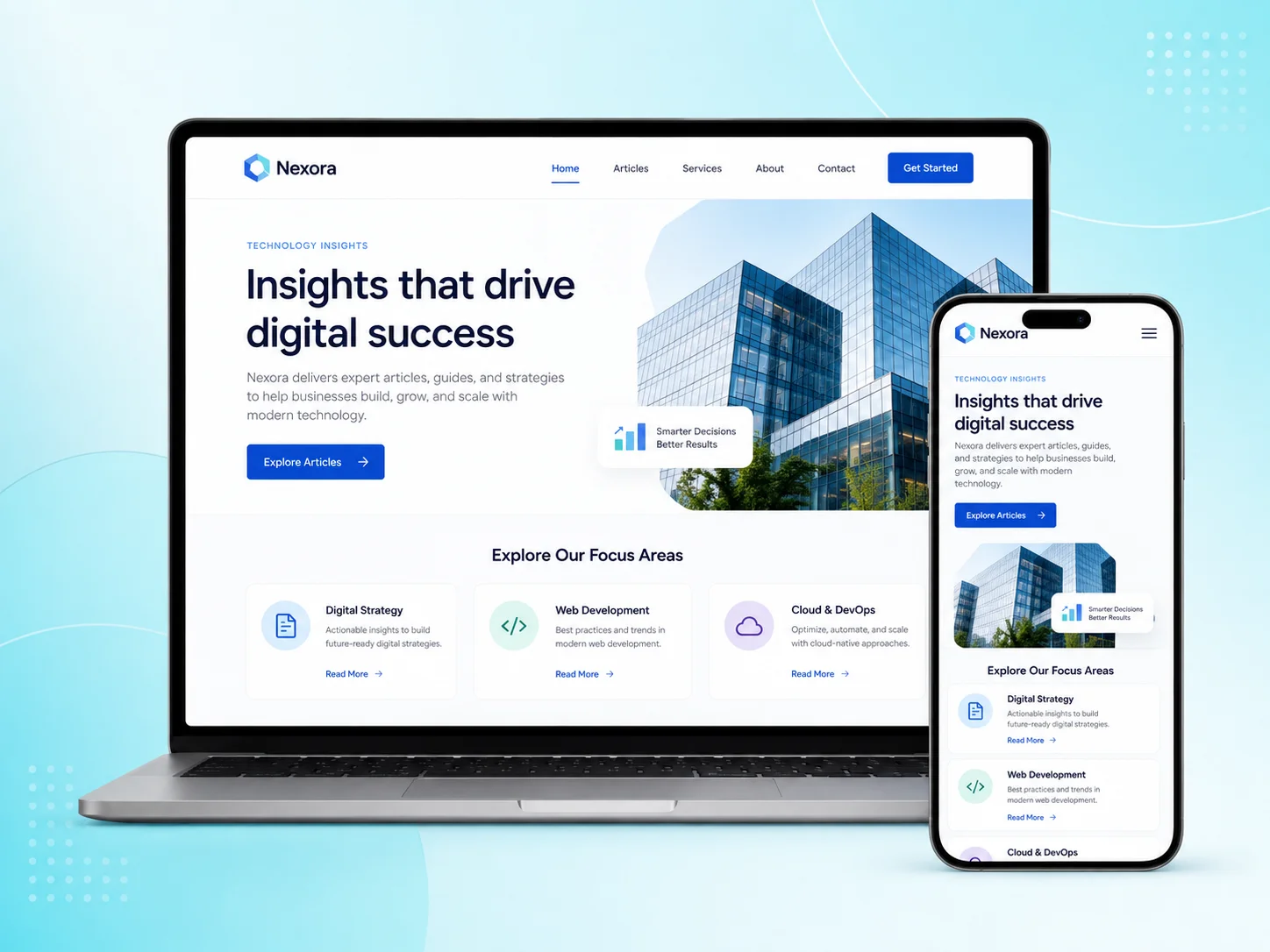
What Makes a Website Look Professional?

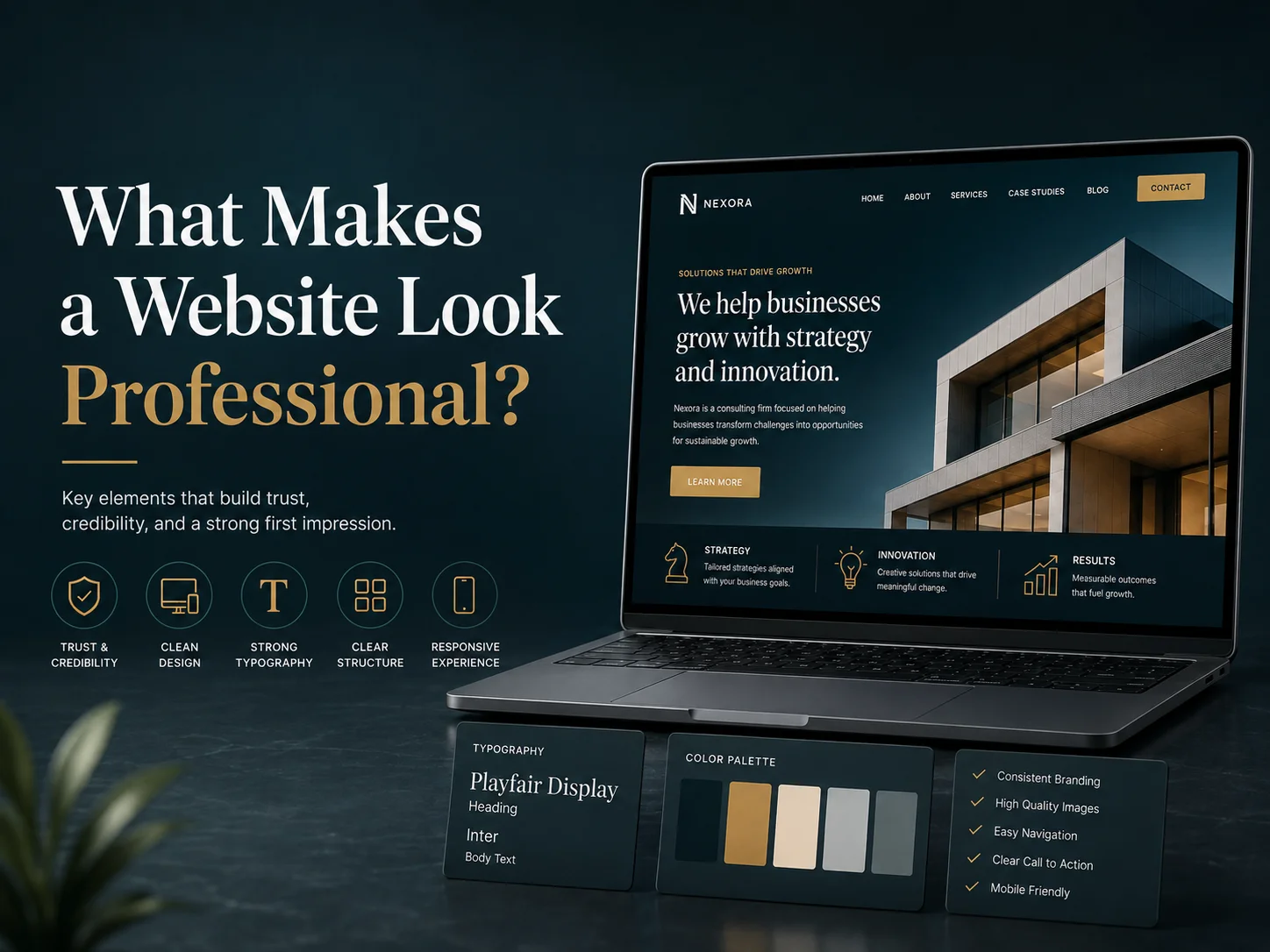
A professional website is not defined by expensive animations, complicated layouts, or large amounts of visual decoration. In most cases, professionalism comes from clarity, consistency, usability, and the way every design element supports the business.

Visitors usually form an impression quickly. They notice whether the website feels organized, whether the company looks trustworthy, whether important information is easy to find, and whether the design works properly on their device. Small details such as spacing, typography, image quality, navigation, and content structure can influence that impression significantly.

Professional Websites Feel Clear and Consistent

Consistency is one of the strongest signs of professional website design. Headings should follow a clear visual hierarchy, buttons should use consistent styles, colors should match the brand, and spacing should feel intentional throughout the website.

If every page uses different button sizes, fonts, colors, or layout patterns, the website can feel unfinished even when the individual sections look attractive. A design system helps prevent this by defining reusable rules for typography, buttons, cards, forms, navigation, spacing, and other common elements.

Professional design also avoids unnecessary visual competition. The visitor should immediately understand what deserves attention. Important headlines, service information, calls to action, and key messages should stand out naturally without every section trying to become the most prominent part of the page.

web-banner-2

Typography, Spacing, and Images Make a Bigger Difference Than People Expect

Typography has a major influence on how professional a website feels. Text should be easy to read, headings should clearly separate sections, and font choices should match the personality of the business. Using too many font styles, extremely small text, or inconsistent font weights can make even a good layout feel less polished.

Spacing is equally important. Crowded websites often feel difficult to understand because text, images, buttons, and sections compete for attention. Good spacing gives content room to breathe and helps visitors understand which elements belong together.

Images should also support the quality of the design. Blurry photos, inconsistent illustration styles, stretched logos, or generic images that do not match the business can reduce credibility. Original photography, carefully selected stock images, professional product visuals, or a consistent illustration style can make the website feel more intentional.

Create a More Professional Website

Good User Experience Is Part of Professional Design

A website can look impressive and still feel unprofessional if visitors cannot use it easily. Clear navigation, readable content, fast-loading pages, simple forms, and responsive layouts are all part of the overall design experience.

Visitors should be able to understand what the company does without searching through several pages. Services should be organized logically, contact information should be easy to locate, and important actions such as requesting a quote, booking a service, or purchasing a product should be straightforward.

Mobile design is especially important. A professional website should not simply shrink its desktop layout. Menus, forms, buttons, images, and page sections should adapt naturally to smaller screens so users can complete the same important actions comfortably.

  • Clear and consistent branding
  • Readable typography and strong visual hierarchy
  • Balanced spacing and uncluttered layouts
  • High-quality, relevant images
  • Simple navigation
  • Responsive mobile design
  • Fast and reliable performance
  • Clear calls to action

The website should also feel reliable. Broken links, missing images, forms that do not submit, inconsistent page styles, or outdated information can quickly damage the professional impression created by the visual design.

Professional Design Should Support Trust and Business Goals

A professional website should communicate why visitors can trust the company. Testimonials, case studies, client logos, team information, certifications, project examples, clear contact information, and well-written service pages can all provide useful evidence.

Content quality matters just as much as visual quality. Generic text, spelling errors, outdated information, or unclear service descriptions can make a polished design feel less credible. Strong design gives content structure, but the content still needs to communicate real value.

Businesses should also avoid copying current design trends without considering whether they fit the brand. Large animations, unusual navigation, or highly experimental layouts can work for some companies but create unnecessary confusion for others. Professionalism usually comes from choosing design decisions that fit the audience and business rather than following every new visual trend.

A Professional Website Feels Complete, Not Overdesigned

The most professional websites often appear simple because the complicated decisions have already been resolved behind the scenes. Colors are controlled, typography is consistent, layouts are balanced, interactions behave predictably, and visitors always know what to do next.

Encoder IT Limited provides professional website design and development for businesses that need custom UI/UX, responsive development, WordPress, WooCommerce, e-commerce solutions, custom web development, and ongoing website improvements.

A website looks professional when all of its parts feel connected. Strong branding, thoughtful spacing, clear content, quality visuals, reliable functionality, and a smooth user experience create a much stronger impression than visual effects alone.

How to Make Your Website Faster and More Secure

A business website needs to load quickly and remain secure at the same time. Slow pages can frustrate visitors, reduce enquiries, and make online shopping more difficult, while weak security can expose customer information, administrator accounts, payments, and important business data.

Improving website speed and security does not usually require one large change. The strongest results come from improving the website’s hosting, images, code, database, software updates, access controls, backups, and monitoring together. Businesses should also continue reviewing these areas after launch because websites naturally become more complex as new content, plugins, integrations, and marketing tools are added.

Remove the Most Common Causes of a Slow Website

Large images are one of the first areas to review. Uploading a high-resolution image and displaying it in a small website section forces visitors to download more data than necessary. Images should be resized for their actual use, compressed properly, and delivered in efficient formats. Images farther down a page can also be loaded only when visitors approach them instead of downloading everything immediately.

Plugins, scripts, and third-party tools can create similar problems. Analytics platforms, chat widgets, social feeds, tracking scripts, sliders, animations, advertising tools, and page-builder extensions may each add extra requests and browser processing. Some are valuable, but businesses should periodically remove tools that are no longer necessary instead of allowing the website to accumulate more software every year.

Caching can improve performance by reducing repeated work. Frequently requested files and suitable page content can be reused instead of being generated or downloaded again for every visitor. A content delivery network can also improve delivery of static files, especially when a website serves customers in different geographic regions.

Hosting should match the website’s workload. A small informational website and a WooCommerce store processing orders do not have the same server requirements. If the website has been optimized but still responds slowly during normal traffic, the hosting environment, database, or backend processing may need attention.

Keep the Website Software and Access Secure

Many security problems begin with software that has not been maintained. WordPress core, themes, plugins, frameworks, libraries, server software, and third-party integrations should be reviewed regularly and updated when appropriate. Components that are no longer used should generally be removed instead of remaining installed indefinitely.

Administrator access also deserves careful attention. Strong passwords, appropriate user roles, multi-factor authentication where suitable, and removing old accounts can reduce unnecessary risk. Employees should receive only the permissions required for their responsibilities. A content editor, for example, may not need access to server configuration or plugin installation.

The website should use secure HTTPS connections across the entire site, particularly where visitors log in, submit forms, make payments, or access private information. Sensitive business credentials, database passwords, payment secrets, and private API keys should remain protected on the server rather than being exposed in public browser code.

Forms and APIs also need server-side validation. A website may restrict what users can enter through its normal interface, but attackers can attempt to send requests directly. Important actions should therefore verify authentication, permissions, submitted values, and business rules on the backend.

Optimize the Parts Customers Actually Use

Website optimization should focus first on important customer journeys. A homepage matters, but so do service pages, product pages, contact forms, checkout, booking screens, customer accounts, and other areas where visitors take meaningful actions.

For an e-commerce website, improving the speed of product browsing and checkout may provide more value than optimizing an rarely visited informational page. For a service business, the contact and quotation process should load quickly and work reliably on mobile devices. Businesses should test the pages that directly support enquiries, sales, bookings, or customer service.

  • Compress and resize website images
  • Remove unnecessary plugins and scripts
  • Configure caching appropriately
  • Use suitable hosting for the website’s workload
  • Maintain themes, plugins, frameworks, and integrations
  • Protect administrator and customer accounts
  • Validate important forms and API requests
  • Maintain reliable website backups

Mobile performance should be considered carefully as well. A page that loads comfortably through a fast office connection may behave very differently on a smartphone using a weaker mobile network. Responsive layouts, optimized media, simple forms, and efficient frontend code can make the experience more reliable across different devices.

Request Website Optimization Support

Backups and Monitoring Are Part of Website Security

Security is not only about preventing an attack. Businesses also need to know how they will recover if something goes wrong. A failed software update, server problem, accidental deletion, compromised account, or malicious change can all affect a website.

Regular backups should include the information required to restore the site, such as website files and databases. Businesses should also understand where backups are stored and how restoration works rather than assuming that a backup exists simply because a hosting plan mentions one.

Monitoring can help identify problems before customers do. Unexpected downtime, repeated login attempts, unusual file changes, broken forms, failed transactions, or sudden performance problems can indicate that something needs attention. For websites responsible for revenue or daily operations, proactive monitoring is especially valuable.

Performance and Security Need Continuous Attention

A website can be fast and secure when it first launches and gradually become slower or more vulnerable. New plugins are installed, marketing scripts are added, content grows, databases become larger, integrations change, and new software versions are released.

This is why website optimization should be part of ongoing maintenance rather than treated as a one-time project. Periodic performance testing, software reviews, user-access audits, backup checks, integration testing, and removal of unnecessary components can help keep the website healthy.

Encoder IT Limited provides website speed optimization, security improvements, WordPress and WooCommerce development, custom website development, troubleshooting, API integration, and ongoing website maintenance for businesses that depend on reliable online systems.

A faster and more secure website comes from reducing unnecessary technical overhead while protecting the systems that customers and employees depend on. Businesses that maintain both areas consistently can provide a smoother customer experience while reducing the risk of technical problems becoming larger operational issues.

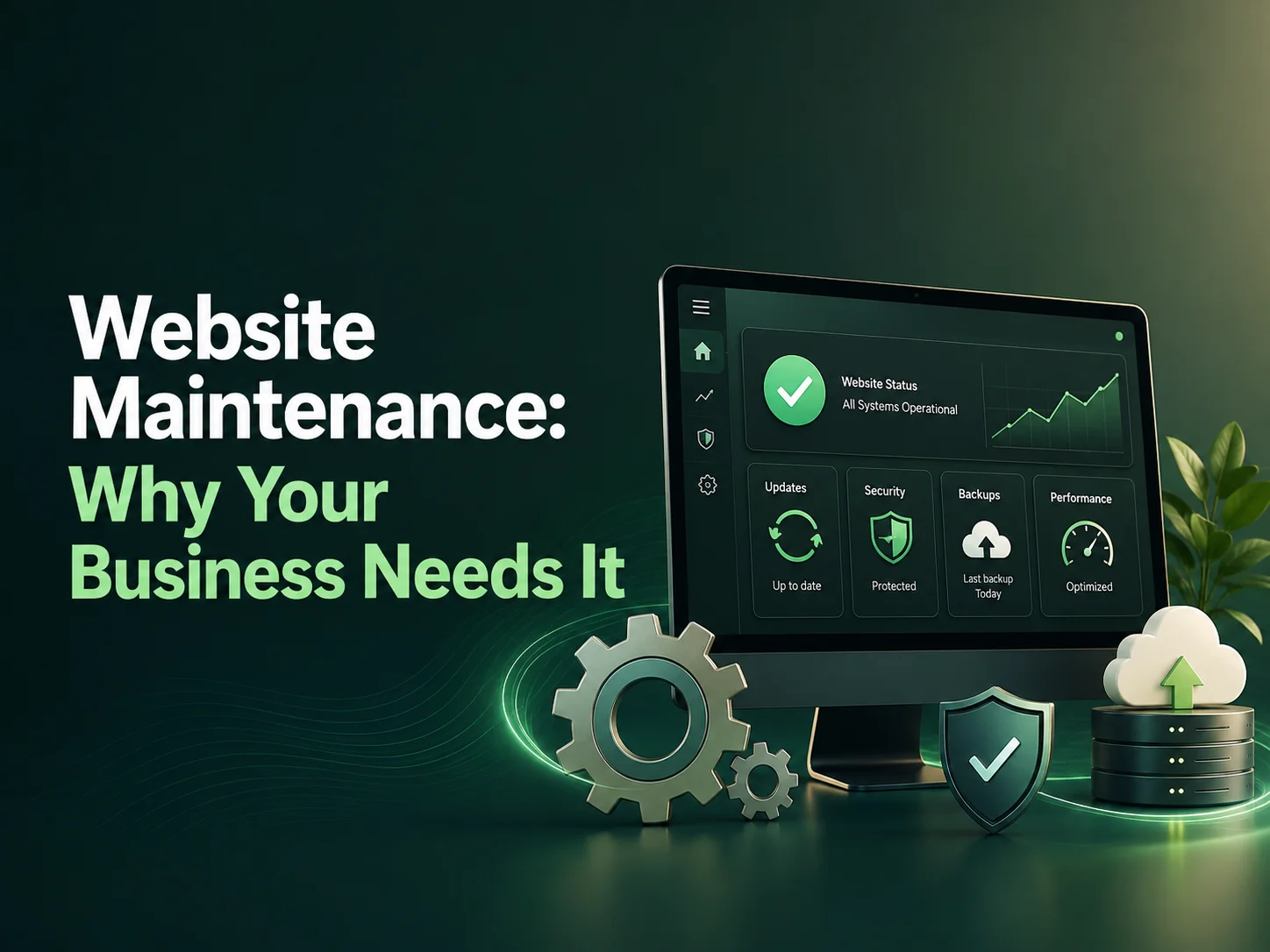
Website Maintenance: Why Your Business Needs It

Launching a business website is only the beginning. After the site goes live, its software, content, integrations, security, and performance continue to change. Plugins receive updates, browsers evolve, third-party APIs change, new security issues appear, and the business itself may introduce new services, products, or marketing campaigns.

Website maintenance is the ongoing work required to keep a website secure, fast, accurate, and reliable. For a business website, maintenance is not simply about fixing problems when something breaks. It is about preventing avoidable problems while keeping the site useful for customers and employees over time.

Maintenance Keeps the Website Secure and Reliable

Business websites often depend on a content-management system, plugins, themes, frameworks, hosting services, databases, and third-party integrations. Each component can receive updates that fix bugs, improve compatibility, or address security vulnerabilities.

Ignoring these updates for a long period can increase risk. An outdated plugin may conflict with newer software, a form may stop sending enquiries correctly, or an integration may fail after an external service changes its API. These problems are especially serious when the website supports e-commerce, bookings, customer accounts, payments, or other business-critical processes.

Regular maintenance can include software updates, backups, security reviews, spam protection, user-access checks, and monitoring for unusual behavior. Updates should also be tested carefully because installing every change immediately without checking compatibility can create problems of its own.

A business website should be treated like an active digital system, not a finished brochure. Regular maintenance helps protect customer experience, website security, business data, and the functionality your company depends on every day.

Performance Can Decline Over Time

A website that was fast when it launched may gradually become slower. New marketing scripts, larger images, additional plugins, tracking tools, database growth, and extra features can all affect loading speed.

Maintenance gives developers an opportunity to review these changes and remove unnecessary weight. Images can be optimized, caching can be checked, unused plugins can be removed, database tables can be reviewed, and slow pages can be investigated before performance becomes a major problem.

This matters because website speed affects the customer experience. Visitors may leave if pages take too long to load, especially on mobile devices or slower internet connections. Slow performance can also make internal administration frustrating for employees who manage products, content, or customer information through the website.

Content and Business Information Need Maintenance Too

Technical maintenance is only one part of keeping a website healthy. Business information also becomes outdated. Services change, employees join or leave, prices may change, new locations open, old promotions expire, and contact information may need updating.

A website with old information can create confusion and reduce trust. Customers may contact the wrong department, enquire about services that are no longer available, or see outdated examples that no longer represent the company.

Regular content reviews can help keep service pages, contact details, team information, case studies, FAQs, blog content, and calls to action aligned with the current business.

  • Software, plugin, theme, and framework updates
  • Regular backups and recovery checks
  • Security and user-access reviews
  • Performance and speed optimization
  • Form, payment, and integration testing
  • Broken-link and content checks
  • Mobile and browser compatibility testing
  • Ongoing content and feature improvements

Keep Your Website Running Smoothly

Maintenance Protects Important Business Features

Many modern websites are connected to systems outside the website itself. A contact form may send leads into a CRM. An e-commerce store may communicate with payment gateways, shipping providers, inventory systems, or email services. A booking website may depend on calendars and automated notifications.

These integrations can change over time. An API may be updated, a payment provider may introduce a new requirement, or an email service may modify how authentication works. The website may look completely normal while an important background process has stopped working.

Regular testing helps identify these failures early. Contact forms should be submitted periodically, checkout flows should be reviewed, notifications should be confirmed, and important customer journeys should be tested after major software updates.

This is particularly important for websites that generate revenue or support daily operations. A broken contact form on a lead-generation website or a failed checkout on an online store can directly affect business results.

Maintenance Makes Future Improvements Easier

Websites rarely stay exactly the same for years. Businesses introduce new services, launch campaigns, redesign sections, add integrations, improve SEO pages, or introduce customer features. A properly maintained website is usually easier and safer to extend.

When software is kept current, old functionality is removed, and the codebase remains organized, developers can make new changes with less risk. By contrast, a neglected website may require several technical fixes before even a small new feature can be added.

Maintenance also helps businesses make improvements gradually instead of waiting until the website becomes so outdated that a complete redesign is the only practical option. Small performance, content, UX, and technical improvements can extend the useful life of the website significantly.

How Much Maintenance Does a Business Website Need?

The amount of maintenance depends on the website. A small informational site may need periodic updates and checks, while an e-commerce store, membership website, SaaS platform, or custom business system may need much more frequent monitoring.

The number of integrations, traffic volume, user accounts, payment functionality, content changes, and business importance should all influence the maintenance plan. A website responsible for generating leads or processing transactions generally deserves more attention than a simple site that changes only a few times each year.

Encoder IT Limited provides website maintenance and ongoing development services for WordPress, WooCommerce, custom business websites, e-commerce platforms, and web applications. Our work can include updates, bug fixing, performance optimization, security improvements, API maintenance, feature development, and website modernization.

A well-maintained website stays dependable as the technology and business around it change. Regular updates, testing, backups, performance reviews, and content improvements can help prevent small problems from becoming expensive disruptions.

For businesses that rely on their website for marketing, customer service, sales, or daily operations, maintenance should be considered part of the website’s long-term investment rather than an optional task after launch.

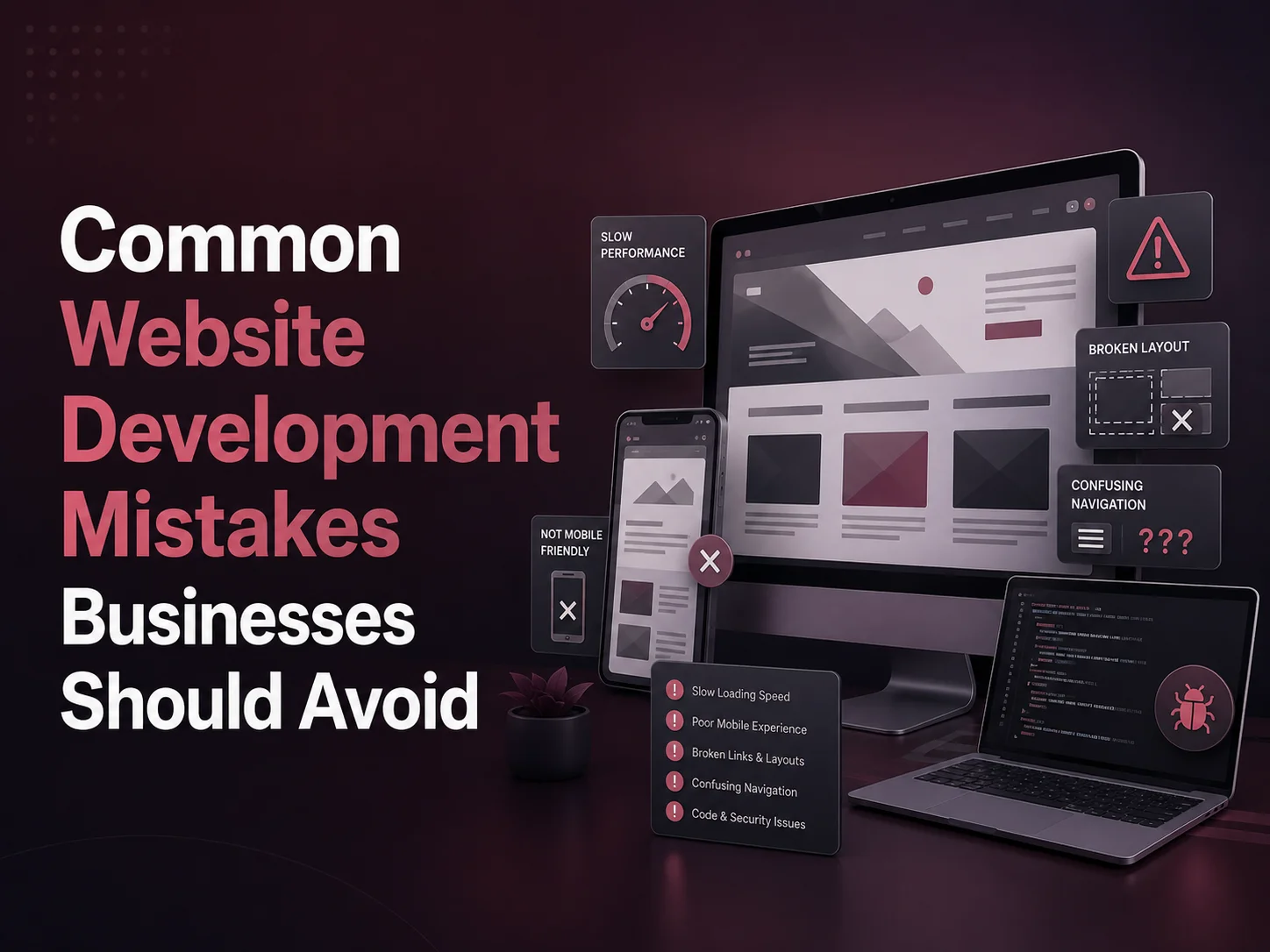
Common Website Development Mistakes Businesses Should Avoid

A business website can influence how potential customers discover a company, understand its services, and decide whether to make contact. Yet many website projects run into problems because important decisions are rushed during planning, design, development, or launch.

Some mistakes create obvious technical issues, while others quietly reduce conversions, make the website difficult to maintain, or create unnecessary costs later. Avoiding these problems from the beginning can help businesses build websites that are faster, easier to use, more scalable, and better aligned with their goals.

The Most Common Website Development Mistakes

  1. 1. Starting Without Clear Business Goals

    A website should have a clear purpose before design begins. A company may want to generate enquiries, sell products, accept bookings, build credibility, provide customer self-service, or support several of these goals together.

    If the purpose is unclear, the project can easily become a collection of pages and features without a strong customer journey. Developers and designers also have to make assumptions about what should receive the most attention.

  2. 2. Designing Around the Business Instead of the Customer

    Businesses naturally think about their departments, internal terminology, and company structure. Visitors usually think differently. They want to know whether the company provides the service they need, how it works, how much they can trust the business, and what they should do next.

    Navigation and page structure should therefore be based on customer needs rather than simply copying the company’s internal organization.

  3. 3. Ignoring Mobile Users

    A website that looks excellent on a large monitor can still provide a poor experience on a smartphone. Small buttons, long forms, crowded layouts, horizontal scrolling, and complicated navigation can make important actions difficult to complete.

    Responsive behavior should be considered during design and tested throughout development rather than added as a final adjustment before launch.

  4. 4. Adding Too Many Features and Plugins

    More functionality does not automatically create a better website. Businesses sometimes install multiple plugins, animations, sliders, popups, tracking tools, and third-party widgets without considering whether visitors actually need them.

    Every additional component can affect performance, compatibility, security, and maintenance. Features should solve a real business or customer problem rather than simply make the website appear more advanced.

  5. 5. Treating Content as an Afterthought

    Design and content need to work together. A beautiful website cannot communicate effectively if service descriptions are vague, important information is missing, or every page is filled with generic marketing language.

    Content should explain what the business offers, who it helps, why customers should trust it, and what action visitors should take. Preparing important content early also prevents development delays caused by unfinished pages.

  6. 6. Overlooking Website Speed

    Large images, unnecessary scripts, excessive plugins, heavy animations, inefficient code, and poor hosting can make pages slow. Visitors may leave before the website has an opportunity to communicate its value.

    Performance should be considered during development through optimized images, efficient frontend code, caching, suitable hosting, and careful use of third-party tools. Trying to fix every performance issue after the website is complete can be much harder.

  7. 7. Building Without Future Growth in Mind

    A small business website may eventually need online payments, customer accounts, multilingual content, booking systems, CRM integration, e-commerce, or other functionality. It is not necessary to build all of these features immediately, but the initial structure should avoid making future expansion unnecessarily difficult.

    Reusable components, organized content structures, clean code, and an appropriate CMS or development framework can make later improvements easier.

  8. 8. Launching Without Proper Testing

    A website should be tested beyond simply checking whether the homepage opens. Contact forms, navigation, buttons, links, responsive layouts, user accounts, payments, integrations, and important workflows need to work reliably.

    Testing should also cover different browsers and screen sizes. If the website replaces an existing site, redirects, analytics, forms, SEO settings, and migrated content should be checked before and immediately after launch.

Do Not Focus Only on How the Website Looks

One of the biggest development mistakes is treating the website as primarily a visual project. Good design matters, but visitors also notice whether pages load quickly, forms work, information is easy to find, and the site behaves correctly on their device.

The technical foundation matters just as much. A professional website may need secure forms, backups, content management, third-party integrations, analytics, search functionality, or custom business workflows. These requirements should be planned alongside the design instead of being added as unexpected extras later.

Businesses should also avoid copying competitor websites too closely. Competitor research can reveal useful industry expectations, but the final website should be structured around the company’s own customers, services, positioning, and conversion goals.

Plan Maintenance Before the Website Goes Live

Website development does not completely end at launch. WordPress plugins, themes, frameworks, server software, APIs, and integrations continue changing. Content also becomes outdated, and new business requirements appear over time.

A maintenance plan can include backups, security updates, performance monitoring, content improvements, integration checks, and periodic testing. Businesses that ignore maintenance may eventually find that small technical problems have accumulated into larger performance or security issues.

This is especially important for e-commerce websites, customer portals, membership platforms, and other sites that support important business operations.

Request a Quote

A Better Website Starts With Better Decisions

Most website development mistakes can be reduced through good planning. Clear goals, customer-focused structure, responsive design, useful content, sensible technology choices, performance optimization, testing, and future maintenance all contribute to a stronger website.

Encoder IT Limited provides website design and development services including custom business websites, WordPress and WooCommerce development, e-commerce solutions, UI/UX design, performance optimization, API integration, and ongoing maintenance.

The objective should not be to build the largest or most complicated website possible. A successful business website is one that communicates clearly, works reliably, supports customer needs, and can continue evolving as the business grows.

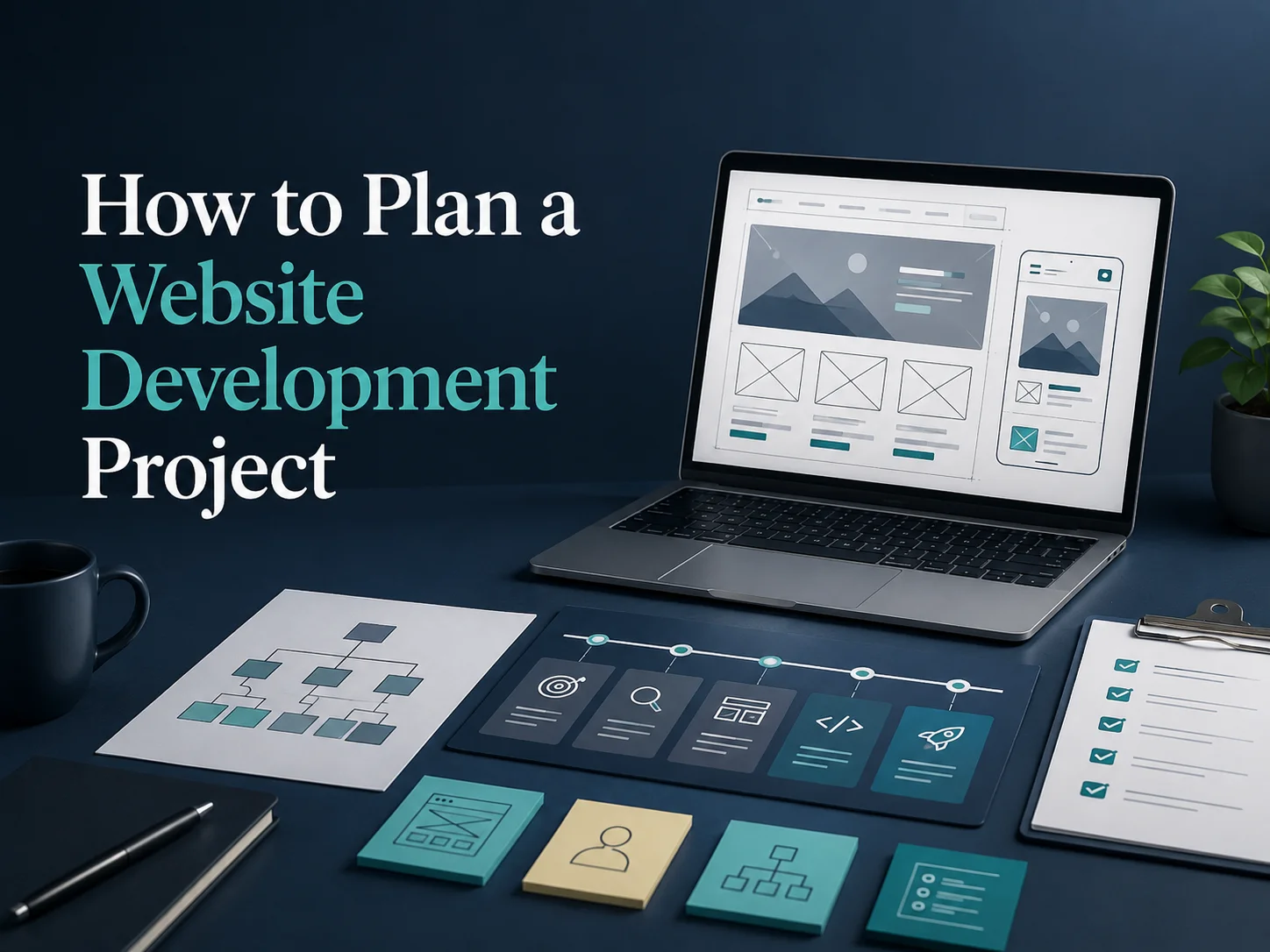
How to Plan a Website Development Project

A successful website development project usually begins long before the first page is designed or coded. Businesses need to understand what the website should achieve, who will use it, what information visitors need, and which features are necessary for the first launch.

Good planning helps reduce redesigns, missed requirements, unexpected costs, and delays during development. It also gives designers, developers, content teams, and business stakeholders a shared understanding of what is being built and why.

The goal is not to document every small detail before work begins. A useful website plan should define the main objectives, page structure, user journeys, functionality, content responsibilities, technology requirements, and launch priorities clearly enough for the project to move forward with fewer assumptions.

Define What the Website Needs to Achieve

The first question should be about the business rather than the technology. Why is the website being created or redesigned? A company may want to generate more enquiries, sell products, accept bookings, strengthen its brand, provide customer self-service, publish content, or support internal business operations.

These goals influence almost every later decision. A lead-generation website may need strong service pages, case studies, clear calls to action, and optimized enquiry forms. An e-commerce website requires products, checkout, payments, customer accounts, shipping, and order management. A customer portal may need authentication, dashboards, documents, notifications, and role-based access.

It is also important to identify the people who will use the website. Different users may need different information or workflows. A potential customer visiting for the first time has different needs from an existing customer logging in to manage an account.

Plan the Pages, Content, and User Journey Together

Once the goals are clear, the website structure can be planned. Start with the most important pages rather than trying to create a large sitemap immediately. Most business websites need a homepage, service or product pages, company information, contact options, and supporting content relevant to customer questions.

The page structure should follow how visitors actually look for information. If a company provides several services, each important service may need its own page rather than being compressed into one long overview. If customers frequently search for pricing, industries, locations, or case studies, those areas may deserve a clearer position in the navigation.

Content planning should happen at the same time. One of the most common causes of website delays is waiting until development is nearly complete before preparing text, images, case studies, team profiles, product information, or other content.

  1. Identify the main website goal. Decide what business result the website should support.
  2. Define the target users. Understand what information and actions matter to each audience.
  3. Build the core sitemap. Organize pages around customer needs rather than internal company structure.
  4. Assign content responsibilities. Decide who will prepare, review, and approve text and media.
  5. Prioritize the first launch. Separate essential requirements from features that can be introduced later.

Thinking about the user journey is especially important. A visitor might discover the company through Google, land directly on a service page, review examples of previous work, and then request a quote. The website should make that path easy even if the visitor never opens the homepage.

Define Functionality Before Design and Development Go Too Far

Visual design becomes much easier when the development team already understands what each page needs to do. Features such as booking systems, payments, memberships, customer accounts, multilingual content, advanced forms, search, filters, dashboards, or third-party integrations should be identified early.

Some features look simple from the visitor’s perspective but require significant backend work. An online booking flow, for example, may involve availability, service duration, staff assignments, payment, cancellation rules, email notifications, and administrative controls.

The same applies to integrations. If website enquiries need to enter a CRM automatically, or products must synchronize with an inventory system, those requirements can affect database structure, form design, API development, testing, and project estimates.

Early planning does not mean every future feature needs to be built immediately. It simply allows the technical architecture to avoid unnecessary limitations when future expansion is already likely.

Plan Your Website Project

Set a Realistic Scope, Budget, and Approval Process

Projects become difficult when the first version continuously grows during development. A useful plan separates must-have features from improvements that can be added after launch. This keeps the project focused and makes cost and timeline estimates more realistic.

The budget should consider more than design and coding. Content preparation, photography, premium software, hosting, integrations, data migration, testing, maintenance, and post-launch improvements may also need to be included depending on the project.

Businesses should also decide who can approve designs and functionality. If every decision needs feedback from several people with different priorities, small changes can create large delays. A clear decision-maker or approval process helps keep progress consistent.

Feedback works best when it is collected at defined stages. Reviewing wireframes before final UI design is more efficient than changing the entire page structure after development. Similarly, testing important workflows throughout development is easier than discovering major problems immediately before launch.

Prepare for Testing, Launch, and What Comes Next

A website development plan should include testing from the beginning rather than treating it as the final task. Responsive layouts, navigation, forms, calls to action, payments, integrations, account features, and important user journeys should be checked on appropriate devices and browsers.

Before launch, businesses may also need redirects from an old website, analytics configuration, backups, domain or hosting changes, form-delivery testing, SEO checks, and final content review. These tasks can be small individually but are important for a smooth launch.

Planning should continue beyond launch as well. A business website will usually need new content, security updates, performance improvements, landing pages, integrations, or new functionality as the company grows. Building the first version with maintainability in mind makes those changes easier.

Encoder IT Limited helps businesses plan and develop websites from initial requirements through UI/UX design, WordPress or custom development, e-commerce, API integrations, testing, deployment, and ongoing maintenance.

A good website development project starts with clarity. When the business goals, users, page structure, content, functionality, scope, and approval process are understood early, the development team can spend more time building the right solution and less time correcting avoidable misunderstandings later.

Custom Web Development for Small and Medium Businesses

Small and medium businesses often begin with relatively simple website requirements: a professional online presence, service information, contact forms, and a way for customers to learn about the company. As the business grows, however, those requirements can become more complex. Customers may need online booking, payments, account access, quotations, order tracking, document uploads, or other functionality that a basic website template was never designed to handle.

Custom web development gives businesses the flexibility to build a website or web application around their actual processes instead of adapting operations to the limitations of a generic platform. This does not always mean creating every component from scratch. A custom solution can still use established technologies such as WordPress, WooCommerce, Laravel, React, or Next.js while adding the functionality the business specifically needs.

When a Standard Website Is No Longer Enough

A template-based website can work very well for businesses with straightforward requirements. Problems often begin when the company repeatedly needs features that do not fit comfortably into the existing structure. Another plugin is installed for quotations, a separate system handles bookings, spreadsheets track customer requests, and employees manually move information between different tools.

Over time, these disconnected processes can create more work instead of saving it. Customers may need to submit the same information several times, employees may need to copy data manually, and management may have limited visibility into what is happening across the business.

Custom development can connect these processes. A service company, for example, might allow customers to request a quotation online, automatically create the enquiry in a CRM, assign it to the appropriate employee, send confirmation emails, and allow the customer to follow the request from a secure portal.

What Can Be Customized for an SME?

Custom web development can range from extending an existing business website to building a complete web-based management system. The right level of customization depends on how important the website is to daily operations.

A company may only need a custom calculator or quotation form added to an existing WordPress website. Another business may require customer and employee accounts, payments, dashboards, reporting, and several third-party integrations. Both are custom development projects, but the scope and investment are very different.

  • Custom quotation and enquiry systems
  • Online booking and appointment workflows
  • Customer or employee portals
  • Payment and subscription functionality
  • CRM, ERP, accounting, or third-party API integrations
  • Order, project, or service tracking
  • Custom dashboards and reporting
  • Workflow and business process automation

The advantage is that features can be selected around real business priorities. An SME does not need an enterprise-level platform simply because custom development is involved. A focused solution can solve one or two important operational problems first and expand later.

Custom Development Can Reduce Manual Work

One of the strongest reasons for a growing business to invest in custom web development is automation. Employees often spend time moving information between forms, email, spreadsheets, accounting software, CRM systems, and other platforms. These tasks may be manageable when the company is small but become increasingly inefficient as customer volume grows.

A custom web system can connect several steps into one workflow. Information submitted by a customer can be saved directly into the correct database, sent to another platform through an API, assigned to an employee, and followed by automatic notifications. The employee can then focus on the part of the process that actually requires attention instead of repeatedly entering the same information.

For a growing business, custom web development is most valuable when it removes unnecessary steps from daily operations. The goal is not to build complicated software—it is to create a simpler system around the way customers and employees actually need to work.

Automation can also reduce errors caused by manual data entry. When several systems exchange information automatically, businesses can maintain more consistent records while giving customers faster responses and better visibility into their requests.

Build for Growth Without Overbuilding

Small and medium businesses need flexibility, but they also need to control costs. One common mistake is trying to build every possible future feature in the first phase. This can increase development time and create a complicated system before the business knows which features will actually provide value.

A better approach is to define the most important workflows and build a strong foundation around them. The first version may include customer accounts, enquiries, and payments. Later phases can introduce reporting, automation, integrations, additional roles, or more advanced functionality as the business grows.

This phased approach also makes it easier to collect feedback from employees and customers. Real usage often reveals which improvements deserve priority and which ideas are less important than originally expected.

Discuss Your Custom Web Development Needs

Choosing the Right Technology for the Business

Custom development does not mean every SME needs the same technology. WordPress may be suitable when content management remains the main requirement but some custom functionality is needed. WooCommerce can provide a strong foundation for many online stores, while Laravel, React, Next.js, Node.js, or similar technologies may be more appropriate for custom portals, SaaS systems, dashboards, or complex business workflows.

The technology should be chosen based on functionality, maintenance, integrations, expected growth, and the skills needed to support the system over time. Using a more complex stack than necessary can increase costs, while forcing advanced requirements into a platform that does not fit can create long-term technical problems.

Encoder IT Limited provides custom web development for small and medium businesses, including professional websites, WordPress and WooCommerce development, customer portals, custom web applications, API integrations, dashboards, and business automation.

For SMEs, the purpose of custom web development is not simply to have a unique website. It is to build a digital system that supports sales, customer service, and internal operations more effectively. When the solution is designed around real business requirements and introduced in practical stages, it can continue growing alongside the company without unnecessary complexity.

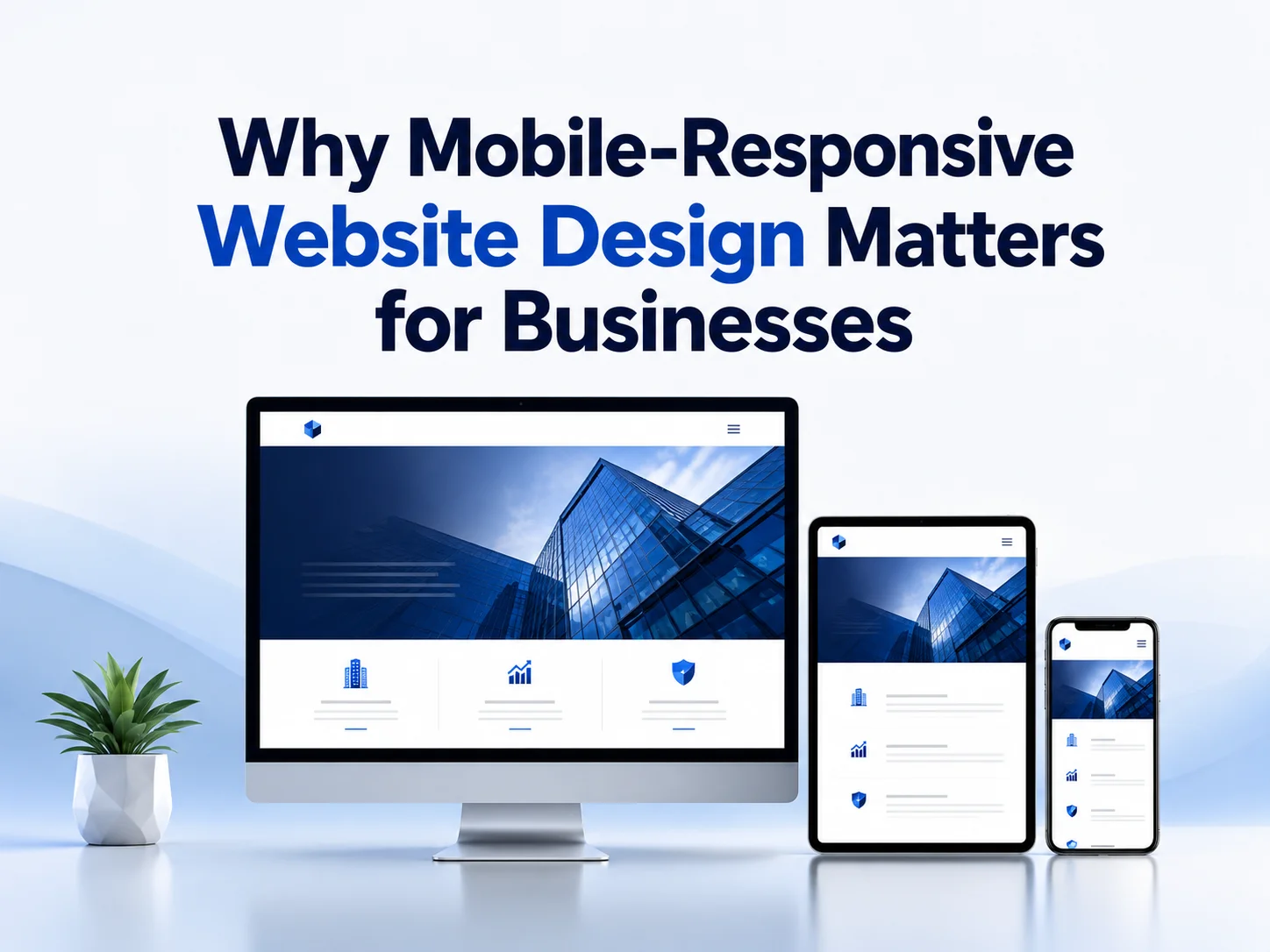
Why Mobile-Responsive Website Design Matters for Businesses

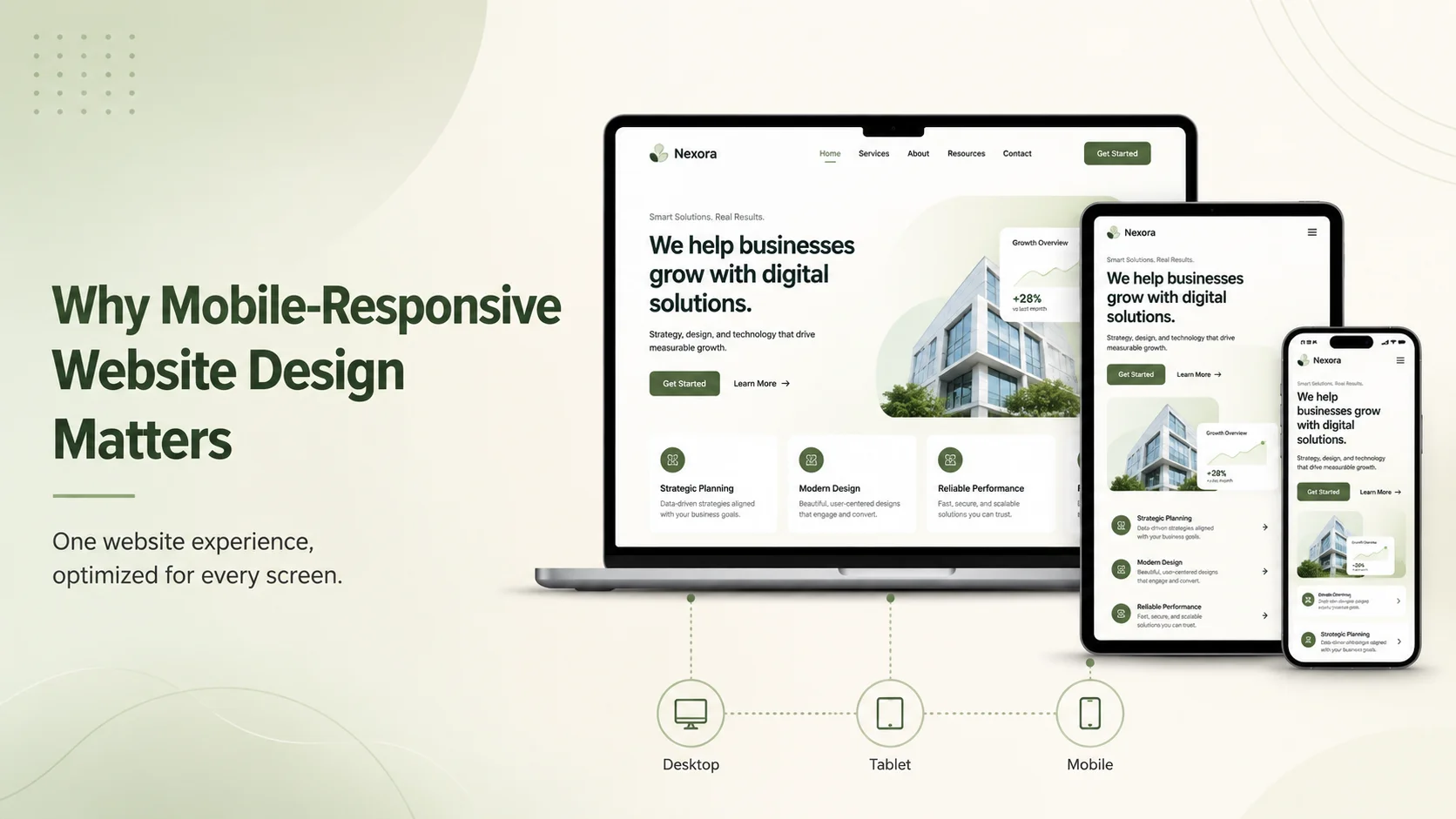
Customers increasingly visit business websites from smartphones and tablets, which means a website can no longer be designed only for desktop screens. If visitors need to zoom, scroll sideways, struggle with small buttons, or wait for oversized content to load, they may leave before understanding what the business offers.

Mobile-responsive website design allows a website to adapt automatically to different screen sizes while keeping navigation, content, images, forms, and calls to action easy to use. For businesses, this directly affects customer experience, credibility, lead generation, and how effectively a website supports sales and marketing.

A Better Mobile Experience Helps Keep Visitors Engaged

People use mobile devices differently from desktop computers. They often browse quickly, use touch controls, and expect important information to be available without unnecessary navigation. A responsive website reorganizes content so users can comfortably read text, tap buttons, complete forms, view products, and contact the business from a smaller screen.

A desktop layout may contain several columns, large menus, detailed tables, or wide visual sections. On mobile, these elements need to adapt rather than simply shrink. Columns may stack vertically, navigation may become a compact mobile menu, buttons may become easier to tap, and images should resize without pushing content outside the screen.

This is particularly important on pages where visitors are expected to take action. A quote form that is easy to complete on desktop but difficult to use on a phone can reduce enquiries. The same problem can affect checkout pages, appointment booking, registration, product browsing, and customer-support forms.

web banner 1

Responsive Design Supports Trust and Professionalism

A website is often one of the first interactions a potential customer has with a company. If the mobile version looks broken or outdated, that experience can influence how visitors perceive the business itself.

Responsive design helps maintain a consistent brand experience across devices. Typography, colors, images, buttons, and page structure remain recognizable while adapting to the available screen size. Visitors should feel that they are using the same professional website whether they arrive from a desktop computer or a smartphone.

This becomes even more important when customers compare several companies. A business that provides clear information, simple navigation, and an easy mobile experience may appear more reliable than a competitor whose website is difficult to use.

Mobile Responsiveness Can Improve Conversions

Responsive website design is not only a visual requirement. It can directly affect whether visitors complete important business actions.

For example, someone searching for a local service from their phone may want to quickly view pricing, check availability, call the company, or request a quote. If these actions are hidden behind complicated menus or difficult forms, the business may lose a potential lead even though the visitor was already interested.

Businesses should make the most important actions easy to reach on mobile. Phone numbers can be clickable, forms should contain only necessary fields, buttons should have comfortable spacing, and important service information should appear before less relevant details.

  • Clear mobile navigation
  • Readable text without zooming
  • Comfortable touch-friendly buttons
  • Simple enquiry and contact forms
  • Responsive images and media
  • Easy access to important calls to action

A responsive layout can also make marketing campaigns more effective. Visitors arriving from social media, email campaigns, search results, or digital advertising frequently use mobile devices. If the landing page is difficult to use on their device, part of the marketing budget may be wasted before the customer even reaches the offer.

Improve Your Website for Mobile Users

Performance Matters Alongside Responsive Design

A website can technically adapt to a smartphone screen and still provide a poor mobile experience if it loads slowly. Mobile users may be browsing through weaker connections, so large images, unnecessary scripts, heavy animations, and poorly optimized third-party tools can become especially noticeable.

Responsive development should therefore consider performance as well as layout. Images can be optimized for appropriate screen sizes, unnecessary resources can be reduced, caching can be configured, and frontend code can be structured so important content appears quickly.

Businesses should also test real pages instead of assuming that a responsive framework automatically solves every problem. Navigation, forms, sliders, popups, tables, checkout flows, embedded media, and interactive components should all be reviewed on different screen sizes.

Responsive Design Makes Future Growth Easier

A well-built responsive website provides one adaptable experience instead of requiring completely separate desktop and mobile websites. This can make content management and future development easier because updates can be made within the same website structure.

As the business adds new services, landing pages, e-commerce features, customer portals, or integrations, responsive components can be reused rather than redesigning every feature independently for each device.

Encoder IT Limited designs and develops responsive business websites, WordPress websites, e-commerce stores, custom web applications, and mobile-friendly interfaces. Our work includes UI/UX design, responsive frontend development, performance optimization, API integration, and ongoing website improvements.

Mobile-responsive website design matters because customers expect a website to work wherever they access it. A business website should provide the same clarity, trust, and ease of use on a smartphone that it provides on a larger screen.

When responsive design is combined with fast performance, clear content, and simple customer journeys, the website becomes better prepared to turn mobile visitors into enquiries, bookings, purchases, and long-term customers.

How to Choose the Right Web Development Company

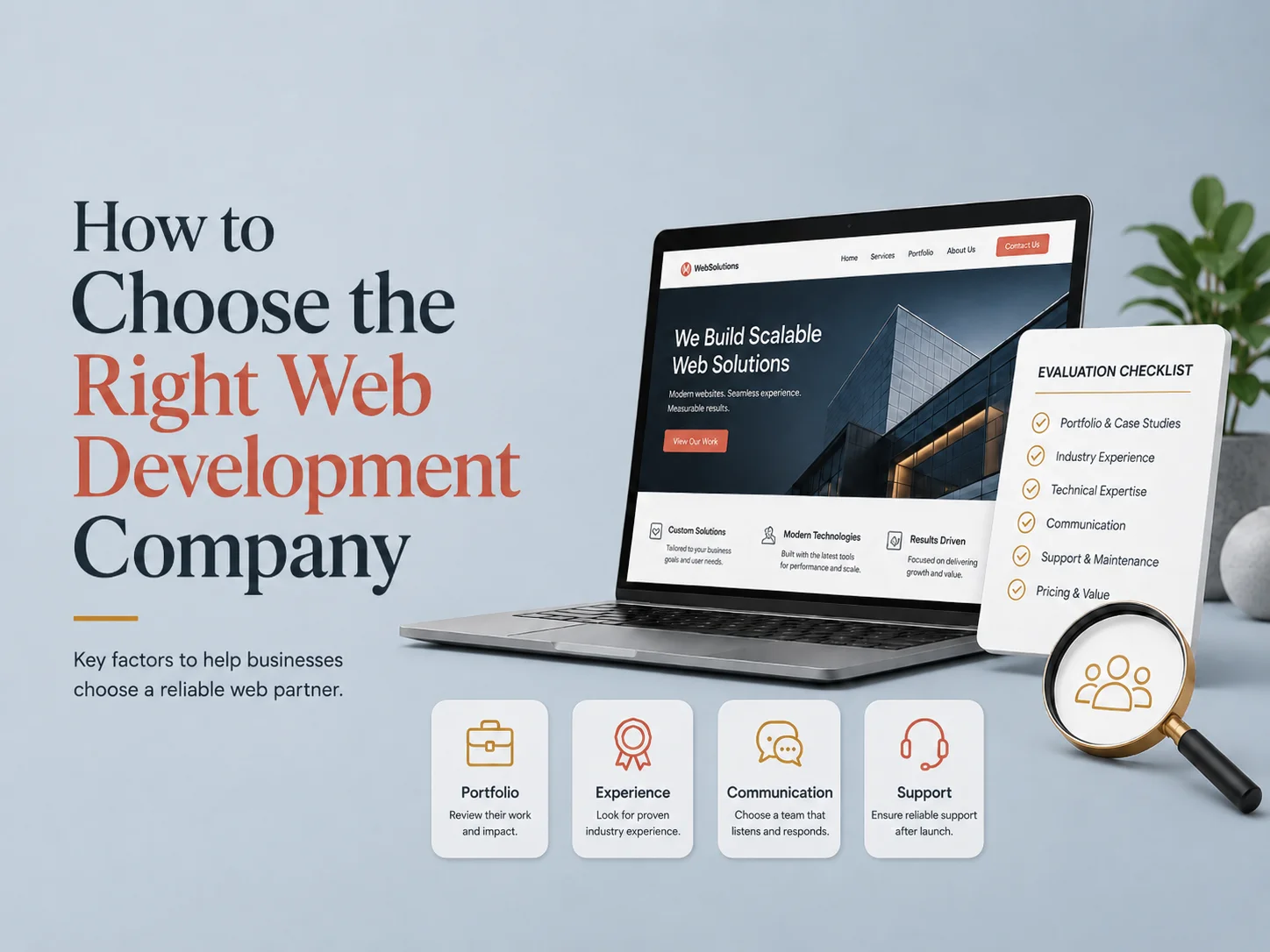
Choosing the right web development company can have a major impact on the quality, performance, security, and long-term success of your website. The right partner should do more than build pages from a design—they should understand your business goals, recommend suitable technology, plan for future growth, and create a website that is practical to maintain after launch.

Price and portfolio are important, but they should not be the only factors in your decision. A company may show attractive websites while having limited experience with custom functionality, e-commerce, APIs, performance optimization, or the type of business platform you actually need.

Start With Your Business Requirements

Before comparing development companies, define what the website needs to accomplish. A service business may need a professional website focused on lead generation. An e-commerce company may require products, payments, shipping, inventory, and customer accounts. Another business may need a customer portal, booking system, dashboard, API integration, or custom web application.

The clearer your requirements are, the easier it becomes to evaluate whether a development company has the right experience. You do not need a complete technical specification, but you should understand your main pages, important features, target users, required integrations, and the actions you want visitors to take.

A good development company should also ask questions before recommending technology. If a team immediately pushes WordPress, Shopify, Laravel, React, or another platform without understanding your requirements, the recommendation may be based more on what they prefer to build than what your business actually needs.

Review Experience Beyond Visual Design

A portfolio is a useful starting point, but look deeper than screenshots. Try to understand what the company actually developed. Did they build the complete website? Did they handle UI/UX design, frontend development, backend systems, integrations, or only one small part of the project?

Relevant experience matters particularly when your website needs more than standard content pages. Payment gateways, subscriptions, multilingual websites, customer accounts, custom filters, booking systems, dashboards, CRM integrations, or complex forms require different development skills from a simple marketing website.

You should also look for evidence that the company can work with the type of platform your project requires. A strong WordPress team may be ideal for a content-focused business website, while a custom SaaS product or complex customer portal may require experience with technologies such as Laravel, Node.js, React, or Next.js.

Pay Attention to Communication and Development Process

Many website projects experience problems because expectations were unclear rather than because developers could not write the code. Good communication helps prevent misunderstandings about features, design, timelines, content, integrations, and project scope.

Ask how the company handles discovery, design approval, development milestones, testing, revisions, and launch. You should understand how progress will be shared and who will be responsible for communication throughout the project.

A professional process should provide enough structure to keep the project organized while still allowing reasonable changes when new information appears. If a requirement changes during development, the company should explain how that change affects the timeline, budget, and existing functionality instead of simply adding it without discussion.

  • Do they understand your business before proposing a solution?
  • Can they show relevant project experience?
  • Do they provide UI/UX, frontend, and backend expertise where required?
  • Can they handle APIs and third-party integrations?
  • Is their testing and launch process clearly defined?
  • Do they provide maintenance after the website goes live?

Compare Technical Quality, Not Just the Initial Price

The cheapest quote can sometimes become the most expensive option if the website later needs to be rebuilt. Poorly organized code, excessive plugins, weak security, slow performance, or an unsuitable technical architecture can make even small future changes difficult.

When comparing proposals, check what each price includes. One company may quote only for development while another includes planning, custom UI/UX design, responsive implementation, testing, performance optimization, deployment, and post-launch support. Two proposals with different prices may therefore represent very different levels of work.

You should also consider ownership and maintainability. Ask whether you will receive access to the source code, website administration, hosting information, and other important project assets. A business should not become unnecessarily dependent on one company simply because basic access was never properly transferred.

Performance, security, and SEO-friendly development should also be considered during the build. A professional website needs clean responsive layouts, optimized assets, reliable forms, proper technical structure, and a foundation that can be maintained as browsers, platforms, and business requirements change.

Discuss Your Website Project

Think About What Happens After Launch

A website usually continues evolving after it goes live. Businesses add services, publish content, update branding, launch marketing campaigns, integrate new software, and improve pages based on customer behavior. Security updates, backups, performance monitoring, and compatibility maintenance may also be required.

This is why the development relationship should not be evaluated only around the first launch date. Ask whether the company can support future improvements, fix urgent issues, maintain integrations, and help the website grow when your requirements change.

For some businesses, occasional maintenance is enough. For e-commerce stores, custom platforms, or websites that play an important role in daily operations, ongoing technical support may be much more valuable.

Choose a Partner That Fits the Project

The right web development company should combine technical ability with an understanding of business goals. They should be able to explain why they recommend a particular solution, identify potential risks, communicate clearly, and build something that remains useful after the first version is delivered.

Encoder IT Limited provides website design and development services including custom business websites, WordPress and WooCommerce development, Shopify, UI/UX design, custom web applications, API integrations, performance optimization, and ongoing maintenance.

When choosing a development company, look beyond the lowest price or the most visually impressive portfolio. Relevant experience, communication, technical quality, development process, long-term support, and an understanding of your business are much stronger indicators of whether the partnership will succeed.

Essential Features Every Modern Business Website Should Have

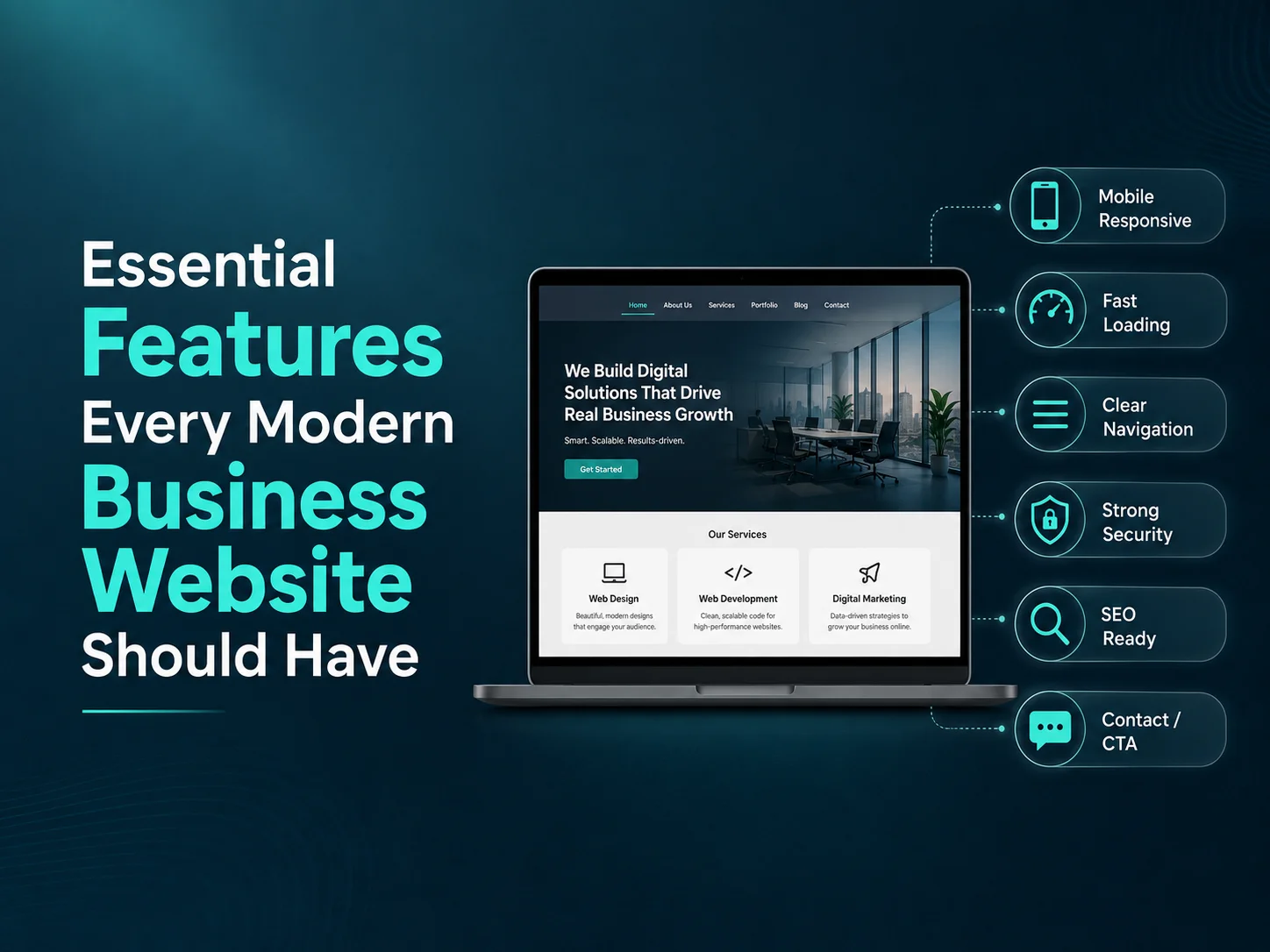
A modern business website needs to do more than look professional. It should help visitors understand the company, find important information quickly, trust the business, and take the next step—whether that means requesting a quote, booking a service, making a purchase, calling the company, or submitting an enquiry.

The exact features will depend on the business, but several elements are important across most professional websites. Strong navigation, responsive design, fast performance, clear calls to action, useful content, security, and easy management all contribute to a website that supports real business goals.

Clear Navigation and a Strong User Experience

Visitors should be able to understand where they are and where to go next without thinking too much. Main services, products, company information, contact details, and other important pages should be easy to reach through a clear navigation structure.

Good website design also creates a logical content hierarchy. Headlines should explain what each page is about, important information should appear before secondary details, and calls to action should be easy to identify. A website can contain excellent content and still perform poorly if users struggle to find it.

Forms should also remain simple. If a customer only needs to provide a name, email, phone number, and short message to request a quote, asking for fifteen fields can create unnecessary friction. The same principle applies to booking, checkout, registration, and other important workflows.

Mobile Responsiveness, Speed, and Accessibility

A business website should work comfortably across smartphones, tablets, laptops, and larger desktop screens. Responsive design means more than shrinking the desktop layout. Navigation, spacing, images, forms, buttons, and content should adapt so mobile visitors can complete the same important actions without difficulty.

Website speed is equally important. Large images, unnecessary scripts, heavy plugins, poor hosting, and inefficient code can make pages slow to load. Performance optimization can include image compression, caching, efficient frontend code, optimized hosting, and reducing resources that the website does not actually need.

Accessibility should also be considered as part of modern website development. Readable text, clear contrast, meaningful headings, keyboard-friendly navigation, properly labeled forms, and descriptive alternative text can make the website easier to use for a wider range of visitors.

These areas work together. A fast website that is difficult to use on mobile is still a poor experience, just as a beautiful responsive site can lose visitors if every page takes too long to load.

Features That Help Turn Visitors Into Customers

A business website should make the next step obvious. Calls to action such as Request a Quote, Book a Consultation, Contact Us, Buy Now, or Schedule a Service should appear where they naturally match the visitor’s intent.

Trust elements can support these conversion paths. Testimonials, client logos, case studies, project examples, reviews, certifications, team information, and clear contact details can help visitors feel more confident before making an enquiry or purchase.

For businesses with many services or products, search and filtering can also become important. Visitors should not need to browse through dozens of pages manually when a well-designed search or category structure could help them find what they need faster.

  • Clear calls to action
  • Contact and enquiry forms
  • Testimonials or reviews
  • Case studies or portfolio examples
  • Search and filtering where needed
  • Accurate contact and business information

Analytics should also be part of the website. Businesses need to understand which pages attract visitors, which marketing channels generate traffic, and where users leave important processes. This information can guide future improvements instead of relying only on assumptions.

Build a Modern Business Website

Security, Content Management, and Reliable Integrations

A modern website should be secure and maintainable after launch. HTTPS, maintained software, secure authentication, backups, spam protection, and regular updates help reduce unnecessary security risks.

Businesses also need a practical way to manage content. A good content-management system allows authorized team members to update text, images, services, blog posts, products, or other website information without risking the overall design.

Many modern websites also connect with other business systems. CRM integrations can send enquiries directly to the sales team. Payment gateways can support online transactions. Booking platforms, email marketing tools, analytics systems, inventory software, and custom APIs can turn the website into a more useful part of daily operations.

These integrations should be chosen based on actual business needs. Adding dozens of plugins or external tools without a clear purpose can increase complexity, slow the website, and make maintenance harder.

A Modern Website Should Be Built for Growth

A business website rarely remains unchanged forever. New services are introduced, content expands, marketing campaigns create new landing pages, and customers may eventually need online booking, e-commerce, customer accounts, or other functionality.

The website should therefore have a technical and content structure that can grow without requiring a complete rebuild whenever the business changes. Reusable components, organized page templates, clean code, and a maintainable CMS make future expansion easier.

Encoder IT Limited designs and develops modern business websites using WordPress, WooCommerce, Shopify, and custom web technologies. Our services can include UI/UX design, responsive development, performance optimization, e-commerce, API integration, custom functionality, and ongoing website maintenance.

The most important modern website features are not unnecessary animations or a large number of plugins. A strong business website should be easy to navigate, fast, responsive, secure, trustworthy, manageable, and designed around the actions customers actually need to complete.