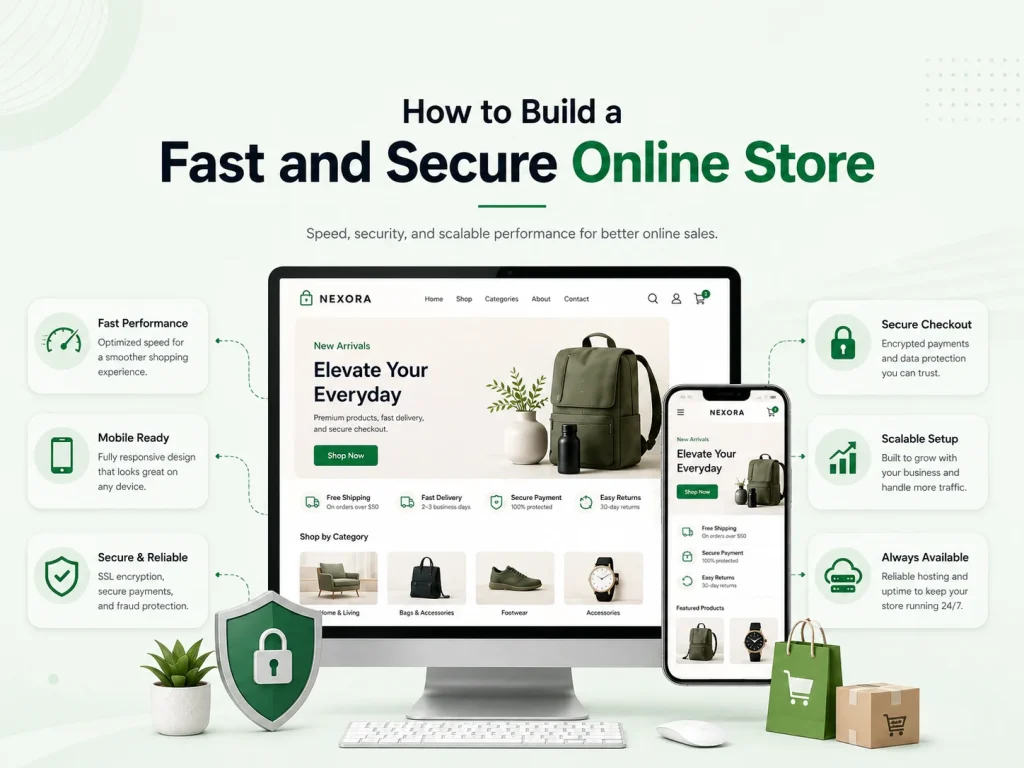
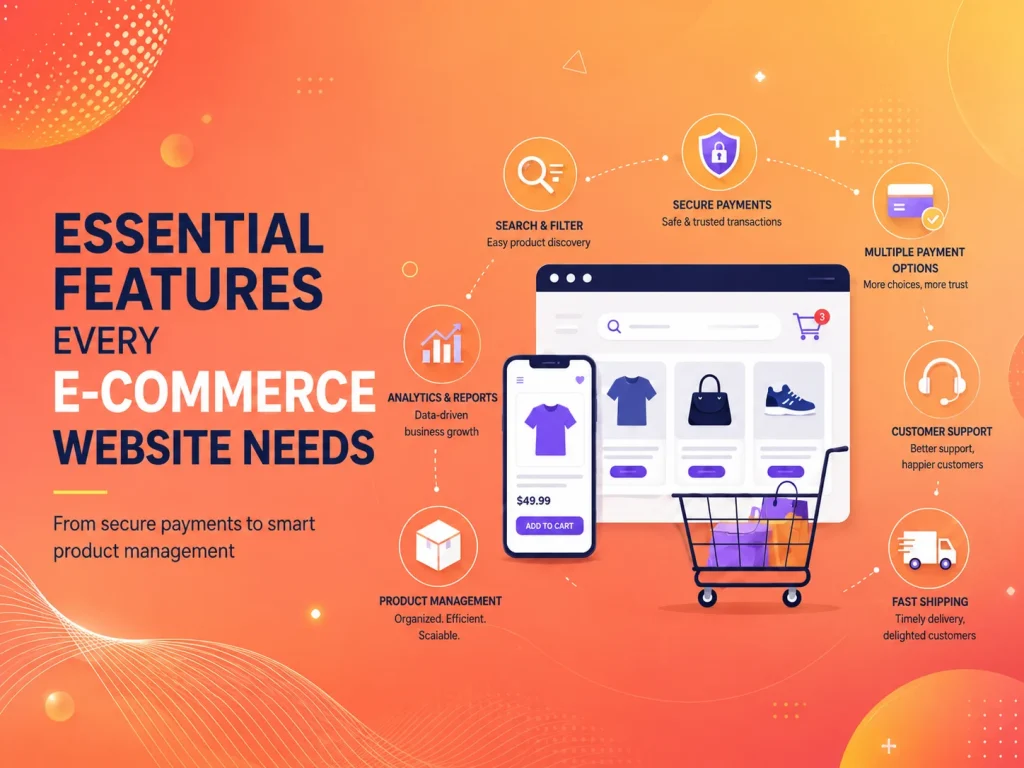
A successful online store needs more than attractive product pages. Customers expect products to load quickly, search and filtering to respond smoothly, checkout to work without delays, and payments to be handled securely. If an e-commerce website is slow or appears unreliable, customers may leave before completing their purchase.
Building a fast and secure online store requires attention across the complete platform—from hosting, images, frontend code, and database performance to authentication, payments, software updates, APIs, and administrative access. Performance and security should be planned during development rather than treated as separate fixes after the store is already live.
E-commerce websites can become heavy quickly because they contain product images, variations, filters, reviews, tracking scripts, payment services, promotional tools, search features, and third-party applications. Each individual feature may be useful, but together they can significantly increase the amount of work required to load a page.
Product images are one of the first areas to optimize. High-quality photography is important for online shopping, but customers should not need to download unnecessarily large files. Images should be resized for their actual display dimensions, compressed appropriately, and loaded efficiently. Product galleries should also avoid loading every large image immediately when only the first few are visible.
The same principle applies to scripts and plugins. WooCommerce, Shopify, and custom e-commerce stores often accumulate analytics tools, chat systems, marketing pixels, popup applications, recommendation engines, review widgets, and other extensions. Businesses should periodically review which tools genuinely support sales and remove unnecessary ones rather than allowing the store to become increasingly complex.
Hosting and backend performance matter as well. A store that works comfortably with fifty daily orders may need different infrastructure when traffic and product data increase significantly. Slow database queries, inefficient search, unnecessary API calls, or limited server resources can make product browsing and checkout noticeably slower as the business grows.
Protect Customer Accounts and Checkout
An online store handles information that deserves careful protection. Depending on the platform, this may include customer names, addresses, order histories, account credentials, payment-related information, and business transaction records.
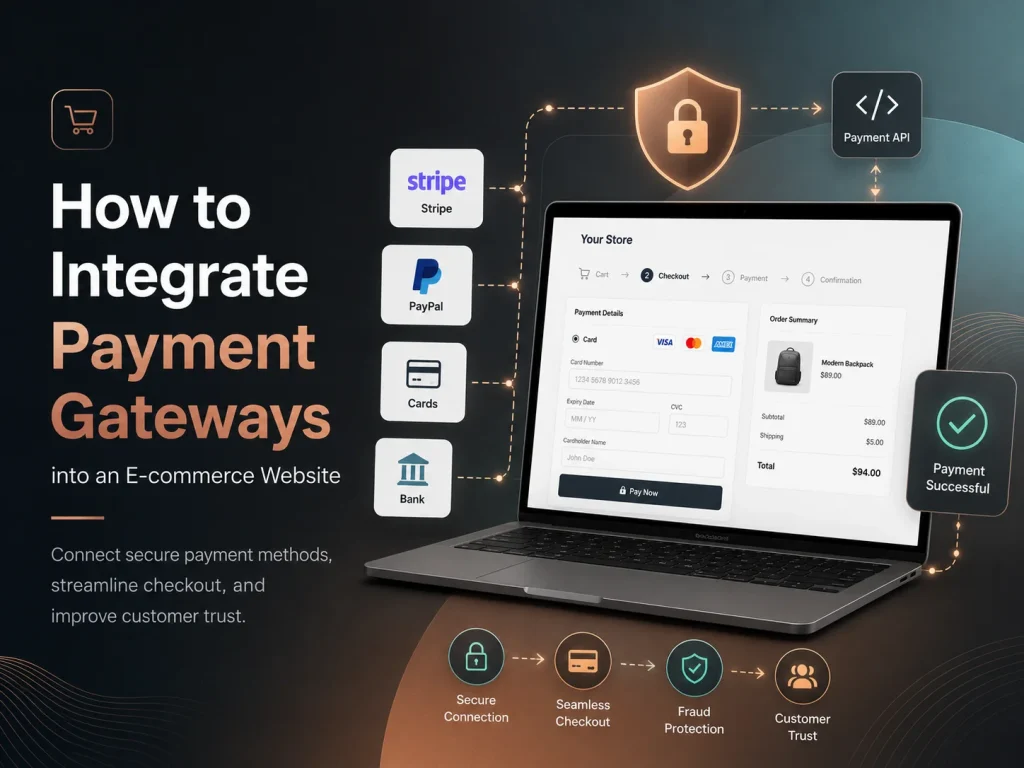
The complete store should use HTTPS, and sensitive payment credentials should remain protected rather than being exposed in browser-side code. Payment gateways should be integrated using the secure methods provided by the payment provider, while the backend should verify important transaction events before marking an order as paid.
Customer and administrator authentication also requires attention. Strong passwords, appropriate account permissions, secure password recovery, and additional authentication for sensitive administrative access can reduce unnecessary risk. Employees should only receive the level of access required for their role.
For example, someone responsible for managing product descriptions may not need permission to install extensions or change payment settings. Limiting administrative privileges reduces the impact of both mistakes and compromised accounts.
A secure e-commerce store should never rely on the checkout screen alone. Payments, customer permissions, prices, order totals, discounts, inventory changes, and other important actions should be verified by trusted backend logic before the business treats them as complete.
Keep Checkout Fast, Simple, and Reliable
Checkout is one of the most important areas of an online store because even small problems can interrupt a purchase that was already close to completion. Customers should not need to navigate through unnecessary steps, create complicated accounts, or wait for several slow third-party services before paying.
Forms should request only the information required to process the order. Address fields, shipping options, discounts, payment methods, and order totals should update clearly so customers understand exactly what they are purchasing and how much they will pay.
The checkout also needs to handle failure correctly. A declined payment, temporary network problem, expired session, or failed external API should not leave the customer unsure whether an order was placed. Clear messages and reliable order states help prevent duplicate payments and unnecessary support requests.
- Optimize product images and media
- Reduce unnecessary apps, plugins, and scripts
- Use reliable hosting and efficient caching
- Protect customer and administrator accounts
- Verify payments through secure backend processes
- Keep checkout forms simple
- Maintain extensions and third-party integrations
- Use backups, monitoring, and recovery procedures
Security and Speed Continue After the Store Launches
An online store can be fast and secure when it launches and become slower or more vulnerable over time. New products are added, databases grow, marketing teams install additional tools, payment providers change integrations, and software receives updates.
For WooCommerce stores, WordPress core, themes, plugins, and custom integrations should be maintained carefully. Shopify businesses should also review installed applications, theme customizations, scripts, and integrations to make sure they are still necessary and functioning correctly. Custom e-commerce platforms require similar attention to frameworks, libraries, servers, APIs, and databases.
Monitoring can help businesses discover problems before customers report them. Checkout failures, unexpected downtime, slow database requests, unusual login activity, broken integrations, and repeated application errors can all indicate that something needs investigation.
Backups are equally important. Businesses should have a practical recovery process for website files, databases, orders, products, and other important information. A backup is most valuable when the team knows how to restore it if an update, technical failure, or security incident damages the store.
Improve Your Online Store
E-commerce businesses naturally want to add features that improve marketing and customer experience. Product recommendations, loyalty programs, live chat, advanced filters, subscriptions, wishlists, reviews, and personalization can all be valuable. The problem begins when every feature adds another script, plugin, API request, or point of failure without being reviewed as part of the complete platform.
The strongest stores prioritize features that contribute directly to customer experience or business operations. A simpler store that loads quickly and processes orders reliably can often provide more value than a feature-heavy platform that becomes difficult to maintain.
Encoder IT Limited develops and optimizes WooCommerce, Shopify, and custom e-commerce platforms. Our services can include store development, performance optimization, payment gateway integration, security improvements, custom functionality, API integrations, checkout development, and ongoing e-commerce maintenance.
A fast and secure online store is created through many coordinated decisions rather than one plugin or optimization setting. Efficient code, optimized media, reliable infrastructure, secure payments, controlled access, careful integrations, and ongoing maintenance all contribute to an e-commerce experience customers can use with confidence.