UI and UX are often discussed together, but they describe different parts of digital product design. A website, mobile app, SaaS platform, or e-commerce store can look attractive while still being difficult to use, just as a highly usable product can feel visually outdated or inconsistent.
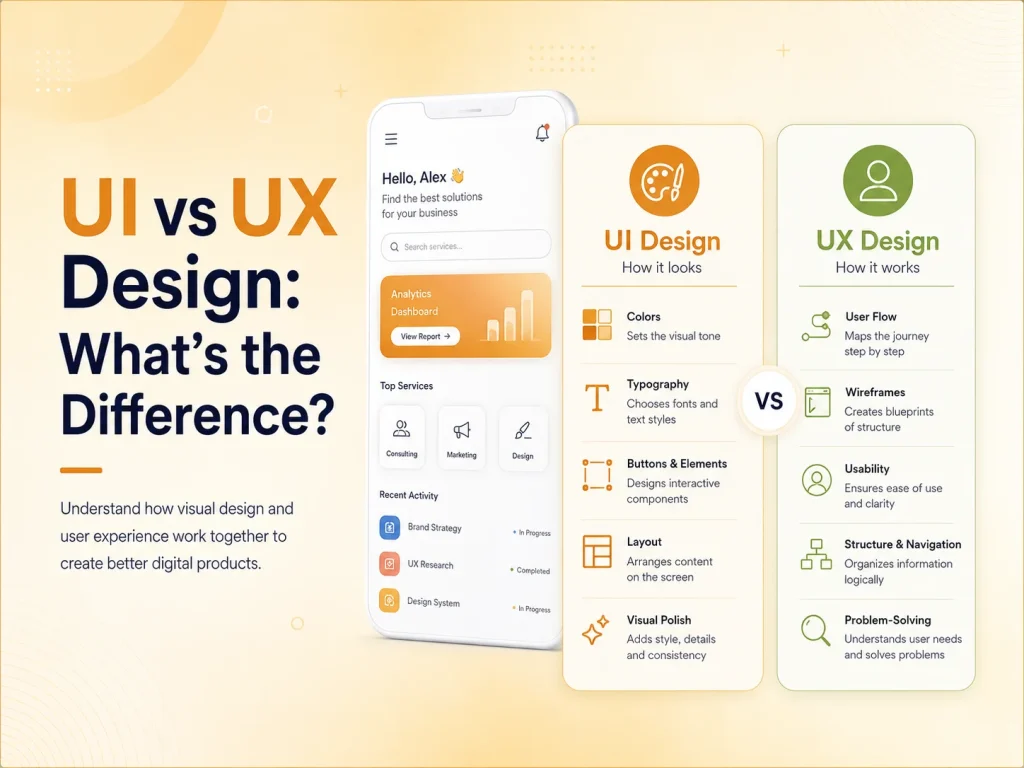
UI design focuses mainly on how a digital interface looks and how its visual elements are presented. UX design focuses on how people move through the product, understand information, and complete important tasks.
The strongest digital products combine both. Good UX gives users a clear and efficient journey, while good UI makes that journey visually understandable, consistent, and engaging.
What Is UI Design?
UI stands for User Interface. It includes the visual and interactive elements users see when they interact with a website or application. Buttons, typography, colors, icons, forms, cards, menus, spacing, and page layouts are all part of the interface.
A UI designer works to make these elements visually consistent and easy to recognize. Primary actions should stand out, related information should feel connected, and the visual hierarchy should make it clear what deserves attention first.
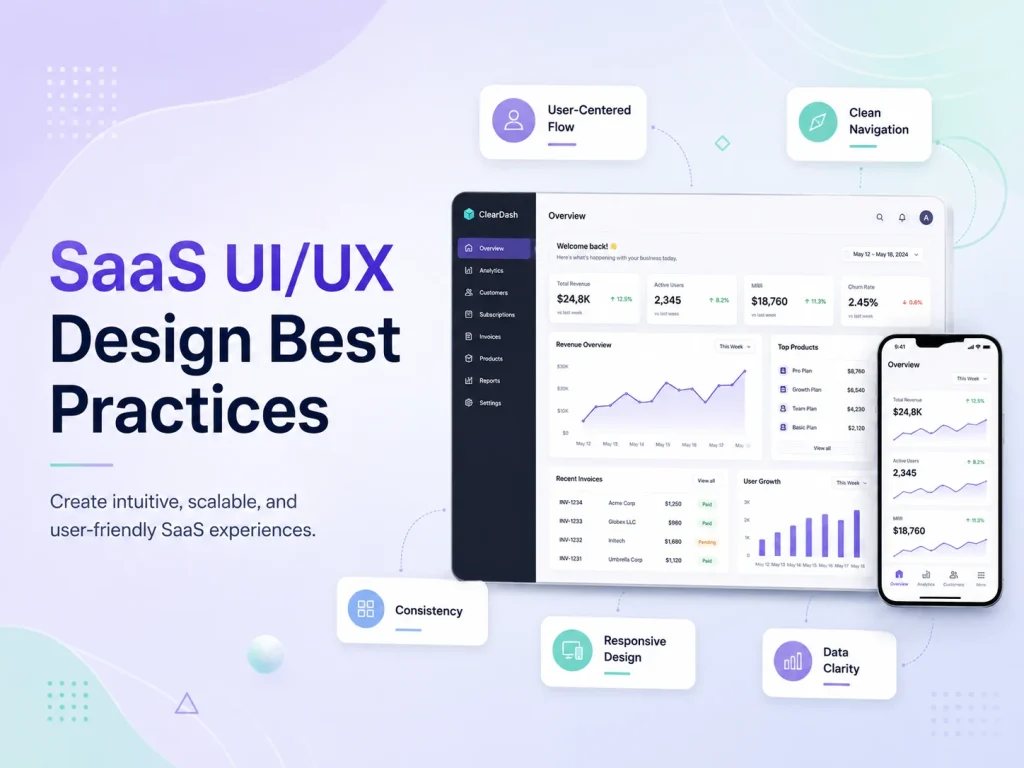
For example, on an e-commerce product page, UI design influences how the product image, price, variation selectors, quantity controls, reviews, and Add to Cart button are presented. On a SaaS dashboard, it shapes navigation, tables, charts, status indicators, forms, and action buttons.
Good UI is not simply decoration. Visual decisions can directly affect usability. Weak contrast can make text difficult to read, inconsistent buttons can confuse users, and crowded layouts can make important information harder to find.
What Is UX Design?
UX stands for User Experience. It looks at the broader experience a person has while using a product. UX design asks questions such as: Can users find what they need? Is the navigation understandable? Are forms unnecessarily complicated? Does the checkout process contain too many steps?
UX often begins before detailed interface styling. Designers may research user needs, define important user journeys, create information architecture, build wireframes, plan navigation, and test prototypes before deciding exactly how every screen should look.
Consider a booking application. The UX includes how easily users can search for a service, choose a date, select an available time, enter required information, make payment, and receive confirmation. If this journey takes ten confusing steps when it could take four clear ones, changing colors and button styles alone will not solve the problem.
UX also includes error handling, empty states, onboarding, accessibility, responsiveness, loading behavior, and the clarity of messages users receive throughout the product.
| Area |
UI Design |
UX Design |
| Main Focus |
Visual interface and presentation |
Overall usability and user journey |
| Typical Elements |
Colors, typography, buttons, icons, spacing, components |
Navigation, workflows, information structure, usability, interactions |
| Main Question |
How should this interface look and communicate? |
How should this experience work for the user? |
| Common Deliverables |
Visual designs, component libraries, design systems |
User flows, wireframes, prototypes, research and testing |
| Primary Goal |
Create a clear and consistent interface |
Make tasks easier and more intuitive to complete |
How UI and UX Work Together
UI and UX should not be treated as completely separate stages. Decisions in one area frequently affect the other. A well-planned user flow still needs a clear visual interface, while a beautiful design still needs logical navigation and usable workflows.
Imagine a lead-generation website with an attractive hero section, modern typography, high-quality images, and polished animations. The UI may look excellent. But if visitors cannot understand the service or find the contact form, the UX is weak.
The opposite can happen too. A website may have simple navigation and a logical conversion journey but use inconsistent spacing, unreadable typography, outdated visual elements, and unclear buttons. Users may still complete tasks, but the interface can make the business feel less professional.
The most effective design process considers both at the same time. UX defines what users need and how the experience should flow, while UI turns that structure into an interface that is visually clear and consistent.
Improve Your Website or App UI/UX
Why Businesses Need Both UI and UX Design
Businesses sometimes focus heavily on visual design because it is the most immediately visible part of a website or application. However, attractive screens alone do not guarantee that visitors will become customers or that users will continue using a product.
A service website may need clearer calls to action and better information hierarchy. An online store may need simpler product discovery and checkout. A SaaS platform may need more focused dashboards and role-based navigation. A mobile application may need shorter forms and clearer feedback after important actions.
These are primarily UX problems, but solving them usually requires UI changes as well. A redesigned checkout flow still needs clear buttons, form states, typography, spacing, and visual feedback.
- UI helps create a professional and consistent visual identity
- UX helps users complete tasks with less effort
- UI improves visual clarity and interaction
- UX helps reduce confusion and unnecessary steps
- Together they can improve engagement and conversion opportunities
UI/UX Design Is an Ongoing Process
Design decisions should continue to be evaluated after launch. Analytics, customer feedback, usability testing, support requests, and product behavior can reveal problems that were not obvious during the initial design process.
Users may ignore a button that designers expected to be important. A form may have higher abandonment than expected. Customers may repeatedly ask where certain information is located. These signals can guide future UI and UX improvements.
A mature digital product also needs consistency as it grows. New pages, modules, features, and integrations should follow the same design principles rather than introducing a different visual and interaction pattern every time something is added.
Encoder IT Limited provides UI/UX design for websites, mobile applications, SaaS platforms, dashboards, e-commerce stores, and custom web applications. Our work can include user-flow planning, wireframes, interface design, design systems, responsive layouts, frontend development, and conversion-focused improvements.
UI and UX have different responsibilities, but neither works at its best alone. UX creates a clear path for users, while UI makes that path understandable and visually effective. When both are planned together, businesses can create digital products that not only look professional but are also easier and more satisfying to use.