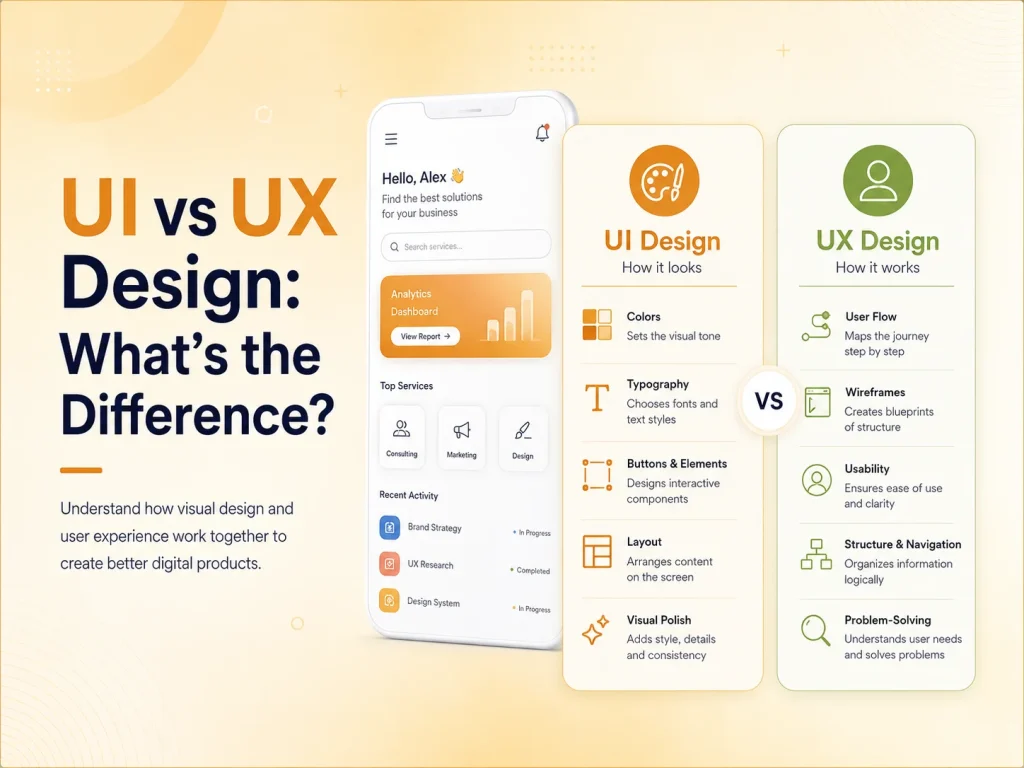
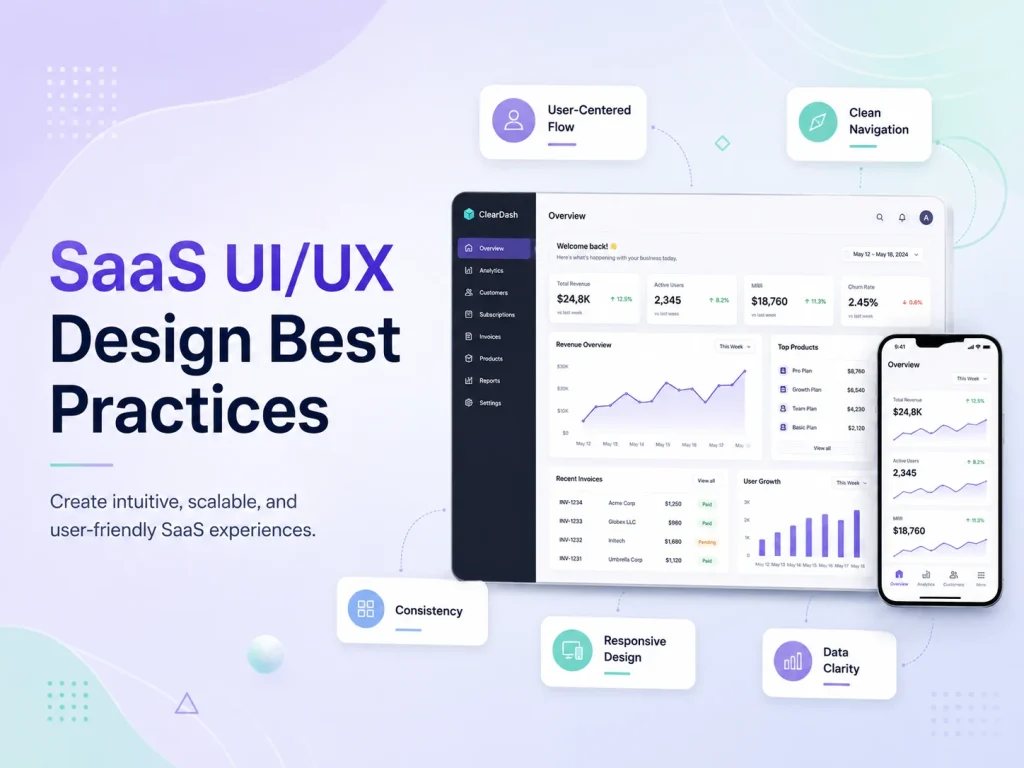
A website can attract plenty of visitors and still generate very few inquiries, bookings, registrations, or sales. One common reason is poor user experience. If visitors cannot quickly understand what a business offers or how to take the next step, they are more likely to leave.
Good UX design can increase website conversions by making the customer journey clearer, faster, and easier to complete. It removes unnecessary friction between a visitor arriving on the website and taking an important business action.
Better UX does not force users to convert. It removes the confusion and friction that can prevent interested visitors from taking action.
What Is a Website Conversion?
A conversion happens when a website visitor completes a valuable action. Depending on the business, this may include purchasing a product, requesting a quote, submitting a contact form, booking an appointment, registering for an account, or starting a free trial.
UX design helps make these actions easier to understand and complete.
Make Navigation Simple and Clear
Visitors should be able to find important information without searching through complicated menus or confusing page structures. Clear navigation helps users move naturally between services, products, pricing, contact information, and other key pages.
When users can find what they need quickly, they are more likely to continue toward a conversion instead of leaving the website.
Use Clear Calls to Action
Calls to action such as “Request a Quote,” “Book a Consultation,” or “Start Free Trial” should be easy to identify and clearly explain what happens next. Too many competing buttons can make users unsure about which action they should take.
Good UX creates a clear visual hierarchy so the primary action receives the right level of attention.
Long or complicated forms can create unnecessary friction. If a quote form asks for information that is not needed at the first stage, visitors may abandon it before submitting.
UX design helps remove unnecessary fields, organize required information logically, provide useful validation, and make forms easier to complete on both desktop and mobile devices.
Build Trust Through Professional Design
Visitors are more comfortable taking action when a website feels professional, consistent, and reliable. Clear typography, organized layouts, predictable interactions, secure checkout experiences, and accurate information can all support trust.
Confusing layouts, broken pages, inconsistent buttons, or unclear pricing can make potential customers hesitate even when they are interested in the service.
Improve Mobile User Experience
A website should make important actions easy to complete on smartphones and tablets. Buttons should be easy to tap, forms should fit smaller screens, content should remain readable, and menus should be simple to navigate.
A poor mobile experience can create unnecessary barriers between interested users and actions such as calling the business, submitting a form, or completing a purchase.
Improve Website Speed and Responsiveness
User experience also includes how quickly and smoothly the website responds. Slow pages, delayed buttons, layout shifts, or unnecessary loading screens can interrupt the customer journey.
Improving images, scripts, server performance, and frontend code can create a smoother experience and reduce opportunities for users to abandon the website.
Guide Users With Better Content Structure
Visitors usually scan a page before reading it carefully. Clear headings, short paragraphs, useful visuals, and properly organized information make it easier to understand the value of a product or service.
A strong page structure should answer important customer questions and naturally guide visitors toward the next step without overwhelming them with unnecessary information.
Reduce Friction Throughout the User Journey
Every unnecessary step creates another opportunity for a visitor to leave. Good UX design reviews the full journey from landing page to conversion and identifies where users may become confused or frustrated.
- Complicated navigation
- Unclear calls to action
- Long forms
- Hidden pricing or important information
- Poor mobile layouts
- Confusing checkout steps
Removing these barriers can make the conversion process much easier.
Use Data to Improve UX
UX improvements should not depend only on personal preference. Analytics, conversion funnels, user feedback, heatmaps, and testing can help identify where visitors are leaving or struggling.
Businesses can then improve specific pages, forms, calls to action, or workflows based on real user behavior instead of redesigning the entire website without evidence.
How Encoder IT Limited Can Help
Encoder IT Limited provides UI/UX design, website development, web application development, and conversion-focused redesign services for businesses that want more effective digital experiences.
Our services can include UX planning, responsive UI design, website redesign, landing pages, performance improvements, custom WordPress development, and React or Next.js frontend development.
Request a Quote
Final Thoughts
Good UX design can improve website conversions by making it easier for visitors to understand your business, find important information, trust the website, and complete the next action.
Instead of focusing only on how a website looks, businesses should consider the complete customer journey. A clear, fast, responsive, and user-friendly experience can turn more interested visitors into leads and customers.