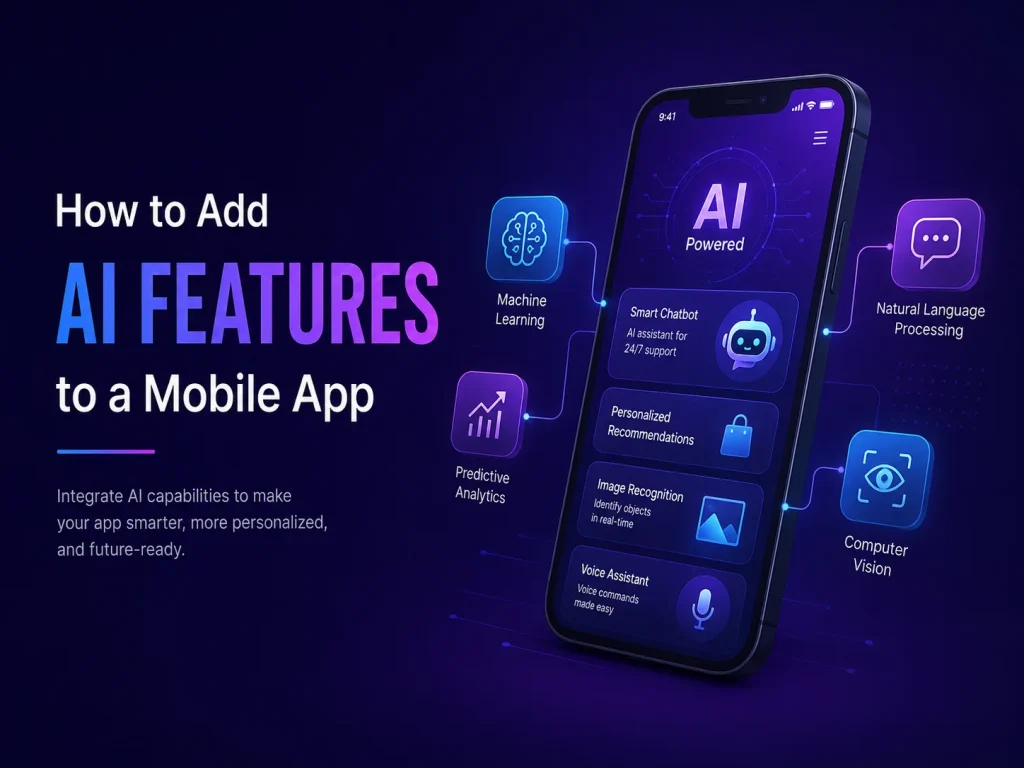
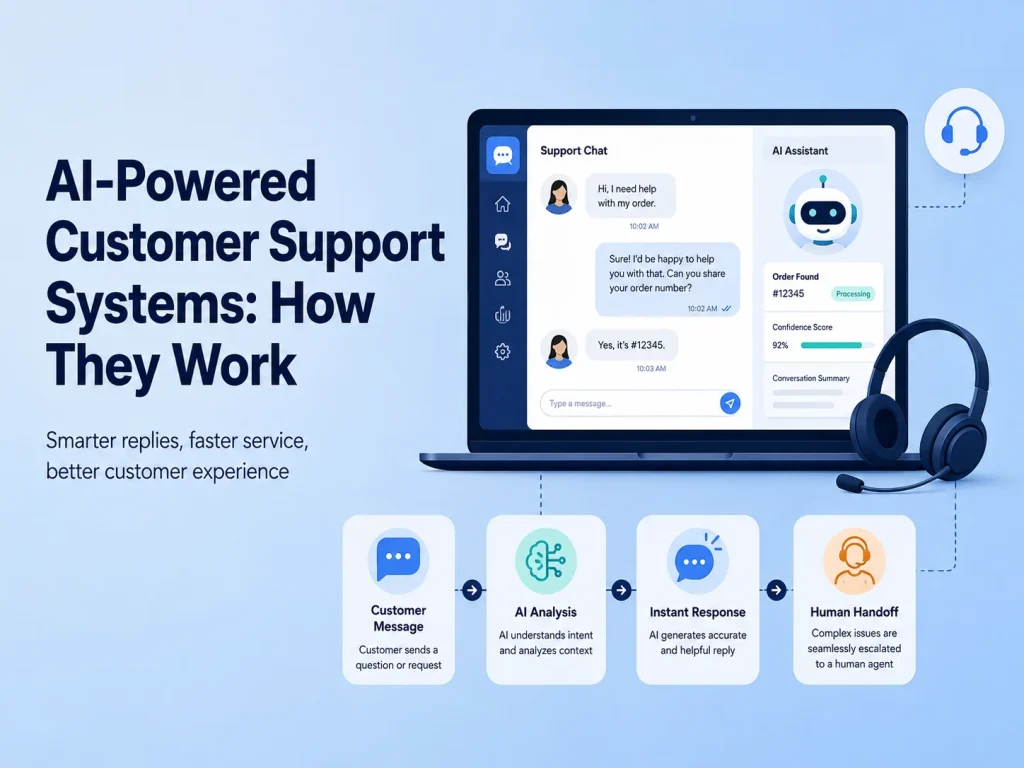
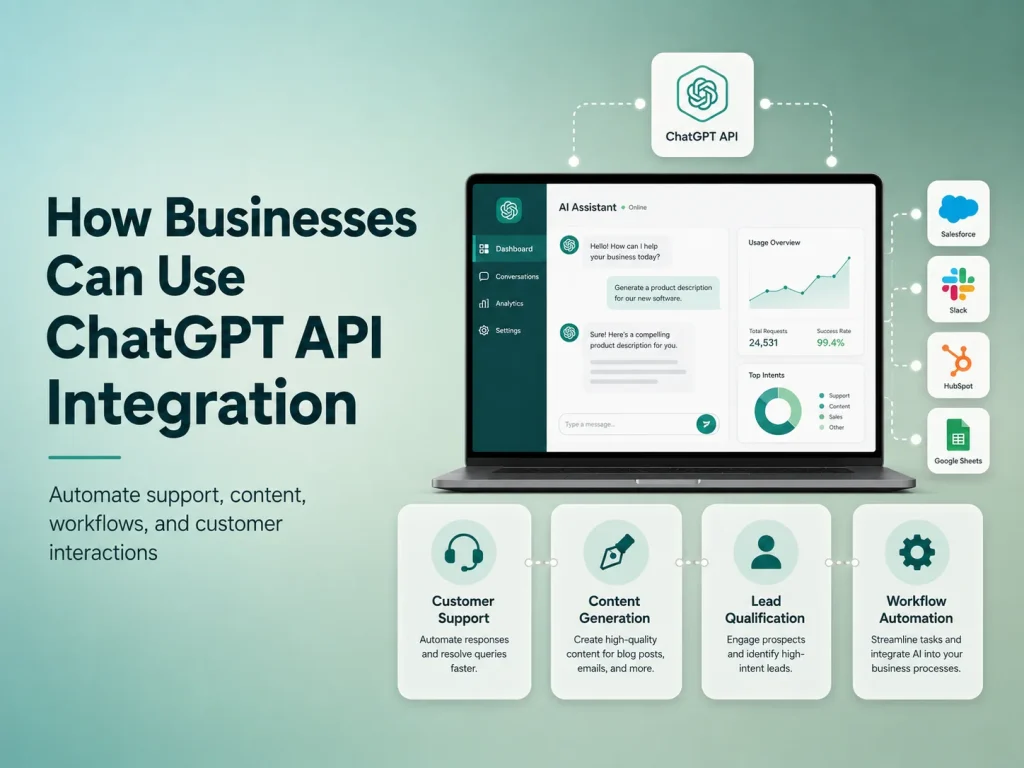
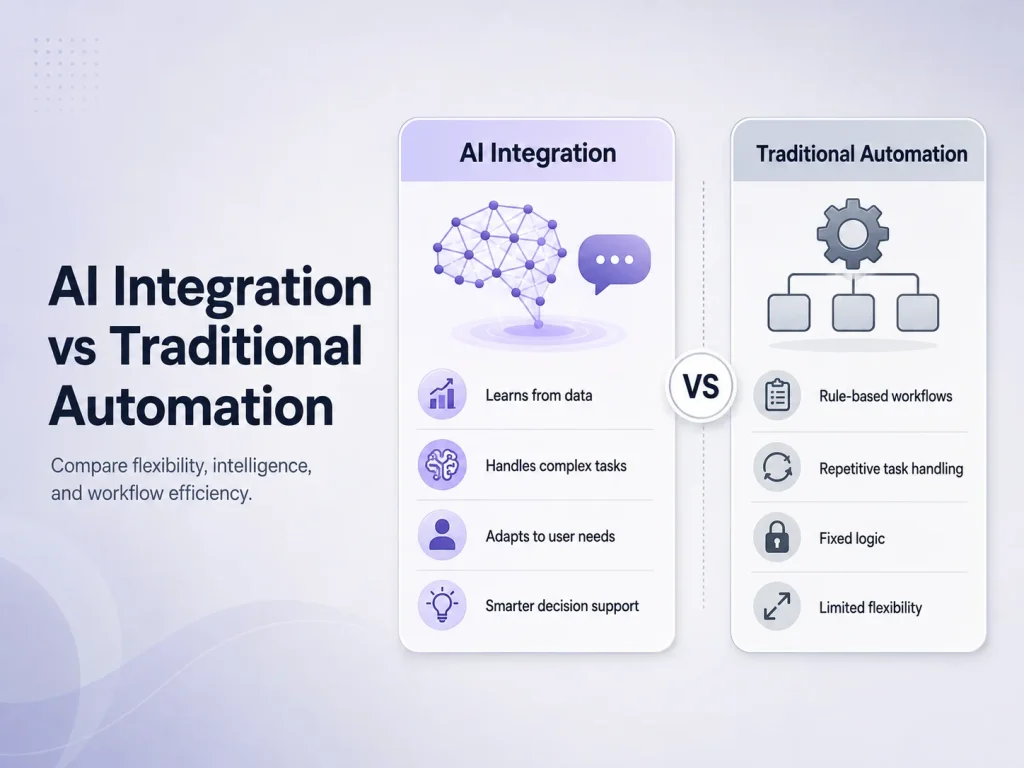
Adding artificial intelligence to an existing website does not usually require rebuilding the entire site from the beginning. In many cases, AI can be introduced gradually by connecting specific website features with AI services through APIs and backend logic.
This makes AI integration practical for businesses that already have a working WordPress website, e-commerce store, customer portal, SaaS platform, or custom web application. The goal is to identify where AI can make the current experience better—such as customer support, search, lead handling, document processing, recommendations, or internal business workflows.
Start With a Clear Business Problem
The first step is deciding what AI should actually improve. Businesses often make the mistake of starting with the technology instead of the problem. A chatbot may sound useful, but if customers mainly struggle to find products, intelligent search may create more value. If employees spend hours reading enquiries and manually organizing leads, AI-assisted lead processing may be a better first project.
Review the areas of the website where users or employees perform repetitive work. Look at customer questions, support requests, search behavior, submitted forms, uploaded documents, product discovery, and internal administrative tasks. These are often the strongest opportunities for AI.
Once the problem is defined, the AI feature can be designed around an existing workflow rather than becoming a disconnected tool that users do not really need.
Add AI Without Replacing Your Existing Website
Most websites already have valuable systems in place. User accounts, products, orders, forms, payments, databases, dashboards, and business logic may already be working correctly. AI can often be added on top of these systems instead of replacing them.
For example, an e-commerce website could keep its existing products, checkout, payment gateway, and order-management system while adding an AI assistant that helps customers find products or answers questions about available information.
A customer portal could keep its current authentication and database while adding an AI search feature that helps users find information across documents or support content. A business website could connect form submissions with AI to summarize enquiries before they reach the sales team.
Successful AI website integration is usually not about rebuilding everything around artificial intelligence. It is about adding AI to the parts of an existing website where it can reduce friction, improve access to information, or automate repetitive work while keeping reliable business systems in control.
Connect AI Through a Secure Backend
AI services are commonly connected through APIs, but sensitive API credentials should not normally be exposed directly in browser-side code. A safer architecture is to send requests through the website’s backend, where authentication, permissions, business logic, and API credentials can be controlled.
The backend can decide what information should be sent to the AI system and what the user is allowed to access. This becomes especially important when AI works with customer accounts, private documents, orders, subscriptions, CRM information, or other business data.
For example, if a logged-in customer asks an AI assistant about a recent order, the backend should first confirm the user’s identity and retrieve only that customer’s authorized order information. AI can then help present the result conversationally without being given unrestricted access to the entire database.
Important actions should also remain under normal application control. AI may understand that a customer wants to cancel a booking, but the actual cancellation should still pass through the website’s existing permissions, availability rules, database updates, and notification process.
Useful AI Features You Can Add to an Existing Website
Different websites need different AI features. Businesses should choose functionality based on the current customer experience and operational workload rather than trying to add every available AI capability.
- AI customer support: answer common questions and help users find relevant support information.
- Intelligent website search: understand natural-language searches instead of depending only on exact keywords.
- Lead processing: summarize enquiries, identify requirements, and categorize leads before sales follow-up.
- Document processing: extract, classify, or summarize information from uploaded documents.
- Product recommendations: help users discover relevant products or services.
- Internal AI assistants: help employees search business information from a protected dashboard.
A WordPress website, for example, could add an AI assistant without changing the theme or core content-management workflow. A WooCommerce store could introduce smarter product discovery while keeping its existing checkout and order system. A custom web application could integrate AI into only one module while the rest of the software remains unchanged.
Prepare Your Website Data Before Adding AI
An AI system becomes more useful when it has access to reliable information. If the website contains outdated FAQs, inconsistent product descriptions, duplicate documentation, or poorly organized content, AI may struggle to provide useful answers.
Businesses should therefore review the information they want AI to use. Product details, policies, help documentation, service descriptions, knowledge-base articles, and internal records should be accurate and clearly organized.
Data access also needs boundaries. Public website information may be suitable for general customer questions, while private account records should only be available after authentication. Internal company documents may require employee roles or department-level permissions.
This preparation is often just as important as selecting the AI technology because an intelligent system cannot consistently provide useful results from unreliable or poorly controlled information.
Discuss Your AI Website Integration
Test the AI Experience Before Expanding It
AI features should be tested with the same care as any other important website functionality. Businesses should review how the system handles normal questions, unclear requests, missing information, incorrect assumptions, and situations where it should send the user to a human employee.
The user interface matters too. Customers should understand when they are using an AI-powered feature, how to ask another question, and what to do when the answer does not solve the problem. AI should support the customer journey rather than create another barrier.
It is usually better to launch one focused AI feature and monitor its performance before introducing several others. Real usage can show whether the feature reduces support workload, improves search, increases engagement, or actually saves employees time.
Integrating AI With Your Existing Website
Encoder IT Limited helps businesses add AI capabilities to existing websites, web applications, e-commerce platforms, SaaS products, and customer portals. This can include AI chatbots, intelligent search, document processing, lead automation, custom backend APIs, AI assistants, and integrations with existing business systems.
You do not need to rebuild a successful website simply to start using AI. A better approach is often to preserve the systems that already work, identify one valuable problem, and integrate AI into that specific part of the experience.
When AI is connected with reliable website data, secure backend logic, and clear business workflows, it can become a practical extension of the website rather than an isolated feature.