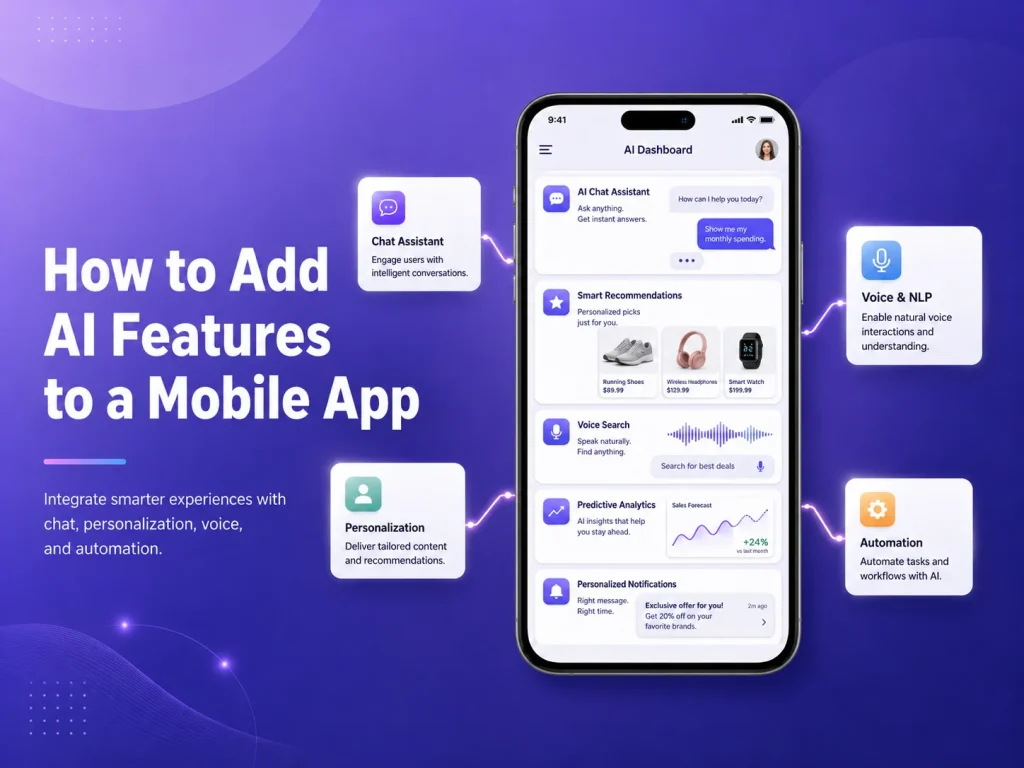
Artificial intelligence can make a mobile application more useful by helping users search information, receive recommendations, communicate with virtual assistants, process documents, analyze images, summarize content, and automate repetitive tasks.
However, adding AI to a mobile app should not begin with the question, “Which AI feature should we add?” A better starting point is identifying where users currently experience friction or where employees spend unnecessary time. The AI feature should solve that specific problem instead of becoming an extra layer of complexity.
Choose an AI Feature That Fits the App
Different mobile applications need different types of intelligence. A customer-facing app may benefit from an AI assistant that answers questions about products or services. An e-commerce application may use AI to improve product discovery and recommendations. A business app could analyze uploaded documents, summarize reports, or help employees search company information.
AI can also support voice transcription, translation, image analysis, customer-support automation, intelligent search, and personalized experiences. The most important point is that the feature should improve something users already need to do.
- AI chatbots and customer assistants
- Intelligent search
- Product or content recommendations
- Document analysis and summarization
- Image recognition
- Voice transcription and translation
- AI-assisted business workflows
For example, if customers frequently struggle to find information, intelligent search may provide more value than a general chatbot. If employees manually review large numbers of documents, AI-powered document processing may be the stronger feature.
Connect AI Through a Secure Backend
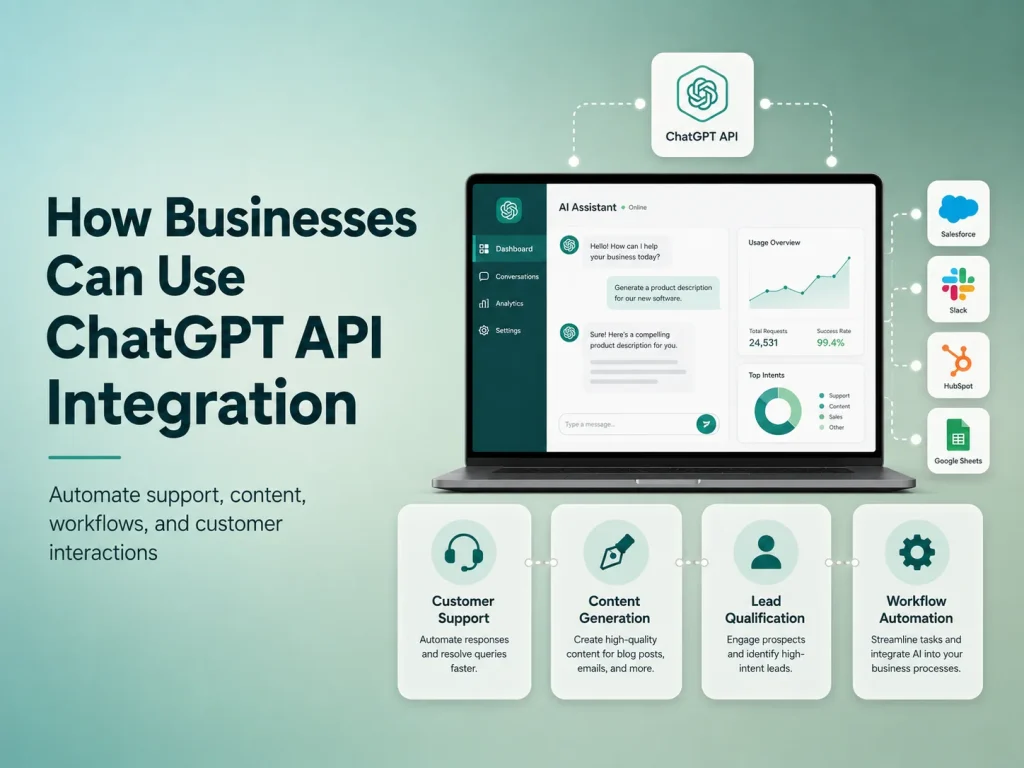
In most production applications, AI services should be connected through the backend rather than exposing private API credentials directly inside the mobile app. The mobile application can send a request to the backend, where authentication, permissions, business logic, and AI communication are handled securely.
This structure also gives the business more control over what information is shared with the AI service. If a customer asks about an order, the backend can first verify the user, retrieve only that customer’s authorized order information, and then use AI to help present the result.
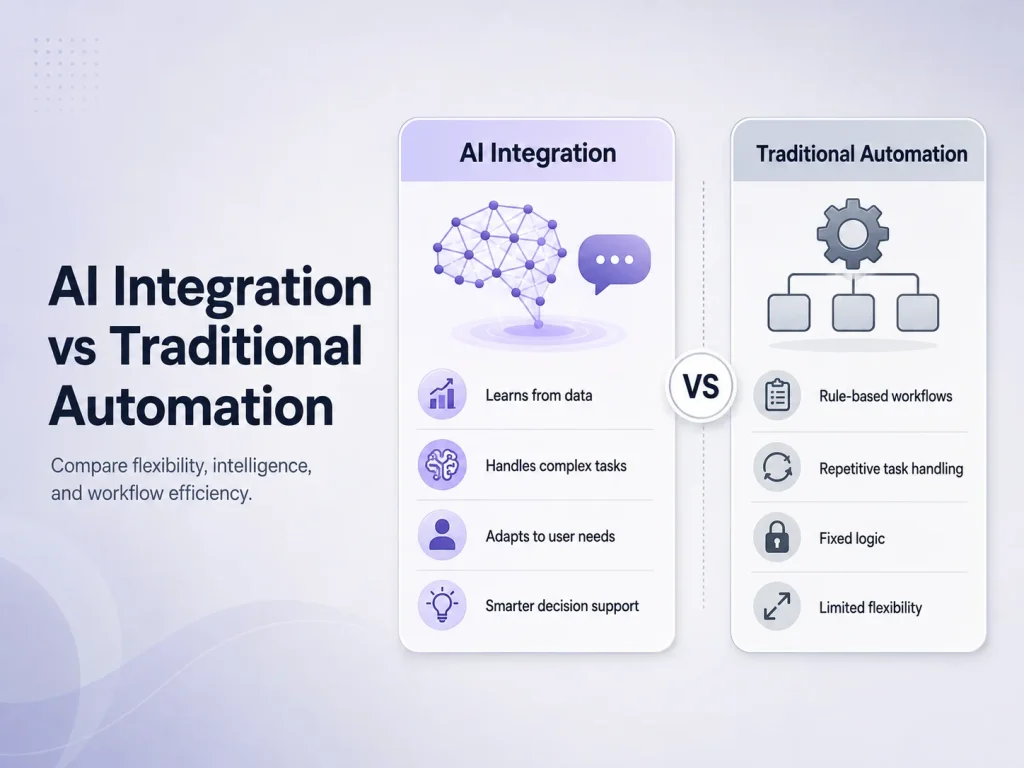
Important actions should still remain under normal application control. AI may understand that a user wants to cancel a booking, but the actual cancellation should pass through the existing booking rules, permissions, database updates, and notifications.
Combine AI With Existing Mobile Features
AI becomes more useful when it works together with functionality already available on smartphones. Camera access can allow users to photograph documents before AI extracts information. Voice input can be transcribed and analyzed. Location information can provide useful context for field-service or delivery applications.
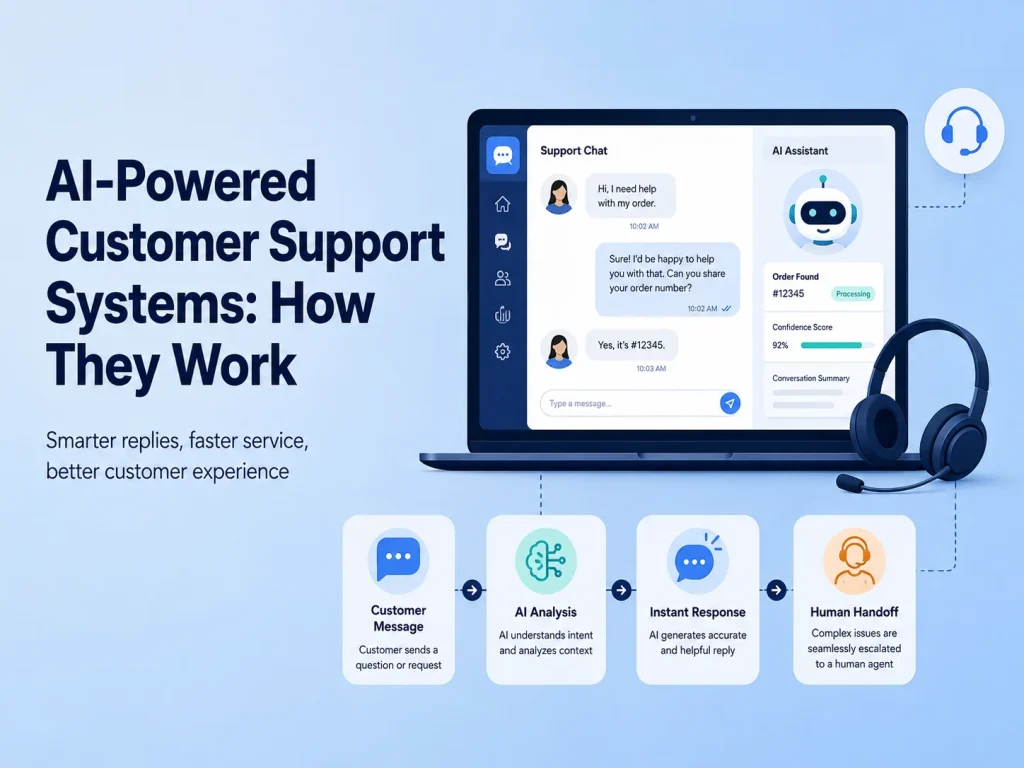
A mobile app can also combine AI with push notifications. For example, a document-processing workflow could notify the user when analysis is complete, while an AI support assistant could send a customer to a human agent when the conversation becomes too complex.
The strongest implementation usually combines three parts: the mobile interface, AI processing, and reliable backend logic. Each part performs the type of work it handles best.
Discuss Your AI Mobile App Idea
Design the Experience Around AI, Not Just the Technology
AI-generated results can be less predictable than traditional app features, so the interface needs to account for uncertainty. Users should understand when they are interacting with AI and what they can do if the answer is incomplete or incorrect.
A chatbot should allow follow-up questions and provide a clear path to human support. A document-processing feature may need a review screen before extracted information is saved. Recommendations should be presented as suggestions rather than guaranteed decisions when accuracy matters.
Loading states are important too. AI requests may take longer than normal API calls, so the app should clearly indicate that processing is happening instead of leaving users with a blank screen.
Start With One Valuable AI Feature
Businesses do not need to introduce AI across the entire app at once. A focused first feature is usually easier to test and improve. Customer support, intelligent search, document analysis, or internal assistance can be a practical starting point.
After launch, monitor how users interact with the feature. Review which requests AI handles well, where users become confused, and when human intervention is still needed. These insights can guide future improvements and help determine whether additional AI features are worth developing.
Encoder IT Limited develops AI-powered mobile applications and integrates AI into existing Android and iOS products. Our services can include Flutter and React Native development, native mobile applications, AI assistants, document processing, intelligent search, backend APIs, and business automation.
Adding AI to a mobile app works best when the technology improves a real workflow. A focused AI feature connected to secure backend systems and a well-designed mobile interface can provide significantly more value than adding artificial intelligence simply because it is popular.