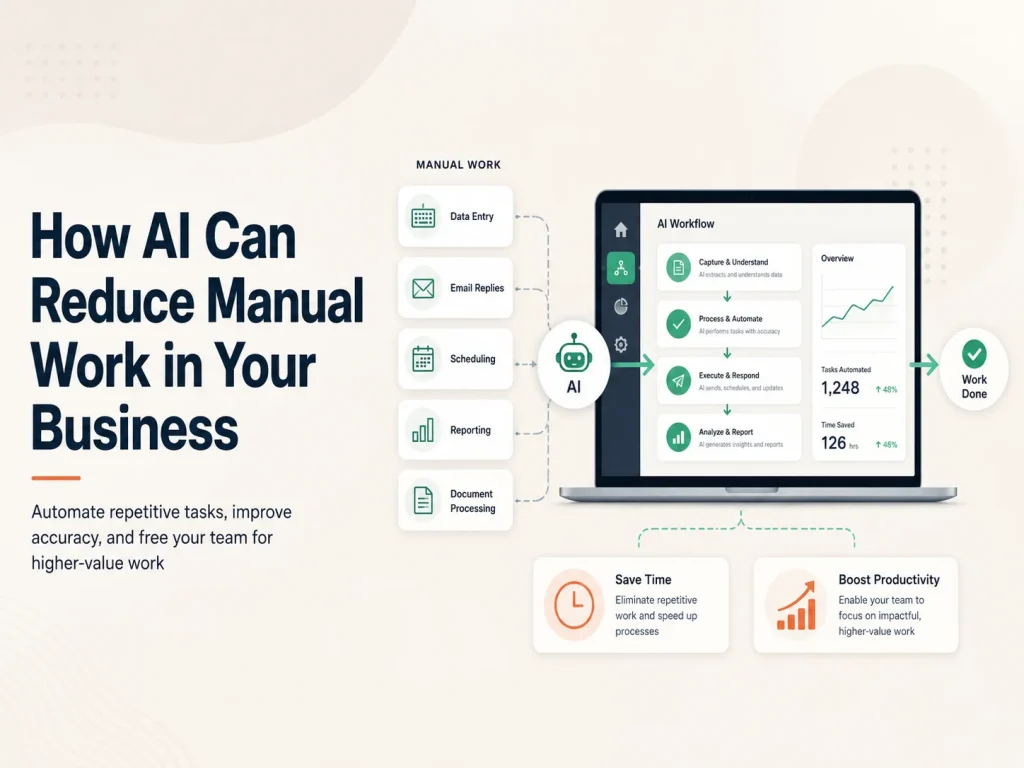
Many businesses still depend on employees to complete repetitive tasks such as reading emails, entering information, preparing summaries, categorizing requests, searching documents, updating records, and responding to similar customer questions every day. These activities may appear small individually, but together they can consume a significant amount of working time.
AI can reduce manual work by helping software understand information that traditional automation cannot easily process. Instead of requiring employees to read every message, document, or request from beginning to end, AI can identify useful information, organize it, prepare a response, or pass structured data into the next stage of a business workflow.
The goal does not need to be complete automation. In many businesses, the most effective approach is to let AI handle repetitive preparation while employees remain responsible for decisions that require experience, approval, or human judgment.
Start With the Work Employees Repeat Every Day
Before introducing AI, businesses should identify where employees spend unnecessary time. A useful starting point is looking for processes that happen frequently and require people to read, copy, organize, summarize, or search for information.
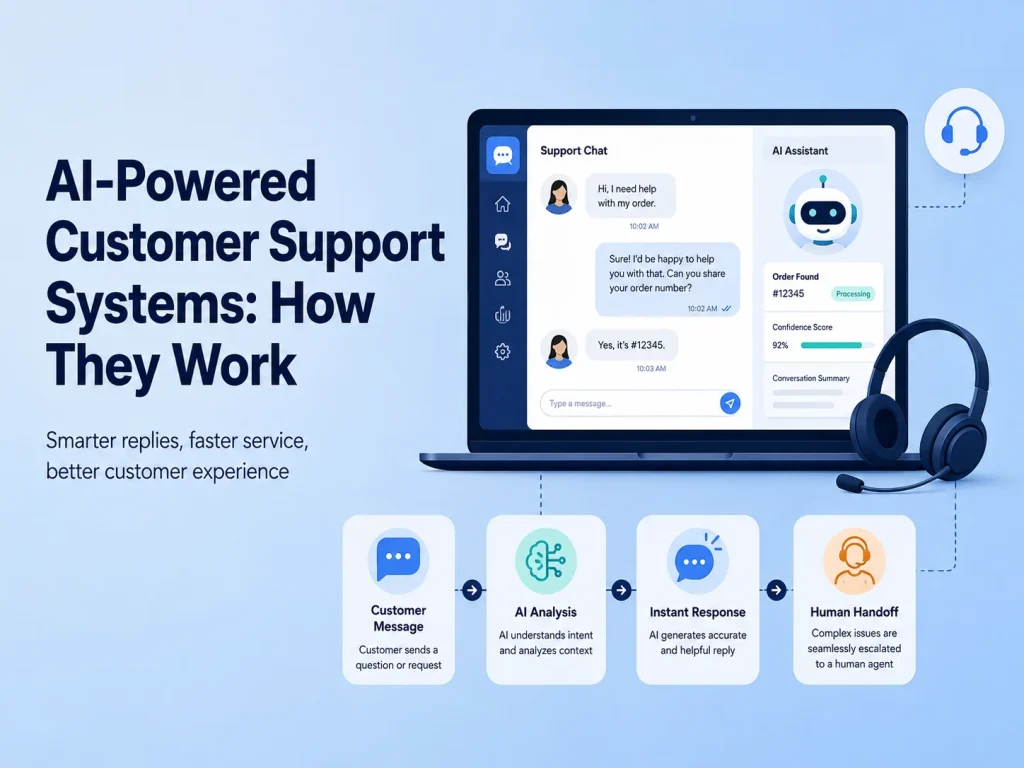
Customer enquiries are a common example. Employees may receive dozens of messages asking about similar products, services, order statuses, appointments, policies, or account information. AI can understand the incoming question, find relevant information, and prepare an answer. If the problem requires a person, the system can collect the important details first and send the conversation to the appropriate employee.
Another example is document processing. Businesses may receive invoices, forms, applications, reports, contracts, or customer documents that employees manually review before entering important details into another system. AI can assist by extracting information, identifying document types, summarizing content, or highlighting details that need attention.
The same principle applies to internal work. Employees frequently search policies, previous reports, product documentation, customer records, or training materials. An AI-powered internal assistant can make this information easier to find without requiring employees to manually search through multiple folders or systems.
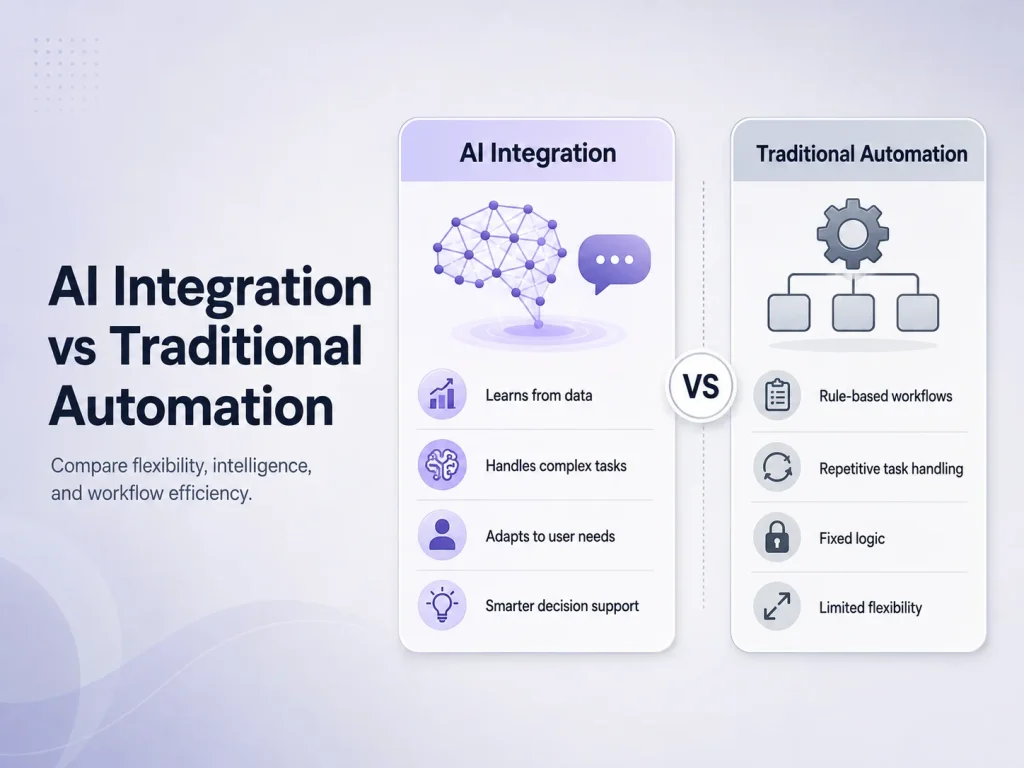
Traditional workflow automation works extremely well when the input is already structured. If an invoice reaches its due date, software can send a reminder. If a customer completes an order, the system can update inventory and send a confirmation. The rules are known in advance.
Manual work often appears before these automated steps because information arrives in an unpredictable form. Customers write messages differently, documents use different layouts, and employees describe the same issue using different words. AI can help interpret this information and transform it into something the existing software can use.
For example, a customer may write a long message explaining that an order arrived damaged. AI can identify the order-related issue, summarize the complaint, extract an order number if available, and classify the request. Traditional automation can then create the support ticket, assign the correct department, update the CRM, and notify an employee.
This combination can be more practical than asking AI to manage the entire process. AI handles interpretation, while normal software continues controlling predictable and sensitive business actions.
Where Businesses Can Reduce Manual Work With AI
The best opportunities vary by company, but several types of work are especially suitable because employees repeatedly process large amounts of text or information.
- Customer support: answer routine questions, summarize conversations, and categorize support requests.
- Lead management: review enquiries, extract customer requirements, and organize leads before sales follow-up.
- Document processing: summarize documents and extract useful information from submitted files.
- Internal knowledge: help employees search company policies, procedures, documentation, and other business information.
- Content preparation: prepare first drafts of descriptions, emails, reports, or routine communications.
- Data organization: convert unstructured information into categories or structured fields that other systems can process.
Consider a sales team that receives enquiries through a website. Without automation, someone may need to read each submission, understand the requested service, determine its priority, create a CRM record, and assign it to a salesperson. AI can assist with the interpretation and classification, while the CRM workflow performs the record creation and assignment automatically.
In another business, employees may spend hours summarizing service reports or customer conversations. AI can prepare a first summary in seconds, allowing the employee to review and correct it rather than starting from an empty page. The employee remains involved, but the repetitive part of the work becomes much smaller.
Connect AI With the Software Your Business Already Uses
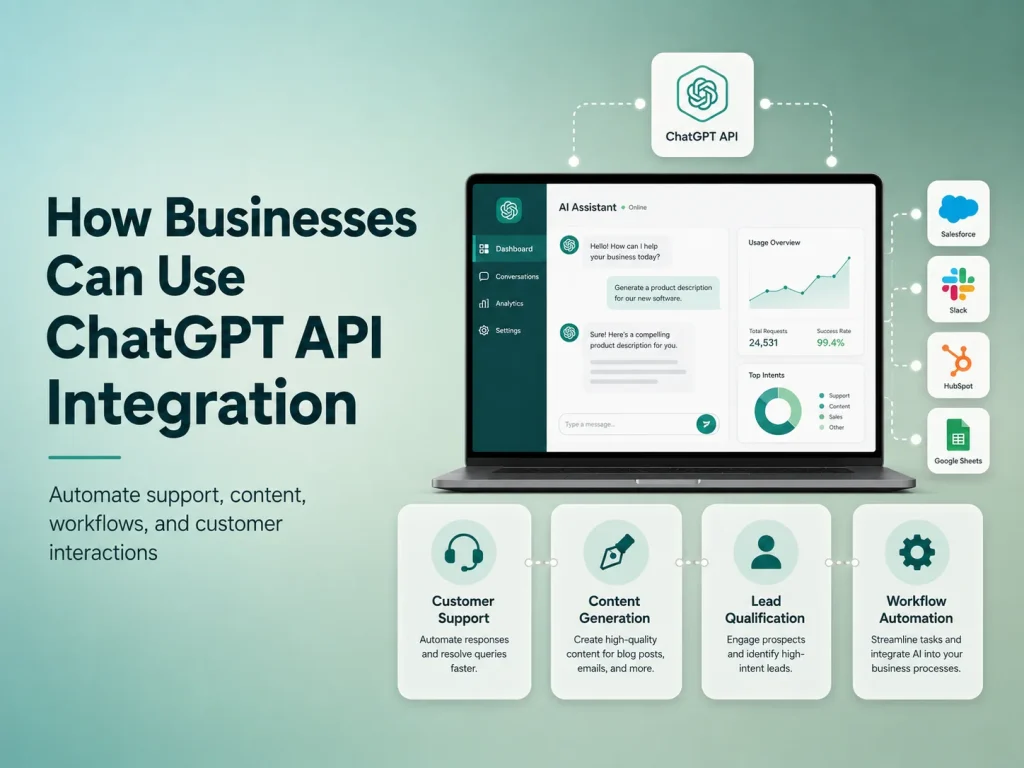
AI automation does not necessarily require replacing your current software. It can often be integrated into an existing website, mobile app, CRM, SaaS platform, customer portal, or custom business application through APIs.
An existing support platform can gain AI-assisted ticket categorization. A customer portal can receive an intelligent knowledge assistant. A mobile application can add document processing. A CRM can automatically summarize long conversations before a salesperson opens a lead.
This approach allows businesses to introduce AI gradually. Instead of rebuilding a complete system, the company can choose one high-value workflow, measure whether it reduces employee effort, and expand automation only when the results justify it.
Automate Your Business Processes
Decide What Should Stay Under Human Control
Reducing manual work does not mean every process should run without employees. AI can produce incorrect or incomplete results, especially when information is ambiguous or the system does not have enough context.
Businesses should therefore decide which actions AI can perform automatically and which require review. A draft support response may be safe for an employee to review quickly, while financial approvals, account permissions, legal decisions, healthcare decisions, or other high-impact actions require stronger controls.
Good automation also needs reliable data and clear processes. If employees currently follow several conflicting procedures, adding AI may automate the confusion rather than solve it. Businesses often benefit from simplifying the workflow first and then deciding which stages should use AI, traditional automation, or human approval.
Encoder IT Limited develops AI integration and business automation solutions for websites, mobile applications, SaaS platforms, customer portals, and internal systems. This can include AI assistants, customer-support automation, document processing, workflow automation, API integrations, intelligent search, and custom business software.
The most valuable use of AI is often not replacing an entire job or business process. It is removing the repeated work surrounding that process—reading, searching, categorizing, extracting, summarizing, and preparing information—so employees can spend more time on decisions, customers, and work that genuinely requires human expertise.