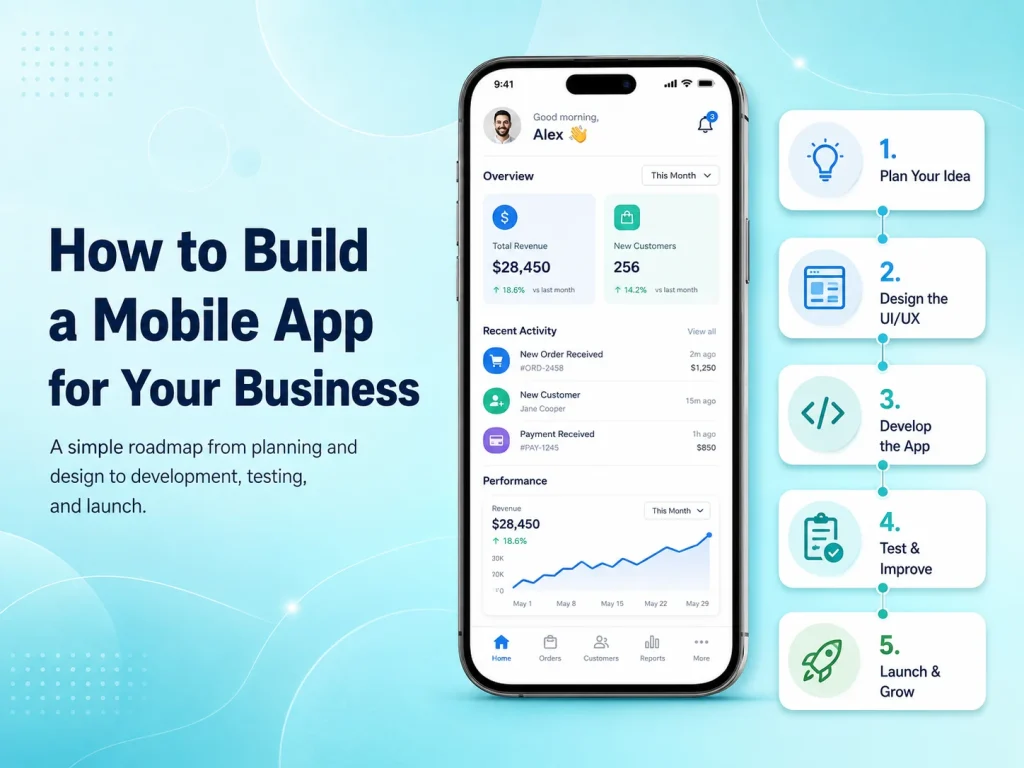
Building a mobile app for your business can create a faster and more convenient way for customers, employees, or partners to interact with your services. A mobile application can support sales, bookings, customer accounts, payments, communication, internal workflows, or other business processes that are difficult to manage efficiently through a website alone.
The most important step is not choosing a programming language or designing screens. It is first understanding why your business needs a mobile app, who will use it, and what problem the application should solve. Clear answers to these questions make every later decision—from design and features to development technology and budget—much easier.
Define What the App Needs to Achieve
Start by identifying the main purpose of the application. An e-commerce business may want customers to browse products, place orders, receive notifications, and track deliveries. A service company may need appointment booking, payments, customer profiles, and reminders. An internal business app could focus on employee attendance, tasks, reports, inventory, or approvals.
Once the main goal is clear, define the users who will interact with the app. Some applications have only customers, while others include administrators, employees, vendors, drivers, managers, or multiple user roles. Each type of user may need different screens, permissions, and workflows.
It is also useful to separate essential features from future ideas. Trying to build every possible feature in the first version can increase cost and delay launch. A focused first release can solve the core problem well and provide real customer feedback before the business invests in additional functionality.
Turn Business Requirements Into a Mobile Experience
After the core requirements are understood, the next step is planning how users will move through the application. Important flows might include registration, login, browsing, searching, booking, checkout, payment, account management, notifications, or customer support.
Wireframes can be created before detailed visual design to show where information, buttons, forms, and navigation will appear. This helps identify complicated workflows before development begins. For example, if booking a service requires six screens when it could be completed in three, simplifying it during planning is much easier than changing it after coding is complete.
The UI/UX design should then be created specifically for mobile users. A mobile app should not feel like a desktop website compressed into a smaller screen. Buttons need comfortable touch areas, important actions should be easy to reach, forms should remain simple, and navigation should be predictable.
Businesses should also think about features that make an app more valuable than simply using a mobile website. Push notifications, camera access, GPS, biometric authentication, document uploads, QR scanning, or offline functionality can be useful when they directly improve the customer or employee experience.
Choose the Right Development Approach
The technical approach should be selected after the requirements are clear. Businesses can choose native Android and iOS development or cross-platform frameworks such as Flutter and React Native.
Cross-platform development can be efficient when Android and iOS versions share the same core features. A significant portion of the code can be maintained together, which can reduce duplicated development and make future updates easier. Native development may make more sense when the application requires specialized platform features, advanced hardware integration, or extensive Android- or iOS-specific behavior.
The mobile interface is only part of the system. Many business apps also require a backend, APIs, database, authentication, user permissions, file storage, payment processing, notifications, and an administrative dashboard. These components should be planned together so the app does not depend on an unstable or poorly structured backend.
- User registration and secure login
- Customer or employee profiles
- Backend APIs and database
- Payments or subscriptions where required
- Push notifications
- Role-based permissions
- Third-party integrations
- Admin or management dashboard
Not every application needs all of these features. A useful feature list should come from business requirements rather than from copying functionality found in other apps.
Develop and Test the App in Manageable Stages
For larger applications, development is usually easier to manage when divided into smaller milestones. Authentication and core account functionality might be completed first, followed by products or services, payments, notifications, reporting, and other modules.
Testing should happen throughout development. Developers need to check not only whether buttons and screens work but also whether the complete business process works correctly. A payment flow, for example, may involve the mobile screen, payment provider, backend validation, database records, confirmation messages, and notifications.
The application should also be tested on different Android and iOS devices, screen sizes, operating-system versions, and network conditions. Real users may experience slow internet, failed API requests, interrupted payments, or denied device permissions, so the app needs to handle these situations clearly rather than showing blank screens or technical errors.
Security and performance should be reviewed before launch as well. Sensitive information should be protected, permissions should be validated on the backend, API communication should be secure, and important screens should load efficiently.
Launch the First Version and Learn From Real Users
Once the app has been tested, it can be prepared for distribution through Google Play and the Apple App Store. This involves production builds, application icons, screenshots, store descriptions, privacy information, and other release requirements.
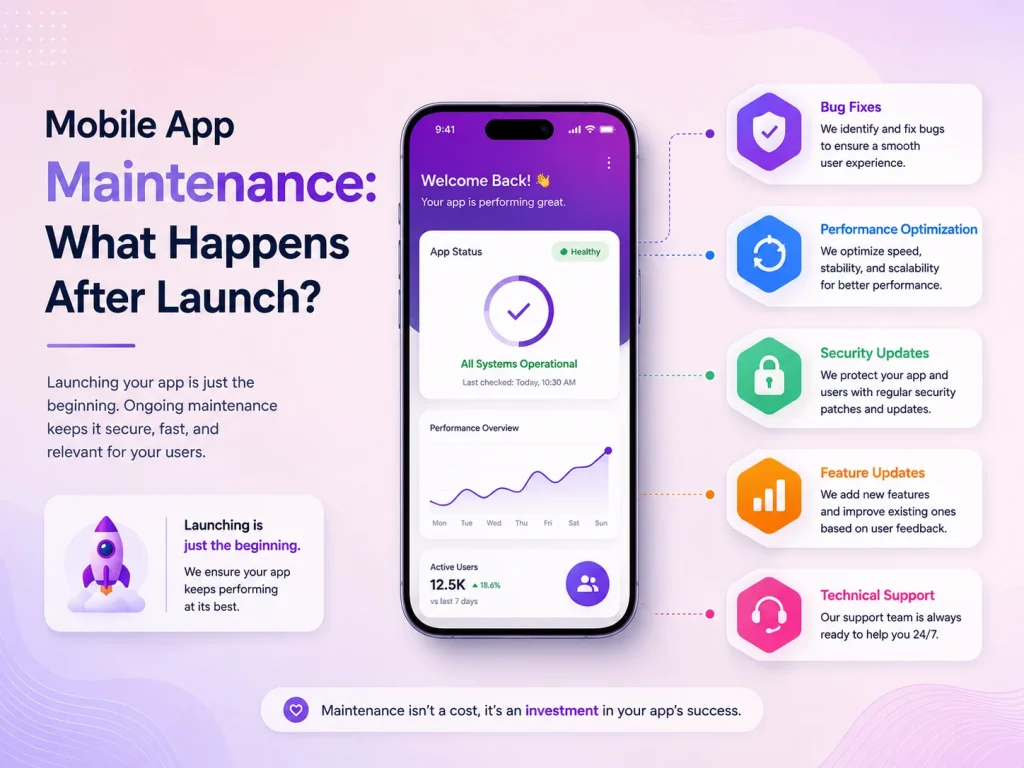
However, launch should not be treated as the end of the project. The first release gives the business something that planning documents cannot provide: real user behavior. Analytics, reviews, customer support requests, crash reports, and direct feedback can show which features work well and where improvements are needed.
Instead of immediately adding a large number of new features, businesses can use this information to improve important workflows first. A small change to registration, checkout, search, or booking may sometimes have more impact than a completely new module.
Plan for Growth From the Beginning
A business mobile app may start with a relatively simple feature set and later expand into a much larger platform. New requirements might include subscriptions, customer messaging, loyalty programs, AI functionality, advanced reporting, additional user roles, or integrations with CRM and accounting systems.
Planning for growth does not mean building all of these features immediately. It means creating a technical foundation that can support them when they become necessary. Clean APIs, structured databases, reusable components, secure authentication, and maintainable code can significantly reduce future development problems.
Encoder IT Limited helps businesses plan, design, develop, and maintain custom mobile applications. Our services include Flutter and React Native development, native Android and iOS applications, mobile UI/UX design, backend APIs, payment integrations, third-party services, testing, deployment, and ongoing support.
Start Your Mobile App Project
Building a successful business mobile app is less about adding as many features as possible and more about solving the right problem with a reliable product. Start with clear business goals, design around real users, choose technology based on actual requirements, and launch a focused version that can continue improving over time.