Launching a WordPress website is only the beginning. Over time, WordPress core, themes, plugins, hosting environments, third-party integrations, and business content all change. Without regular maintenance, a website can gradually become slower, less secure, more difficult to manage, or vulnerable to compatibility problems.
A structured WordPress website maintenance checklist helps businesses keep their websites stable, secure, fast, and up to date. Maintenance should include more than installing updates. Backups, performance, security, forms, database health, broken links, integrations, content, and monitoring all deserve regular attention.
The frequency depends on the website. A small company website may need less frequent attention than a WooCommerce store, membership platform, or high-traffic business website where problems can directly affect orders and customers.
Essential WordPress Maintenance Checklist
- Back up the website regularly. Maintain reliable copies of the database and website files, and make sure backups are stored separately from the live website.
- Update WordPress core. Keep WordPress itself current while reviewing compatibility before major updates.
- Update plugins and themes. Remove outdated software and test important functionality after updates.
- Review website security. Check administrator accounts, suspicious login activity, permissions, and security alerts.
- Test forms and enquiries. Confirm contact forms, quote requests, registration forms, and email notifications are reaching the correct recipients.
- Check website performance. Review loading speed, large images, scripts, caching, and unnecessary plugins.
- Test mobile responsiveness. Make sure important pages, menus, forms, and buttons continue working properly on smaller screens.
- Check broken links and missing pages. Repair outdated internal links, deleted resources, and unexpected 404 errors.
- Review integrations. Test payment gateways, CRM connections, email services, APIs, shipping tools, and other third-party systems.
- Clean unnecessary data. Review spam comments, expired transients, unused plugins, old revisions, and other data that may no longer be required.
- Review users and permissions. Remove accounts that are no longer needed and avoid giving unnecessary administrator access.
- Monitor uptime and errors. Identify downtime, PHP errors, failed scheduled tasks, and other technical problems before they affect visitors for long periods.
Backups Should Be Tested, Not Just Created
Backups are one of the most important parts of WordPress maintenance because updates, server failures, accidental changes, malware, or database problems can damage a website unexpectedly.
A good backup strategy should include both WordPress files and the database. The database contains posts, pages, settings, users, orders, and other dynamic information, while the file system contains themes, plugins, uploads, and custom code.
Backup frequency should reflect how frequently the website changes. A company website that receives occasional content updates may need a different schedule from a WooCommerce store processing orders throughout the day.
Businesses should also verify that backups can actually be restored. A backup system that has been running for months but produces unusable files provides little protection when a real problem occurs.
Website maintenance is not simply about preventing problems. It is about making sure the business can recover quickly when updates, integrations, hosting, or unexpected technical issues do not behave as planned.
Update WordPress, Plugins, and Themes Carefully
WordPress websites commonly depend on multiple components maintained by different developers. Keeping those components updated helps address security issues, compatibility problems, and bugs.
However, important business websites should not treat every update as a blind one-click process. Major changes can occasionally conflict with custom themes, plugins, page builders, or third-party integrations.
Before significant updates, make sure a recent backup exists. For larger or more complex websites, testing updates in a staging environment can reduce the risk of introducing problems directly into production.
After updating, check important functionality such as navigation, contact forms, account login, search, checkout, payment processing, and any custom features that are central to the business.
Security Needs Ongoing Attention
WordPress security is not a one-time configuration. Administrator accounts change, plugins become outdated, credentials may be reused, and new vulnerabilities can appear over time.
Businesses should regularly review user accounts and remove access for employees, contractors, or developers who no longer need it. Administrator privileges should be limited to people who genuinely require complete control of the website.
Strong passwords and additional authentication can help protect sensitive accounts. Hosting, WordPress, themes, and plugins should also remain supported and maintained rather than depending indefinitely on abandoned software.
Security monitoring should focus on unusual activity such as repeated failed logins, unexpected administrator accounts, modified files, unusual redirects, or sudden changes in website behavior.
Maintain and Protect Your WordPress Website
WordPress websites can become slower gradually. New plugins are installed, tracking scripts accumulate, images become larger, databases grow, and marketing tools add more third-party requests.
Regular maintenance should review page speed across important areas of the website rather than only testing the homepage. Service pages, landing pages, blog posts, product pages, cart, and checkout may behave differently.
Large images should be optimized, unnecessary scripts and plugins should be reviewed, caching should work correctly, and hosting resources should remain appropriate for current traffic.
A website that has grown significantly since launch may also benefit from database optimization, CDN usage, improved caching, or infrastructure changes rather than repeatedly trying to solve every performance problem with another plugin.
A website may appear completely normal while important business functionality has quietly stopped working. Contact forms can fail to send email, API credentials can expire, payment providers can reject requests, or third-party services may change their requirements.
Important forms should therefore be tested regularly from beginning to end. Do not only check whether the form displays correctly; confirm that the submission is stored or delivered and that the intended employee actually receives the notification.
WooCommerce stores should test key customer journeys such as adding products to the cart, applying discounts, selecting shipping, completing payment, and receiving order confirmation.
Custom integrations deserve similar attention. CRM synchronization, external APIs, booking systems, payment gateways, email marketing platforms, and other connected services should be monitored for authentication failures and synchronization errors.
Review Content and User Experience
Technical maintenance is only part of keeping a website healthy. Business information can become outdated even when the software is working perfectly.
Review service descriptions, pricing references, team information, office details, policies, opening hours, testimonials, contact information, and other content that may have changed since publication.
Navigation should also remain appropriate as new pages are added. Over time, menus can become crowded and related information may become spread across several areas of the website.
Mobile testing is particularly important after design changes. Buttons, menus, popups, forms, tables, and new content blocks should remain usable on smaller screens rather than simply looking correct on desktop.
Monthly, Quarterly, and Annual Maintenance
Not every maintenance task needs to happen at the same frequency. A practical schedule can separate frequent operational checks from deeper reviews.
Weekly or frequent checks may include backups, uptime, security alerts, important forms, WooCommerce transactions, and critical updates. High-traffic or transactional websites may require even more frequent monitoring.
Monthly maintenance can include plugin and theme updates, performance checks, broken links, database cleanup, user-account review, and testing important integrations.
Quarterly reviews can focus on content accuracy, mobile UX, navigation, analytics, unused plugins, conversion journeys, and broader performance improvements.
Annual maintenance is a good opportunity to review hosting, domains, SSL certificates, licenses, backup strategy, overall architecture, security policies, and whether the website still meets the current needs of the business.
Remove What the Website No Longer Needs
WordPress websites often accumulate unnecessary software over several years. Old plugins remain inactive, unused themes stay installed, temporary integrations are never removed, and custom code continues running long after the related feature has disappeared.
Reducing unnecessary components can make the website easier to maintain and reduce potential compatibility and security concerns. Before removing anything, confirm whether another part of the website still depends on it and maintain a current backup.
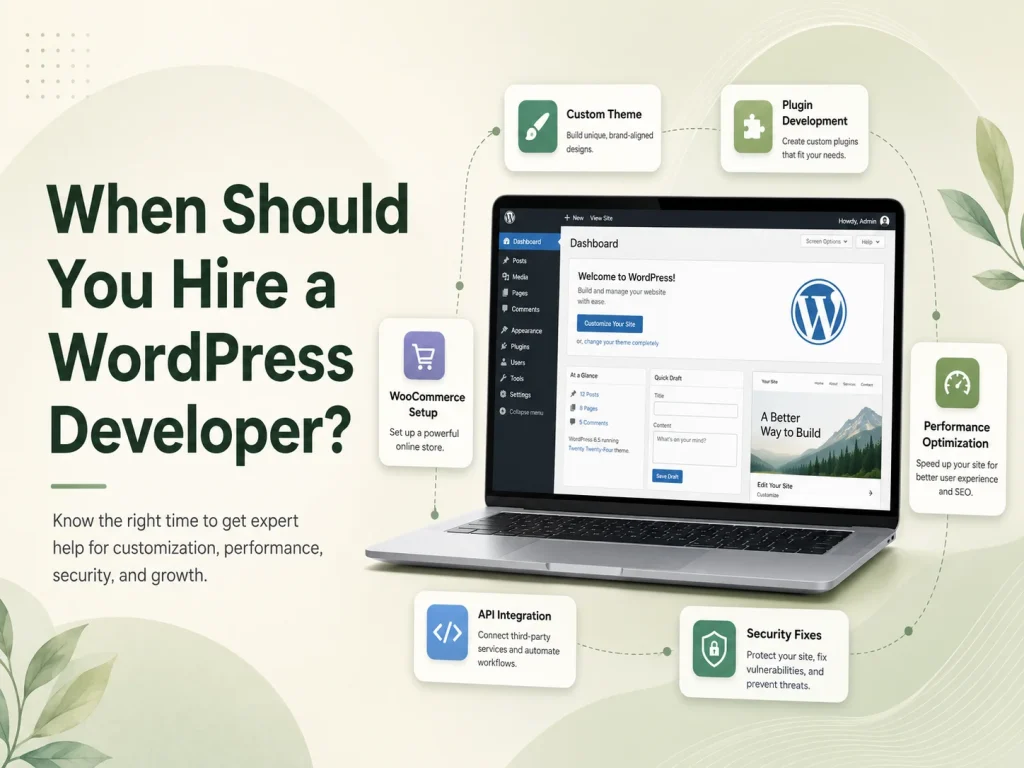
Encoder IT Limited provides ongoing WordPress maintenance and support for business websites, WooCommerce stores, custom themes, plugins, and API integrations. Our services can include updates, backups, security reviews, performance optimization, troubleshooting, integration maintenance, and ongoing development.
A reliable WordPress maintenance process protects the investment already made in the website. Regular backups, controlled updates, security monitoring, performance checks, integration testing, and content reviews can prevent small issues from becoming expensive problems while keeping the website dependable for both customers and employees.