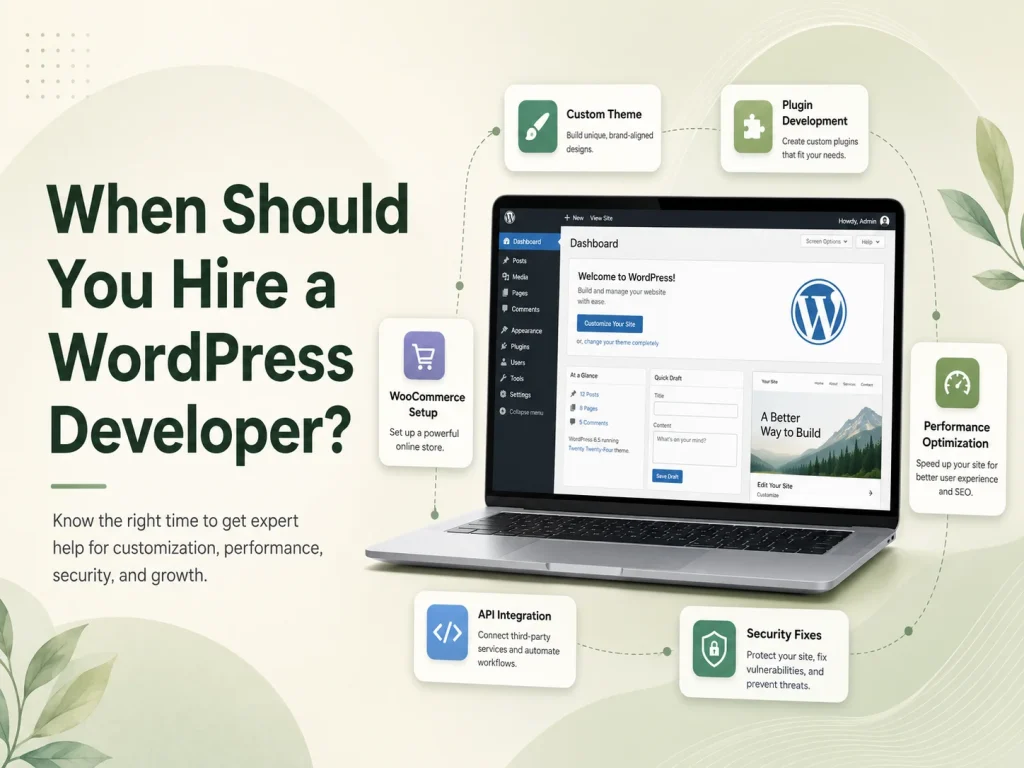
WordPress is traditionally used as both a content management system and the technology responsible for displaying the website. Editors manage content inside the WordPress dashboard, while themes and plugins control how that content appears to visitors.
Headless WordPress separates those responsibilities. WordPress remains the backend where content is created and managed, but a separate frontend application retrieves that content and displays the public website. Technologies such as React or Next.js can then be used to create the customer-facing experience.
This architecture can provide businesses with more frontend flexibility, but it also introduces additional development, hosting, integration, preview, and maintenance requirements. Headless WordPress is therefore not automatically better than traditional WordPress. Whether it makes sense depends on what the business is trying to build.
How Does Headless WordPress Work?
In a traditional WordPress website, a visitor requests a page and WordPress uses PHP, the database, plugins, and the active theme to generate the response. Content management and frontend presentation are part of the same overall platform.
With a headless approach, WordPress primarily manages content. The frontend becomes a separate application that requests posts, pages, categories, media, custom post types, or other required information through an API.
For example, an editor could continue creating articles inside the familiar WordPress administration area while a Next.js frontend displays those articles through a completely custom interface. The same WordPress content could potentially also be used by a mobile application, customer portal, or another digital channel.
Headless WordPress is most valuable when separating content management from frontend development solves a real product or technical requirement. Using a modern JavaScript frontend alone is not a sufficient reason to make a website architecture more complicated.
Traditional WordPress vs Headless WordPress
| Area |
Traditional WordPress |
Headless WordPress |
| Content Management |
Managed in WordPress |
Managed in WordPress |
| Frontend |
WordPress theme |
Separate frontend application |
| Development Complexity |
Generally simpler |
Requires separate frontend architecture and integration |
| Frontend Flexibility |
Highly customizable within WordPress |
Greater freedom to use a separate frontend technology stack |
| Plugin Frontend Features |
Often work directly with the theme |
May require custom frontend implementation |
| Content Preview |
Usually straightforward |
May require a custom preview workflow |
| Maintenance |
One main application environment |
WordPress backend plus separate frontend and deployment workflow |
The main difference is not the content editor. WordPress can still provide the familiar administration experience in both models. The major change is how the public-facing website is built and how it receives information from WordPress.
When Headless WordPress Can Be a Strong Choice
Headless WordPress becomes particularly useful when the frontend needs to behave more like a custom web application than a conventional content website. A business may want highly interactive interfaces, application-style navigation, sophisticated filtering, personalized experiences, or frontend functionality that is easier to build within an existing React-based product.
It can also be valuable when the company already has a frontend application and wants WordPress to serve primarily as the content-management layer. Instead of rebuilding editorial functionality inside the application, the business can allow marketing teams to continue working in WordPress while developers consume that content through APIs.
Another possible use case is multi-channel publishing. If the same articles, guides, product information, or other content need to appear across a website, mobile application, digital display, or another service, separating the content from one specific WordPress theme can provide a cleaner architecture.
Organizations with established frontend engineering teams may also prefer this approach because they can manage the customer-facing experience using the same component system, development practices, testing tools, and deployment processes used across their other digital products.
Headless Does Not Automatically Mean a Faster Website
Performance is one of the most common reasons businesses consider headless WordPress. A carefully developed frontend can certainly provide an excellent experience, particularly when pages are generated or cached efficiently and unnecessary client-side JavaScript is avoided.
However, simply replacing a WordPress theme with a JavaScript framework does not guarantee better performance. A headless frontend can still become slow because of oversized scripts, inefficient data requests, large images, excessive third-party tools, poor caching, or unnecessarily complex rendering.
Traditional WordPress can also perform very well when themes, plugins, hosting, caching, images, database queries, and frontend assets are optimized properly.
Performance should therefore be evaluated as an architectural and development problem rather than assuming that one approach is always faster.
Plugins and WordPress Features Need More Careful Planning
The WordPress plugin ecosystem is one of the platform’s major advantages, but headless architecture changes how some plugins can be used. Plugins that operate entirely within the WordPress administration area or expose suitable data may continue to fit naturally.
Plugins that depend heavily on rendering frontend HTML, theme templates, shortcodes, forms, or browser-side WordPress functionality may require additional development because the public frontend is no longer being rendered by the WordPress theme.
This becomes particularly important for e-commerce. A headless WooCommerce project may need custom implementation for product browsing, cart behavior, customer accounts, checkout-related workflows, payments, and other customer-facing functionality rather than assuming every existing WooCommerce extension will automatically appear inside the new frontend.
SEO features need similar attention. Page titles, descriptions, canonical information, structured data, sitemaps, redirects, social metadata, and other search-related output need to reach the frontend correctly. Traditional WordPress plugins may manage the data, while the separate frontend still needs to render that information properly.
Discuss Your WordPress Architecture
Consider the Content Editing Experience
A headless website should not make life unnecessarily difficult for the people creating content. Developers may appreciate a separate frontend architecture, but marketing teams still need to publish pages, preview changes, manage media, and understand how content will appear to visitors.
Content preview can require additional work because WordPress is no longer directly rendering the public page. Draft and preview functionality may need to communicate securely with the separate frontend so editors can review unpublished changes before releasing them.
Flexible WordPress page builders can also become more complicated in a fully headless environment. If the marketing team expects complete drag-and-drop control over page layouts, a traditional WordPress implementation may sometimes provide a simpler editing experience.
Headless architecture tends to work particularly well when the design system is structured around predefined content components. Editors manage content while developers maintain control over how those components are rendered on the frontend.
Security Changes, but It Does Not Disappear
Separating the public frontend from WordPress can change the website’s security surface, but headless WordPress should not be considered automatically secure.
The WordPress backend still requires updates, secure administrator accounts, appropriate permissions, protected APIs, backups, and monitoring. The separate frontend introduces its own dependencies, hosting environment, deployment process, and security responsibilities.
If authenticated users or external applications need to modify WordPress information, authentication and authorization must also be implemented correctly. Sensitive administrative operations should not become publicly accessible simply because WordPress is being used through an API.
The overall architecture may provide useful separation, but both sides of the system still require maintenance.
When Traditional WordPress Is Probably the Better Option
Many business websites do not need headless architecture. A corporate website, service business site, blog, portfolio, or relatively standard WooCommerce store can often achieve its goals more efficiently with a well-developed custom WordPress theme.
Traditional WordPress may be preferable when the marketing team wants extensive control over page building, the website depends heavily on frontend plugin functionality, the development budget is limited, or the business wants a simpler hosting and maintenance environment.
There is little value in maintaining two application layers when one well-built WordPress implementation already provides the required performance, flexibility, SEO, and editing experience.
Businesses should also consider long-term support. A headless platform normally requires developers familiar with both WordPress and the separate frontend technology. Updates may need coordination across two codebases and potentially two hosting environments.
Choose Headless WordPress for a Business Reason
The decision should start with requirements rather than technology trends. Ask whether the business needs a highly custom frontend, whether WordPress content must be delivered to multiple applications, whether the organization already maintains a React-based product, and whether the expected flexibility justifies the additional development and maintenance.
If those requirements exist, headless WordPress can provide a powerful combination: WordPress remains a mature content-management platform while developers gain greater control over how that content is presented.
If those requirements do not exist, traditional WordPress can often deliver the same business outcome with fewer architectural layers and a simpler editorial workflow.
Encoder IT Limited provides custom WordPress development for both traditional and headless architectures. Our work can include custom themes and plugins, WordPress REST API development, React and Next.js frontends, WooCommerce customization, third-party integrations, performance optimization, and ongoing WordPress maintenance.
Headless WordPress is not a replacement for traditional WordPress—it is another architectural option. The right choice is the one that gives your business the frontend flexibility, content-management experience, performance, integrations, and maintainability it actually needs without introducing unnecessary complexity.