A business website may contain customer enquiries, employee accounts, e-commerce orders, payment integrations, customer information, documents, and connections with other business systems. Protecting that website therefore involves much more than installing a security plugin and assuming the job is finished.
WordPress security best practices combine software updates, secure hosting, controlled administrator access, backups, monitoring, safe development practices, and careful management of themes, plugins, and third-party integrations. No website can be made completely risk-free, but a layered security approach can significantly reduce unnecessary exposure and make recovery easier when something goes wrong.
Security should also be treated as an ongoing business responsibility. A WordPress installation that was properly configured at launch can become less secure over time if plugins become abandoned, employees retain unnecessary access, updates are ignored, or new integrations are added without proper review.
Keep WordPress, Themes, and Plugins Up to Date
One of the most important WordPress security practices is keeping the software stack current. This includes WordPress core, active themes, plugins, and relevant server software managed by the hosting environment.
Updates frequently include bug fixes, compatibility improvements, and security corrections. Leaving outdated software running for long periods can expose the website to vulnerabilities that have already been identified and addressed in newer releases.
Businesses should also review whether installed plugins and themes are still actively maintained. An extension that has not received meaningful updates for a long time may eventually become incompatible with newer WordPress versions or create unnecessary security concerns.
For important business websites, updates should be handled through a controlled process. Maintain a current backup before significant changes and consider testing larger updates on a staging environment before deploying them to the live website.
Control Administrator Access Carefully
Not every person who works on a WordPress website needs administrator privileges. WordPress includes different user roles that can be used to limit what employees, editors, authors, and other users are allowed to do.
Administrator accounts should generally be limited to people who genuinely need access to plugins, themes, users, configuration, or other high-level settings. Marketing employees who only publish content may need editing permissions but not the ability to install software or change critical website configuration.
Strong, unique passwords should be used for WordPress accounts, hosting accounts, domain management, databases, and connected business services. Reusing the same password across several systems increases the potential impact if one credential is compromised.
Additional authentication can provide another layer of protection for sensitive accounts. Businesses should also review user accounts regularly and remove access for employees, contractors, agencies, or developers who no longer require it.
WordPress security is strongest when access is limited by responsibility. Every unnecessary administrator account, abandoned plugin, outdated integration, or unused credential creates another element the business must protect and maintain.
Use a Layered WordPress Security Checklist
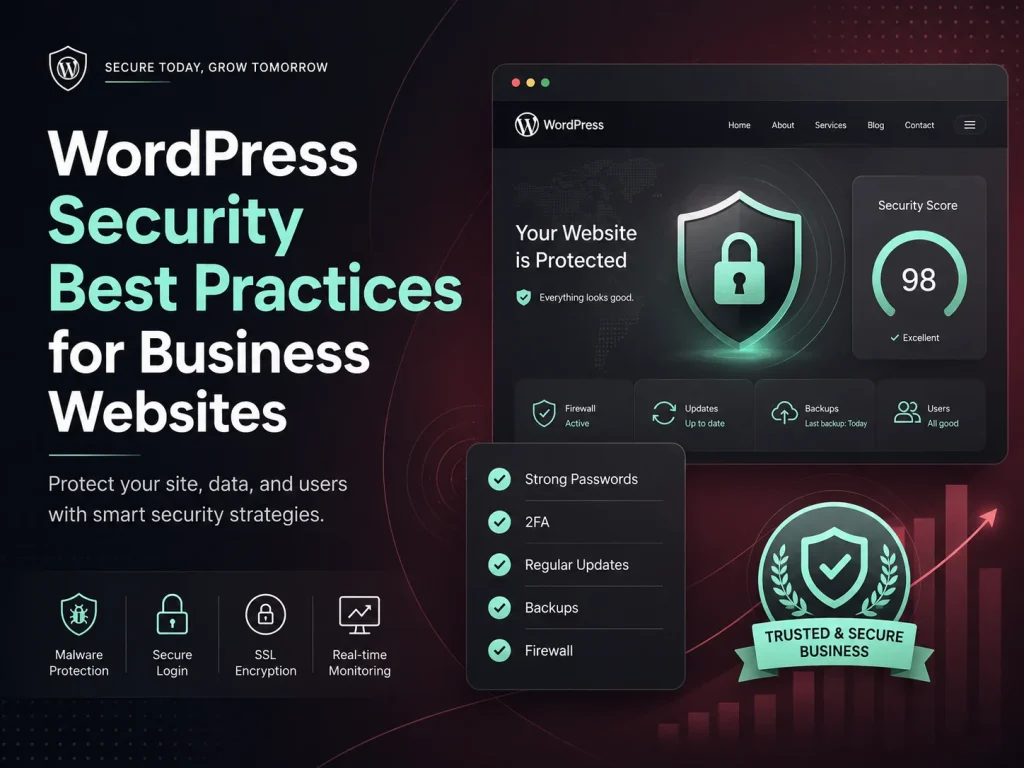
- Keep WordPress core, plugins, and themes updated
- Remove plugins and themes that are no longer required
- Use strong, unique passwords for important accounts
- Limit administrator access to necessary users
- Use additional authentication for sensitive accounts where appropriate
- Maintain reliable off-site backups
- Use HTTPS across the website
- Monitor suspicious login and website activity
- Protect API credentials and other secrets
- Review custom code and integrations carefully
- Use secure hosting with maintained server software
- Test important website functionality after security or software updates
A checklist helps create consistency, but security controls should still reflect the website’s actual risk. A basic company website and a WooCommerce store processing orders every day may require different levels of monitoring, backup frequency, access control, and recovery planning.
Backups Are Part of Security, Not Just Maintenance
Security is not only about preventing an incident. Businesses also need to consider how quickly the website can recover after malware, an accidental change, a failed update, server problems, or damaged data.
Backups should include both the WordPress database and website files. The database may contain pages, settings, user information, orders, and other dynamic records, while website files include uploads, themes, plugins, and custom development.
Backup frequency should reflect how quickly information changes. A relatively static business website may have different requirements from an e-commerce store where new orders and customer activity occur throughout the day.
Copies should also be stored separately from the production website. If the live hosting environment becomes unavailable or compromised, the organization should still have access to recovery data elsewhere.
Businesses should periodically confirm that their backups can actually be restored. Creating backup files is useful only when those files can be used successfully during a real recovery.
Secure Your WordPress Website
Business WordPress websites frequently include custom functionality such as enquiry forms, customer portals, AJAX features, WooCommerce modifications, payment gateways, CRM integrations, and REST API endpoints. These areas need the same security attention as WordPress itself.
Data received from users or external systems should not automatically be trusted. Custom development should validate expected values, sanitize data where appropriate, and properly escape information before it is displayed.
Permissions should also be checked on the backend. Hiding an administrator button from ordinary users does not prevent someone from attempting to call the related endpoint directly. Sensitive actions should verify that the authenticated user has the required capability before processing the request.
WordPress nonces can help protect relevant forms and requests against certain types of misuse, but they should be used together with authorization rather than treated as a replacement for permission checks.
Third-party API keys, payment secrets, access tokens, and similar credentials should not be exposed unnecessarily in frontend code. Important integrations should use secure server-side processes and limit credentials to the access required for that specific service.
Choose Plugins Carefully and Remove What You Do Not Need
The WordPress plugin ecosystem makes it possible to add sophisticated functionality quickly, but every installed extension becomes another piece of software that needs to be maintained.
Before adding a plugin, businesses should consider whether the feature is actually required, whether the plugin is actively supported, and whether its functionality overlaps with software already installed.
Unused plugins should not remain installed indefinitely simply because they might be useful again one day. The same applies to unused themes, abandoned integrations, temporary migration tools, and old development utilities.
Reducing unnecessary components can make the website easier to maintain and gives the technical team fewer dependencies to monitor during future WordPress updates.
Secure Hosting and HTTPS Provide an Important Foundation
WordPress security does not stop at the application level. The hosting environment, PHP version, web server, database, firewall configuration, SSL certificate, file permissions, and backup infrastructure can all influence the overall security of the website.
A business hosting provider should keep its server software maintained and provide appropriate mechanisms for backup and recovery. Businesses should also understand who is responsible for server-level monitoring and security rather than assuming every responsibility belongs automatically to WordPress.
HTTPS should be used throughout the website so information transmitted between visitors and the server is encrypted during transport. This is particularly important for login pages, forms, checkout, account areas, and other locations where users submit information.
Businesses with more demanding security requirements may also use additional network-level protections, monitoring, or a web application firewall as part of a broader layered strategy.
Monitor the Website for Unusual Activity
Preventive controls are important, but businesses also need visibility when unexpected activity occurs. Repeated failed login attempts, new administrator accounts, unexpected file changes, unusual redirects, modified pages, or unexplained performance problems can all deserve investigation.
Monitoring should be configured so important alerts reach someone who is responsible for acting on them. Collecting security notifications provides limited value if nobody reviews them.
Operational monitoring is useful as well. A website may not be compromised but can still experience failed scheduled jobs, broken payment integrations, API errors, unavailable forms, or unexpected downtime that affects customers.
For WooCommerce and other transactional sites, monitoring payment, order, email, and integration workflows can be especially important because a website may appear operational while a critical business process has stopped working behind the scenes.
Create a Security and Recovery Process Before You Need It
Businesses should know what to do if suspicious activity is discovered. The process may include taking a recent backup, preserving relevant logs, restricting access, identifying affected accounts or files, changing compromised credentials, removing malicious code, updating vulnerable software, and testing the website before normal operation resumes.
Responsibility should also be clear. Business owners should know whether security incidents are handled by an internal technical team, hosting provider, WordPress maintenance company, or another specialist.
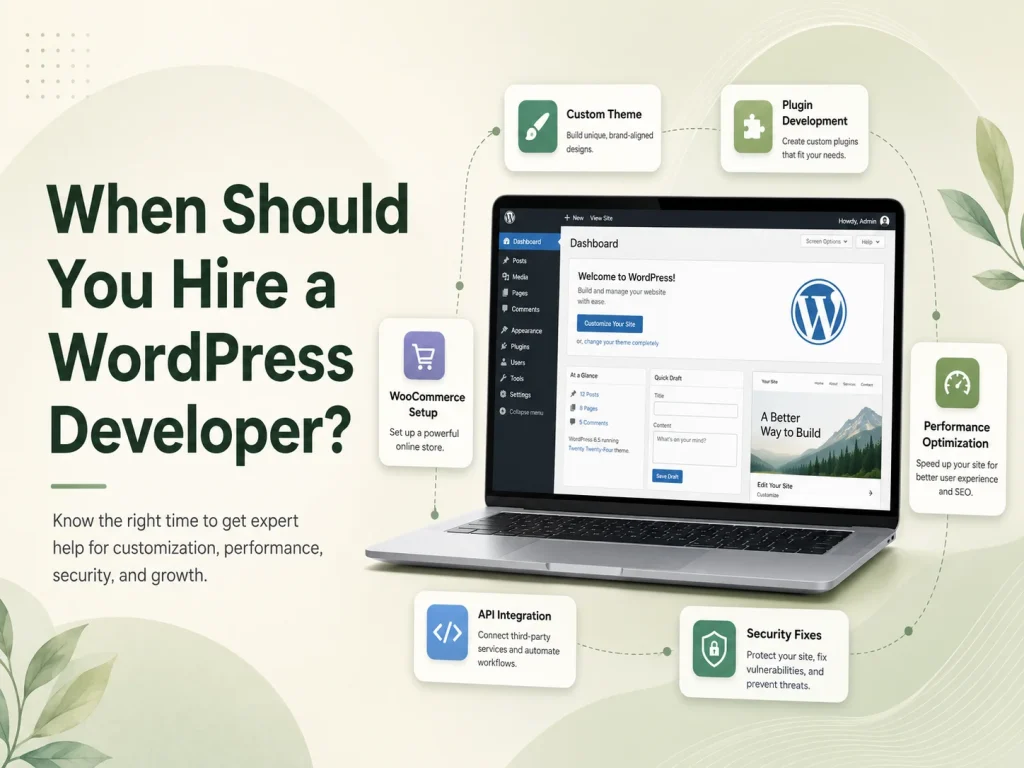
Encoder IT Limited provides WordPress development, maintenance, security improvements, troubleshooting, performance optimization, custom plugin development, WooCommerce support, and third-party API integration for business websites.
WordPress security is most effective when it becomes part of regular website management rather than an emergency task. Keeping software updated, minimizing unnecessary access, maintaining recoverable backups, securing custom development, monitoring important activity, and reviewing the website continuously can create a much stronger foundation for protecting a business website and the operations connected to it.