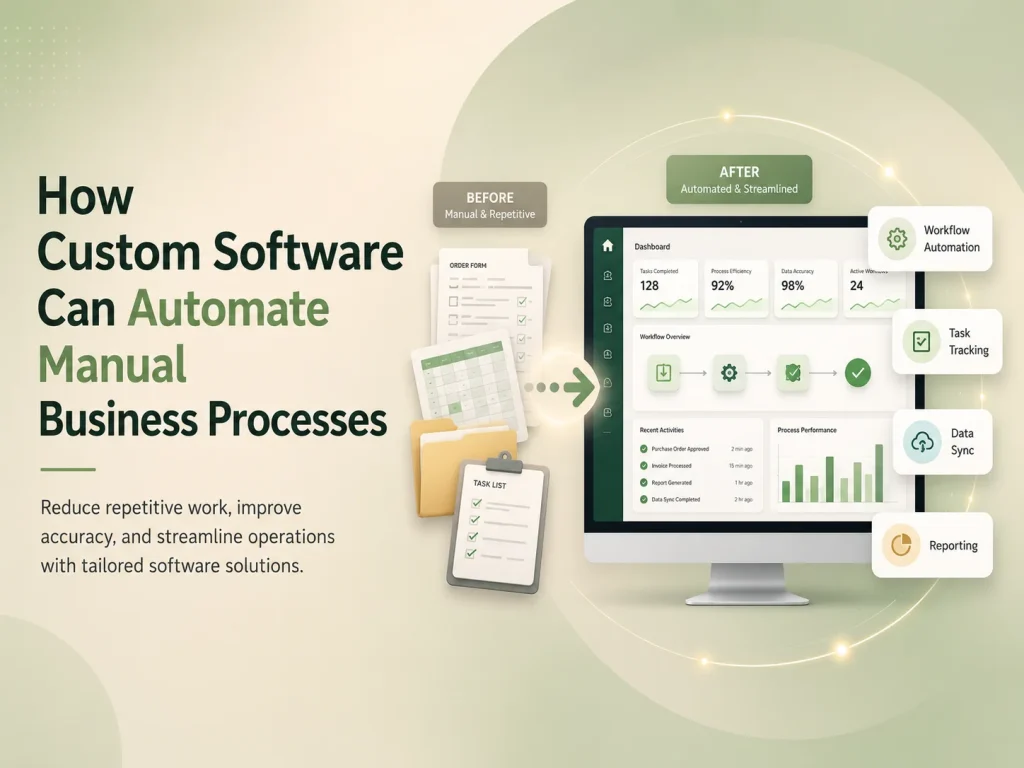
Websites and web applications are both accessed through a browser, which is why the terms are often used interchangeably. However, they usually serve different purposes. A website is primarily designed to present information and guide visitors toward actions, while a web application allows users to interact with data, complete workflows, manage accounts, and perform ongoing tasks.
Understanding the difference between a website and a web application is important when planning a digital project because the choice affects design, development time, technology, security, database requirements, integrations, and overall cost.
A business may only need a professional website to explain its services and generate enquiries. Another company may need a custom web application where customers, employees, or administrators log in and manage complex processes. Some projects combine both.
What Is a Website?
A website mainly delivers information to visitors. It may include a homepage, service pages, product information, company details, blog content, case studies, contact forms, and landing pages.
Visitors typically browse content and complete relatively simple interactions such as submitting an enquiry, subscribing to a newsletter, downloading a document, or clicking a call-to-action button.
Business websites are often built using platforms such as WordPress or custom frontend technologies depending on the project. Content management is usually an important requirement because marketing teams need to update pages, publish articles, change images, or create new landing pages without rebuilding the entire site.
The primary goals are generally communication, branding, search visibility, lead generation, and helping potential customers understand the business.
What Is a Web Application?
A web application is more interactive and usually performs specific business functions. Users often log in, create or update records, manage data, complete workflows, receive notifications, generate reports, or interact with other users.
Examples include CRM systems, project management platforms, customer portals, booking applications, SaaS products, employee management systems, marketplaces, financial dashboards, and inventory platforms.
Unlike a traditional informational website, a web application normally depends heavily on backend logic and databases. The system must understand who the user is, what they are allowed to access, and how their actions affect other parts of the application.
For example, an employee scheduling application may need different permissions for administrators, managers, and employees. Managers might create shifts, employees can view assigned schedules, and administrators may manage locations, roles, and reporting.
| Area |
Website |
Web Application |
| Primary Purpose |
Present information and generate engagement |
Allow users to complete tasks and workflows |
| User Interaction |
Usually limited or content-focused |
Highly interactive |
| User Accounts |
Often optional |
Commonly required |
| Database Usage |
Usually supports content and basic data |
Often central to application functionality |
| Business Logic |
Generally limited |
Can be complex and highly customized |
| Permissions |
Usually simple |
May include detailed roles and access control |
| Typical Examples |
Corporate site, portfolio, blog, marketing site |
SaaS platform, CRM, portal, dashboard, management system |
The Biggest Difference Is What Users Can Do
The easiest way to distinguish the two is to look at the user’s primary activity. On a website, visitors mainly consume information. On a web application, users actively work with the system.
A real estate company’s public website may allow visitors to browse properties, read about services, and submit an enquiry. If customers can log in, save properties, upload documents, communicate with agents, manage payments, and track transactions, those features move the project toward a web application.
Similarly, a restaurant website may display menus, opening hours, and contact details. A restaurant management web application may allow staff to manage reservations, inventory, employees, orders, and reports.
The distinction is not always absolute. Modern websites often contain application-like features, while many web applications also include informational pages. It is better to think of them as different levels of interaction and business logic rather than two completely separate categories.
Web Applications Require More Backend and Security Planning
Because web applications manage user actions and business data, backend architecture becomes significantly more important. Authentication, authorization, database design, APIs, file storage, notifications, background jobs, and integrations may all form part of the application.
Security also becomes more complex. The system may contain customer records, employee information, financial data, documents, subscriptions, or other sensitive information. Users should only access the information and actions appropriate to their role.
A customer should not be able to open another customer’s account by changing a URL, and an employee should not receive administrator permissions simply because a button is hidden on the frontend. Important access rules must be enforced by trusted backend logic.
Web applications also require more detailed testing because developers need to verify complete workflows rather than only checking that pages display correctly.
Discuss Your Website or Web Application
Development Cost and Timeline Are Usually Different
A standard business website can often be planned around a relatively clear set of pages and content requirements. Custom design, responsive development, CMS setup, forms, SEO structure, and integrations may still require significant work, but the functionality is usually easier to define.
Web application development can vary much more because each feature may introduce new business logic. User roles, subscriptions, payments, reporting, automation, dashboards, integrations, real-time communication, or multi-tenant architecture can all increase scope.
The number of screens alone is therefore not a reliable way to estimate a web application. One screen containing a complex scheduling system may require more development than several informational website pages.
For this reason, web application projects usually benefit from requirements planning, user-flow definition, database architecture, UI/UX design, and phased development before full implementation begins.
When Does Your Business Need a Website?
A website is usually the right choice when the main objective is marketing, communication, or lead generation. Businesses that need to present services, build credibility, publish content, showcase work, and receive customer enquiries may not need a full web application.
A well-designed website can still include useful functionality such as contact forms, quote requests, appointment requests, search, multilingual content, payment links, or integration with external systems.
There is little benefit in building complex custom software when a professional website already solves the business problem effectively.
When Do You Need a Web Application?
A web application becomes appropriate when users need to perform ongoing activities inside the platform rather than simply consume information.
This may include managing customers, assigning tasks, processing orders, tracking projects, approving requests, generating reports, managing subscriptions, communicating with teams, or automating internal workflows.
Web applications are also useful when a business relies heavily on spreadsheets or several disconnected systems to manage one process. A custom application can centralize those workflows and provide different users with the tools relevant to their responsibilities.
- Customers need secure accounts or portals
- Employees need dashboards and workflow tools
- The business needs role-based permissions
- Data must be created, updated, and reported regularly
- Several systems need API integration
- Manual processes need automation
- The software itself is part of the company’s service or SaaS product
Many Businesses Need Both
A common solution is to have a public marketing website connected with a separate web application. The website attracts visitors, explains the product, supports SEO, and generates registrations, while the application provides the actual software experience after login.
A SaaS company, for example, may have a public site containing features, pricing, case studies, and blog content. Customers then sign in to a secure application where they manage their organization, users, subscriptions, workflows, and data.
Encoder IT Limited develops both business websites and custom web applications, including WordPress websites, SaaS platforms, dashboards, customer portals, workflow automation systems, API integrations, and custom business software.
The right solution depends on what users need to accomplish. If the main goal is presenting information and generating business enquiries, a professional website may be enough. If users need accounts, data management, automation, permissions, dashboards, and ongoing workflows, a web application is usually the better fit. In many modern businesses, combining both creates the strongest overall digital platform.