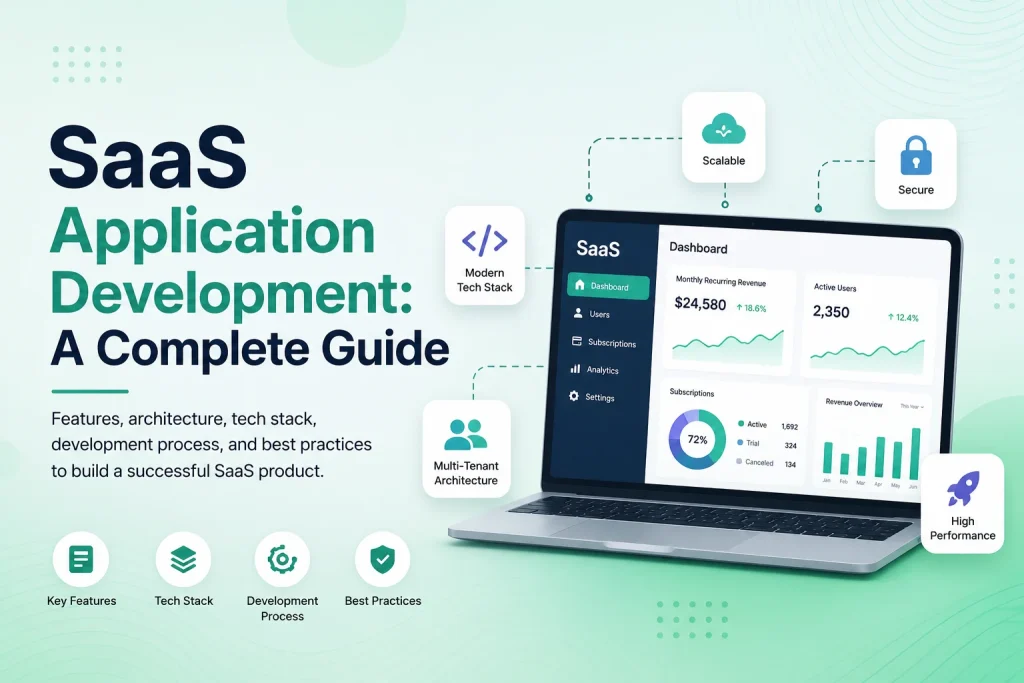
Software as a Service, or SaaS, has become a common model for delivering business software through the web. Instead of installing software separately on every customer’s computer, users access a centralized application through a browser and typically pay through a subscription or usage-based model.
SaaS application development involves much more than building a standard website. A complete SaaS platform may need organizations, user accounts, subscriptions, billing, permissions, dashboards, notifications, reporting, integrations, data isolation, security, administration, and infrastructure that can support many customers at the same time.
Successful SaaS development therefore begins with the business model and user workflow before technology choices are finalized. The product needs to solve a clear problem, make onboarding simple, protect customer data, support recurring operations, and remain maintainable as the number of users and features grows.
Start With the SaaS Product and Business Model
Before development begins, define who the product is for and what problem it solves. A SaaS application built for accounting firms will have very different workflows from one built for scheduling employees, managing construction projects, running customer support, or tracking healthcare operations.
The first version should focus on the core workflow customers are expected to pay for. Founders often begin with a long feature list, but building every possible module before validating the product can increase cost and delay launch.
The pricing model also affects architecture. Some SaaS products charge per organization, while others charge per user, location, transaction, storage amount, or feature tier. Subscription rules may determine how many employees can be added, which modules are available, or how much usage is included.
These decisions should be clarified early because billing, permissions, usage tracking, and account management often depend on them.

Design the Core SaaS Architecture
Many SaaS products are multi-tenant, meaning one application serves multiple companies or customers while keeping their data and settings separated. The system needs a reliable tenant model that determines which organization each user belongs to and which information they can access.
Tenant isolation should be enforced through trusted backend logic. A user’s browser should not be able to access another company’s information simply by changing an ID in a URL or API request.
The application may use a shared database with tenant identifiers, separate schemas, separate databases, or a hybrid architecture. The right choice depends on the number and size of customers, security requirements, operational complexity, and infrastructure strategy.
The backend also needs clear architecture for authentication, permissions, business logic, APIs, database access, background processing, caching, file storage, notifications, and external integrations. Designing these foundations carefully makes future development significantly easier.
| SaaS Component |
Primary Purpose |
| Tenant Management |
Creates and manages customer organizations or workspaces |
| Authentication |
Controls secure login and account access |
| Roles & Permissions |
Defines what each user can view or manage |
| Subscription Billing |
Handles plans, renewals, upgrades, cancellations, and payment status |
| Application Modules |
Provides the core functionality customers are paying for |
| Notifications |
Sends important email, in-app, SMS, or push updates |
| Reporting |
Turns operational data into useful business information |
| Platform Administration |
Allows SaaS operators to manage tenants, plans, support, and system activity |
Create Roles, Permissions, and Account Management
Most SaaS applications need several levels of access. A company owner may control billing and users, managers may manage operational workflows, and employees may only access the tasks or information relevant to their responsibilities.
Role-based access control helps keep the interface simpler and protects sensitive information. Permissions may control whether a user can view, create, edit, delete, approve, export, or configure different parts of the application.
Some products also need more detailed access boundaries. A manager might only see employees from one location, a project lead may only access assigned projects, or a regional administrator may oversee several branches without receiving access to the entire organization.
Account management should also cover invitations, password recovery, profile updates, account suspension, user removal, and ownership transfer where appropriate. These workflows become especially important once organizations depend on the platform for daily operations.
Build Subscription and Billing Into the Product
Subscriptions are one of the defining parts of many SaaS businesses. The application needs to know which plan a tenant has, whether the subscription is active, and which features or limits apply.
Billing workflows may include free trials, monthly or annual subscriptions, upgrades, downgrades, cancellations, payment retries, invoices, refunds, and failed recurring payments.
Feature access should be enforced on the backend rather than only hiding buttons in the interface. If a plan does not include an advanced reporting module, the corresponding backend endpoints should also prevent unauthorized access.
SaaS products that charge according to usage need additional tracking. The application may count users, API calls, transactions, storage, locations, projects, or other measurable resources and compare them with the limits included in the subscription.
Focus the UI/UX on Onboarding and Daily Work
A powerful SaaS application can still struggle if users cannot understand it. New customers should be able to reach the product’s main value without completing a long and confusing setup process.
Onboarding may include creating an organization, inviting team members, selecting settings, importing existing data, connecting an integration, or completing the first important workflow. The exact process should depend on what users need before the product becomes useful.
Dashboards should prioritize actionable information. Instead of filling the first screen with decorative charts, show pending tasks, recent activity, important metrics, alerts, or the next actions most relevant to the user.
As the platform grows, a design system can help maintain consistency across navigation, forms, tables, cards, modals, status indicators, buttons, and other components. This makes the application easier to learn and helps development teams add new modules without creating a different interface pattern every time.
Plan Your SaaS Application
Modern SaaS products rarely operate completely independently. Customers may need connections with payment gateways, accounting platforms, CRM systems, calendars, e-commerce stores, cloud storage, communication tools, shipping services, or other software.
APIs allow the SaaS platform to exchange data with these services and automate workflows. A completed transaction could update an invoice, trigger a notification, create a task, and update a connected reporting platform automatically.
Integrations need proper error handling because external services can become temporarily unavailable. Failed API requests should be logged, important operations may need retry mechanisms, and administrators should be able to identify integrations that require attention.
For products that provide their own public API, authentication, permissions, rate limits, documentation, and version management should be considered from the beginning.
Plan for Background Jobs, Notifications, and Automation
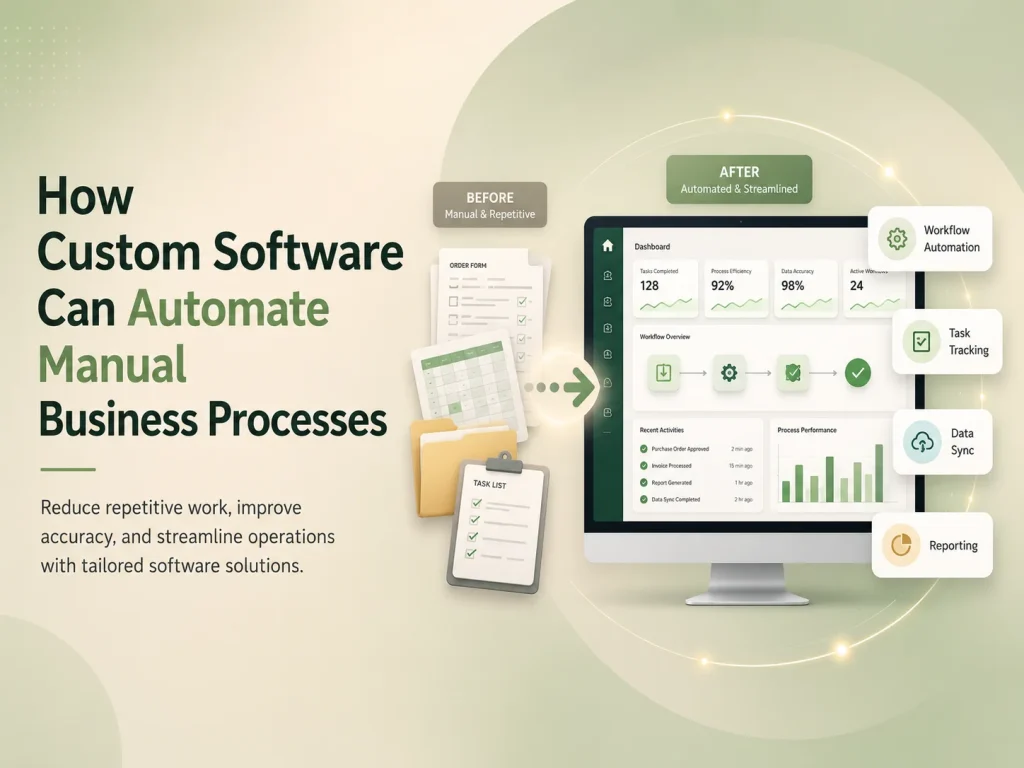
Some application processes should not happen during a normal browser request. Generating large reports, sending thousands of emails, importing files, processing images, synchronizing external data, or running recurring automation can take longer than users should wait.
Background queues allow these operations to run separately while the main application remains responsive. Scheduled jobs can also perform recurring actions such as sending reminders, checking expired subscriptions, preparing reports, or creating recurring tasks.
Notifications can be triggered by important events inside these workflows. A manager might receive an alert when approval is required, a customer can receive confirmation after payment, or an administrator can be notified when an integration fails.
Automation should still allow human review for exceptions. High-value transactions, unusual account activity, failed data imports, or sensitive approval decisions may need to be routed to an authorized person instead of being processed automatically.
Security, Reliability, and Data Protection Need Early Attention
SaaS applications store information for many customers, making security a core product requirement. Authentication, password handling, permissions, secure sessions, encrypted connections, protected APIs, and tenant isolation should be built into the architecture rather than added shortly before launch.
Critical administrative actions may require additional controls such as multi-factor authentication or confirmation. Audit logs can record important changes to permissions, billing, account settings, approvals, or sensitive records.
Backups and recovery procedures are equally important. The team should understand how application data, uploaded files, and configuration can be recovered if an infrastructure failure, deployment problem, or accidental change causes damage.
Monitoring should track application errors, slow requests, database performance, queue failures, integration problems, and other operational signals. SaaS providers need to know when the platform is experiencing problems before large numbers of customers are affected.
Develop the SaaS Product in Practical Phases
A complete SaaS platform does not need every possible feature in its first release. Building in phases allows the business to launch sooner, collect real customer feedback, and invest further development in features that users actually need.
An early MVP may include tenant registration, authentication, core business functionality, user management, basic roles, subscriptions, billing, and a simple administration panel. Later phases can introduce advanced reporting, automation, integrations, mobile applications, enterprise security, custom roles, AI functionality, or other specialized modules.
Architecture should leave reasonable room for growth without overengineering the first version. Designing infrastructure for millions of customers before validating the product can add unnecessary complexity, while ignoring tenant structure and permissions entirely can make later scaling significantly harder.
Launch, Measure, and Continue Improving the Product
SaaS development continues after the first release. Analytics can show where users abandon onboarding, which features receive the most usage, and where customers experience friction. Support requests and customer interviews can explain problems that analytics alone cannot reveal.
Product teams should also track operational signals such as subscription cancellations, failed payments, support volume, feature adoption, and account activity. These insights can help determine whether the next investment should be a new feature, better onboarding, performance improvements, additional integrations, or simplification of an existing workflow.
Encoder IT Limited develops custom SaaS applications and multi-tenant web platforms with UI/UX design, tenant management, subscriptions, payment integration, role-based permissions, dashboards, workflow automation, APIs, reporting, and scalable backend systems.
SaaS application development succeeds when product strategy, user experience, software architecture, billing, security, and operations are planned as parts of the same platform. By starting with a clear problem, building the core workflow carefully, and expanding based on real customer needs, businesses can create SaaS products that are easier to operate, maintain, and grow over the long term.