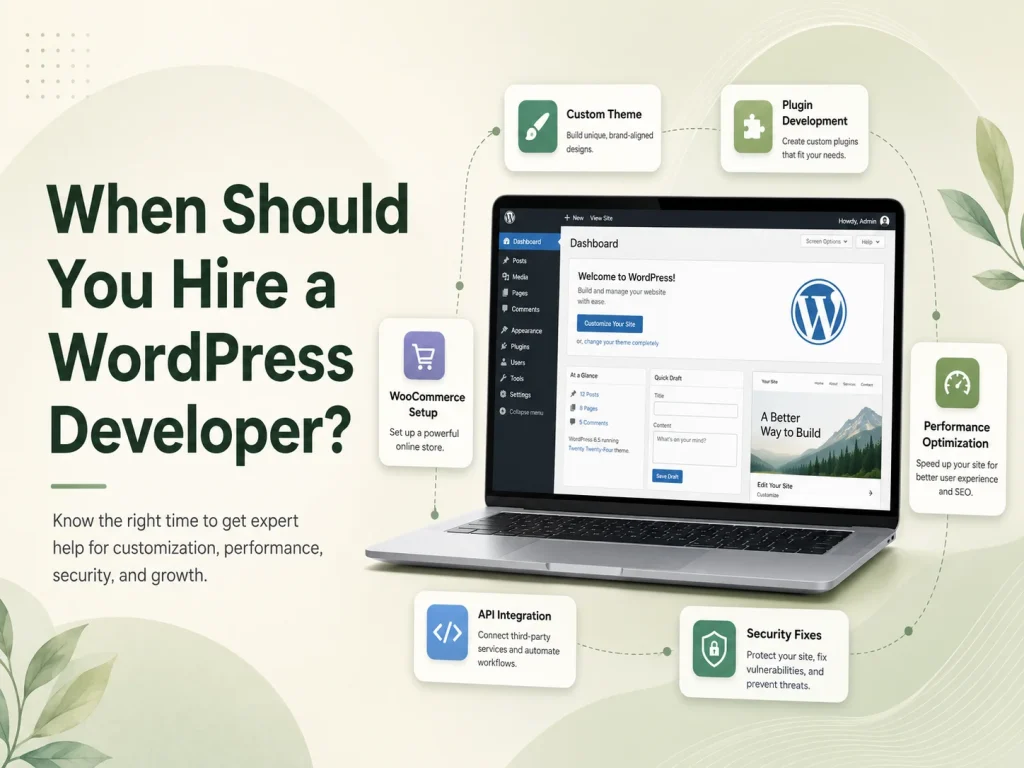
WordPress provides thousands of plugins for forms, SEO, e-commerce, memberships, security, marketing, payments, and many other common website requirements. For many businesses, using an established plugin is faster and more cost-effective than building functionality from scratch.
However, there are situations where existing plugins do not match the business process, require too many workarounds, or introduce unnecessary functionality. In these cases, custom WordPress plugin development can provide a cleaner way to add features specifically designed around the website and its users.
The purpose of a custom plugin is not simply to create something unique. It should solve a real requirement that cannot be handled efficiently through WordPress core, a reliable existing plugin, or a small amount of configuration.
When Existing Plugins No Longer Fit the Requirement
An existing plugin is usually worth considering first when it already provides most of the required functionality. Mature plugins can reduce development time and may already include updates, documentation, integrations, and testing across many WordPress environments.
The problem begins when the business needs to install several plugins and additional code just to create one workflow. One plugin may handle forms, another may synchronize data, another may change user permissions, and custom snippets may be added to connect everything together.
This can make the website harder to maintain because several independent components must continue working together after future updates. A custom plugin may provide a more structured solution when the workflow is important enough to justify dedicated development.
For example, a business may need a quote-management system where customers submit project details, employees review requests, managers approve pricing, customers receive notifications, and accepted quotes automatically create related records. Trying to reproduce that exact process with several generic plugins may eventually become more complicated than developing the workflow directly.
Custom plugin development makes the most sense when the business has an important workflow that generic plugins can only approximate through repeated workarounds, duplicated functionality, or excessive manual administration.
Business-Specific Workflows Are a Strong Reason for Custom Development
Every organization operates differently. Two companies may both use WordPress but require completely different processes for customers, employees, payments, approvals, or internal administration.
A custom plugin can turn those requirements into structured WordPress functionality. It may introduce custom database tables, post types, user roles, administrative pages, scheduled processes, API endpoints, notifications, or other components depending on the project.
Common custom plugin use cases include:
- Custom booking or reservation workflows
- Customer or employee portals
- Advanced quotation and approval systems
- WooCommerce pricing and order rules
- Subscription or membership workflows
- CRM or ERP synchronization
- Custom reports and administration dashboards
- Automated notifications and scheduled processes
- Payment gateway or shipping integrations
- Industry-specific calculators and business logic
The key is that these features are tied directly to how the organization works. The plugin becomes part of the business process rather than simply adding another visual element to the website.
Custom Plugins Are Useful for Third-Party API Integration
WordPress websites increasingly need to communicate with external systems. Businesses may use a CRM, accounting platform, inventory system, payment gateway, shipping provider, booking platform, email service, or custom internal software alongside WordPress.
A custom plugin can provide a dedicated integration layer between WordPress and these systems. It can manage authentication, API requests, webhooks, data synchronization, error handling, scheduled jobs, and administrative settings without mixing important integration logic into the website theme.
For example, a WooCommerce store might need to send completed orders to an external warehouse system and receive shipment updates later. The plugin could handle the synchronization, record failures, retry unsuccessful requests, and update order information when tracking data becomes available.
This approach also makes future redesigns easier because the integration remains independent of the visual theme.
WooCommerce Often Benefits From Purpose-Built Plugins
WooCommerce can be customized extensively, but growing stores often develop requirements that go beyond standard settings. A business may need customer-specific pricing, unusual product configuration, custom checkout rules, special commissions, marketplace workflows, advanced order statuses, or internal fulfillment processes.
Existing WooCommerce extensions can handle many common needs, but forcing an unusual business model into a generic extension can create unnecessary complexity.
A custom WooCommerce plugin can implement the exact rules the business requires while using WooCommerce’s existing product, customer, order, payment, and inventory systems where appropriate.
This is usually better than modifying WooCommerce core files or placing critical commerce logic inside a theme. Core modifications can be overwritten during updates, while theme-based business logic becomes unnecessarily connected to the website’s visual design.
Discuss Your Custom WordPress Plugin
When You Probably Do Not Need a Custom Plugin
Custom development is not automatically the better choice. If a reputable plugin already solves the requirement cleanly, rebuilding the same functionality can increase cost and ongoing maintenance without providing meaningful benefit.
A simple contact form, basic SEO controls, standard backup functionality, common caching requirements, or familiar e-commerce features often have established solutions available.
Businesses should compare the cost of customization with the actual value it provides. Developing a plugin for a process that happens rarely and can be managed easily through an existing tool may not be a good investment.
The decision should also consider future support. Custom code needs testing, updates, documentation, and maintenance as WordPress, PHP, WooCommerce, and connected APIs evolve.
Keep Important Business Logic Outside the Theme
One of the strongest architectural reasons for using a plugin is separation between design and functionality. Themes should primarily control how the website looks, while plugins are better suited for functionality that should continue working even if the website is redesigned.
Suppose a website contains customer accounts, custom reports, API synchronization, and automated invoice processing. If all of this logic is placed directly inside the theme, changing to a new theme can become unnecessarily risky.
Moving the business logic into a custom plugin makes the website easier to maintain. The frontend can evolve while the underlying workflow continues operating independently.
This separation also helps developers organize code more clearly, particularly when a feature contains its own permissions, database structures, scheduled events, REST API endpoints, or administration screens.
Security and Maintainability Matter as Much as Functionality
A custom plugin should follow the same security principles expected from professional WordPress development. User input should be validated and sanitized appropriately, output should be escaped, and sensitive actions should verify that the user has the required permissions.
Administrative and frontend requests may also require nonce protection where appropriate, while API credentials and other secrets should be handled securely rather than exposed unnecessarily in browser-side code.
Developers should avoid changing WordPress core files because those changes can be overwritten by updates. The plugin should instead use WordPress hooks, APIs, and supported extension points whenever possible.
Maintainability matters because a custom plugin may remain in use for many years. Clear structure, documentation, reusable code, error logging, and controlled database changes can make future updates much easier.
How to Decide Whether Custom Plugin Development Is Worth It
Start by documenting the exact problem. Identify what employees or customers currently need to do, which steps are manual, which systems are involved, and why available WordPress plugins do not solve the requirement effectively.
If an existing plugin covers most of the workflow with only minor configuration, it may remain the better option. If achieving the requirement requires several extensions, repeated manual work, complicated code snippets, or compromises to an important business process, custom development becomes easier to justify.
Businesses should also consider how frequently the functionality is used. Automating a workflow performed hundreds of times every month can provide much greater value than customizing a rarely used administrative task.
Encoder IT Limited develops custom WordPress and WooCommerce plugins for business workflows, third-party API integrations, payment systems, customer portals, administration tools, automation, reporting, and specialized e-commerce functionality.
A custom WordPress plugin is most valuable when it solves a real business requirement cleanly and becomes easier to maintain than a collection of workarounds. The goal should not be to replace every existing plugin with custom code, but to develop purpose-built functionality when the business needs greater control, deeper integration, or workflows that standard WordPress solutions cannot support effectively.